

From my experience with Siri, I found it excels at seamless integration within the Apple ecosystem, making voice commands and device control intuitive and reliable. After spending time with the platform, I can say it’s particularly well-suited for Apple users who want hands-free assistance and smart home management. However, there’s a trade-off: Siri is limited to Apple devices and requires internet connectivity for most features. Overall, if you need a privacy-focused, easy-to-use voice assistant on Apple hardware, Siri delivers solid results.
Siri AI Voice Assistant for iPhone, iPad, Mac with Smart Voice Control
Siri is Apple's AI voice assistant integrated into iOS and macOS devices, enabling users to control devices, get information, and manage smart home devices using natural voice commands.
- Best for
- Hands-Free Device Control
- Key capability
- Natural Language Understanding
Do you recommend this tool?
What is Siri?
Siri is Apple’s built-in AI voice assistant integrated into iOS, macOS, watchOS, and other Apple platforms. It enables users to interact with their devices using natural language voice commands to perform tasks, get information, and control smart home devices hands-free.
Key features of Siri
Siri offers voice-activated device control, contextual understanding, integration with Apple apps and services, smart home device management, and multilingual support to enhance user convenience and accessibility.
Natural Language Understanding
Siri interprets conversational speech to understand user intent and context.
Deep Apple Ecosystem Integration
Works seamlessly with Apple apps like Messages, Calendar, Maps, and HomeKit-enabled devices.
Multilingual Support
Supports multiple languages and regional dialects for global usability.
Personalized Suggestions
Learns user preferences over time to offer proactive suggestions and shortcuts.
Privacy-Focused Design
Processes many requests on-device to protect user data and privacy.
Pros and cons of Siri
Pros
- Seamless integration with Apple ecosystem
- Supports natural conversational language
- Strong privacy protections
- Wide multilingual support
- Hands-free device and smart home control
Cons
- Limited to Apple devices
- Requires internet for most features
- Less customizable compared to some competitors
Key use cases for Siri
Hands-Free Device Control
Use voice commands to control Apple devices, launch apps, adjust settings, and perform tasks without touching the screen.
Information Retrieval
Ask Siri questions to get weather updates, sports scores, general knowledge, directions, and more.
Communication Assistance
Send messages, make phone calls, and schedule reminders or calendar events through voice commands.
Smart Home Management
Control HomeKit-enabled smart home devices such as lights, thermostats, and locks using Siri voice commands.
Accessibility Support
Assist users with disabilities by providing voice navigation and interaction with Apple devices.
How Siri works
- 1
Activate Siri
Use a voice command like ‘Hey Siri’ or press a dedicated button on your Apple device to activate the assistant.
- 2
Speak Your Request
Ask questions, give commands, or request information naturally using your voice.
- 3
Siri Processes Request
Siri uses AI and natural language processing to understand your intent and fetch relevant data or perform actions.
- 4
Receive Response or Action
Siri provides spoken answers, displays information, or executes commands such as sending messages or controlling smart devices.
Who is using Siri
Apple device users
Smart home owners
People needing accessibility assistance
Busy professionals seeking hands-free control
Multilingual users
Siri pricing
Free
$0
Siri is included free with all compatible Apple devices.
Plans and prices are as published by the vendor and can change. Check the official site before you buy. Open the pricing page (opens in a new tab)
Frequently asked questions about Siri
Siri is available on iPhone, iPad, Mac, Apple Watch, Apple TV, and HomePod devices.
You can activate Siri by saying ‘Hey Siri’ or pressing the side/home button depending on your device.
Yes, Siri supports many languages including English, Spanish, French, German, Chinese, and Japanese.
Some basic commands and device controls work offline, but most requests require an internet connection.
It depends on your specific needs and how you plan to use the tool. The official website and documentation are the best sources for the latest details.
Yes, it can help with that use case depending on how you configure it and what features are available. You’ll get the best results with clear inputs and a defined goal.
Yes, it can help with that use case depending on how you configure it and what features are available. You’ll get the best results with clear inputs and a defined goal.
Some tools offer a free plan or trial with limited features. Availability can vary, so confirm on the official website.
Sign in to review this tool.
Sign In to ReviewNo reviews yet
Be the first to share how this tool worked for you.
Ask about pricing, limits, or how it compares — or answer someone else.
Sign In to AskNo questions yet
Have a question about using or paying for this tool? Be the first to ask.
Featured on TiorAI



More AI Speech Synthesis tools
Other tools in the same category, for when this one is not quite the fit.
Free
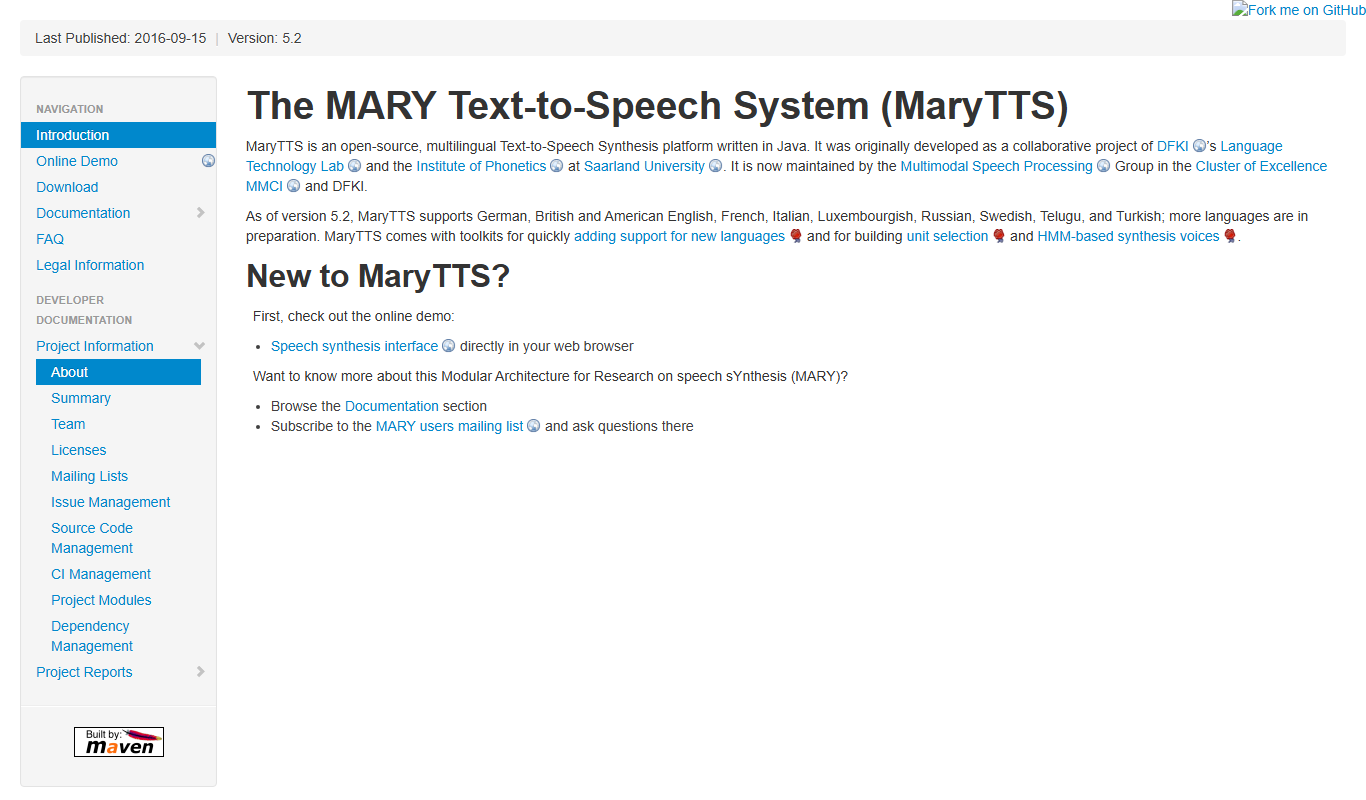
MaryTTS
MaryTTS is an open source text-to-speech system developed by DFKI that converts text into natural-sounding speech with multilingual support and customizable voices.
Freemium
Tactus Therapy
Tactus Therapy is a mobile app designed to help children with speech delays improve their articulation through interactive exercises and progress tracking.
Free
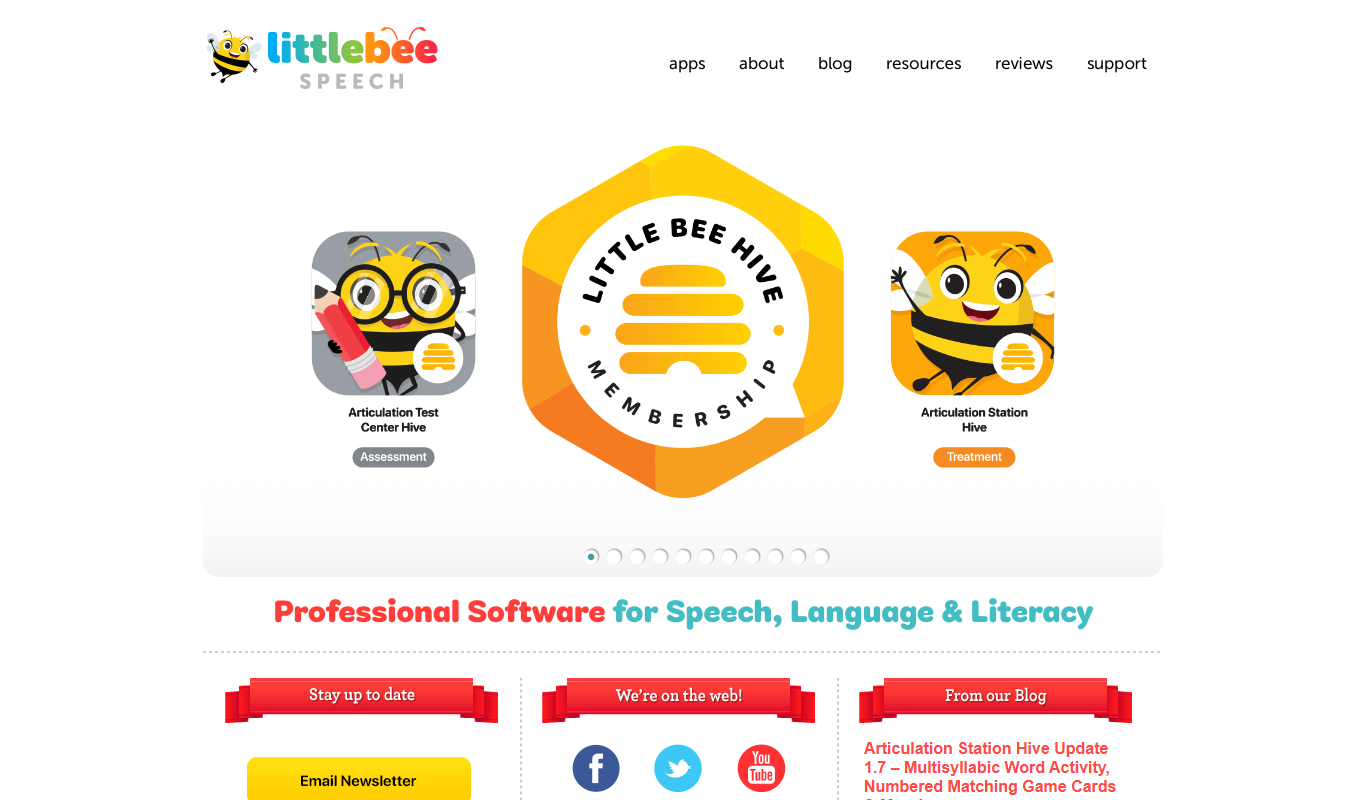
Articulation Station
Articulation Station is a mobile app by Little Bee Speech that helps children practice and improve their speech articulation through interactive exercises and audio modeling.
Free
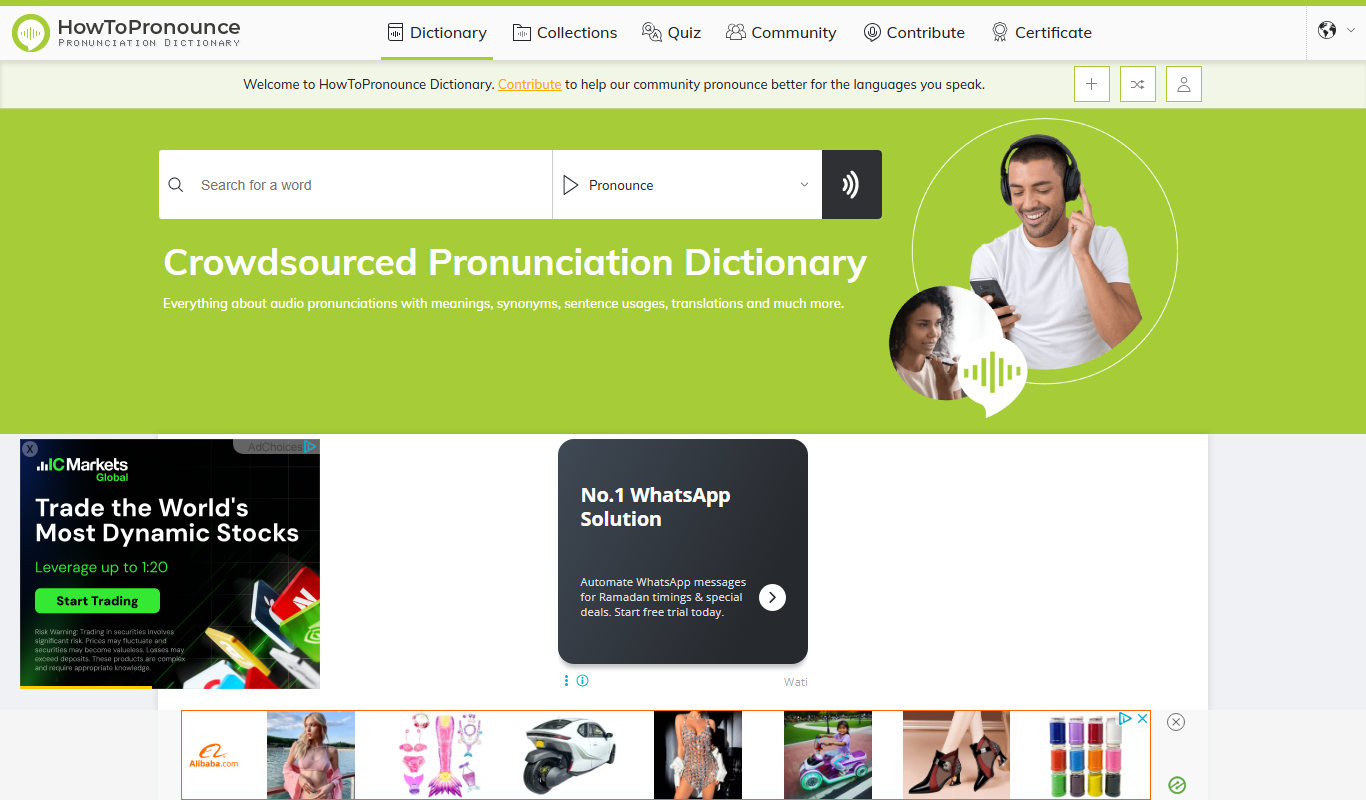
HowToPronounce
HowToPronounce is a free online tool that provides audio pronunciations and phonetic spellings for words in multiple languages, helping users learn correct pronunciation through native and expert recordings.

Free
EnglishCentral
EnglishCentral is an online English learning platform that uses video lessons and AI-powered speech recognition to help users improve their English speaking and listening skills through interactive practice and instant feedback.

Free
NVDA Screen Reader
NVDA is a free, open-source screen reader for Windows that helps visually impaired users access digital content through speech and braille output.

Free Trial
Audible
Audible is a subscription-based platform offering a vast library of audiobooks, podcasts, and spoken-word content with features like offline listening and Whispersync for Voice.

Free
EnglishClass101
EnglishClass101 is an online platform offering audio and video lessons, vocabulary tools, and cultural insights to help learners of all levels improve their English skills.