

Kling AI - AI Video and Image Generator from Text and Images
Kling AI is an AI video and image generator: turn text, images and references into cinematic videos with native audio, or generate and edit images.
- Best for
- Advertising and marketing videos
- Key capability
- Text to video and image to video
Save Kling AI, follow its updates and vote on it — everything stays in your account.
Sign in or create a free account
What is Kling AI?
Kling AI is an AI video and image generator that turns text, images and references into videos and images in one studio. It offers text to video, image to video, motion control, AI avatars, an AI image generator and photo editor, native audio in its latest video model, and web, mobile and desktop apps.
Key features of Kling AI
Kling AI generates video from text or images, with motion control, AI avatars and a video editor, and generates or edits images. A canvas with an agent helps write scripts and storyboards, and the studio is available on the web and in mobile and desktop apps.
Text to video and image to video
Turn a text prompt or a static image into a video, with up to 30 seconds per generation on Kling 4.0.
Omni Reference
Add up to 15 combined reference assets, including images, videos and subjects, to guide a video.
Native audio and dialogue
Native audio generation with dialogue, sound effects and ambient sound; Kling 4.0 supports dialogue in 9 languages.
Native 4K image generation
Generate native 4K visuals with fine textures and sharp, lifelike details.
Pros and cons of Kling AI
Pros
- Video up to 30 seconds per generation on Kling 4.0
- Native audio with dialogue and sound effects
- Free generation options for eligible users
- Apps for iOS, Android, macOS and Windows
Cons
- Free-tier exports generally include a watermark
- Some models, higher resolutions and advanced features require a membership or credits
Key use cases for Kling AI
Advertising and marketing videos
Create ads and brand films for advertising and marketing.
E-commerce product videos
Generate on-model showcases and product videos from product images, model images or brand assets.
Film and music videos
Produce short films and music videos with AI visuals.
Animating still images
Upload a photo, illustration or product image and describe how it should move.
How Kling AI works
- 1
Describe or upload
Write a prompt and add reference images, videos or subjects.
- 2
Describe action and sound
Set the scene, camera movement and any dialogue or sound you want.
- 3
Choose duration and generate
Choose the aspect ratio and video duration, then click Generate.
- 4
Preview and download
Preview the video and download the result.
Who is using Kling AI
Kling AI pricing
Free
$0/month
Basic chatbot features with limited interactions and support.
Pro
$29/month
Advanced features, higher interaction limits, and priority support.
Plans and prices are as published by the vendor and can change. Check the official site before you buy. Open the pricing page (opens in a new tab)
Frequently asked questions about Kling AI
Yes. Upload a photo, illustration or product image and describe how it should move.
Yes. It supports native audio generation, including dialogue, sound effects and ambient sound.
Kling AI offers free generation options for eligible users, but free-tier exports generally include a watermark and some features require a membership or credits.
Kling 4.0 supports clips from 3 to 30 seconds per generation; Kling 3.0 supports up to 15 seconds.
Kling 4.0 supports dialogue in 9 languages.
Commercial use is permitted for eligible outputs under the applicable paid-service terms.
Conclusion
Prompts and still images become video in Kling AI’s studio: a user writes a prompt or uploads a photo, adds up to 15 reference assets, sets camera movement and dialogue, and generates clips of up to 30 seconds on Kling 4.0. Native audio covers dialogue, sound effects and ambient sound, with dialogue in nine languages. Image generation, motion control and AI avatars sit alongside video, along with an agent canvas for scripts and storyboards.
Advertising, e-commerce and film work feature heavily on the site, where product images can be turned into on-model showcases. Besides the web studio there are iOS, Android, macOS and Windows apps plus an API. Free generation is offered to eligible users, but those exports generally carry a watermark, and some models and higher resolutions need a membership or extra credits.
Sources
Sign in to review this tool.
Sign In to ReviewNo reviews yet
Be the first to share how this tool worked for you.
Ask about pricing, limits, or how it compares — or answer someone else.
Sign In to AskNo questions yet
Have a question about using or paying for this tool? Be the first to ask.
Featured on TiorAI


More AI Avatar Generator tools
Other tools in the same category, for when this one is not quite the fit.

dzine.ai
Dzine is an all-in-one AI creative suite for image and video: generate and edit images, create videos from text or images, lip sync and enhance, alone or as a team.
trulience.com
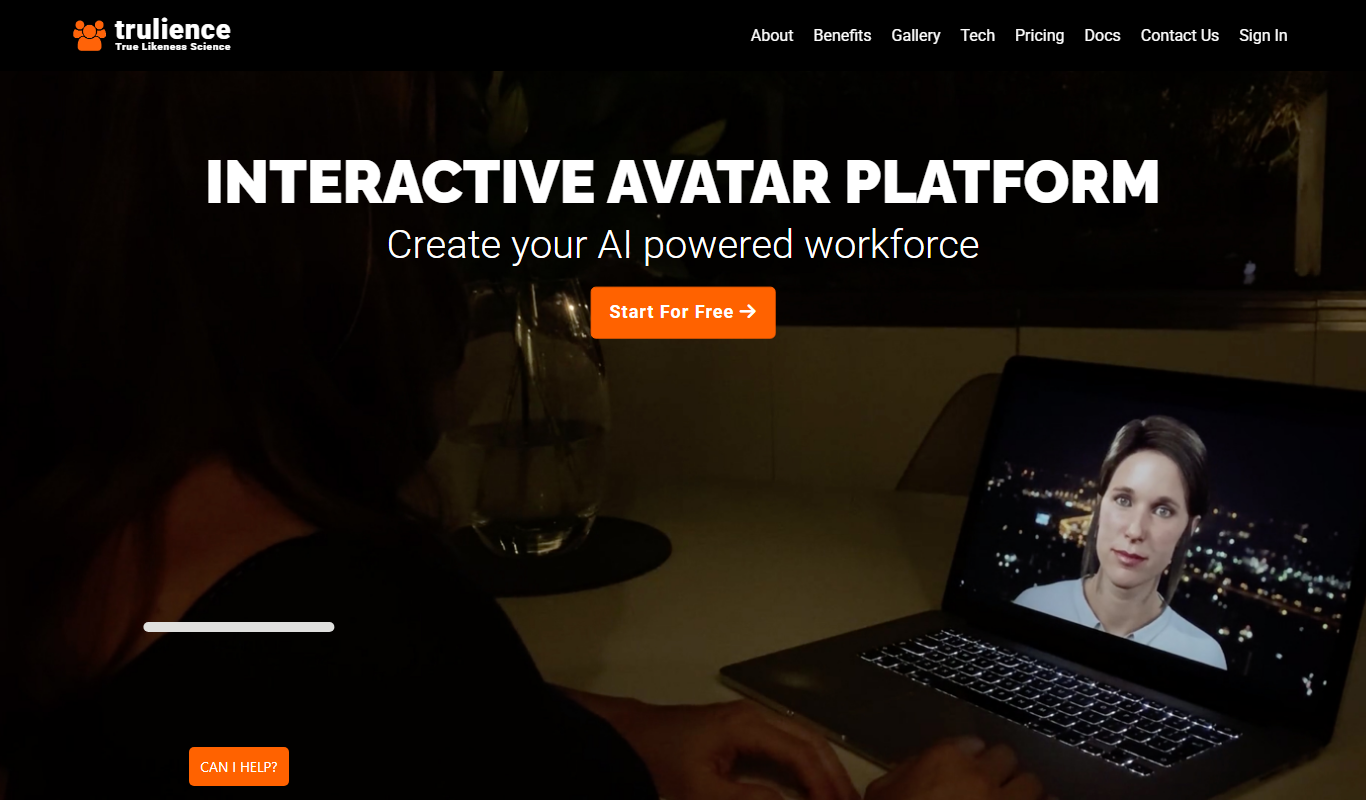
Trulience is an interactive avatar platform that gives any LLM a lifelike, multilingual face, so you can build and embed scalable AI avatars in minutes.

MukuAI
MukuAI turns product URLs, scripts, ideas or PPT files into UGC video ads with AI avatars, subtitles and music.
Luppet
Luppet (LuppetX) is a tracking system for 3D Virtual YouTubers that only requires a web camera and LeapMotion.
Emoji Maker
Emoji Maker is an AI emoji generator: type an idea or upload a photo, pick from 48 art styles, and get a transparent PNG emoji.
Viveport
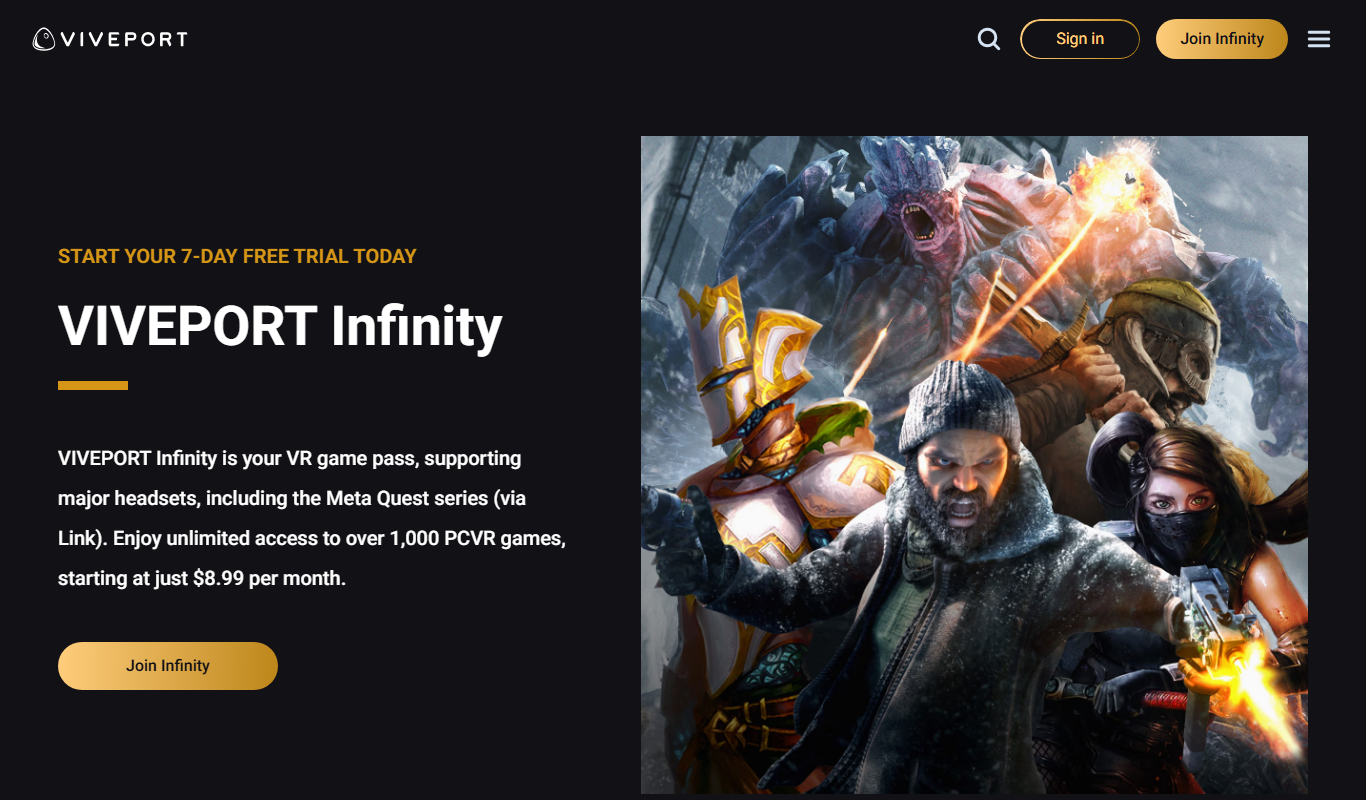
Viveport is HTC's virtual reality content platform providing access to VR games and experiences, including a subscription service called Viveport Infinity for unlimited VR content.

Second Life
Second Life is a 3D virtual world platform where users create avatars, socialize, build environments, and participate in a virtual economy.

Looking Glass Factory
Looking Glass Factory offers advanced glasses-free 3D holographic displays that enable users to view and interact with volumetric 3D content without headsets, suitable for design, education, and entertainment.