

From my experience with Kaiber AI, I found it excels at transforming simple text prompts or images into visually compelling animated videos quickly and with minimal effort. The platform’s intuitive interface makes it accessible even for users without video editing skills, which is a significant advantage for content creators and marketers. However, the free plan’s limitations on video length and export quantity can be restrictive for heavy users or professionals seeking more control. Overall, if you need to produce creative AI-generated video content efficiently, Kaiber AI offers a solid balance of ease-of-use and creative flexibility.
Kaiber AI Video Generator for Creative AI Animated Video Content
Kaiber AI is an AI-powered web platform that generates animated videos from text prompts or images, offering style customization and easy export options for creators.
- Best for
- Creative Video Content Production
- Key capability
- Text-to-Video Generation


Do you recommend this tool?
What is Kaiber AI?
Kaiber AI is a web-based platform that leverages artificial intelligence to generate animated videos from text prompts, images, or other inputs. It allows creators to produce unique, artistic video content by combining AI-driven animation techniques with user creativity. The tool is designed to simplify video production, making it accessible to users without advanced video editing skills.
Key features of Kaiber AI
Kaiber AI offers features such as text-to-video generation, style customization, AI-powered animation effects, and easy export options. Users can create videos by inputting descriptive text or images, then customize the animation style and visual effects to match their creative vision.
Text-to-Video Generation
Transform descriptive text prompts into dynamic animated videos using AI.
Style Customization
Choose from multiple animation styles and visual effects to personalize videos.
Image-Based Animation
Upload images to create AI-animated sequences that bring static visuals to life.
User-Friendly Interface
Intuitive web platform designed for creators of all skill levels.
Export and Sharing Options
Easily download videos or share them on social media directly from the platform.
Pros and cons of Kaiber AI
Pros
- Easy-to-use interface for quick video creation
- Supports both text and image inputs
- Multiple animation styles for creative flexibility
- Affordable pricing with a free tier
- Direct social media sharing options
Cons
- Limited video length and exports on free plan
- Customization options may be basic for advanced users
- Currently supports only English language interface
Key use cases for Kaiber AI
Creative Video Content Production
Generate unique and artistic videos from text prompts or images for social media, marketing, or personal projects.
Marketing and Advertising
Create engaging AI-generated animated videos to enhance brand storytelling and promotional campaigns.
Social Media Content Creation
Produce visually appealing short videos optimized for platforms like Instagram, TikTok, and YouTube.
Artistic Experimentation
Explore AI-driven animation styles and effects to create innovative digital art and animations.
Video Prototyping
Quickly prototype video concepts and storyboards using AI-generated animations to visualize ideas.
How Kaiber AI works
- 1
Create an Account
Sign up on the Kaiber AI website to access the video generation platform.
- 2
Input Content
Provide a text prompt or upload an image to serve as the basis for the video.
- 3
Customize Style
Select from various animation styles and effects to tailor the video’s look and feel.
- 4
Generate Video
Let the AI process the input and create an animated video based on your selections.
- 5
Download or Share
Export the finished video or share it directly to social media platforms.
Who is using Kaiber AI
Social media content creators
Digital marketers and advertisers
Independent artists and animators
Small businesses needing video content
Creative professionals exploring AI animation
Kaiber AI pricing
Free Trial
$0 (7-day trial)
Access to basic video generation features with limited exports and watermark.
Explorer
$5/month
Unlimited video exports, higher resolution, no watermark, and priority processing.
Pro
$15/month
Artist
$29/month
Plans and prices are as published by the vendor and can change. Check the official site before you buy. Open the pricing page (opens in a new tab)
Compare similar tools
How Kaiber AI lines up against the tools people weigh it against.
Kaiber AI Stable Diffusion
Kaiber AI vs Stable Diffusion: Avatar, Voice & Presentation Features
Kaiber AI Midjourney
Kaiber AI vs Midjourney: For Content Creators: Quality & Speed
Kaiber AI Luma AI
Kaiber AI vs Luma AI: Which AI Video Tool Is Worth It in 2026?
Kaiber AI Pika Labs
Kaiber AI vs Pika Labs: Video Quality, Features & Pricing Compared
Kaiber AI Runway
Kaiber AI vs Runway: Which Handles Long-Form Video Better?
Frequently asked questions about Kaiber AI
Kaiber AI accepts text prompts and image uploads as inputs to generate animated videos.
Yes, depending on your subscription plan, you can use generated videos commercially. Review the terms of service for details.
The free plan has limits on video length and exports, while the Pro plan offers longer videos and unlimited exports.
No, the platform is designed to be user-friendly and accessible to creators without video editing experience.
It depends on your specific needs and how you plan to use the tool. The official website and documentation are the best sources for the latest details.
Some tools offer a free plan or trial with limited features. Availability can vary, so confirm on the official website.
Yes, it can help with that use case depending on how you configure it and what features are available. You’ll get the best results with clear inputs and a defined goal.
Sign in to review this tool.
Sign In to ReviewNo reviews yet
Be the first to share how this tool worked for you.
Ask about pricing, limits, or how it compares — or answer someone else.
Sign In to AskNo questions yet
Have a question about using or paying for this tool? Be the first to ask.
Featured on TiorAI



Alternative Tools
Explore similar AI tools that might fit your needs

Free
Runway ML
Runway ML is a cloud platform offering AI-powered video and image editing tools, enabling creators to automate complex tasks like green screen removal and style transfer, with real-time collaboration and API integration.

Free Trial
Pictory AI
Pictory AI is a web-based platform that uses artificial intelligence to convert text, scripts, or long videos into short, shareable videos optimized for social media and marketing purposes.

Freemium
Synthesia
Synthesia is an AI video generation platform that creates professional videos using customizable AI avatars speaking multiple languages, ideal for marketing, training, and communication.

Free
Runway
Runway is a cloud-based AI platform that enables creators and developers to edit videos, generate images from text, and apply advanced AI effects through an intuitive interface and API access.

Freemium
Pika Labs
Pika Labs is an AI video generation platform that converts text descriptions into animated videos, enabling fast and easy video creation without manual editing.

Subscription (via ChatGPT)
Sora
Sora is OpenAI's text-to-video AI model generating up to 20-second 1080p videos from text prompts. Available to ChatGPT Plus ($20/month) and Pro ($200/month) subscribers.

Free
HeyGen
HeyGen is an AI video generation platform that creates realistic avatar videos from text input, enabling users to produce engaging video content without filming.

Free Trial
Luma AI
Luma AI is an AI tool that converts smartphone photos into realistic 3D avatars and models using neural radiance fields technology, ideal for creators and developers needing photorealistic 3D content.

Free
InVideo AI
InVideo AI is an online video creation platform that uses artificial intelligence to automate video editing, provide customizable templates, and generate AI voiceovers, enabling users to create professional videos quickly without prior experience.

Free
Veed.io
Veed.io is a web-based video editing platform that uses AI to generate automatic subtitles and captions, enabling easy video editing and collaboration without software installation.

Free
CapCut AI
CapCut AI is an AI-enhanced video editing application by Bytedance that simplifies video creation with automated editing, background removal, and text-to-video features across multiple platforms.

Free
Descript
Descript is an AI-driven audio and video editing platform that allows users to edit media by editing transcripts, includes AI transcription, voice cloning with Overdub, and supports collaboration.
More AI Art Generator tools
Other tools in the same category, for when this one is not quite the fit.

Credit-based
NightCafe
NightCafe is an AI art generator with multiple algorithms including Stable Diffusion and DALL-E 3. Free 5 credits daily. Active creative community with daily art challenges.

Subscription
Midjourney
Midjourney is an AI image generation tool creating high-quality artwork from text prompts via Discord. Plans start at $10/month. Known for exceptional visual quality with Midjourney V6.

Free
Gencraft
Gencraft is an AI-powered tool that generates digital artwork from text prompts, enabling users to create unique images quickly and easily.
Free
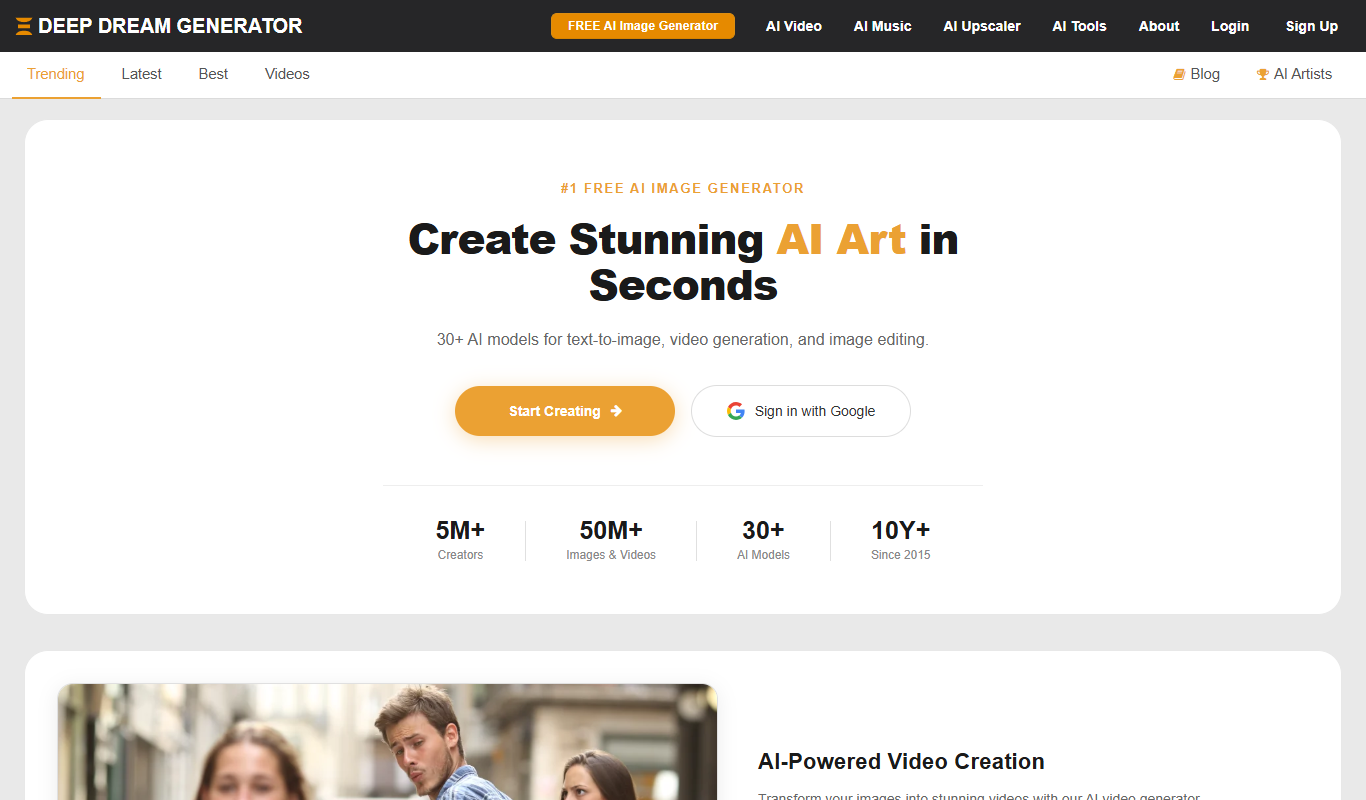
Deep Dream Generator
Deep Dream Generator is an online AI tool that uses neural networks to create surreal and artistic images from user photos by applying various AI styles and effects.
Free
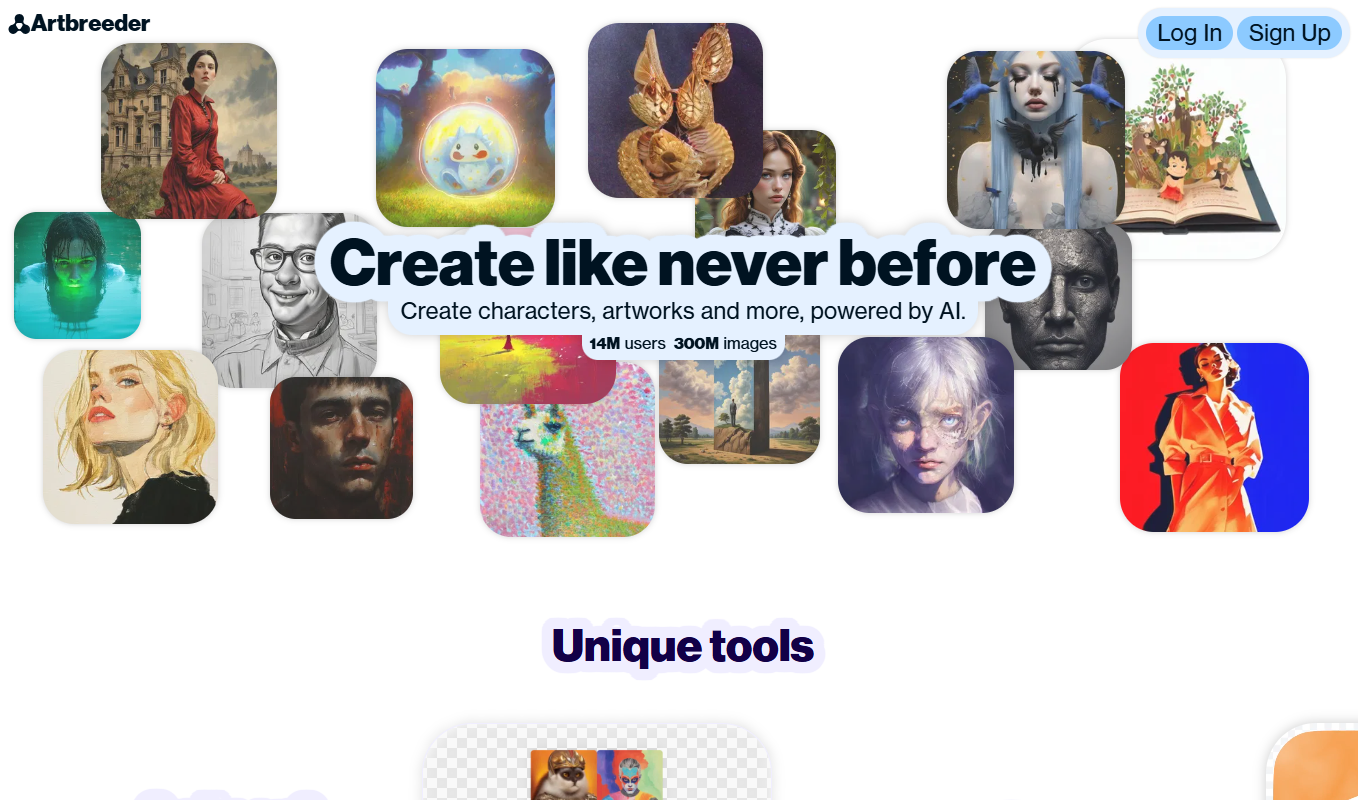
Artbreeder
Artbreeder is an AI-powered platform that allows users to create and evolve images by blending and editing visual traits using generative adversarial networks.

Free
Krita AI
Krita AI is a free, open-source digital painting software that integrates AI features like automatic colorization and brush assistance to help artists create detailed artworks on desktop platforms.