

From my experience with Graswald AI, it stands out for its ability to generate highly realistic and diverse grass and vegetation directly within Blender, significantly speeding up environment creation. The seamless integration and procedural controls make it a valuable tool for 3D artists focused on natural scenes. However, the lack of a free trial and its exclusive Blender compatibility might limit accessibility for some users. Overall, if your work involves detailed outdoor environments or landscape visualization, Graswald AI offers a robust and efficient solution.
Graswald AI for Realistic 3D Grass and Vegetation Generation in Blender
Graswald AI is a Blender add-on that enables artists to generate realistic 3D grass and vegetation using AI-assisted procedural tools, enhancing environment creation for visualization, games, and animation.
- Best for
- Realistic Environment Creation
- Key capability
- AI-Assisted Grass Distribution

Do you recommend this tool?
What is graswald.ai?
Graswald AI is a Blender add-on designed to generate realistic 3D grass and vegetation efficiently. It leverages AI and procedural techniques to help artists populate their scenes with natural-looking plants, saving time and improving visual fidelity. The tool integrates seamlessly into Blender, offering a user-friendly interface and a library of customizable grass assets.
Key features of graswald.ai
Graswald AI provides a comprehensive set of features including AI-assisted grass placement, a rich library of grass and plant models, procedural variation controls, and optimization options for rendering performance. It supports dynamic interaction with Blender’s environment and lighting to produce photorealistic results.
AI-Assisted Grass Distribution
Automatically places grass and vegetation based on terrain features and user-defined parameters.
Extensive Grass Library
Includes a variety of grass species and plants with high-quality models and textures.
Procedural Variation Controls
Allows users to customize size, density, color, and randomness for natural diversity.
Performance Optimization
Supports level of detail (LOD) and efficient rendering techniques to maintain scene performance.
Seamless Blender Integration
Works directly within Blender’s interface, compatible with cycles and Eevee render engines.
Pros and cons of graswald.ai
Pros
- Highly realistic grass and vegetation generation
- Intuitive integration with Blender workflow
- Customizable procedural variation for natural results
- Optimized for both Cycles and Eevee render engines
Cons
- No free trial available
- One-time purchase might be costly for casual users
- Limited to Blender platform only
Key use cases for graswald.ai
Realistic Environment Creation
Generate highly detailed and natural-looking grass and vegetation for 3D scenes to enhance realism in architectural visualization, games, and animations.
Landscape Design Visualization
Visualize landscape projects by quickly populating terrains with diverse grass and plant species using AI-assisted tools.
Film and Animation Production
Create natural outdoor scenes with realistic vegetation to improve the visual quality of animations and films.
Game Asset Development
Produce optimized and varied grass assets for game environments, balancing detail and performance.
How graswald.ai works
-
1
Install the Add-on
Download and install Graswald AI as a Blender add-on to integrate it into your workflow.
-
2
Select Terrain
Choose the mesh or terrain where you want to populate grass and vegetation.
-
3
Configure Settings
Adjust parameters such as grass density, species mix, and variation to suit your scene requirements.
-
4
Generate Vegetation
Use the AI-assisted tools to automatically distribute and customize grass and plants across the terrain.
-
5
Fine-tune and Render
Make manual adjustments if needed and render the scene with realistic lighting and shadows.
Who is using graswald.ai
3D artists and modelers
Architectural visualization professionals
Game developers
Film and animation creators
Landscape designers
graswald.ai pricing
Standard License
€79 one-time
Full access to Graswald AI add-on with all features and updates.
Plans and prices are as published by the vendor and can change. Check the official site before you buy. Open the pricing page (opens in a new tab)
Frequently asked questions about graswald.ai
Graswald AI supports Blender versions 2.8 and above, but it is recommended to use the latest stable release for best performance.
Yes, users can adjust parameters such as size, density, and color, and also import custom grass models.
It supports Blender’s Eevee real-time render engine, allowing for quick previews and adjustments.
Currently, Graswald AI does not offer a free trial, but detailed demos and documentation are available.
It depends on your specific needs and how you plan to use the tool. The official website and documentation are the best sources for the latest details.
It depends on your specific needs and how you plan to use the tool. The official website and documentation are the best sources for the latest details.
It depends on your specific needs and how you plan to use the tool. The official website and documentation are the best sources for the latest details.
Sign in to review this tool.
Sign In to ReviewNo reviews yet
Be the first to share how this tool worked for you.
Ask about pricing, limits, or how it compares — or answer someone else.
Sign In to AskNo questions yet
Have a question about using or paying for this tool? Be the first to ask.
Featured on TiorAI



More AI 3D Modeling Tools tools
Other tools in the same category, for when this one is not quite the fit.

Freemium
Sloyd
Sloyd is a web-based AI-assisted 3D modeling tool designed to help game developers and designers quickly create customizable low-poly 3D assets with ease.
Freemium
TextTo3D
TextTo3D is a web-based AI tool that converts natural language text descriptions into 3D models, enabling users to create 3D content without prior modeling experience.

Free Trial
masterpiecevr.com
MasterpieceVR is a virtual reality software for 3D sculpting and modeling that allows artists to create and paint 3D models using VR headsets and controllers.
Free Trial
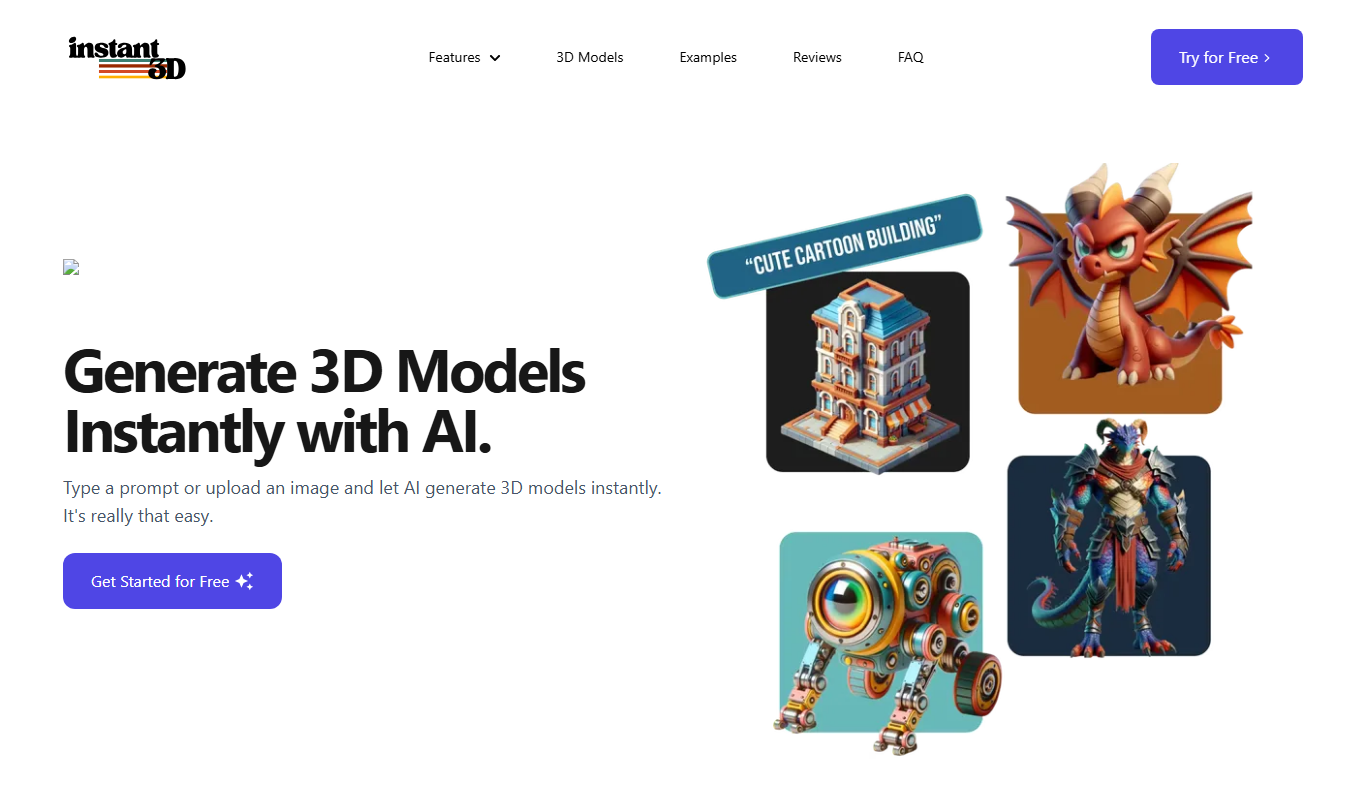
Instant3d.ai
Instant3D.ai is a web-based AI tool that automates 3D model creation from simple inputs, enabling rapid design and prototyping without advanced skills.

Freemium
FLUX Style Shaping
FLUX Style Shaping is a 3D modeling and digital sculpting software that enables creators to design, sculpt, and prepare models for 3D printing using an intuitive interface available on web and desktop platforms.

Freemium
Meshy
Meshy is a cloud-based AI platform that enables teams to collaboratively create and edit 3D models in real-time using AI-assisted mesh generation and version control.
Custom Pricing
Kaedim
Kaedim is an AI-driven platform that transforms 2D sketches and images into textured 3D models, designed to speed up asset creation for game development and design workflows.

Freemium
Archi
Archi AI is a web-based architecture design tool that uses artificial intelligence to help architects create, visualize, and iterate 3D building models quickly and efficiently.