

From my experience with Genially, it stands out as an intuitive platform that makes creating interactive and visually appealing content accessible to users without design expertise. Its drag-and-drop editor combined with a rich template library allows for quick development of presentations, infographics, and e-learning materials. The collaboration features and analytics add real value for teams and marketers aiming to engage audiences effectively. However, the free plan’s branding and lack of desktop apps may limit some users. Overall, if you want to enhance your visual storytelling and interactive content creation with minimal technical hurdles, Genially is a solid choice.
Genially Interactive Content Creator for Presentations and Visual Storytelling
Genially is a web-based platform for creating interactive presentations, infographics, and visual content with animations and collaboration features.
- Best for
- Interactive Presentations
- Key capability
- Drag-and-Drop Editor

Do you recommend this tool?
What is Genially?
Genially is a web-based platform that enables users to create interactive and animated content such as presentations, infographics, gamified materials, and more. It empowers individuals and organizations to communicate ideas visually and dynamically without requiring advanced design or coding skills.
Key features of Genially
Genially offers a drag-and-drop editor with a wide range of templates, interactive elements, animations, and integrations. It supports collaboration, analytics, and easy sharing options to enhance content impact across various channels.
Drag-and-Drop Editor
User-friendly interface to easily create and customize interactive content.
Extensive Template Library
Access to hundreds of professionally designed templates for various content types.
Interactive Elements
Add animations, buttons, pop-ups, quizzes, and other interactive features.
Collaboration Tools
Invite team members to work together in real-time on projects.
Analytics Dashboard
Track viewer engagement and interaction with your content.
Easy Sharing Options
Publish content online with shareable links, embed codes, or direct social media posting.
Pros and cons of Genially
Pros
- Intuitive drag-and-drop interface suitable for beginners
- Wide variety of interactive templates and elements
- Supports collaboration and team workflows
- Detailed analytics to measure content performance
- No coding skills required
Cons
- Free plan includes Genially branding on content
- Some advanced features require paid subscription
- Primarily web-based; no desktop or mobile apps
Key use cases for Genially
Interactive Presentations
Create engaging and dynamic presentations with interactive elements to captivate audiences.
Marketing Visuals
Design interactive marketing materials such as infographics, banners, and social media posts to boost engagement.
E-learning Content
Develop interactive educational content including quizzes, tutorials, and training materials for online learning.
Reports and Data Visualization
Transform data into interactive reports and visualizations that are easy to understand and share.
Social Media Content
Produce visually appealing and interactive posts tailored for social media platforms to increase reach.
How Genially works
- 1
Sign Up
Create a free account on Genially’s website to access the platform.
- 2
Choose a Template or Start from Scratch
Select from hundreds of customizable templates or create your own design.
- 3
Add Interactive Elements
Incorporate animations, buttons, links, quizzes, and other interactive features.
- 4
Customize and Collaborate
Edit content, invite team members for collaboration, and refine your project.
- 5
Publish and Share
Publish your interactive content online and share via link, embed, or social media.
Who is using Genially
Educators and trainers
Marketing professionals
Content creators
Small to medium businesses
Social media managers
Genially pricing
Free
$0/month
Basic access with limited templates, features, and Genially branding.
Pro
$7.49/month
Access to premium templates, removal of branding, and advanced analytics.
Team
$19.99/month
Collaboration features, team management, and priority support.
Enterprise
Custom pricing
Tailored solutions with dedicated support and advanced integrations.
Plans and prices are as published by the vendor and can change. Check the official site before you buy. Open the pricing page (opens in a new tab)
Frequently asked questions about Genially
Yes, Genially offers a free plan with basic features and access to some templates.
Yes, collaboration features are available in paid plans, allowing multiple users to work together.
No, Genially’s drag-and-drop editor and templates make it easy for users without design experience.
Yes, advanced analytics are available in Pro and higher plans to monitor engagement.
This tool is designed to help users accomplish its core tasks more efficiently. It is typically used by individuals or teams looking to improve productivity and workflow.
Some tools offer a free plan or trial with limited features. Availability can vary, so confirm on the official website.
Yes, it can help with that use case depending on how you configure it and what features are available. You’ll get the best results with clear inputs and a defined goal.
It depends on your specific needs and how you plan to use the tool. The official website and documentation are the best sources for the latest details.
Sign in to review this tool.
Sign In to ReviewNo reviews yet
Be the first to share how this tool worked for you.
Ask about pricing, limits, or how it compares — or answer someone else.
Sign In to AskNo questions yet
Have a question about using or paying for this tool? Be the first to ask.
Featured on TiorAI



Alternative Tools
Explore similar AI tools that might fit your needs
Free
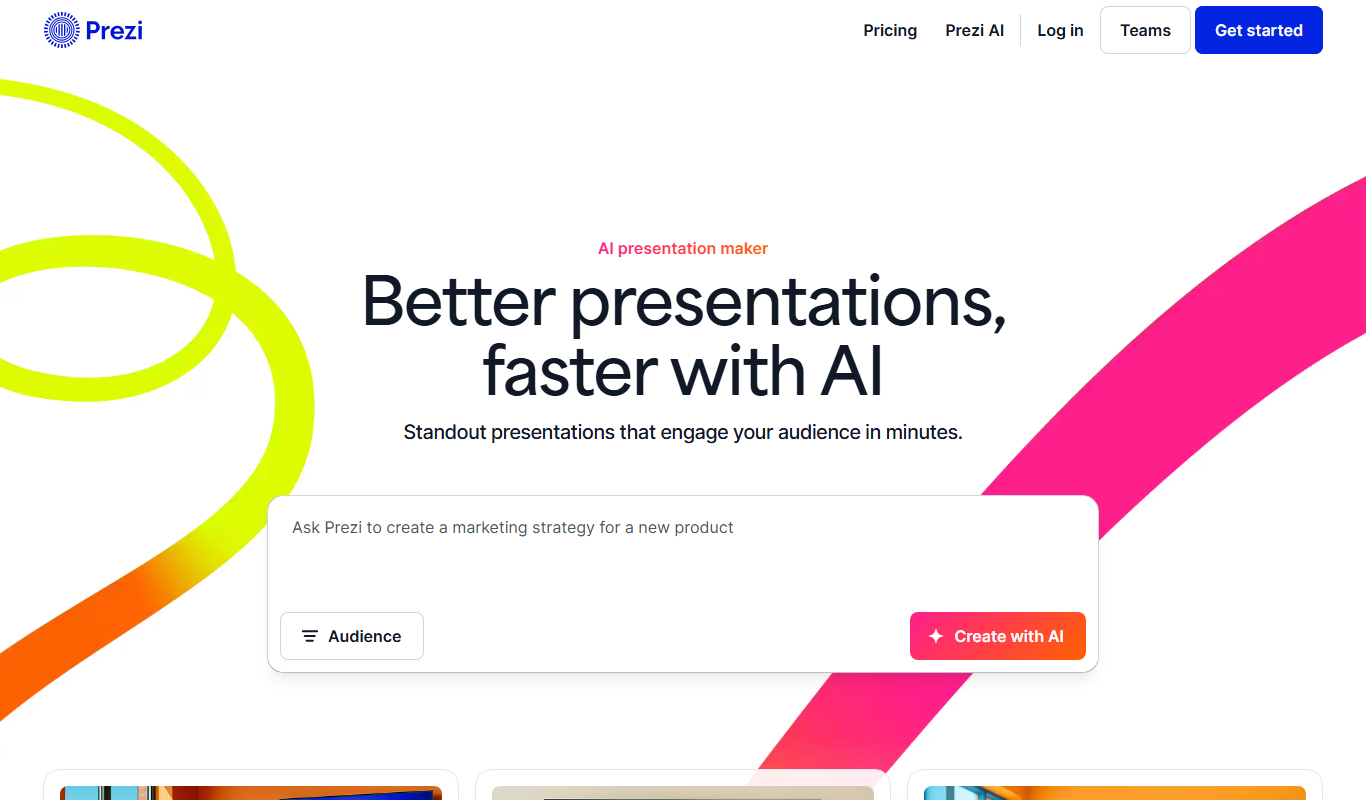
Prezi
Prezi is a cloud-based presentation tool that uses a zoomable canvas to create engaging, non-linear presentations with real-time collaboration and multimedia support.

Free
Visme
Visme is a web-based platform for creating presentations, infographics, and marketing visuals with customizable templates and data visualization tools.
More Art & Creative Design tools
Other tools in the same category, for when this one is not quite the fit.

Free
Runway ML
Runway ML is a cloud platform offering AI-powered video and image editing tools, enabling creators to automate complex tasks like green screen removal and style transfer, with real-time collaboration and API integration.

Free
Daz 3D
Daz 3D is a free-to-use 3D modeling and animation software that provides a vast library of customizable digital characters and assets, enabling artists and developers to create photorealistic renders and animations.

Free
Prompt Hero
Prompt Hero is a web platform that provides a marketplace and community for discovering, sharing, and selling AI prompts used in text-to-image generation with popular AI art models.

Free
Gencraft
Gencraft is an AI-powered tool that generates digital artwork from text prompts, enabling users to create unique images quickly and easily.

Freemium
Asana AI
Asana AI is an AI-powered extension of the Asana platform that automates task creation, workflow management, and provides predictive analytics to improve project efficiency.

Free Trial
Monday.com AI
monday.com AI is a work operating system that uses AI to automate workflows, enhance project management, and improve team collaboration across platforms.

Freemium
ClickUp AI
ClickUp AI is an AI assistant integrated into the ClickUp platform that automates project management tasks, generates content, and optimizes workflows to enhance team productivity.

Free
Brandmark
Brandmark is an AI-driven logo maker and brand design tool that generates unique logos and brand kits to help businesses establish a professional visual identity quickly and easily.