

From my experience with Forms App, I found it excels at providing a straightforward, no-code form building experience suitable for a wide range of data collection needs. The drag-and-drop interface combined with conditional logic and payment integration makes it a versatile tool for small businesses and event organizers. However, the lack of a dedicated mobile app and some feature restrictions on the free plan can be limiting for power users. Overall, if you need an easy-to-use online form builder with multi-language support and payment options, Forms App delivers solid results.
Forms App Online Form Builder for Surveys, Registrations & Data Collection
Forms App is an online form builder that allows users to create surveys, registrations, and payment-enabled forms with a drag-and-drop interface and multi-language support.
- Best for
- Survey Creation
- Key capability
- Drag-and-Drop Form Builder
Your actions
Save forms app, follow its updates and vote on it — everything stays in your account.
Sign in or create a free account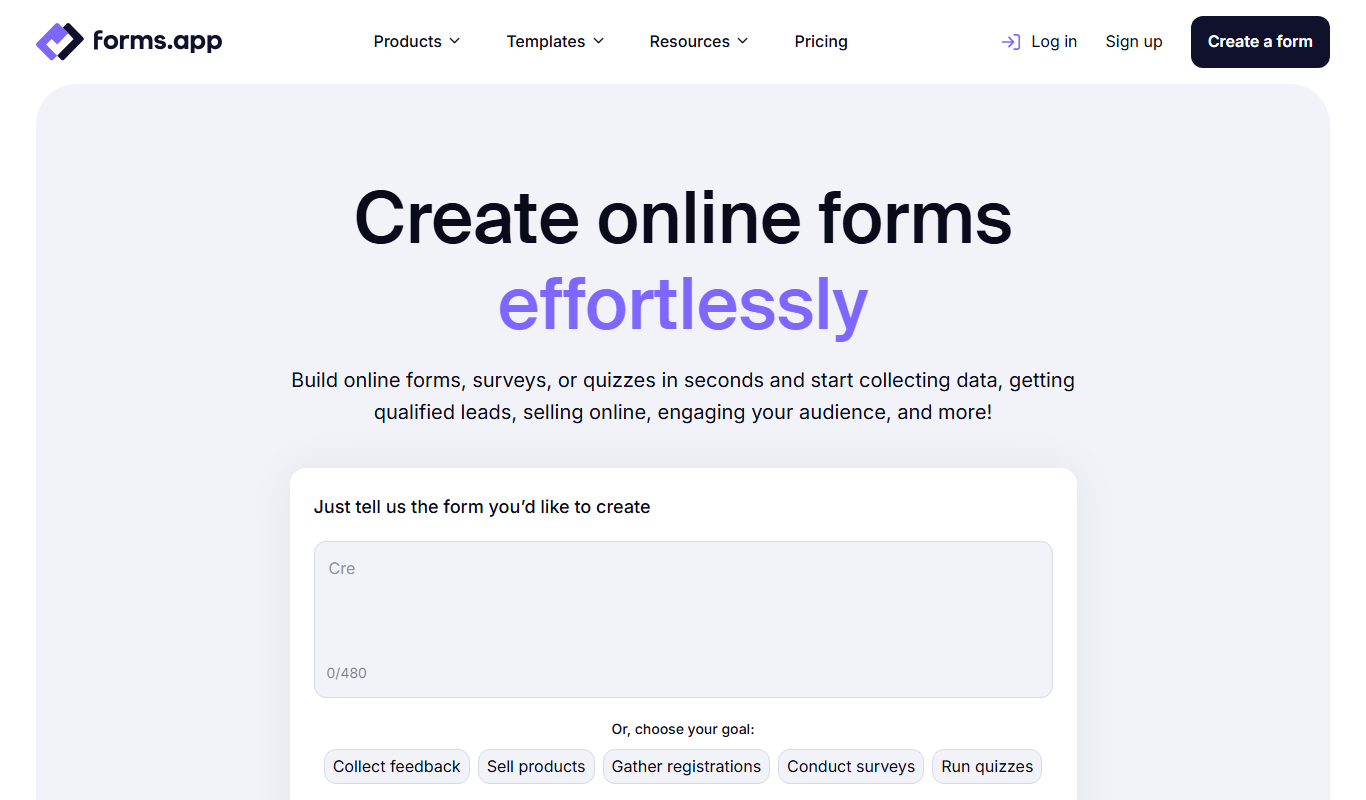
What is forms app?
Forms App is an intuitive online form builder that enables users to create custom forms, surveys, quizzes, and registrations without coding. It offers a drag-and-drop interface, multiple question types, and integration options to streamline data collection and management.
Key features of forms app
The platform provides a user-friendly form editor, customizable templates, conditional logic, payment integrations, real-time analytics, and multi-language support to cater to diverse data collection needs.
Drag-and-Drop Form Builder
Easily create forms by dragging elements into place without any coding.
Conditional Logic
Show or hide questions based on previous answers to create dynamic forms.
Payment Integration
Accept payments through integrations with PayPal, Stripe, and other gateways.
Multi-language Support
Create forms in multiple languages to reach a global audience.
Real-Time Analytics
Track form performance and response data with built-in analytics dashboards.
Pros and cons of forms app
Pros
- User-friendly drag-and-drop interface
- Supports conditional logic for dynamic forms
- Payment integration for monetizing forms
- Multi-language support for global reach
- Real-time analytics and data export options
Cons
- Limited advanced customization on free plan
- No dedicated mobile app, only mobile web access
- Some integrations require higher-tier plans
Key use cases for forms app
Survey Creation
Design and distribute surveys to collect feedback, opinions, and data from respondents easily.
Event Registration
Create registration forms for events, workshops, and webinars with customizable fields and payment integration.
Customer Feedback
Gather customer feedback and satisfaction data to improve products and services.
Lead Generation
Build lead capture forms to collect contact information and qualify prospects.
Order Forms
Set up order forms with product options and payment processing for small businesses.
How forms app works
- 1
Sign Up
Create a free account on the Forms App website to access the form builder.
- 2
Choose a Template or Start from Scratch
Select from pre-designed templates or build a form tailored to your requirements.
- 3
Customize Your Form
Add various question types, apply conditional logic, and configure settings like notifications and payment options.
- 4
Publish and Share
Distribute your form via link, embed it on websites, or share through social media and email.
- 5
Collect and Analyze Responses
Monitor submissions in real-time, export data, and use analytics tools to gain insights.
Who is using forms app
Small businesses
Event organizers
Marketing teams
Educators and trainers
Nonprofits
forms app pricing
Free
$0/month
Basic form creation with limited submissions and features.
Pro
$15/month
Increased submission limits, payment integrations, and advanced features.
Business
$35/month
Higher limits, team collaboration, and priority support.
Plans and prices are as published by the vendor and can change. Check the official site before you buy. Open the pricing page (opens in a new tab)
Frequently asked questions about forms app
Yes, Forms App offers a free plan with basic features and limited submissions.
Yes, payment integrations with PayPal and Stripe are available on paid plans.
Yes, you can embed forms using HTML code or share direct links.
Yes, Forms App supports multiple languages for form creation.
Some tools offer a free plan or trial with limited features. Availability can vary, so confirm on the official website.
Yes, it can help with that use case depending on how you configure it and what features are available. You’ll get the best results with clear inputs and a defined goal.
It depends on your specific needs and how you plan to use the tool. The official website and documentation are the best sources for the latest details.
Yes, it can help with that use case depending on how you configure it and what features are available. You’ll get the best results with clear inputs and a defined goal.
Sign in to review this tool.
Sign In to ReviewNo reviews yet
Be the first to share how this tool worked for you.
Ask about pricing, limits, or how it compares — or answer someone else.
Sign In to AskNo questions yet
Have a question about using or paying for this tool? Be the first to ask.
Featured on TiorAI



Alternative Tools
Explore similar AI tools that might fit your needs
Free
Typeform
Typeform is an online platform that enables users to create interactive, conversational forms and surveys to collect data, feedback, and leads with customizable templates and logic jumps.

Free
JotForm
JotForm is an online form builder that allows users to create customizable forms for surveys, registrations, payments, and data collection without coding. It supports payment integrations, conditional logic, and workflow automation.
More AI Forms Surveys tools
Other tools in the same category, for when this one is not quite the fit.

Free
FormBuilderGPT
FormBuilderGPT is an AI-driven tool that creates customizable forms based on your natural language descriptions, enabling quick and easy data collection without coding.

Free Trial
ngsurvey.com
ngSurvey is enterprise survey software deployed on-premise or in the cloud, with an AI agent called Artemis for analysis.

Free Trial
Webs-Automation Job Application Bots
AI Jobs Automation is a web-based tool that automates filling and submitting job applications across multiple portals, helping job seekers save time and increase efficiency.

Free Trial
CAPTR Video Forms
CAPTR Video Forms is a web platform that lets you embed interactive forms and CTAs inside videos to engage viewers and capture leads without leaving the video player.
Free
Sup! Standup Bot
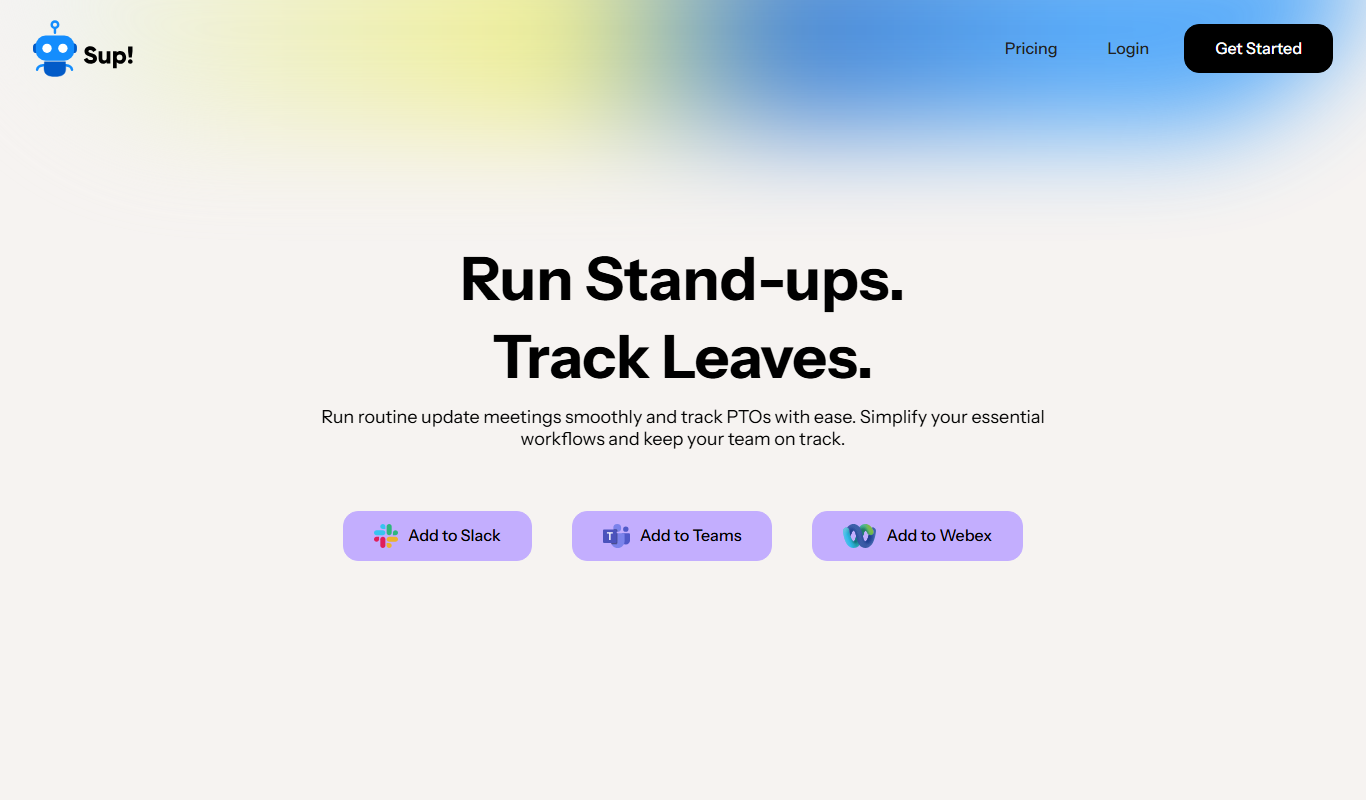
Sup! Standup Bot runs asynchronous standups, follow-ups, polls and leave tracking inside Slack, Microsoft Teams and Webex, and sends one summary instead of a status meeting.
Free
Nifty
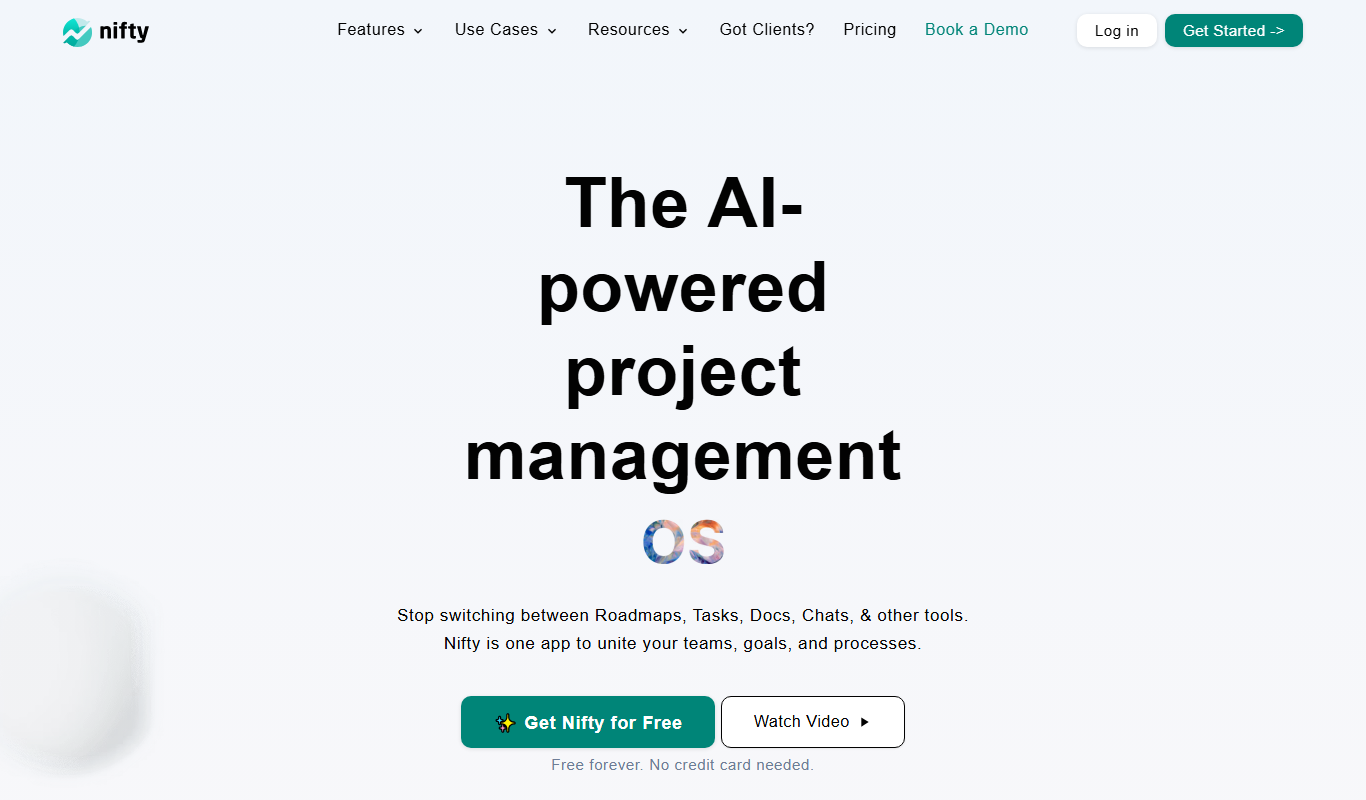
Nifty is a project management platform that helps teams organize tasks, track milestones, communicate via built-in chat, and monitor time spent, all in one centralized workspace.
Contact for pricing
Cognicio
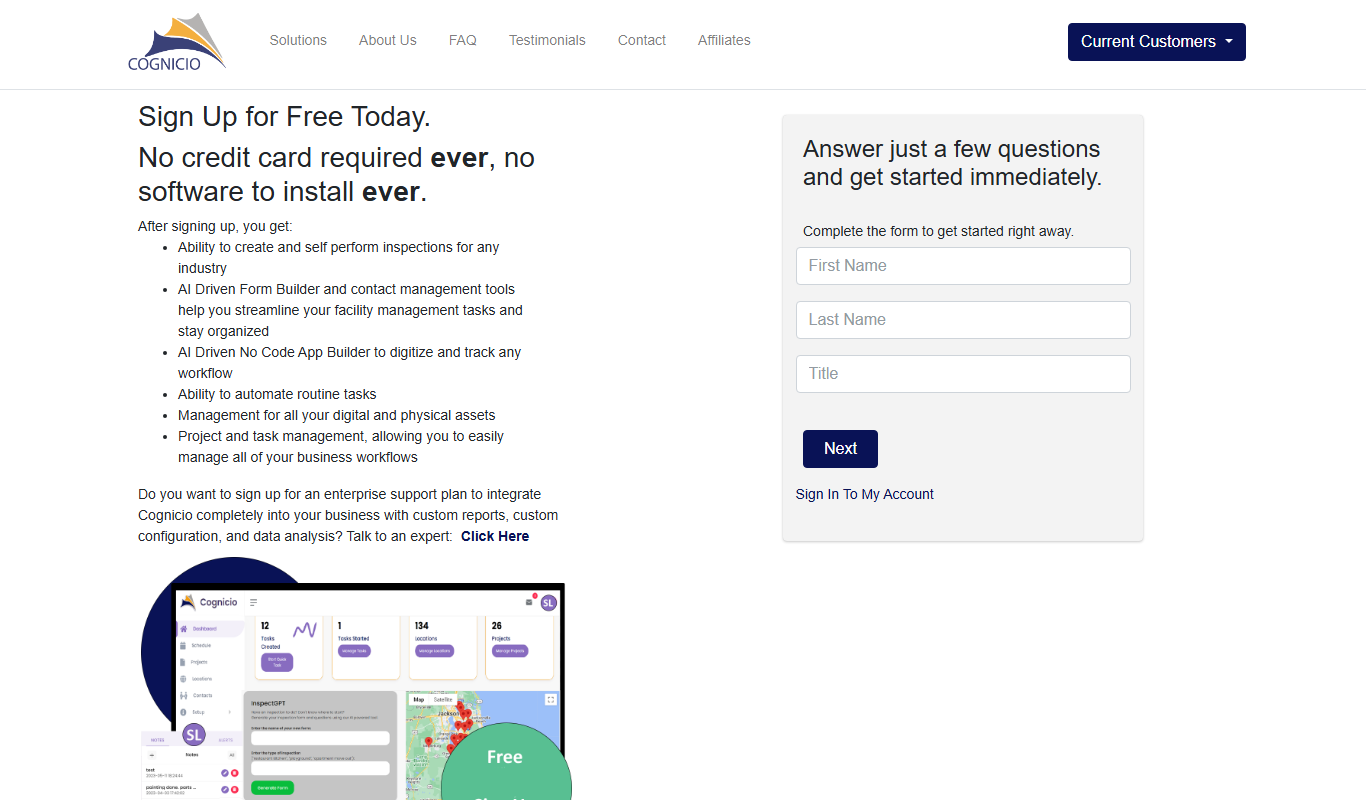
Cognicio is an AI-powered data analytics platform that automates complex data analysis, providing natural language insights and predictive analytics to help businesses make informed decisions.

Free Trial
UserCue
UserCue is a web-based tool that enables businesses to collect real-time user feedback through customizable surveys on their websites, helping improve customer experience and product development.