

From my experience with Filestack, it stands out as a highly developer-friendly platform that simplifies complex file upload and management tasks. Its real-time transformation features and seamless cloud storage integrations make it a solid choice for apps needing robust media handling. The platform’s security measures like virus scanning add valuable peace of mind. However, the pricing can become steep for large-scale projects, and it’s primarily designed for developers rather than casual users. Overall, if you require scalable, secure, and customizable file upload capabilities integrated into your application, Filestack delivers reliable and efficient solutions.
Filestack File Upload API for Developers and Cloud Storage Integration
Filestack is a developer-centric file upload API and management platform that enables easy integration of file handling, cloud storage, real-time transformations, and secure delivery via CDN.
- Best for
- File Upload Integration
- Key capability
- File Upload API
Your actions
Save Filestack, follow its updates and vote on it — everything stays in your account.
Sign in or create a free account
What is Filestack?
Filestack is a developer-focused file upload and management platform that provides APIs and SDKs to easily integrate file handling capabilities into applications. It simplifies the process of uploading, transforming, storing, and delivering files in the cloud, enabling developers to build rich media experiences without managing complex infrastructure.
Key features of Filestack
Filestack offers a robust file upload API, customizable file picker UI, cloud storage integrations, real-time file transformations, CDN delivery, and security features such as virus scanning and access controls.
File Upload API
Robust API to handle file uploads from any device or platform.
Customizable File Picker
Pre-built UI components that can be tailored to your app’s look and feel.
Cloud Storage Integrations
Seamless integration with AWS S3, Google Cloud Storage, and other providers.
Real-time File Transformation
Resize, crop, compress, convert, and optimize images and videos on demand.
Content Delivery Network
Global CDN ensures fast and reliable file delivery to end users.
Security Features
Virus detection, file validation, and access control to protect your data.
Pros and cons of Filestack
Pros
- Easy integration with comprehensive SDKs and APIs
- Powerful real-time file transformation capabilities
- Supports multiple cloud storage providers
- Built-in security features including virus scanning
- Global CDN for fast file delivery
Cons
- Pricing can be high for large-scale usage
- Limited language support beyond English
- Primarily focused on developers, less suited for non-technical users
Key use cases for Filestack
File Upload Integration
Easily add file upload capabilities to web and mobile applications with customizable UI components.
Cloud Storage Management
Manage and store files securely in the cloud with integrations to popular storage providers like AWS S3.
File Transformation and Optimization
Automatically resize, compress, convert, and optimize images and videos on the fly to improve performance.
Content Delivery
Deliver files globally with a built-in CDN to ensure fast and reliable access for end users.
Security and Compliance
Implement security features such as virus detection, file validation, and access control to protect data.
How Filestack works
- 1
Sign Up
Create a Filestack account to access API keys and dashboard.
- 2
Integrate SDK or API
Add Filestack’s JavaScript SDK or REST API to your application for file upload functionality.
- 3
Customize File Picker
Configure the file picker UI to match your app’s design and specify allowed file types.
- 4
Upload and Transform
Users upload files which can be automatically transformed, optimized, and stored in the cloud.
- 5
Deliver and Manage
Serve files via CDN and manage them through the Filestack dashboard or API.
Who is using Filestack
Web and mobile app developers
Startups and SaaS companies
Enterprises needing scalable file management
Digital agencies building client platforms
E-commerce platforms requiring media handling
Filestack pricing
Free
$0/month
Basic plan with limited uploads and transformations for testing and small projects.
Starter
$59/month
Increased limits and access to advanced features suitable for growing apps.
Professional
$199/month
Higher limits, priority support, and enterprise-grade features for production apps.
Plans and prices are as published by the vendor and can change. Check the official site before you buy. Open the pricing page (opens in a new tab)
Frequently asked questions about Filestack
Filestack supports a wide range of file types including images, videos, documents, and audio files.
Yes, Filestack provides customizable file picker components that can be styled to match your application.
Yes, Filestack includes virus detection to ensure uploaded files are safe.
File size limits depend on your pricing plan, with higher tiers allowing larger uploads.
It depends on your specific needs and how you plan to use the tool. The official website and documentation are the best sources for the latest details.
Pricing depends on the plan and included features. For the most accurate and up-to-date details, check the official pricing page.
Yes, it can help with that use case depending on how you configure it and what features are available. You’ll get the best results with clear inputs and a defined goal.
Data handling and security practices vary by provider. Review the official privacy policy to understand how your data is stored and used.
Sign in to review this tool.
Sign In to ReviewNo reviews yet
Be the first to share how this tool worked for you.
Ask about pricing, limits, or how it compares — or answer someone else.
Sign In to AskNo questions yet
Have a question about using or paying for this tool? Be the first to ask.
Featured on TiorAI



Alternative Tools
Explore similar AI tools that might fit your needs

Free
Cloudinary
Cloudinary is a cloud media management platform that enables developers and marketers to upload, optimize, transform, and deliver images and videos efficiently using APIs and CDN.
More AI API tools
Other tools in the same category, for when this one is not quite the fit.
Enterprise
BentoML
BentoML is an open-source platform that simplifies packaging, deploying, and managing machine learning models as scalable APIs, supporting multiple ML frameworks and deployment environments.

Free
Datumbox
Datumbox is the official name of this machine learning platform, which provides REST APIs for text analysis such as sentiment analysis, topic detection, language detection and spam filtering.

Free
OpenFaaS
OpenFaaS is an open-source serverless framework that enables developers to deploy, manage, and scale functions on Kubernetes and other container platforms easily.
Free Trial
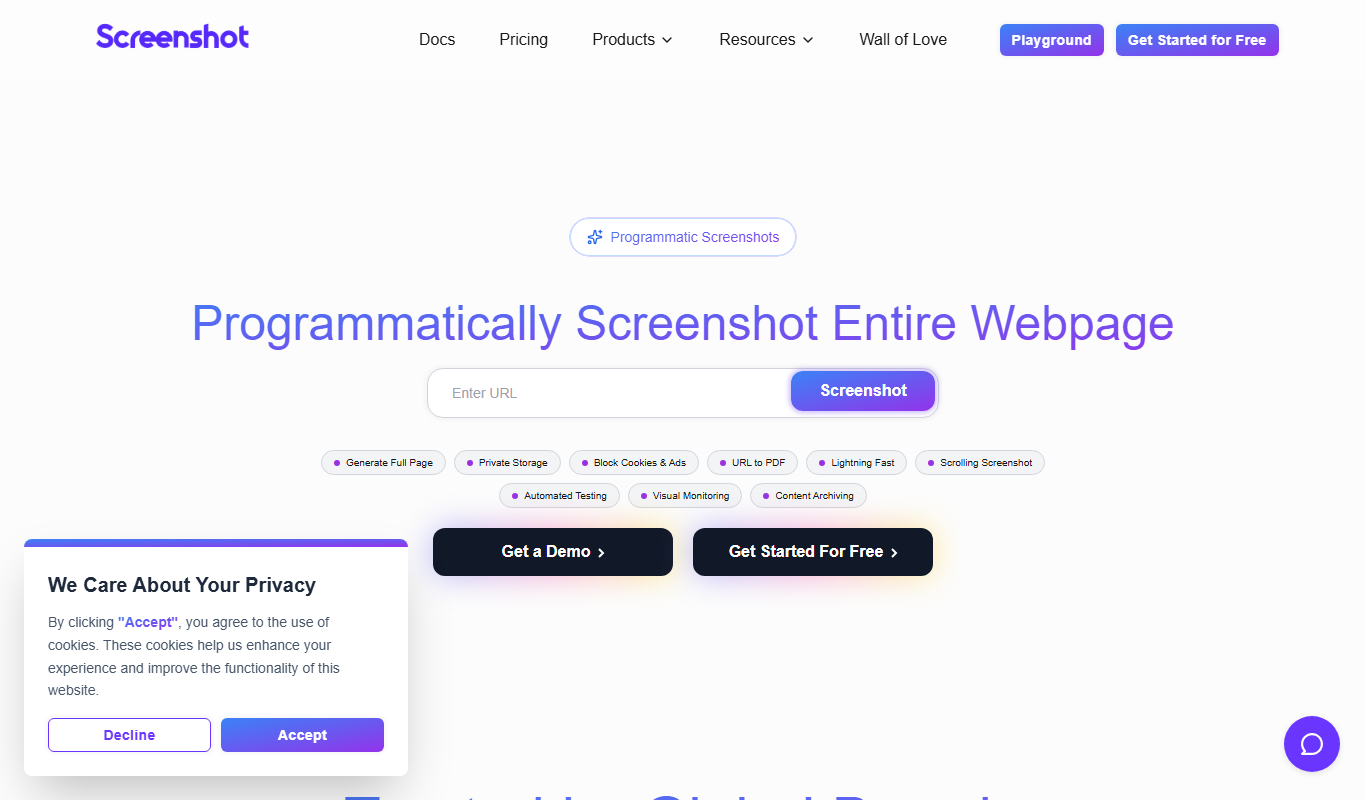
ScreenshotAPI
ScreenshotAPI is a RESTful API service that allows developers and marketers to programmatically capture high-quality screenshots of websites with customizable options such as device type, viewport size, and full page capture.

Enterprise
Fetch.ai
Fetch.ai is a decentralized platform that enables creation and deployment of autonomous economic agents using blockchain and AI to automate tasks and data exchange securely.

Free Trial
DocSpring
DocSpring is a cloud-based platform that automates PDF document creation and form building, offering an API for integration and conditional logic support.

Free
PDFShift
PDFShift is a REST API service that converts HTML content into PDF documents quickly and accurately, supporting advanced styling and customization for developers and businesses.
Free
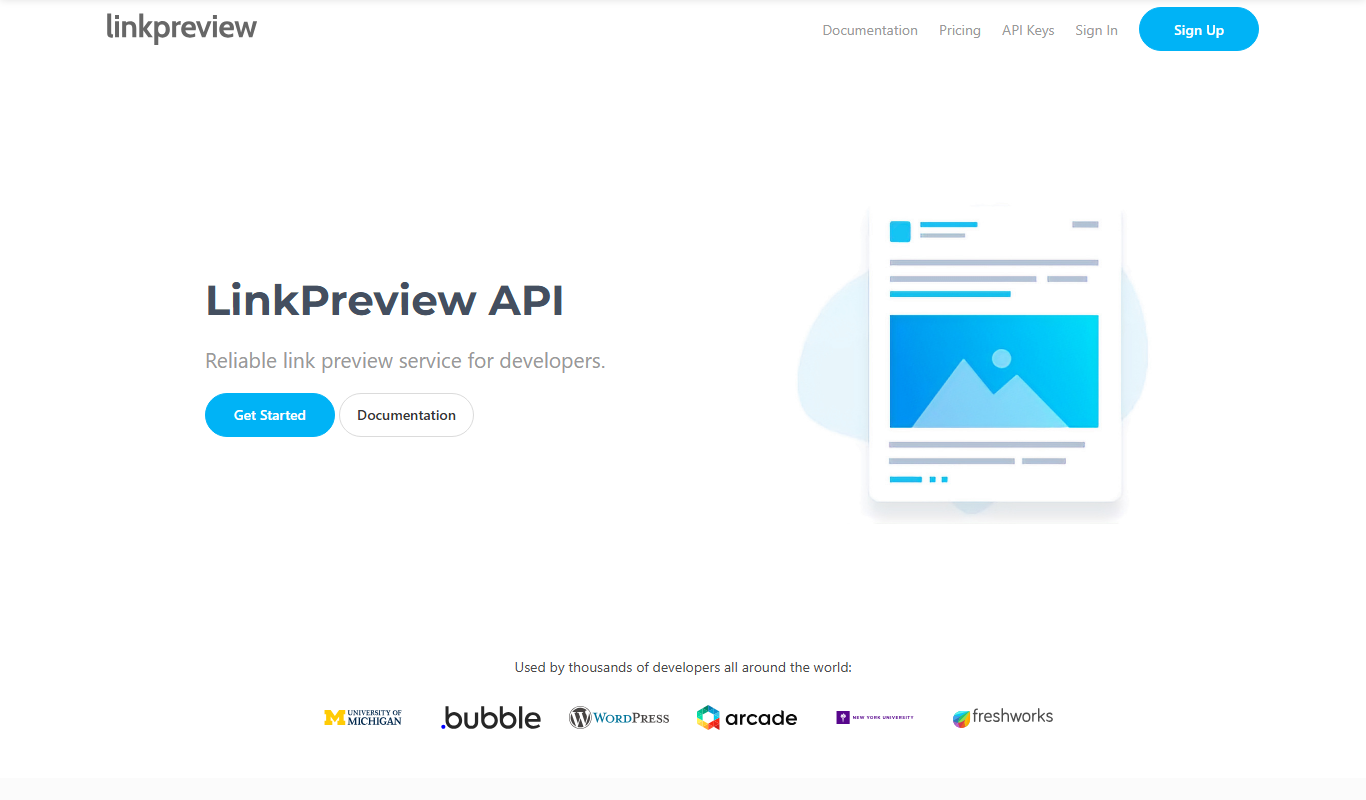
LinkPreview
LinkPreview is an API service that extracts metadata like title, description, and images from any URL to create rich link previews for websites and social media.