

From my experience with ENS Domains, I found it excels at simplifying the complexity of blockchain addresses by providing human-readable names that integrate seamlessly with Ethereum wallets and dApps. After spending time with the platform, I can say it’s particularly well-suited for cryptocurrency users and developers who want to improve usability and branding in the Web3 space. However, there’s a trade-off: the registration process and fees require some familiarity with Ethereum and can fluctuate with gas prices. Overall, if you need a decentralized, censorship-resistant naming system for blockchain addresses or decentralized websites, ENS Domains deliver solid, reliable results.
ENS Domains - Decentralized Ethereum Name Service for Blockchain Addresses
ENS Domains are decentralized, human-readable names on the Ethereum blockchain that replace complex wallet addresses, enabling easier crypto transactions and decentralized website hosting.
- Best for
- Simplify Crypto Transactions
- Key capability
- Human-Readable Ethereum Addresses
Your actions
Save ENS Domains, follow its updates and vote on it — everything stays in your account.
Sign in or create a free account
What is ENS Domains?
ENS Domains is a decentralized naming system built on the Ethereum blockchain that allows users to register human-readable domain names ending in .eth. These names can be used to replace long hexadecimal Ethereum addresses with simple, memorable names, making blockchain interactions more user-friendly. ENS also supports integration with decentralized websites and digital identity management across Web3 applications.
Key features of ENS Domains
ENS offers domain registration, resolution of Ethereum addresses, integration with decentralized storage, support for multiple cryptocurrency addresses, and a decentralized governance model to manage the protocol.
Human-Readable Ethereum Addresses
Replace complex wallet addresses with simple .eth names for easier transactions.
Decentralized Domain Ownership
Domains are owned and controlled by users on the Ethereum blockchain without central authority.
Multi-Currency Support
Link multiple cryptocurrency addresses (ETH, BTC, LTC, etc.) to a single ENS name.
Integration with Decentralized Storage
Host websites and content on IPFS or other decentralized storage and link them to ENS domains.
Open Governance
ENS protocol is governed by a decentralized autonomous organization (DAO) allowing community participation.
Pros and cons of ENS Domains
Pros
- Simplifies blockchain address management
- Decentralized and censorship-resistant
- Supports multiple cryptocurrencies
- Enables decentralized website hosting
- Community-driven governance
Cons
- Requires understanding of Ethereum and wallets
- Domain registration fees fluctuate with ETH price
- Limited to .eth and supported top-level domains
- User experience can be complex for beginners
Key use cases for ENS Domains
Simplify Crypto Transactions
Replace long Ethereum addresses with human-readable names to make sending and receiving cryptocurrency easier and less error-prone.
Decentralized Website Hosting
Use ENS domains to host decentralized websites on IPFS or other decentralized storage platforms.
Digital Identity Management
Manage your digital identity across Web3 applications by linking your ENS name to wallets, profiles, and social accounts.
NFT Ownership and Branding
Use ENS domains as unique digital assets and brand identifiers within the NFT ecosystem.
Smart Contract Interaction
Easily interact with smart contracts by using ENS names instead of complex addresses.
How ENS Domains works
- 1
Search for a Domain
Use the ENS website to check the availability of your desired .eth domain.
- 2
Register the Domain
Follow the registration process on the Ethereum blockchain, which involves a bidding and commitment phase or direct registration depending on the domain.
- 3
Set Records
Assign Ethereum addresses, cryptocurrency addresses, content hashes, and other metadata to your ENS domain.
- 4
Use Your ENS Name
Send and receive crypto payments, host decentralized websites, or use your ENS name as your digital identity.
Who is using ENS Domains
Cryptocurrency users
Blockchain developers
Web3 startups
NFT creators and collectors
Decentralized application (dApp) users
ENS Domains pricing
Free
$0
Explore ENS domains and check availability without cost.
Paid Registration
Varies (typically a few dollars per year in ETH)
Register and renew .eth domains with fees paid in Ethereum.
Plans and prices are as published by the vendor and can change. Check the official site before you buy. Open the pricing page (opens in a new tab)
Frequently asked questions about ENS Domains
An ENS domain is a human-readable name ending in .eth that maps to Ethereum addresses and other resources on the blockchain.
You can register an ENS domain via the ENS website by connecting your Ethereum wallet and following the registration process.
Yes, ENS domains can be linked to decentralized websites hosted on IPFS or similar platforms.
No, ENS domains are decentralized and owned on the Ethereum blockchain, giving users full control.
It depends on your specific needs and how you plan to use the tool. The official website and documentation are the best sources for the latest details.
Data handling and security practices vary by provider. Review the official privacy policy to understand how your data is stored and used.
Pricing depends on the plan and included features. For the most accurate and up-to-date details, check the official pricing page.
Sign in to review this tool.
Sign In to ReviewNo reviews yet
Be the first to share how this tool worked for you.
Ask about pricing, limits, or how it compares — or answer someone else.
Sign In to AskNo questions yet
Have a question about using or paying for this tool? Be the first to ask.
Featured on TiorAI



More Business Management tools
Other tools in the same category, for when this one is not quite the fit.

Subscription
BetterWorks
BetterWorks is a cloud-based software platform designed to help organizations manage Objectives and Key Results (OKRs) and continuous employee performance through goal setting, regular check-ins, and real-time progress tracking.

Custom Pricing
GreyOrange
GreyOrange provides AI-driven autonomous robots and software solutions to automate warehouse operations, improving efficiency and accuracy in logistics.
Free Trial
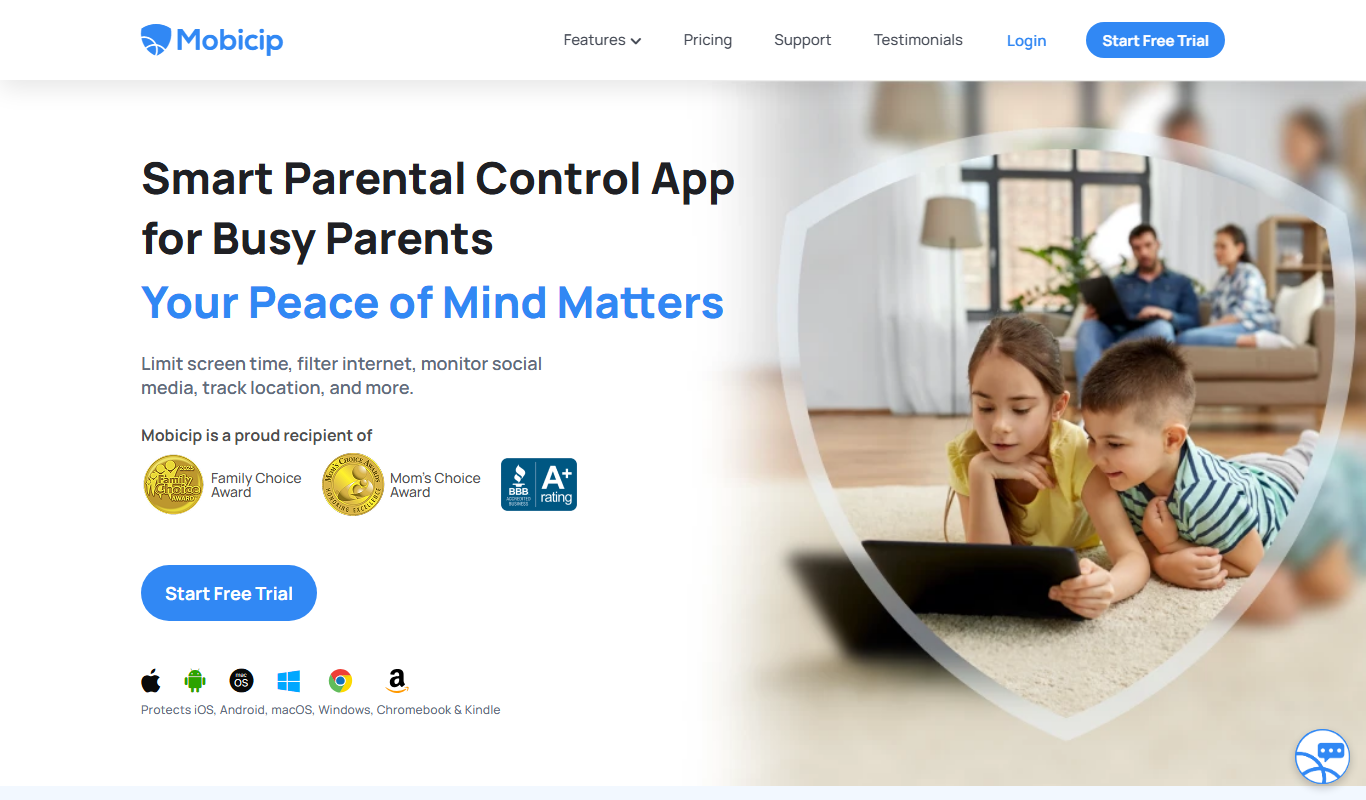
Mobicip
Mobicip is a parental control app that helps parents filter internet content, manage screen time, monitor app usage, and track their children's location across multiple devices.
Free Trial
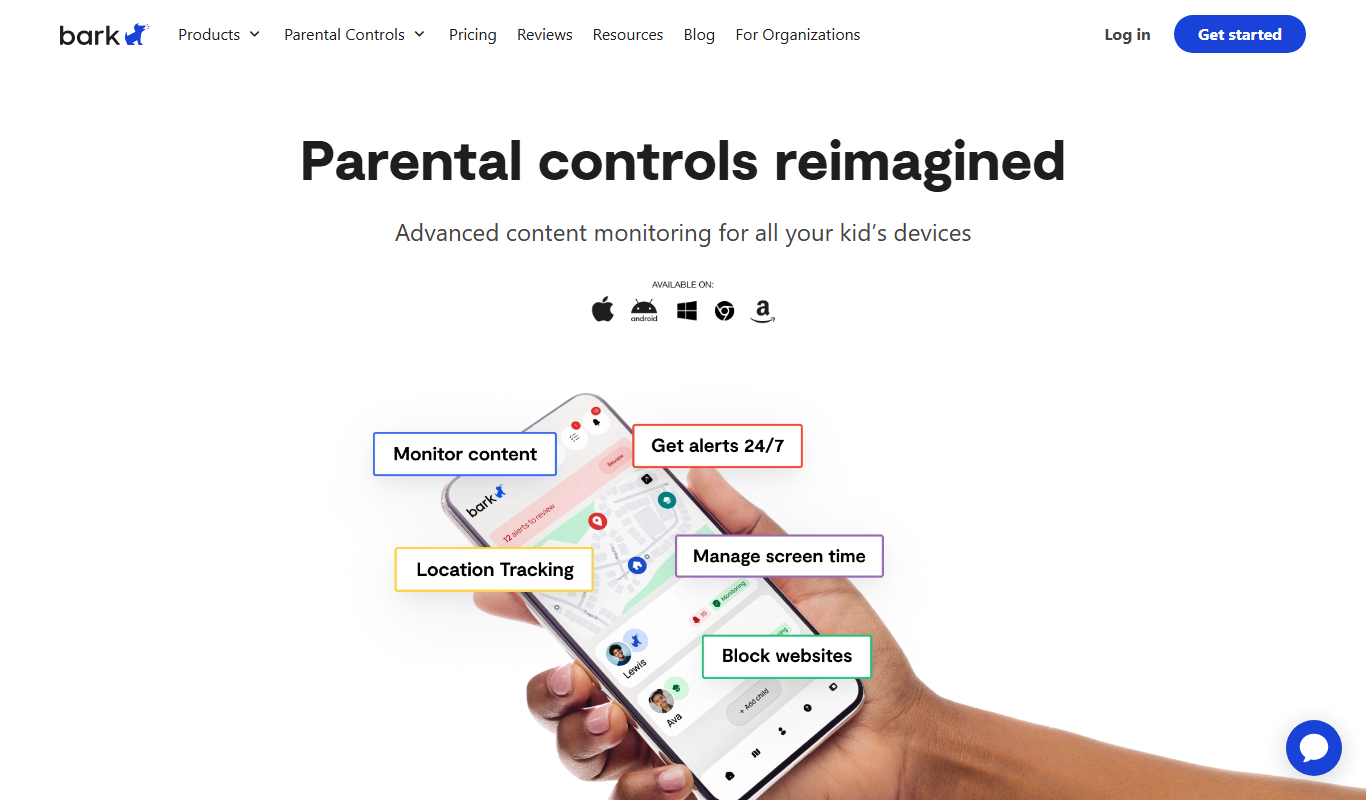
Bark
Bark is a parental control app that monitors children's online activity using AI to detect cyberbullying, threats, and inappropriate content, while offering screen time management and content filtering.

Free Trial
2Houses
2Houses is a co-parenting app that helps separated parents manage custody schedules, expenses, and communication in one secure platform.

Free
Cozi Family Organizer
Cozi Family Organizer is a multi-platform app that centralizes family scheduling, meal planning, and task management with shared calendars and real-time syncing.
Subscription
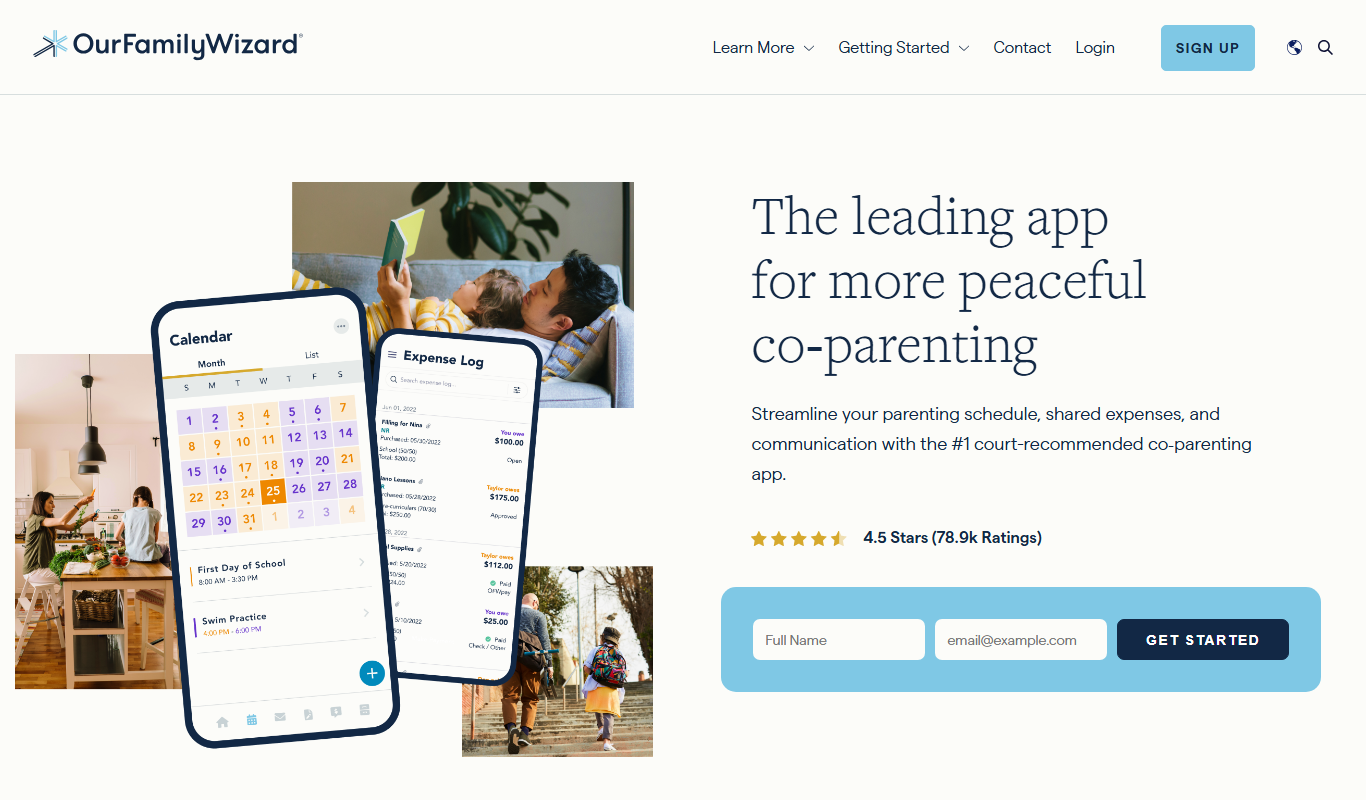
OurFamilyWizard
OurFamilyWizard is a co-parenting communication platform designed to help separated parents coordinate schedules, share information, track expenses, and communicate securely to reduce conflict.
Free Trial
Baby Connect
Baby Connect is a baby tracking app that helps parents and caregivers log daily baby activities, share updates in real time, and manage health records across iOS, Android, and web platforms.