

Embedly Embed API for Rich Media Integration and Content Embedding
Embedly is a developer platform offering an API to embed rich media content from numerous sources into websites and applications, simplifying content integration and enhancing user engagement.
- Best for
- Website Content Enrichment
- Key capability
- Universal Embed API
Save Embedly, follow its updates and vote on it — everything stays in your account.
Sign in or create a free account
What is Embedly?
Embedly is a developer-focused platform that provides an easy-to-use API for embedding rich media content from a wide range of sources into websites and applications. It simplifies the process of converting URLs into embedded content such as videos, images, articles, and social media posts, enabling enhanced user experiences without complex coding.
Key features of Embedly
Embedly offers one API subscription that includes Embed, Extract and Display, supports 1000+ providers, and a limited no-code Cards subscription.
Universal Embed API
Supports embedding content from over 1000+ official content providers.
Rich Metadata Extraction
Extracts titles, descriptions, thumbnails, and other metadata from URLs for enhanced display.
Customizable Embed Options
Allows developers to control embed size, aspect ratio, and display options to match branding.
Analytics Dashboard
Provides insights into how embedded content performs and engages users.
Robust Developer Documentation
Comprehensive guides and SDKs to facilitate quick integration.
Pros and cons of Embedly
Pros
- Supports a wide range of content providers
- Easy API integration with detailed documentation
- Customizable embed options to fit design needs
- Includes analytics for content performance
- Reliable and scalable for high-volume use
Cons
- Advanced features require paid subscription
- Customization options may require developer skills
Key use cases for Embedly
Website Content Enrichment
Embedly allows developers to easily integrate rich media content such as videos, images, and articles from various sources directly into websites, enhancing user engagement.
Social Media Content Embedding
Publishers and marketers can embed social media posts and multimedia content seamlessly to improve content diversity and interactivity.
Developer API for Media Extraction
Developers use Embedly’s API to extract metadata and embed codes from URLs, simplifying the process of displaying external content within applications.
Content Marketing and Advertising
Marketing teams leverage Embedly to enrich landing pages and campaigns with dynamic media content that drives higher conversion rates.
Mobile and Web App Integration
App developers integrate Embedly’s API to support rich media embedding in mobile and web applications without building custom parsers.
How Embedly works
- 1
Sign Up
Create an account on Embedly’s platform to obtain API credentials.
- 2
Integrate API
Use the Embedly API by sending URLs to retrieve embed codes and metadata.
- 3
Customize Embeds
Adjust embed parameters such as size, appearance, and media type to fit your site or app design.
- 4
Deploy and Monitor
Embed the generated content in your platform and use analytics to monitor user engagement.
Who is using Embedly
Embedly pricing
Cards
$19 / month
Best for Small Publishers and Site Owners: 1000+ Providers, no Embedly branding on cards, email support, JavaScript SDK.
API
Starting at $119 / month, plus metered usage above the base quotas
Best for Developers and Custom Publishing Solutions: 1000+ Providers, 3 Rich APIs (Embed, Extract, Display), native embeds, JavaScript SDK; quotas of 10,000 Embed URLs, 10,000 Extract URLs and 25,000 Display URLs, up to 50 URLs per second.
Plans and prices are as published by the vendor and can change. Check the official site before you buy. Open the pricing page (opens in a new tab)
Frequently asked questions about Embedly
Embedly supports embedding videos, images, articles, social media posts and other rich media from over 1000+ official content providers.
No. There is no permanent free plan; Embedly offers a 30-day trial on the API.
Yes, Embedly provides options to customize embed size, layout, and other display parameters.
Yes, paid plans include an analytics dashboard to track engagement and performance.
It depends on your specific needs and how you plan to use the tool. The official website and documentation are the best sources for the latest details.
Yes, it can help with that use case depending on how you configure it and what features are available. You’ll get the best results with clear inputs and a defined goal.
Some tools offer a free plan or trial with limited features. Availability can vary, so confirm on the official website.
Yes, it can help with that use case depending on how you configure it and what features are available. You’ll get the best results with clear inputs and a defined goal.
Conclusion
A URL goes in and embed code or structured metadata comes back: one API subscription covers Embed for responsive embeds, Extract for structured content and Display for image optimization. Titles, descriptions and thumbnails pulled from a link can then be fitted to a site through size, aspect ratio and display options. Coverage spans 1,000+ supported providers, and a JavaScript SDK comes with both plans.
The API targets developers and custom publishing solutions, while Cards is a limited no-code publishing subscription for small publishers and site owners. API pricing is metered: each product has a monthly base quota, and usage beyond it is billed per URL or image. Requests are also rate limited to 50 URLs per second across the three APIs.
Sources
Sign in to review this tool.
Sign In to ReviewNo reviews yet
Be the first to share how this tool worked for you.
Ask about pricing, limits, or how it compares — or answer someone else.
Sign In to AskNo questions yet
Have a question about using or paying for this tool? Be the first to ask.
Featured on TiorAI



Alternative Tools
Explore similar AI tools that might fit your needs
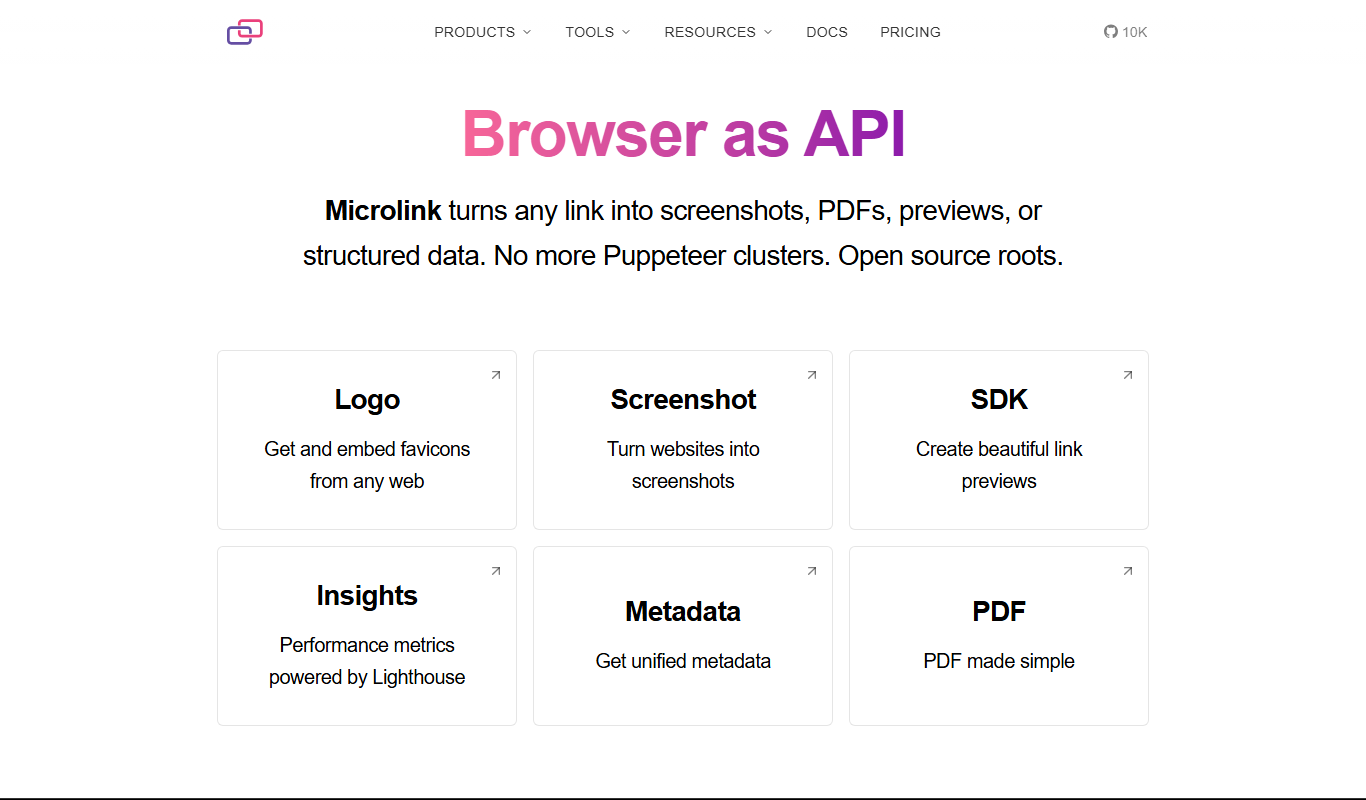
Microlink
Microlink is a developer-friendly API that extracts structured data and screenshots from any website URL, simplifying web scraping and enabling automation.
More AI API tools
Other tools in the same category, for when this one is not quite the fit.
BentoML
BentoML is an open-source platform that simplifies packaging, deploying, and managing machine learning models as scalable APIs, supporting multiple ML frameworks and deployment environments.

Datumbox
Datumbox is the official name of this machine learning platform, which provides REST APIs for text analysis such as sentiment analysis, topic detection, language detection and spam filtering.

OpenFaaS
OpenFaaS is an open-source serverless framework that enables developers to deploy, manage, and scale functions on Kubernetes and other container platforms easily.
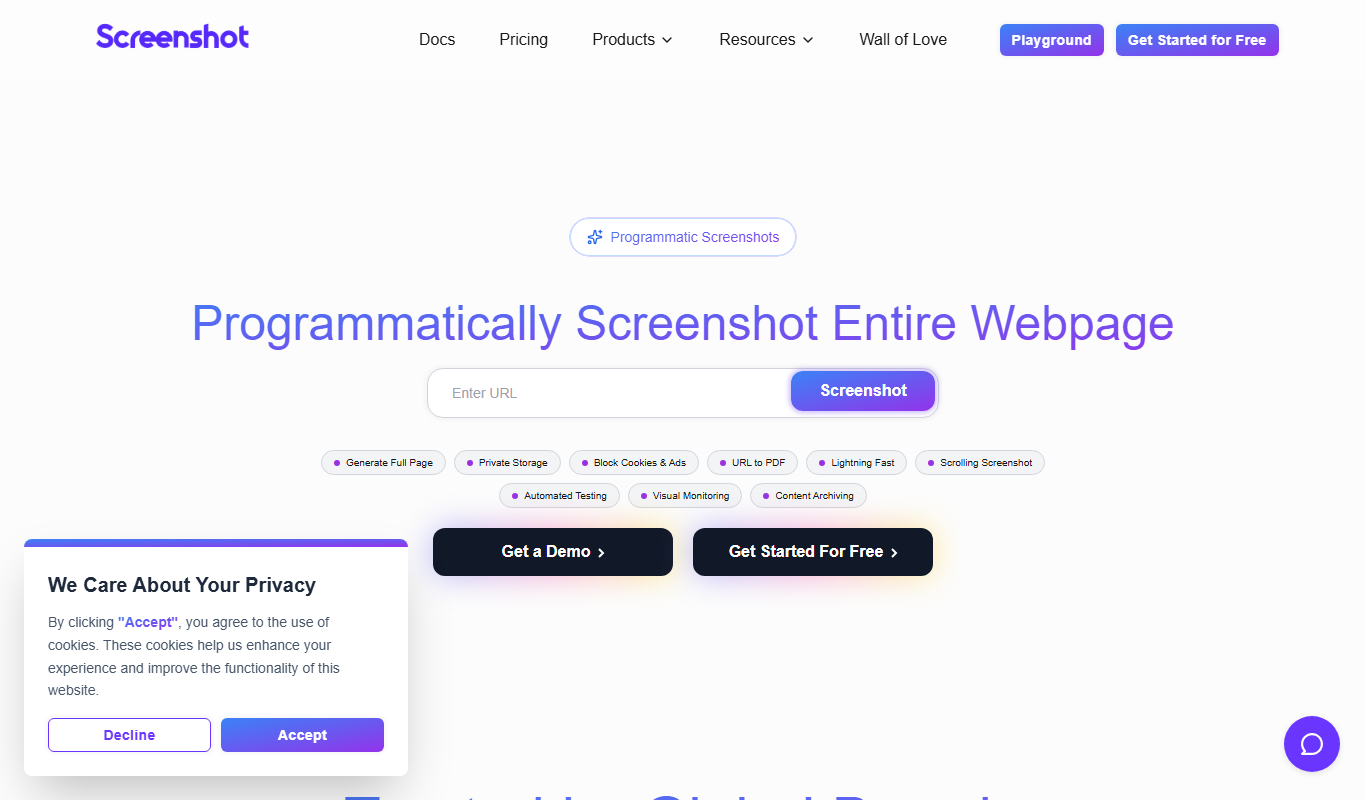
ScreenshotAPI
ScreenshotAPI is a RESTful API service that allows developers and marketers to programmatically capture high-quality screenshots of websites with customizable options such as device type, viewport size, and full page capture.

Fetch.ai
Fetch.ai is a decentralized platform that enables creation and deployment of autonomous economic agents using blockchain and AI to automate tasks and data exchange securely.

DocSpring
DocSpring is a cloud-based platform that automates PDF document creation and form building, offering an API for integration and conditional logic support.

PDFShift
PDFShift is a REST API service that converts HTML content into PDF documents quickly and accurately, supporting advanced styling and customization for developers and businesses.
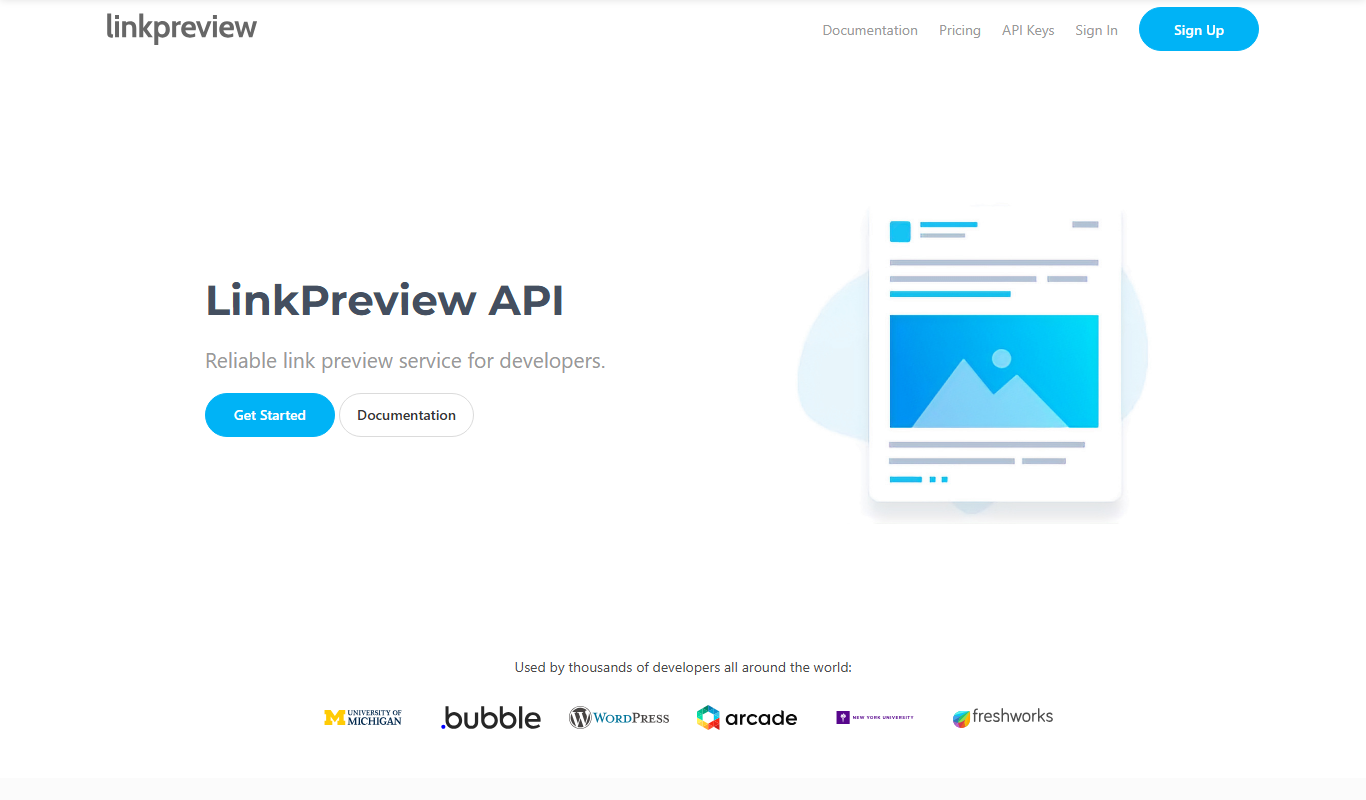
LinkPreview
LinkPreview is an API service that extracts metadata like title, description, and images from any URL to create rich link previews for websites and social media.