

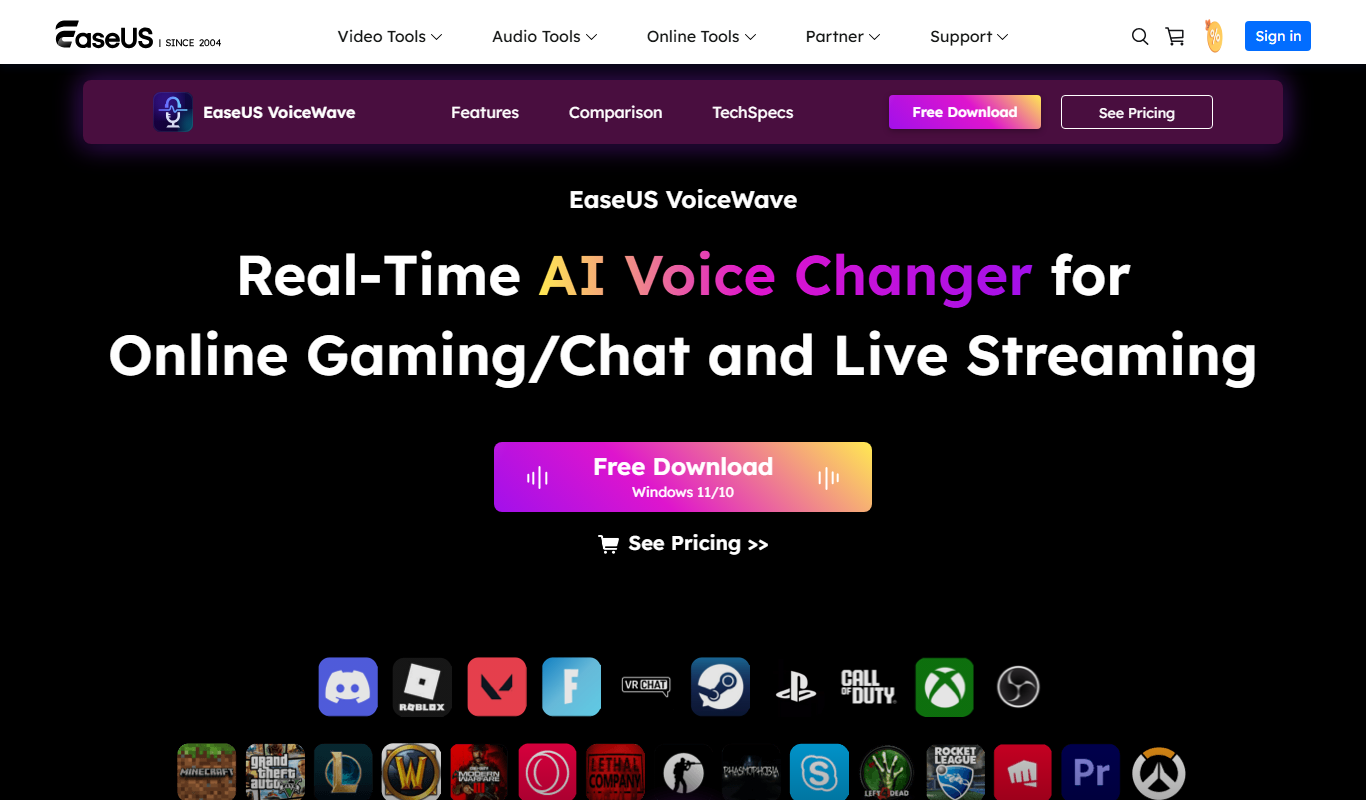
From my experience with EaseUS VoiceWave, it stands out for its straightforward interface and effective real-time voice modulation capabilities. The software is particularly well-suited for streamers, gamers, and content creators who want to add creative voice effects without a steep learning curve. While the free trial offers limited features, the subscription plans provide good value for users needing consistent voice changing functionality. One limitation is the lack of mobile support, which might be a drawback for users seeking on-the-go voice modulation. Overall, EaseUS VoiceWave delivers reliable performance for desktop users looking to enhance their audio experience.
EaseUS VoiceWave Voice Changer Software for Real-Time Audio Editing
EaseUS VoiceWave is a voice changer software that allows users to modify their voice in real-time with various effects, compatible with Windows and Mac platforms.
- Best for
- Real-Time Voice Modulation
- Key capability
- Real-Time Voice Changing
Do you recommend this tool?
What is EaseUS VoiceWave?
EaseUS VoiceWave is a voice changer software designed to modify and enhance your voice in real-time or through pre-recorded audio. It offers a variety of voice effects and filters that can be applied during live calls, streaming, gaming, or content creation. The tool is user-friendly and supports Windows and Mac platforms, making it accessible for both casual and professional users.
Key features of EaseUS VoiceWave
VoiceWave provides real-time voice modulation, multiple voice effect presets, easy integration with communication and streaming apps, and options to customize voice parameters. It supports recording and saving modified audio files and offers a clean, intuitive interface for quick adjustments.
Real-Time Voice Changing
Apply voice effects instantly during live conversations or recordings.
Multiple Voice Effects
Choose from a wide range of voice presets including robot, female, male, cartoon, and more.
Customizable Voice Parameters
Adjust pitch, speed, and timbre to create unique voice profiles.
Compatibility with Popular Apps
Works seamlessly with communication tools like Zoom, Skype, Discord, and streaming platforms.
Audio Recording and Export
Record your modified voice and save it in various audio formats for later use.
Pros and cons of EaseUS VoiceWave
Pros
- User-friendly interface suitable for beginners
- Wide variety of voice effects and customization options
- Real-time voice modulation with low latency
- Compatible with many popular communication and streaming platforms
Cons
- Limited features in the free trial version
- No mobile app support currently
- Customization options may be basic for advanced users
Key use cases for EaseUS VoiceWave
Real-Time Voice Modulation
Modify your voice live during calls, streaming, or gaming sessions with various voice effects.
Audio Content Creation
Enhance podcasts, videos, or voiceovers by applying creative voice filters and effects.
Entertainment and Gaming
Use voice changing features to create unique characters or disguise your voice in online games.
Privacy Protection
Mask your real voice during online communications to maintain anonymity.
How EaseUS VoiceWave works
- 1
Download and Install
Get the EaseUS VoiceWave software from the official website and install it on your Windows or Mac device.
- 2
Select Voice Effect
Open the application and choose from a variety of preset voice effects or customize your own.
- 3
Integrate with Apps
Configure VoiceWave to work with your preferred communication or streaming software.
- 4
Start Voice Modulation
Begin speaking, and your voice will be modified in real-time according to the selected effect.
Who is using EaseUS VoiceWave
Streamers and gamers
Podcasters and content creators
Online educators and presenters
Users seeking voice privacy during calls
EaseUS VoiceWave pricing
Free Trial
$0
Limited access to voice effects and features for evaluation.
Monthly Subscription
$9.99/month
Full access to all features and voice effects with monthly billing.
Annual Subscription
$59.99/year
Discounted yearly plan with full feature access.
Plans and prices are as published by the vendor and can change. Check the official site before you buy. Open the pricing page (opens in a new tab)
Frequently asked questions about EaseUS VoiceWave
VoiceWave supports most popular communication and streaming apps, including Zoom, Skype, Discord, and others.
Yes, you can adjust pitch, speed, and other parameters to create personalized voice effects.
Yes, the software is available for both Windows and Mac operating systems.
EaseUS VoiceWave offers a free trial with limited features to test the software before purchasing.
It depends on your specific needs and how you plan to use the tool. The official website and documentation are the best sources for the latest details.
Some tools offer a free plan or trial with limited features. Availability can vary, so confirm on the official website.
Yes, it can help with that use case depending on how you configure it and what features are available. You’ll get the best results with clear inputs and a defined goal.
Sign in to review this tool.
Sign In to ReviewNo reviews yet
Be the first to share how this tool worked for you.
Ask about pricing, limits, or how it compares — or answer someone else.
Sign In to AskNo questions yet
Have a question about using or paying for this tool? Be the first to ask.
Featured on TiorAI



Alternative Tools
Explore similar AI tools that might fit your needs

Free
Clownfish Voice Changer
Clownfish Voice Changer is a free Windows application that enables real-time voice modulation with various effects, working system-wide across communication and gaming apps.

Free Trial
MorphVOX
MorphVOX is a voice changer software that allows real-time voice modification with various effects, ideal for gaming, streaming, and audio production.
More AI Music & Audio Tools tools
Other tools in the same category, for when this one is not quite the fit.

Freemium
Gladia
Gladia is an AI platform providing speech-to-text transcription, multilingual support, and audio analysis via easy-to-use APIs for real-time and batch processing.
Free
VocalRemover.co
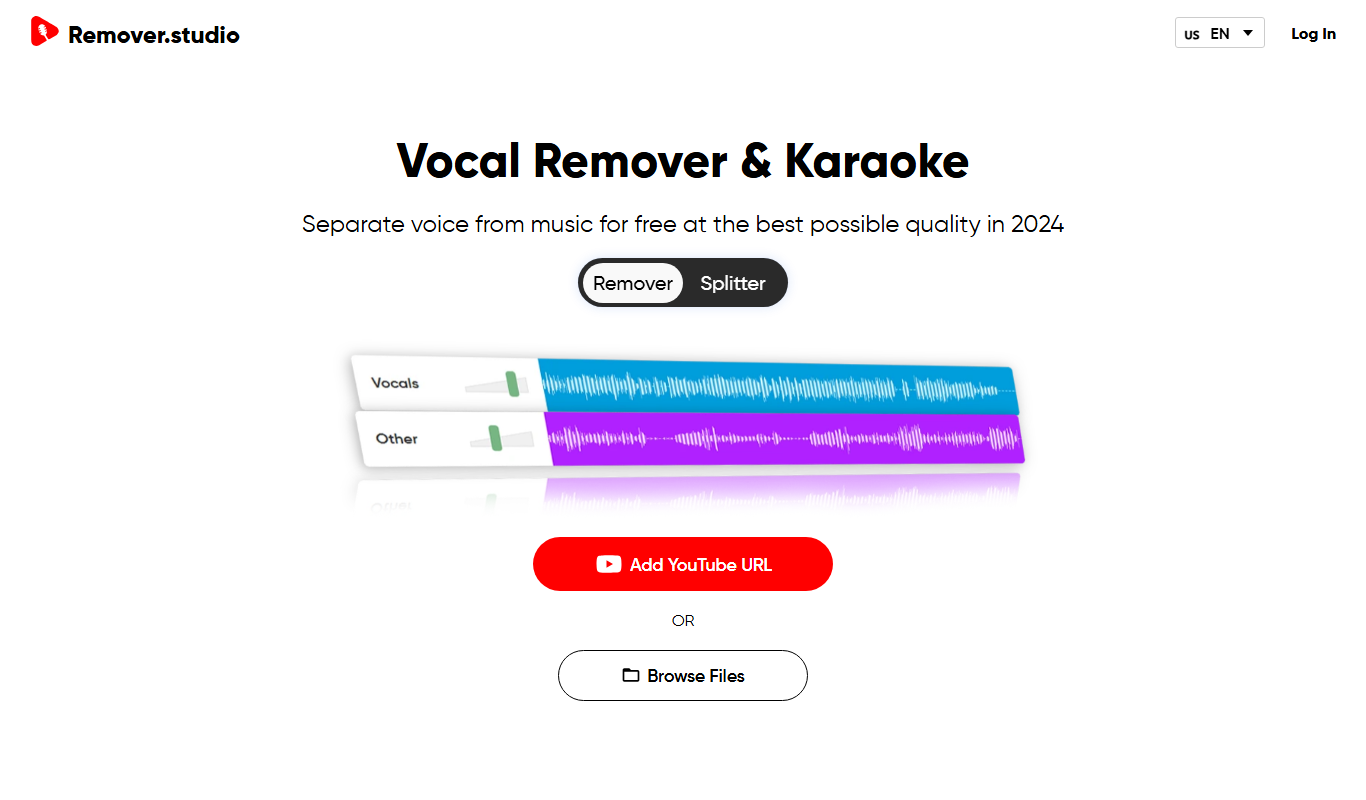
VocalRemover.co is an online AI-powered tool that removes vocals from audio tracks to create karaoke versions or isolated stems for remixing and editing.

Free
Mubert
Mubert is an AI-driven music generation platform that creates continuous, royalty-free music streams customizable by genre and mood, suitable for streaming, content creation, and commercial use.

Free
Aiva
Aiva is an AI music composition software that generates original music in various styles, enabling creators to produce soundtracks and background music quickly without needing musical expertise.

Free
MusicHero.ai: Free AI Music Generator from Text Online
MusicHero.ai is a free online AI tool that generates original music tracks from user-provided text descriptions, enabling quick and easy music creation without musical skills.
Free Trial
SongCleaner
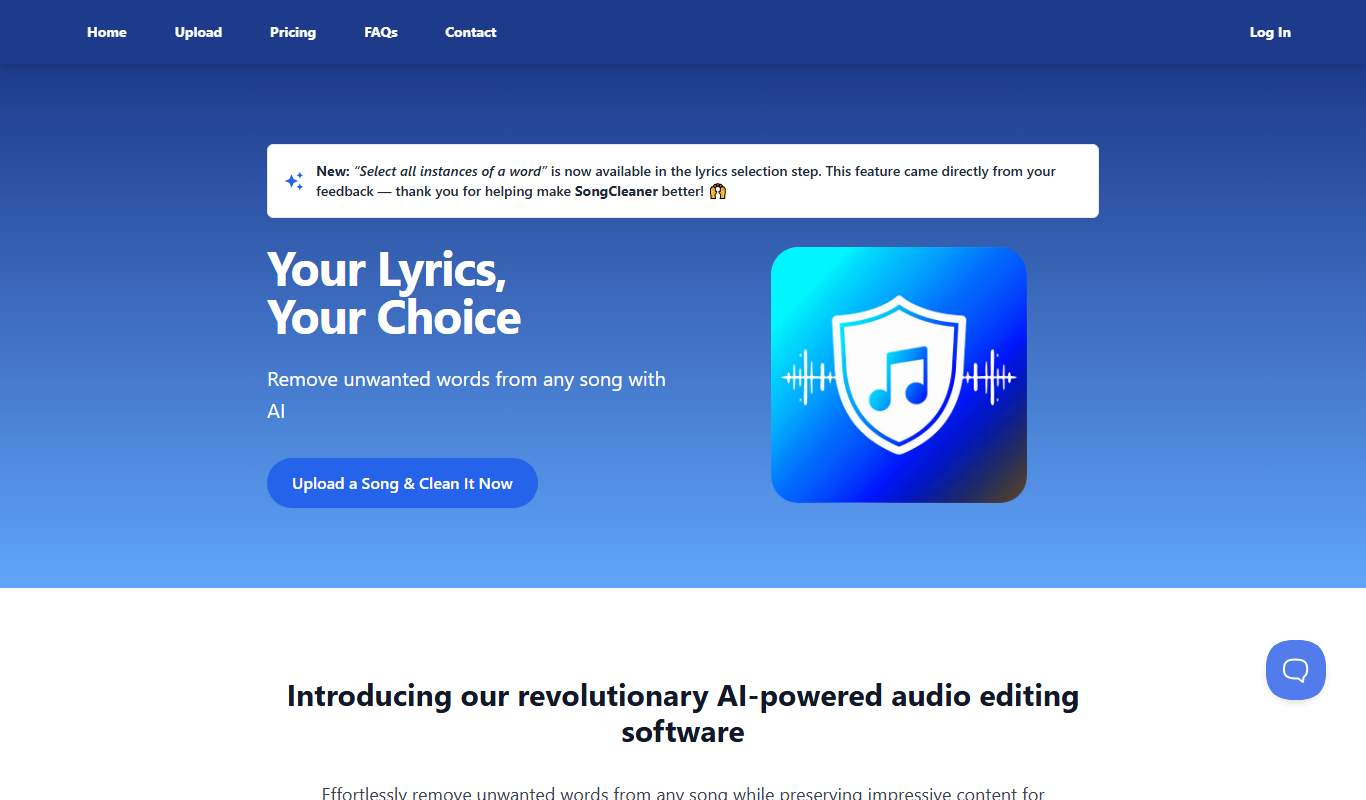
SongCleaner is a web-based audio noise reduction tool that automatically removes background noise and hiss from music and voice recordings, improving audio clarity without requiring technical skills.
Free
Music 2 Tube
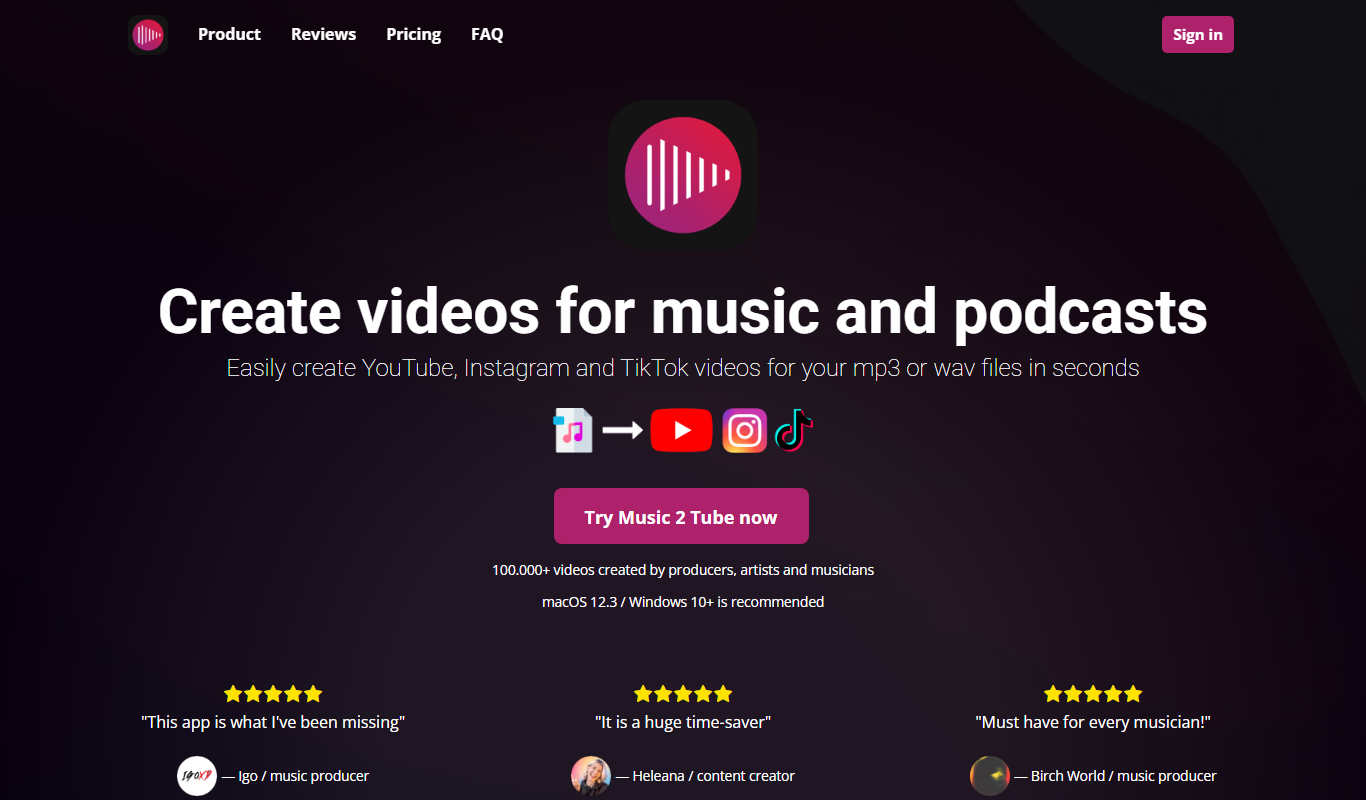
Music 2 Tube is an online tool that converts your music or audio files into videos optimized for YouTube by combining audio with customizable visuals.

Freemium
Decrackle Playground & APIs
Decrackle Playground & APIs is an AI-driven platform that removes crackle, hiss, and other noise from audio recordings using machine learning, available via a web interface and APIs.