

From my experience with Duckietown, it stands out as a practical and accessible platform for learning autonomous robotics through hands-on projects. The combination of affordable hardware and realistic simulation makes it ideal for students and researchers who want to prototype and test self-driving algorithms without the complexity of full-scale vehicles. While assembling the hardware requires some technical skill, the extensive documentation and active community help bridge that gap. Overall, Duckietown is a valuable resource for anyone interested in robotics education or autonomous vehicle research.
Duckietown Autonomous Robotics Platform for Education and Research
Duckietown is an open-source platform combining affordable hardware and simulation tools to teach and research autonomous driving using small-scale robots called Duckiebots.
- Best for
- Robotics Education
- Key capability
- Affordable Modular Hardware
Your actions
Save duckietown.org, follow its updates and vote on it — everything stays in your account.
Sign in or create a free account

What is duckietown.org?
Duckietown is an open-source platform designed to teach and research autonomous driving and robotics through a hands-on approach. It combines affordable hardware kits, realistic simulation environments, and educational resources to enable users to build and program small-scale self-driving vehicles called Duckiebots. The platform is widely used in universities and research labs to explore robotics concepts, computer vision, and AI in a practical setting.
Key features of duckietown.org
Duckietown offers modular hardware kits, a comprehensive software stack, realistic simulators, and extensive educational materials. Its open-source nature encourages collaboration and innovation in autonomous vehicle research and education.
Affordable Modular Hardware
Compact, customizable Duckiebot kits designed for easy assembly and experimentation.
Realistic Simulation Environment
High-fidelity simulators that replicate real-world driving scenarios for safe algorithm testing.
Open Source Software Stack
Comprehensive ROS-based software with tools for perception, planning, and control.
Educational Curriculum and Tutorials
Structured learning materials and exercises for students and educators.
Community and Collaboration
Active global community supporting knowledge sharing and joint development.
Pros and cons of duckietown.org
Pros
- Open-source and free software
- Affordable hardware kits for hands-on learning
- Comprehensive educational resources
- Active and supportive community
- Realistic simulation environment
Cons
- Hardware kits require assembly and some technical skills
- Limited to small-scale autonomous vehicle models
- Documentation can be technical for absolute beginners
Key use cases for duckietown.org
Robotics Education
Provides hands-on learning experiences for students and educators in autonomous robotics and self-driving car technologies.
Research and Development
Enables researchers to prototype, test, and validate algorithms for autonomous vehicles using physical robots and simulators.
Open Source Community Collaboration
Facilitates contributions and sharing of code, designs, and educational materials within a global community.
Simulation and Testing
Offers simulation environments to safely develop and test autonomous driving algorithms before deploying on hardware.
How duckietown.org works
- 1
Acquire Hardware or Use Simulator
Users can purchase Duckiebot kits or use the Duckietown simulator to start experimenting with autonomous driving.
- 2
Set Up Software Environment
Install the Duckietown software stack, which includes ROS-based tools and custom packages for vehicle control and perception.
- 3
Develop and Test Algorithms
Program autonomous driving behaviors using provided APIs and test them in simulation or on physical Duckiebots.
- 4
Participate in Community and Challenges
Engage with the Duckietown community through forums, workshops, and competitions to improve skills and contribute.
Who is using duckietown.org
University students and educators
Robotics researchers
AI and autonomous vehicle enthusiasts
STEM education programs
Hobbyists interested in robotics
duckietown.org pricing
Free
$0
Access to all open-source software, simulation tools, and educational resources.
Hardware Kits
Varies (~$300-$500)
Purchase physical Duckiebot kits and accessories for hands-on experimentation.
Plans and prices are as published by the vendor and can change. Check the official site before you buy. Open the pricing page (opens in a new tab)
Frequently asked questions about duckietown.org
Duckietown is an open-source platform for learning and researching autonomous driving using small-scale robots and simulators.
No, Duckietown provides educational materials suitable for beginners as well as advanced users.
Yes, many universities and labs use Duckietown for prototyping and testing autonomous vehicle algorithms.
Yes, all Duckietown software and simulation tools are open source and freely available.
This tool is designed to help users accomplish its core tasks more efficiently. It is typically used by individuals or teams looking to improve productivity and workflow.
It depends on your specific needs and how you plan to use the tool. The official website and documentation are the best sources for the latest details.
This tool is designed to help users accomplish its core tasks more efficiently. It is typically used by individuals or teams looking to improve productivity and workflow.
Sign in to review this tool.
Sign In to ReviewNo reviews yet
Be the first to share how this tool worked for you.
Ask about pricing, limits, or how it compares — or answer someone else.
Sign In to AskNo questions yet
Have a question about using or paying for this tool? Be the first to ask.
Featured on TiorAI



Alternative Tools
Explore similar AI tools that might fit your needs

Free
CARLA Simulator
CARLA Simulator is a free, open-source autonomous driving simulator that provides realistic urban environments and sensor data for testing and developing self-driving vehicle algorithms.

Free
Gazebo Simulator
Gazebo Simulator is a free, open-source 3D robotics simulation tool that provides realistic physics and sensor simulation, widely used for robot software development and research.
More Coding & Development tools
Other tools in the same category, for when this one is not quite the fit.

Custom Pricing
evolv.ai
Evolv.ai is an AI-powered experimentation platform that uses machine learning to run large-scale multivariate tests and optimize digital experiences in real-time.
Free
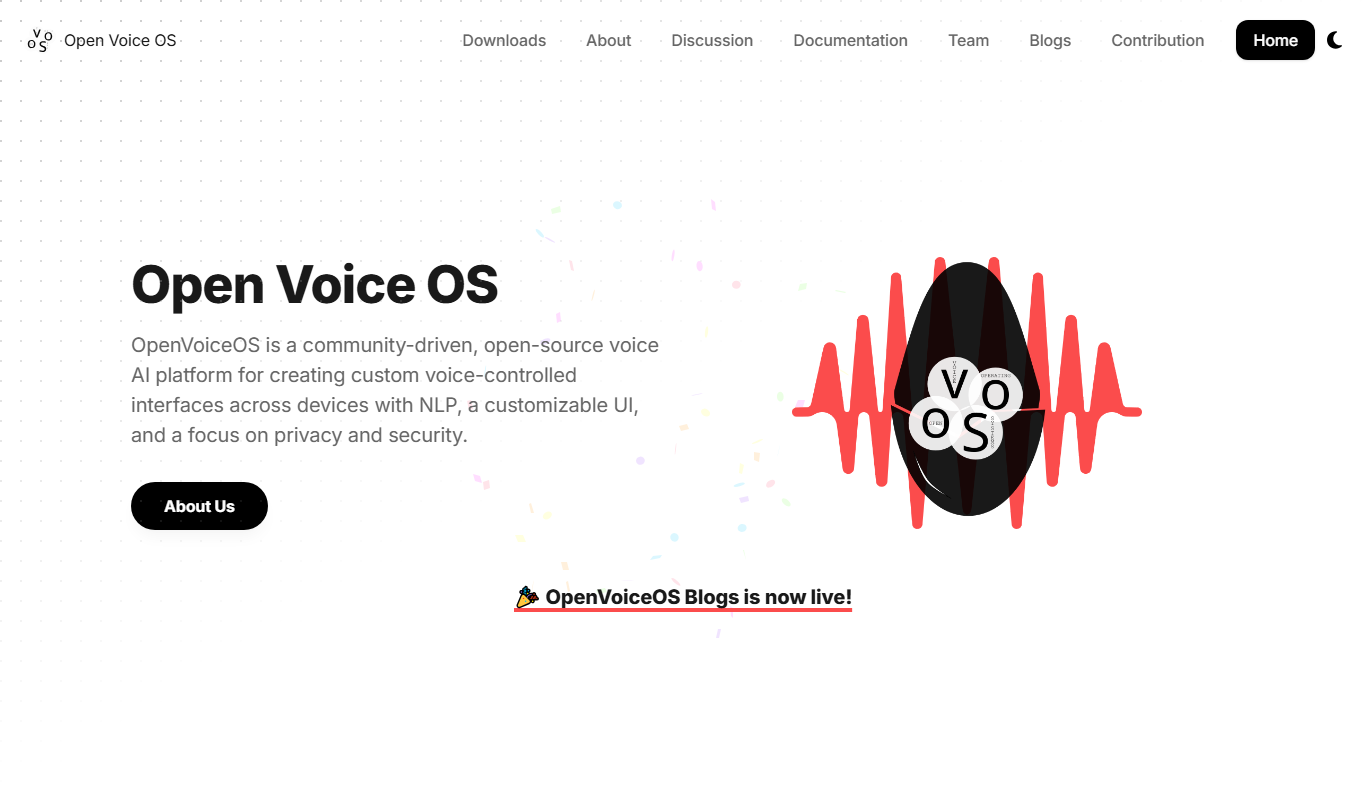
Open Voice OS
Open Voice OS is an open source voice assistant operating system that enables privacy-focused, offline voice control on Linux and Raspberry Pi devices.

Free
Neon AI
Neon AI is an open source voice assistant platform that enables users to create customizable, privacy-focused AI assistants with offline capabilities and smart home integrations.
Freemium
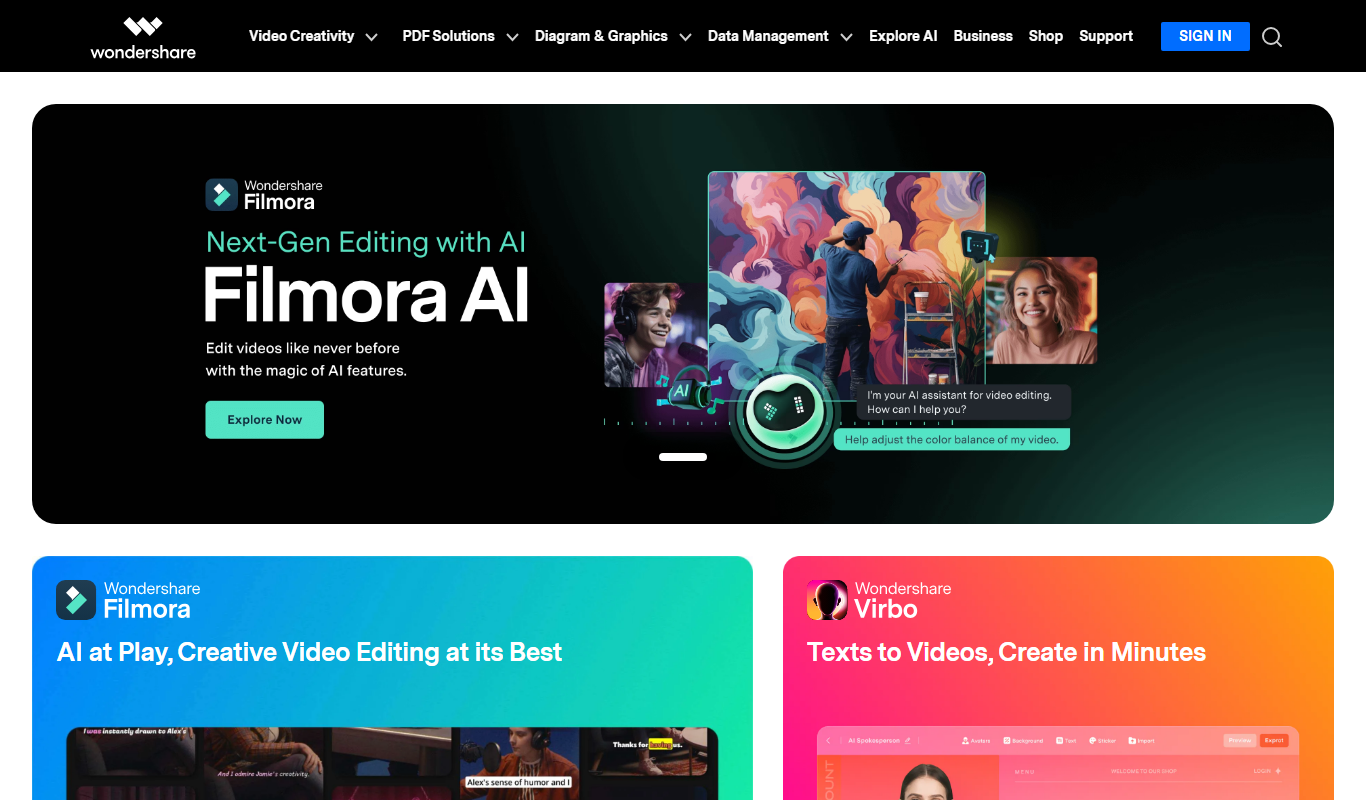
wondershare.net
Wondershare is a software company providing a suite of tools including video editing, PDF editing, data recovery, screen recording, and media conversion for Windows, Mac, iOS, and Android platforms.

Subscription
CodeSignal
CodeSignal is a platform that helps companies assess and interview software developers through automated coding tests and live coding interviews.
Enterprise Licensing
MuleSoft
MuleSoft is an integration platform that connects applications, data, and devices through APIs and integration flows, and now also governs AI agents through Agent Fabric, an AI control plane.

Freemium
Wwise
Wwise is an audio middleware solution by Audiokinetic that enables interactive sound design and real-time audio integration for games and VR applications.

Custom Licensing
FMOD
FMOD is an advanced audio middleware platform used primarily by game developers and interactive media creators to design, integrate, and control adaptive audio content across multiple platforms.