

Doculator AI Document, Video and Image Translator
Doculator translates documents, videos and images with AI, keeping document formatting, dubbing videos with lip-sync in 130+ languages and preserving image layouts.
- Best for
- Business documents
- Key capability
- Document Translator
Save Doculator, follow its updates and vote on it — everything stays in your account.
Sign in or create a free account
What is Doculator?
Doculator is an AI translation platform with three tools: a Document Translator that keeps the original formatting of PDF, Word, Excel and PowerPoint files, a Video Translator with lip-sync and AI voices, and an Image Translator that replaces text in images while keeping the layout.
Key features of Doculator
Doculator translates PDF, Word, Excel, PowerPoint, EPUB and TXT files with their formatting, translates videos with lip-sync and AI voices, translates text inside images and keeps a history of translations.
Document Translator
Translates PDF, Word, Excel, PowerPoint, EPUB and TXT files while preserving the original formatting and layout.
Video Translator
Translates videos with lip-sync and natural-sounding voices in 130+ languages.
Image Translator
Recognizes printed and handwritten text in images with OCR and translates it while preserving the layout.
Side-by-side preview
Shows source and target documents side by side during translation for quality checking.
Choice of AI models
Integrates AI models such as GPT and Gemini and recommends a model for each document type.
Pros and cons of Doculator
Pros
- Keeps the original document formatting and layout
- Video translation with lip-sync in 130+ languages
- Single document files up to 500MB
- Free trial for all plans
- Translation history saved automatically
Cons
- Monthly credits limit the number of videos, images and document characters per plan
- Images are limited to 20MB each
- Focused mainly on legal documents, less suited for other domains
Key use cases for Doculator
Business documents
Translate business plans, contracts and financial reports for cross-border operations.
Academic research
Translate foreign language literature and papers.
E-commerce images
Convert product description images into multiple languages.
Education
Translate textbooks, courseware and learning materials for international courses.
Technical documentation
Translate product manuals, API documentation and technical specifications.
How Doculator works
- 1
Upload your document
Drag and drop the file or select it from your computer.
- 2
Select languages
Choose from 100+ languages; the AI auto-detects the source language.
- 3
Choose a translation model
Select an AI model from OpenAI, Google or Anthropic for the content type.
- 4
Get your translation
Download the translated document with its formatting preserved.
Who is using Doculator
Doculator pricing
Basic
$15.00 per month, billed annually
600 credits per month: 150 videos of 30 seconds, 600 image translations or 30,000 characters of document translation.
Professional
$25.00 per month, billed annually
1200 credits per month: 300 videos of 30 seconds, 1200 image translations or 600,000 characters of document translation.
Enterprise
$45.00 per month, billed annually
2000 credits per month: 500 videos of 30 seconds, 2000 image translations or 1,000,000 characters of document translation.
Plans and prices are as published by the vendor and can change. Check the official site before you buy. Open the pricing page (opens in a new tab)
Frequently asked questions about Doculator
Documents, videos and images, through its Document Translator, Video Translator and Image Translator.
Word (DOC/DOCX), PDF, Excel (XLS/XLSX), PowerPoint (PPT/PPTX), EPUB and TXT, with single files up to 500MB.
The document translator supports translation between 100+ languages.
Yes. Doculator offers a free trial for all plans.
Users can choose AI models from OpenAI, Google and Anthropic.
Doculator says it complies with data protection regulations like GDPR and CCPA.
PNG, JPEG, JPG, WebP, BMP and GIF, with single images up to 20MB and batch upload.
Conclusion
Three separate translators make up Doculator: one for documents, one for videos and one for images. The document tool keeps the formatting of Word, PDF and PowerPoint files, shows source and target side by side and lets the user pick a model such as GPT or Gemini. Videos are dubbed with lip-sync in 130+ languages, while images go through OCR so the translated text sits in the original layout.
Typical material ranges from contracts and research papers to course materials and product images. Every plan can be tried for free, and paid plans run on monthly credits that cap how many videos, images and document characters can be translated.
Sources
Sign in to review this tool.
Sign In to ReviewNo reviews yet
Be the first to share how this tool worked for you.
Ask about pricing, limits, or how it compares — or answer someone else.
Sign In to AskNo questions yet
Have a question about using or paying for this tool? Be the first to ask.
Featured on TiorAI



Alternative Tools
Explore similar AI tools that might fit your needs

Luminance
Luminance is an AI-powered legal technology platform that automates contract review and document analysis to help law firms and corporate legal teams identify risks and streamline workflows.
More AI Translation Tools tools
Other tools in the same category, for when this one is not quite the fit.

Pairaphrase
Pairaphrase is an AI-powered translation platform that combines machine translation with customizable glossaries and translation memory to deliver accurate, secure, and collaborative document translations for businesses.
Banva
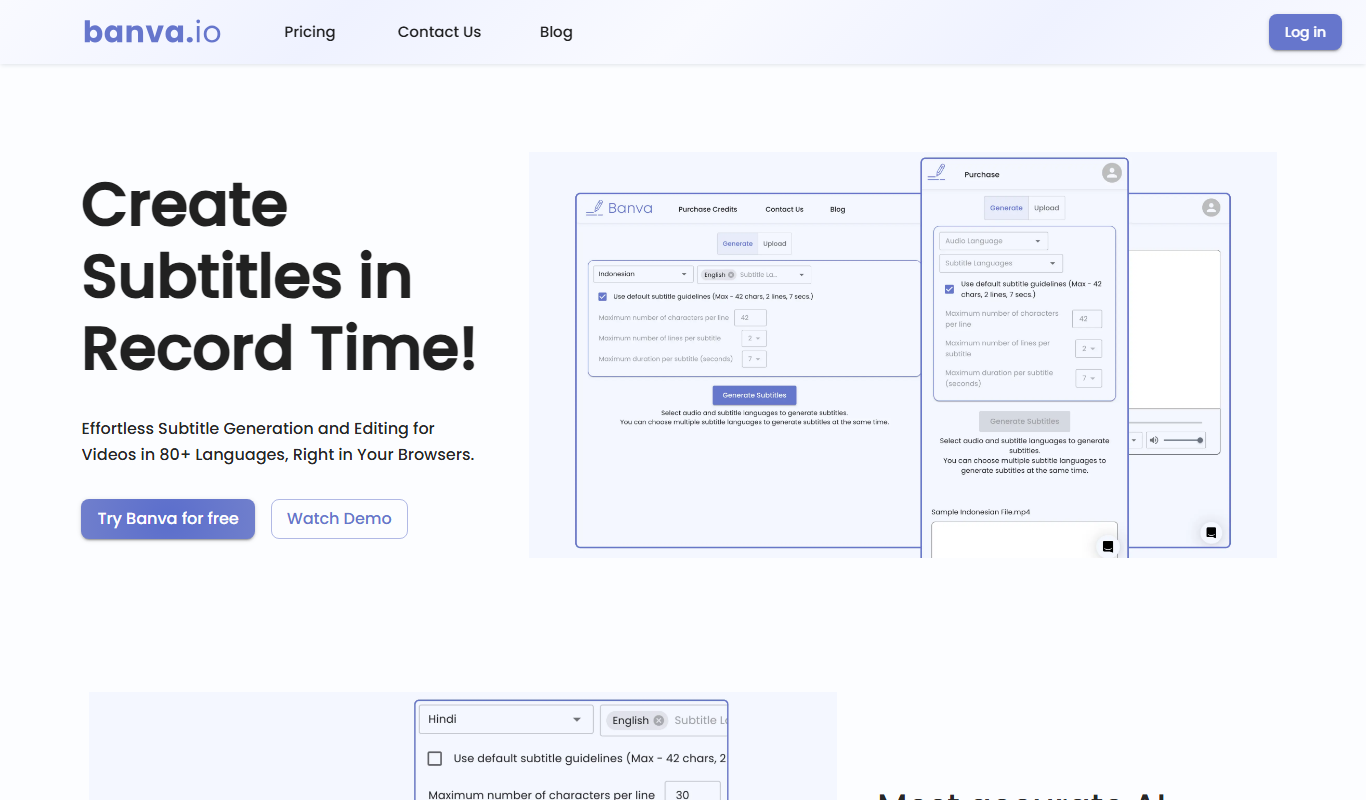
Banva is an AI subtitling, transcription and translation platform for video and audio in 90+ languages, with pay-as-you-go credits after 15 free minutes.

Manga Translator
Manga Translator is an AI extension for Chrome and Edge that translates manga, manhwa, webtoons, raw scans and screenshots into 100+ languages while you read online.

AI Manga Translator
AI Manga Translator is a web tool that uses AI to translate raw manga and comic images into multiple languages while preserving the original artwork and layout.
Lingvanex
Lingvanex is an AI-based translation software that provides real-time text, voice, document, and offline translations in over 100 languages, suitable for individuals, businesses, and developers.

Linguana
Linguana is an AI-driven translation platform that helps businesses efficiently translate and manage multilingual content with CMS integration and collaborative tools.

DocTransGPT
DocTransGPT is a free AI workspace for writing, captions, translation, PDF tools and OCR, with essential tools usable without sign-up.

Tutor Lily
Tutor Lily is an AI language tutor for real conversations in 50+ languages, with a personalized, science-backed method that remembers your goals and mistakes.