

DiffRhythm AI Music Generator for Creative Sound Design and Composition
DiffRhythm AI is a web-based song generator that creates complete songs with vocals and accompaniment from lyrics and a style prompt, using latent diffusion technology.
- Best for
- Music Composition
- Key capability
- AI-Powered Music Generation
Save DiffRhythm AI, follow its updates and vote on it — everything stays in your account.
Sign in or create a free account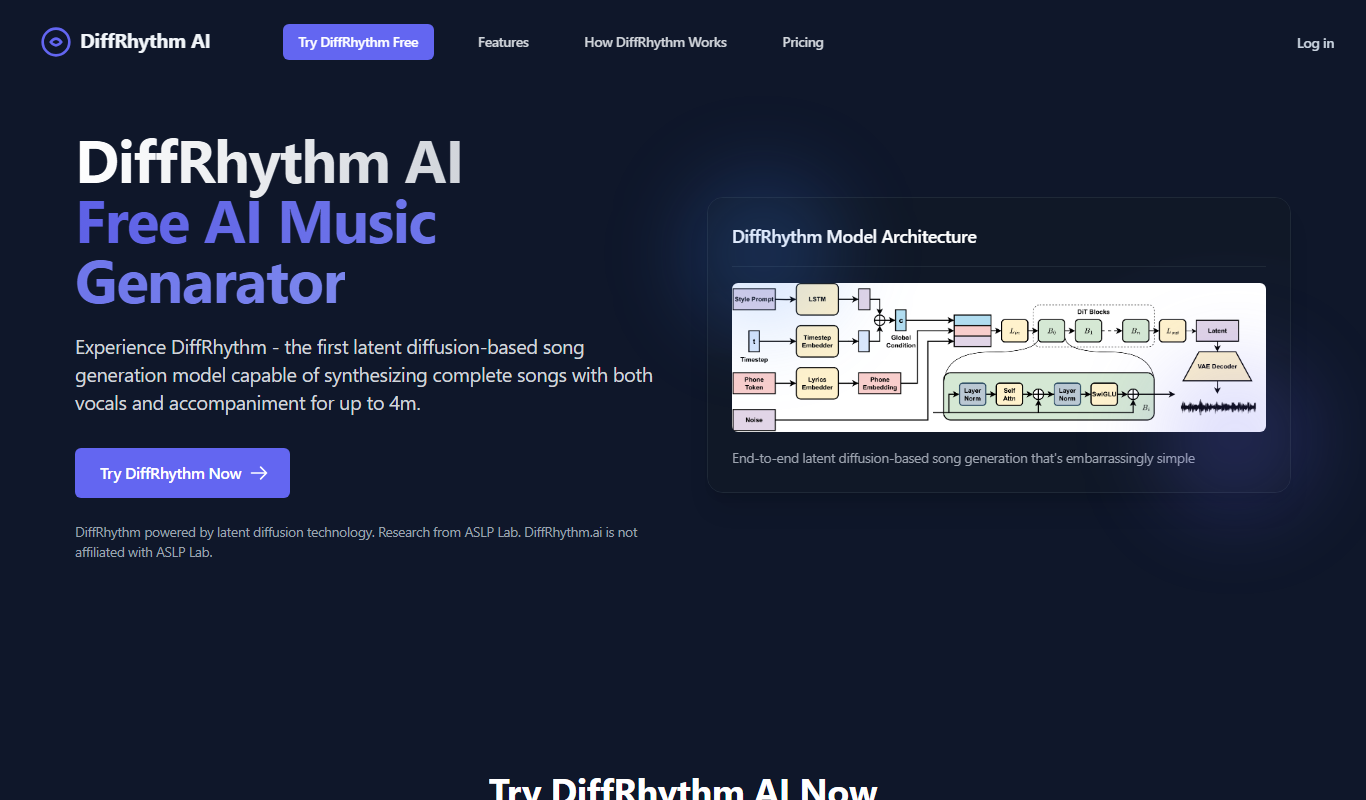

What is DiffRhythm AI?
DiffRhythm AI is a web-based AI song generator that creates complete songs with both vocals and accompaniment from just lyrics and a style prompt, using latent diffusion technology.
Key features of DiffRhythm AI
DiffRhythm AI offers features such as AI-driven rhythm and melody generation, customizable parameters for style and tempo, real-time audio preview, and export options for seamless integration into creative workflows.
AI-Powered Music Generation
Creates songs with both vocals and accompaniment in a single pass, without separate models or complex multi-stage architectures.
Customizable Parameters
Allows users to set tempo, style, and other musical attributes to tailor outputs.
Real-Time Audio Preview
Enables immediate listening to generated music for quick iteration.
Export Options
Supports downloading generated tracks in common audio formats for easy integration.
User-Friendly Web Interface
Accessible platform requiring no installation, suitable for creators of all skill levels.
Pros and cons of DiffRhythm AI
Pros
- Generates unique and creative music quickly
- Easy to use with no prior musical knowledge required
- Customizable parameters allow tailored outputs
- Real-time previews speed up creative workflow
Cons
- No disclosed API for integration
- Currently supports only English language interface
Key use cases for DiffRhythm AI
Music Composition
Generate unique music tracks and rhythms for personal or professional projects.
Sound Design
Create innovative soundscapes and audio textures using AI-driven tools.
Creative Experimentation
Explore new musical ideas and styles by leveraging AI-generated rhythms and melodies.
Content Creation
Produce background music for videos, podcasts, and other multimedia content.
Learning and Inspiration
Use AI-generated music to inspire musicians and producers in their creative process.
How DiffRhythm AI works
- 1
Access the Platform
Visit the DiffRhythm AI website and create an account to start generating music.
- 2
Select Music Parameters
Enter the lyrics for your song, then specify the musical style with a simple prompt like pop, rock, ballad or jazz.
- 3
Generate Music
Click generate and within seconds DiffRhythm creates a complete song with vocals and accompaniment that you can download and share.
- 4
Preview and Customize
Listen to generated tracks and adjust parameters or regenerate to refine the output.
- 5
Export and Use
Download your AI-generated music for use in projects such as videos, podcasts, or compositions.
Who is using DiffRhythm AI
DiffRhythm AI pricing
Free
$0 /month
8 songs as a one-time free quota; DiffRhythm V1 model only; 4-minute songs.
Starter
$6.99 /month billed yearly ($83.9/year)
Perfect for getting started: 18,000 credits a year, all 4 models (V1-V4), 8-minute songs, WAV and MP3 download, extract stems and remove vocal, commercial license, 3 concurrent generations, private generation, unlimited storage.
Unlimited
$99 /month, or $59 /month billed yearly ($712.9/year)
For power users and teams: unlimited song generation with all 4 models (V1-V4), 18,000 bonus credits for advanced tools, 8-minute songs, WAV and MP3 download, extract stems and remove vocal, commercial license, 8 concurrent generations, unlimited storage.
Plans and prices are as published by the vendor and can change. Check the official site before you buy. Open the pricing page (opens in a new tab)
Frequently asked questions about DiffRhythm AI
Yes, music generated with DiffRhythm AI can be used commercially according to the platform’s licensing terms.
No, the platform is designed to be user-friendly for both beginners and experienced musicians.
You can export generated music in common formats such as WAV and MP3.
Currently, DiffRhythm AI is accessible via its web interface; API availability is not specified.
It depends on your specific needs and how you plan to use the tool. The official website and documentation are the best sources for the latest details.
Yes, it can help with that use case depending on how you configure it and what features are available. You’ll get the best results with clear inputs and a defined goal.
It depends on your specific needs and how you plan to use the tool. The official website and documentation are the best sources for the latest details.
Yes, it can help with that use case depending on how you configure it and what features are available. You’ll get the best results with clear inputs and a defined goal.
Conclusion
Only two inputs are needed: the lyrics for a song and a simple style prompt like pop, rock, ballad or jazz. From those, the model creates a complete song with both vocals and accompaniment in a single pass, with no separate models or multi-stage architecture. The approach is built on latent diffusion with a non-autoregressive structure, which the site links to its fast generation. The work originates from research by the ASLP Lab, while DiffRhythm.ai itself is not affiliated with ASLP Lab.
A free tier offers a one-time quota of songs on the DiffRhythm V1 model only, at up to 4 minutes per song. The Starter and Unlimited plans include all four models (V1-V4), 8-minute songs, stem extraction and vocal removal, and a commercial license. Unused credits roll over, and plans can be canceled anytime.
Sources
Sign in to review this tool.
Sign In to ReviewNo reviews yet
Be the first to share how this tool worked for you.
Ask about pricing, limits, or how it compares — or answer someone else.
Sign In to AskNo questions yet
Have a question about using or paying for this tool? Be the first to ask.
Featured on TiorAI



More AI Design & Creative Tools tools
Other tools in the same category, for when this one is not quite the fit.
Instantgen AI
Instantgen AI generates images from text prompts, and it also generates text, social media posts and product descriptions.

palettemaker.com
PaletteMaker.com is a free web-based tool that generates harmonious color palettes based on a selected base color, helping designers and artists create consistent color schemes quickly.

HueWheel
HueWheel is a color palette generator that uses AI to create palettes from a natural language description or an uploaded image.

Logomaster
Logomaster is an AI-driven online logo maker that generates and customizes professional logos for businesses and individuals without design experience.
Doodle Collective
Doodle Collective is an AI art generator that transforms text prompts into unique digital images, suitable for creative projects and marketing.

Game Assets Generator
Game Assets Generator is a web-based tool for creating 2D game assets; it does not offer 3D models.
Ad Mocker
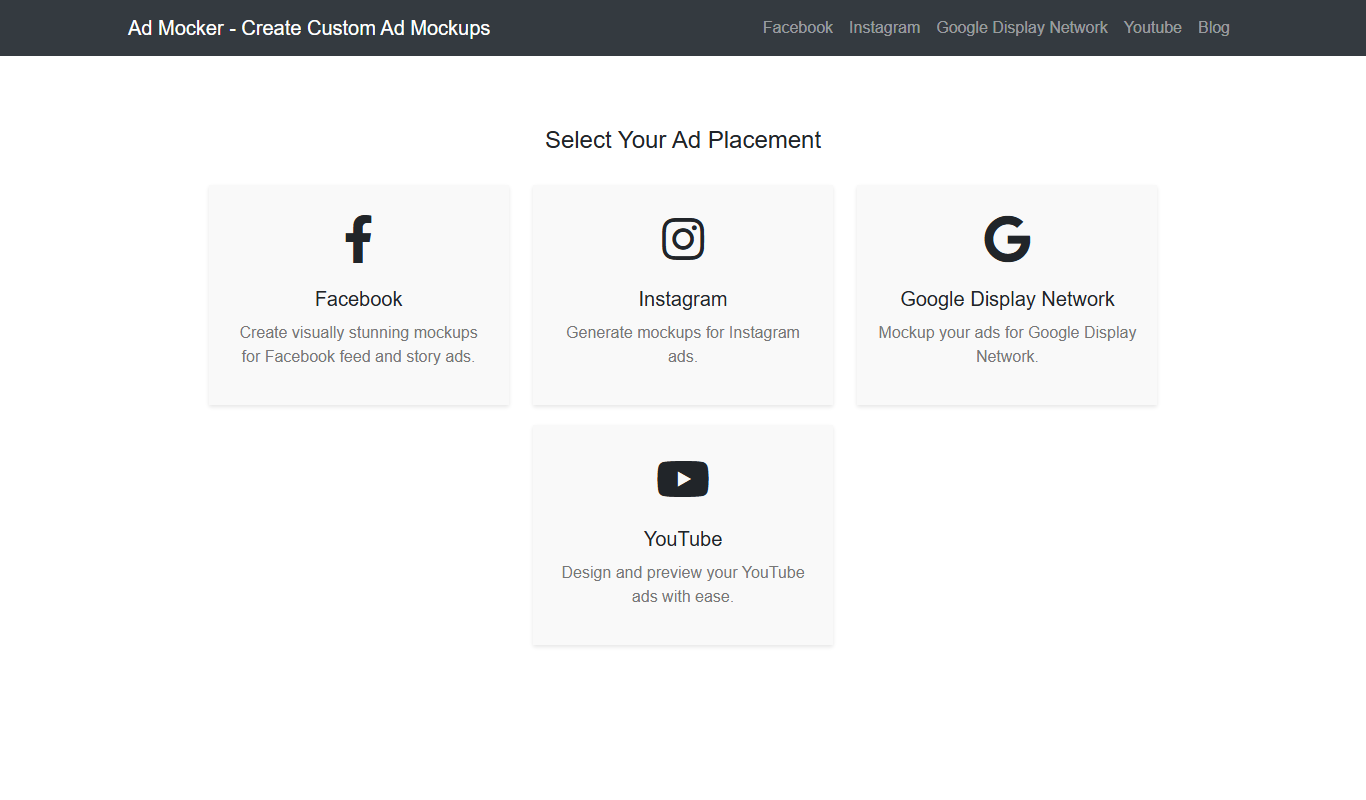
Ad Mocker is a free web-based tool that helps marketers and designers create realistic ad mockups quickly without needing advanced design software.

Guess The Prompt!
Guess The Prompt! is a free online game where players guess AI-generated prompts based on images or clues, promoting creative thinking and fun.