

From my experience with Create My Test, I found it excels at simplifying the process of building and managing online exams with an easy-to-use interface and automated grading features. It is particularly well-suited for educators and trainers who need to quickly create assessments without technical complexity. However, the platform currently supports only English and lacks a mobile app, which may limit accessibility for some users. Overall, if you require a straightforward online test generator with essential features and reporting, Create My Test delivers reliable performance.
Create My Test - Online Exam Generator for Custom Assessments
Create My Test is a web-based tool that enables users to create and conduct online tests with multiple question types, automated grading, and detailed performance reports.
- Best for
- Creating Custom Tests
- Key capability
- Multiple Question Types
Your actions
Save Create my test, follow its updates and vote on it — everything stays in your account.
Sign in or create a free account
What is Create my test?
Create My Test is a web-based platform that allows educators, trainers, and organizations to create, manage, and conduct online tests and exams. It supports multiple question formats and provides automated grading and reporting features to streamline the assessment process.
Key features of Create my test
The platform offers an intuitive test creation interface, various question types including multiple-choice and descriptive, automated scoring, real-time result tracking, and customizable test settings for timing and access control.
Multiple Question Types
Supports multiple-choice, true/false, fill-in-the-blank, and descriptive questions.
Automated Grading
Instant scoring for objective questions to reduce manual effort.
Customizable Test Settings
Set time limits, randomize questions, and control access to tests.
Detailed Reporting
Generate reports on individual and group performance with analytics.
User-Friendly Interface
Simple and clean design for easy test creation and management.
Pros and cons of Create my test
Pros
- Easy to use test creation interface
- Automated grading saves time
- Supports multiple question formats
- Detailed performance analytics
- Flexible pricing plans
Cons
- Limited language support (English only)
- No mobile app available
- Offline testing not supported
Key use cases for Create my test
Creating Custom Tests
Design and generate personalized tests for students or employees with various question types.
Conducting Online Exams
Host secure online exams accessible remotely, enabling distance assessments.
Automated Grading
Automatically grade multiple-choice and objective questions to save time on evaluation.
Generating Reports
Analyze test results with detailed reports to track performance and identify knowledge gaps.
Training and Certification
Use the platform to certify skills and knowledge in corporate or educational settings.
How Create my test works
- 1
Sign Up
Register for a free or paid account on the Create My Test website.
- 2
Create Test
Use the test builder to add questions, set time limits, and configure test options.
- 3
Share Test Link
Distribute the test URL to participants via email or other communication channels.
- 4
Conduct Exam
Participants take the test online within the specified parameters.
- 5
Review Results
Access automated grading results and detailed performance reports.
Who is using Create my test
Educators and teachers
Corporate trainers
Small to medium educational institutions
HR departments conducting assessments
Online course creators
Create my test pricing
Free
$0/month
Basic test creation with limited questions and participants.
Pro
$15/month
Extended features including more questions, participants, and advanced reporting.
Enterprise
Custom pricing
Tailored solutions with dedicated support and additional integrations.
Plans and prices are as published by the vendor and can change. Check the official site before you buy. Open the pricing page (opens in a new tab)
Frequently asked questions about Create my test
The free plan allows creating tests but with limits on the number of questions and participants.
Yes, you can set time limits for each test to control exam duration.
Tests are shared via a unique URL that participants can access online.
No, Create My Test is a web-based platform requiring internet access.
It depends on your specific needs and how you plan to use the tool. The official website and documentation are the best sources for the latest details.
Yes, it can help with that use case depending on how you configure it and what features are available. You’ll get the best results with clear inputs and a defined goal.
Yes, it can help with that use case depending on how you configure it and what features are available. You’ll get the best results with clear inputs and a defined goal.
Sign in to review this tool.
Sign In to ReviewNo reviews yet
Be the first to share how this tool worked for you.
Ask about pricing, limits, or how it compares — or answer someone else.
Sign In to AskNo questions yet
Have a question about using or paying for this tool? Be the first to ask.
Featured on TiorAI



Alternative Tools
Explore similar AI tools that might fit your needs

Free
Testmoz
Testmoz is a web-based quiz maker that enables users to create, distribute, and automatically grade online tests with multiple question types and secure access.
Free Trial
ClassMarker
ClassMarker is a secure online testing platform that allows users to create, deliver, and grade exams and quizzes with customizable settings and automated scoring.

Free Trial
ProProfs Quiz Maker
ProProfs Quiz Maker is an online platform that allows users to create, customize, and share quizzes for training, education, and marketing purposes with features like automated grading and detailed analytics.
More AI Education & Learning Tools tools
Other tools in the same category, for when this one is not quite the fit.

Free
KidsAIStory
KidsAIStory is a tool for parents to create personalized illustrated children's books, not a platform where children write their own stories.

Free
FreeEssayWriter.AI
FreeEssayWriter.AI is a free web-based AI tool that generates essays instantly based on user topics, helping students create essay drafts without registration.

Free
Little Author
Little Author is an app from Blue Giraffe Labs that builds children's stories with AI from the 5Ws questions.
Custom Pricing
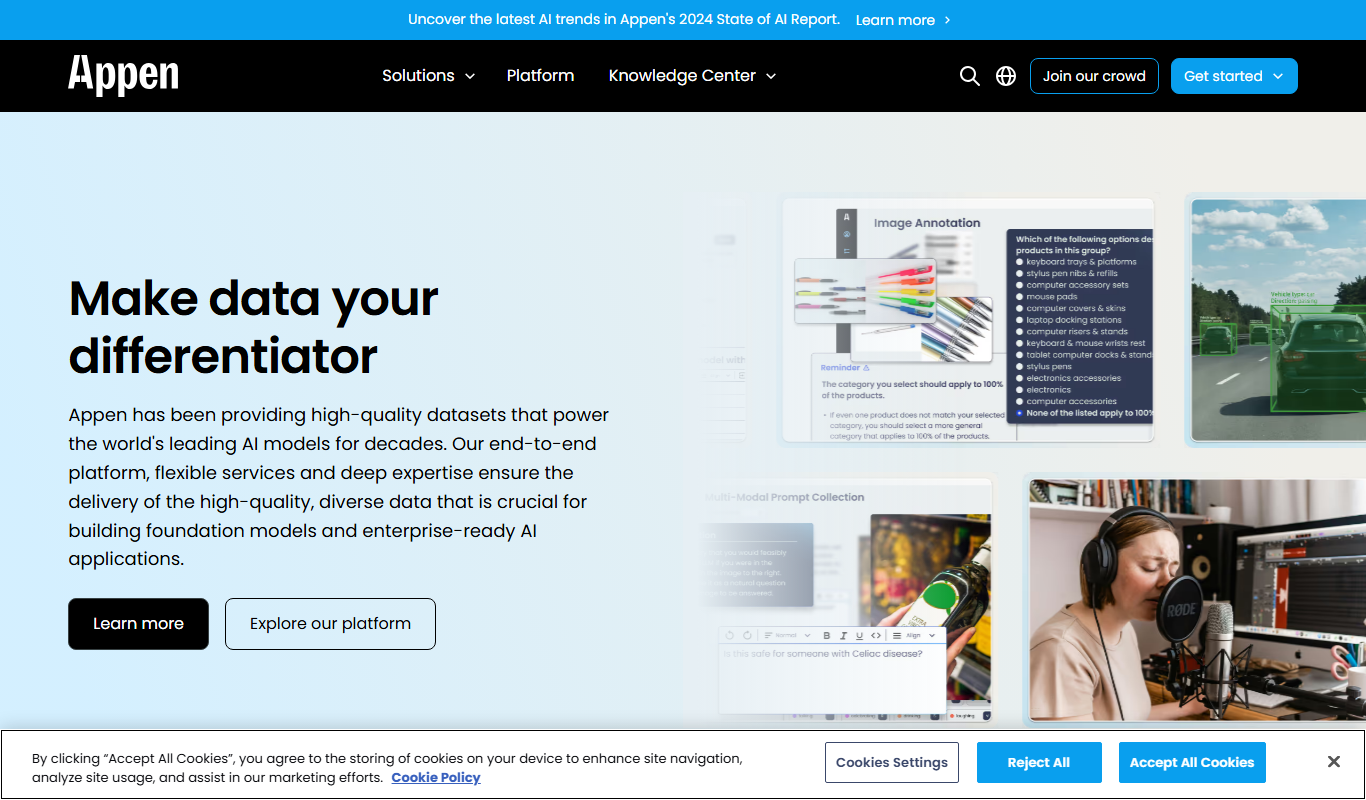
Appen
Appen is a platform offering scalable data annotation and collection services through a global crowd workforce to support AI and machine learning model training.
Free
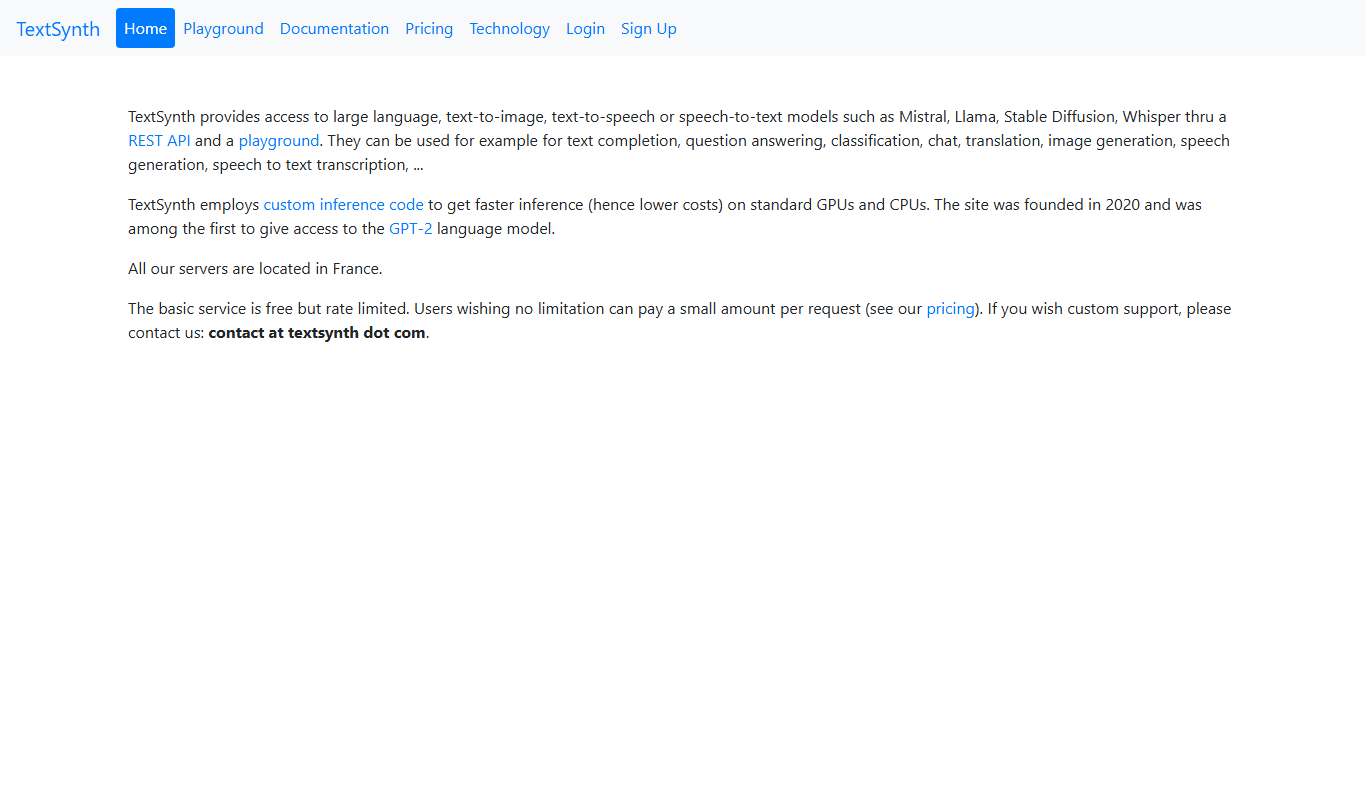
TextSynth
TextSynth is an AI platform for text generation, text-to-image, text-to-speech, speech-to-text, translation and classification.

Freemium
Readefine
Readefine is an AI reading assistant that helps users understand and summarize complex texts through AI-powered tools available on web and Chrome extension platforms.

Free Trial
Testnut
Testnut is an online exam platform that enables secure, scalable assessments with remote proctoring, automated grading, and detailed analytics, suitable for education and corporate use.

Free
AICamp
AICamp is an AI education platform offering project-based learning to teach AI, machine learning, and data science through hands-on projects and community mentorship.