

From my experience with Cognata Driving Simulator, I found it excels at providing a highly realistic and scalable environment for autonomous vehicle testing. The platform’s strength lies in its detailed sensor simulation and flexible scenario creation, which are crucial for validating complex AI driving systems safely. After spending time exploring its features, I can say it’s particularly well-suited for automotive engineers and developers focused on ADAS and self-driving technology. However, the platform’s enterprise-level pricing and technical complexity may be a barrier for smaller teams or newcomers. Overall, if you need robust virtual testing for autonomous vehicles, Cognata offers a comprehensive solution that can significantly accelerate development cycles.
Advanced Cognata Driving Simulator for Autonomous Vehicle Testing and Validation
Cognata Driving Simulator is a cloud-based platform that enables realistic simulation of autonomous vehicles and ADAS systems, supporting sensor simulation, scenario creation, and scalable testing to accelerate development and validation.
- Best for
- Autonomous Vehicle Testing
- Key capability
- High-Fidelity Sensor Simulation
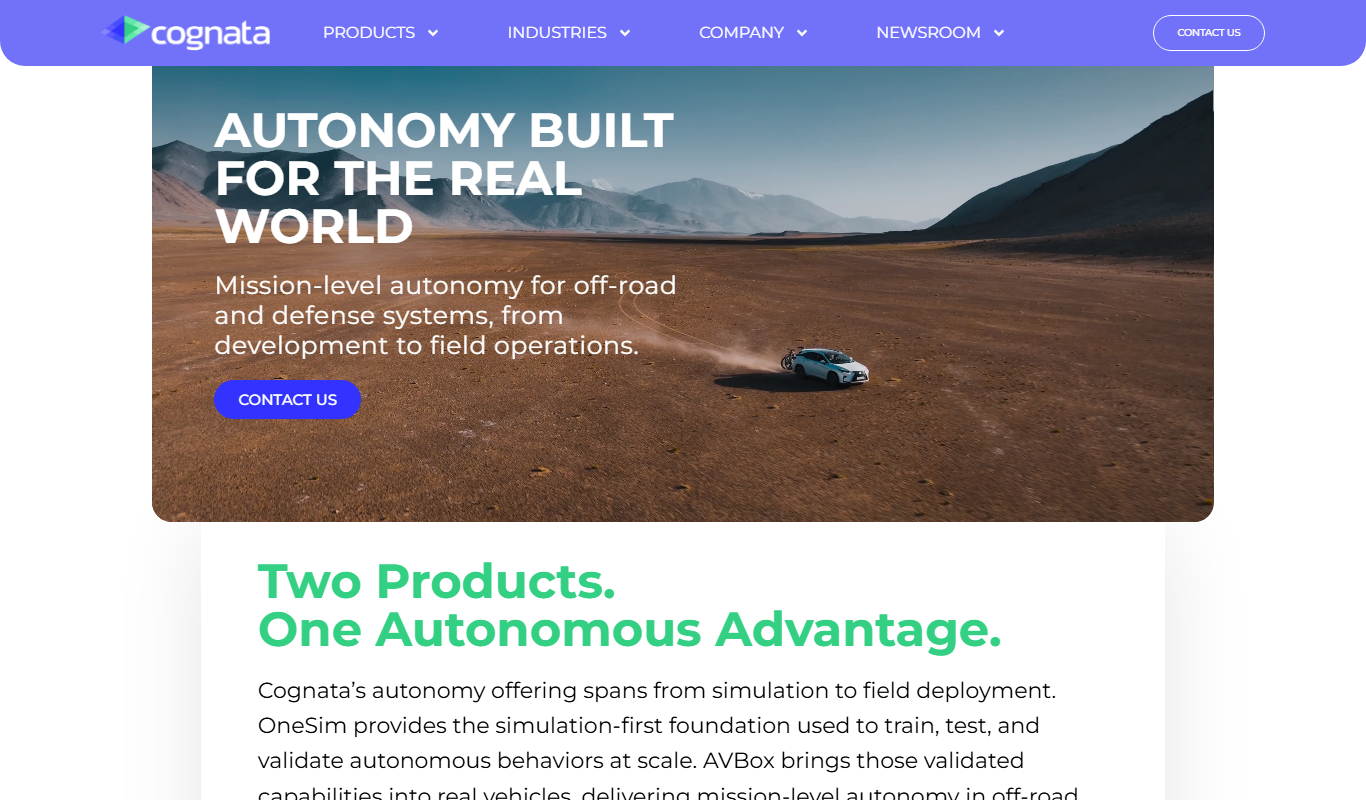
What is Cognata Driving Simulator?
Cognata Driving Simulator is a cloud-based simulation platform designed to accelerate the development and validation of autonomous vehicles and advanced driver-assistance systems (ADAS). It provides a highly realistic virtual environment that replicates real-world driving conditions, enabling automotive engineers and developers to test vehicle behavior, sensor performance, and AI algorithms safely without physical prototypes.
Key features of Cognata Driving Simulator
The platform offers comprehensive scenario creation, sensor simulation, and data analytics tools. It supports scalable cloud deployment for extensive testing campaigns and integrates with existing development workflows to streamline autonomous vehicle validation.
High-Fidelity Sensor Simulation
Accurately replicates sensor data streams including LiDAR, radar, and camera feeds for realistic perception testing.
Scalable Cloud Infrastructure
Enables large-scale parallel simulations to accelerate testing cycles and coverage.
Scenario Editor
User-friendly tools to design complex driving scenarios with customizable traffic, weather, and road conditions.
Data Analytics and Reporting
Comprehensive dashboards and reports to assess vehicle performance and compliance with safety standards.
Integration APIs
Supports integration with third-party development tools and autonomous vehicle software stacks.
Pros and cons of Cognata Driving Simulator
Pros
- Highly realistic sensor and environment simulation
- Scalable cloud infrastructure for extensive testing
- Comprehensive scenario creation tools
- Strong integration capabilities with vehicle software
- Supports regulatory compliance testing
Cons
- Pricing is custom and may be costly for small teams
- Primarily focused on enterprise and automotive industry users
- Requires technical expertise to fully utilize advanced features
Key use cases for Cognata Driving Simulator
Autonomous Vehicle Testing
Simulate complex driving scenarios to validate and verify autonomous driving systems safely and efficiently.
ADAS Development
Test advanced driver-assistance systems (ADAS) in a virtual environment to improve safety features before real-world deployment.
Scenario Generation
Create diverse and realistic driving scenarios including various weather, traffic, and road conditions for comprehensive testing.
Sensor Simulation
Emulate vehicle sensors such as LiDAR, radar, and cameras to evaluate perception algorithms under different conditions.
Regulatory Compliance
Support compliance with automotive safety standards by providing reproducible and documented test results.
How Cognata Driving Simulator works
- 1
Setup Simulation Environment
Configure virtual maps, traffic participants, weather, and road conditions to create realistic driving scenarios.
- 2
Integrate Vehicle Models and Sensors
Import autonomous vehicle software and simulate sensor inputs such as LiDAR, radar, and cameras.
- 3
Run Simulations
Execute driving scenarios in accelerated or real-time modes to collect performance data.
- 4
Analyze Results
Review detailed logs and analytics to identify system behavior, failures, and improvement areas.
Who is using Cognata Driving Simulator
Cognata Driving Simulator pricing
Custom Enterprise
Contact for pricing
Tailored solutions based on project scope, simulation scale, and support requirements.
Plans and prices are as published by the vendor and can change. Check the official site before you buy. Open the pricing page (opens in a new tab)
Frequently asked questions about Cognata Driving Simulator
Cognata supports simulation of various autonomous and semi-autonomous vehicle types including passenger cars, trucks, and delivery vehicles.
Yes, the platform allows customization of weather, lighting, and road conditions to test vehicle behavior under diverse scenarios.
Cognata Driving Simulator is primarily cloud-based, enabling scalable and flexible simulation deployments.
Yes, it simulates multiple sensor modalities simultaneously to support sensor fusion algorithm development.
This tool is designed to help users accomplish its core tasks more efficiently. It is typically used by individuals or teams looking to improve productivity and workflow.
Yes, it can help with that use case depending on how you configure it and what features are available. You’ll get the best results with clear inputs and a defined goal.
It depends on your specific needs and how you plan to use the tool. The official website and documentation are the best sources for the latest details.
Yes, it can help with that use case depending on how you configure it and what features are available. You’ll get the best results with clear inputs and a defined goal.
Sign in to review this tool.
Sign In to ReviewNo reviews yet
Be the first to share how this tool worked for you.
Ask about pricing, limits, or how it compares — or answer someone else.
Sign In to AskNo questions yet
Have a question about using or paying for this tool? Be the first to ask.
Featured on TiorAI



Alternative Tools
Explore similar AI tools that might fit your needs

CARLA Simulator
CARLA Simulator is a free, open-source autonomous driving simulator that provides realistic urban environments and sensor data for testing and developing self-driving vehicle algorithms.
More AI Developer Tools tools
Other tools in the same category, for when this one is not quite the fit.

Amadeus Travel API
Amadeus Travel API is a developer platform offering RESTful APIs to access global flight, hotel, and travel data for building travel booking and itinerary management applications.

Zyte
Zyte is a web scraping platform that enables businesses and developers to extract structured data from websites using smart crawlers, proxy rotation, and API integration to automate data collection at scale.

NiceLabel
NiceLabel is an enterprise label design and management software that enables businesses to create, manage, and automate barcode and RFID label printing with compliance and integration capabilities.
Geomagic Design X
Geomagic Design X is a reverse engineering software that converts 3D scan data into editable CAD models, enabling precise product design and manufacturing workflows.
Changelog Generator
GitHub Changelog Generator is a free, open-source Ruby-based CLI tool that automates the creation of changelogs by extracting data from GitHub issues, pull requests, and commits to streamline release note management.

UnoCSS
UnoCSS is an open-source, utility-first atomic CSS engine that generates CSS on-demand based on the classes used in your code, optimizing performance by minimizing CSS bundle size.

CockroachDB
CockroachDB is a distributed SQL database designed for cloud-native applications that require strong consistency, high availability, and horizontal scalability across multiple regions.
VividCortex
VividCortex is a cloud-based database monitoring platform that provides real-time insights into SQL query performance and resource usage to help optimize and troubleshoot relational databases.