

From my experience with BuildPrompt, I found it excels at simplifying the complex task of AI prompt engineering through its intuitive visual builder. The platform is particularly well-suited for developers and marketers who want to automate AI workflows without deep coding skills. However, the tool currently supports only English and is limited to a web platform, which may restrict mobile use. Overall, if you need to create custom AI prompts and automate AI-driven tasks efficiently, BuildPrompt offers a robust and user-friendly solution.
BuildPrompt AI Tool for Custom Prompt Engineering and Automation
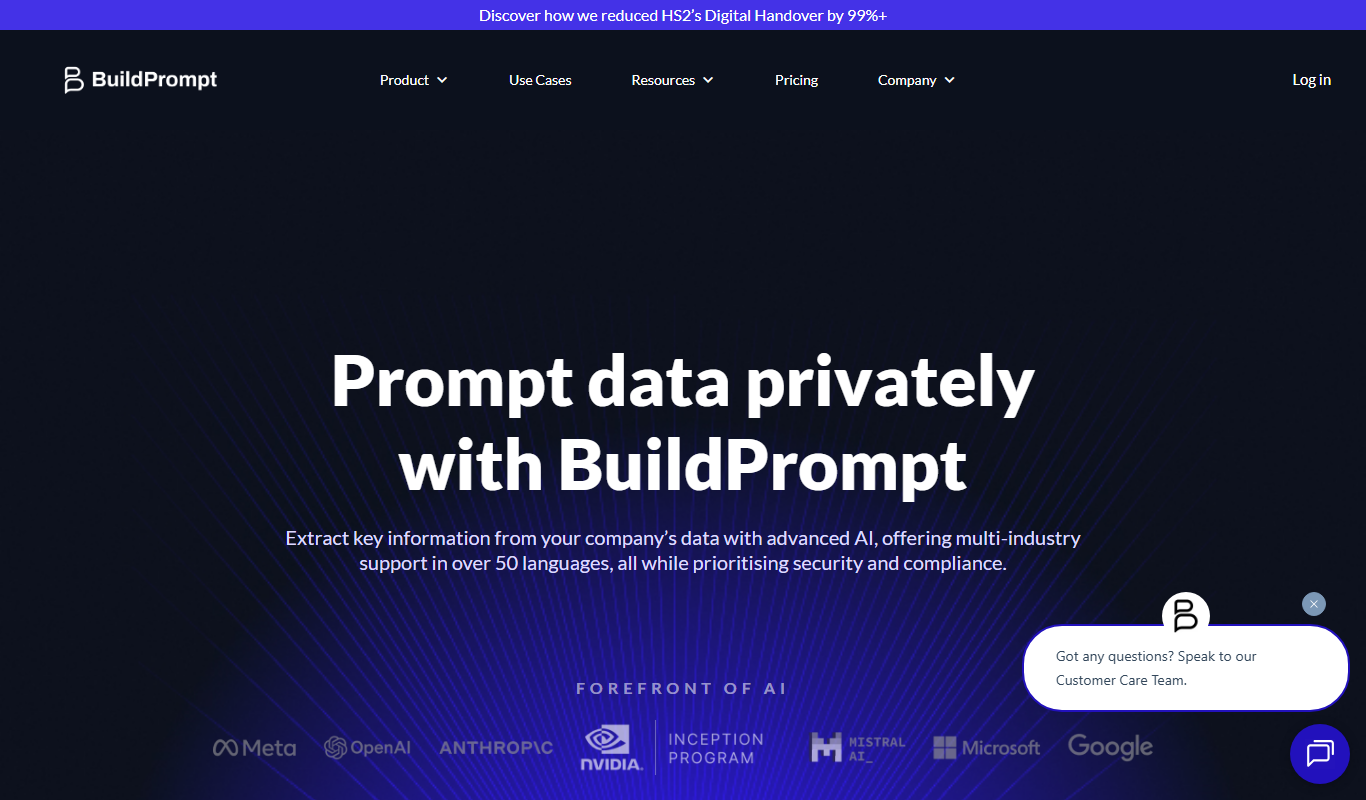
BuildPrompt is a web platform that enables users to design, automate, and optimize AI prompts through a visual interface and workflow automation, integrating with AI APIs like OpenAI.
- Best for
- Custom AI Prompt Creation
- Key capability
- Visual Prompt Builder
Your actions

Do you recommend this tool?
What is BuildPrompt?
BuildPrompt is a web-based platform designed to help users create, manage, and automate custom AI prompts. It focuses on prompt engineering to enhance the performance and relevance of AI-generated outputs by allowing users to build complex prompt workflows without deep coding knowledge. The tool supports integration with popular AI models, enabling businesses and developers to streamline AI interactions and automate tasks effectively.
Key features of BuildPrompt
BuildPrompt offers a user-friendly interface for designing custom prompts, workflow automation capabilities, integration options with AI APIs, and tools for testing and refining prompt effectiveness. It empowers users to optimize AI outputs and embed prompt logic into various applications seamlessly.
Visual Prompt Builder
Drag-and-drop interface to create complex prompts without coding.
Workflow Automation
Automate AI-driven tasks by linking prompts to triggers and actions.
API Integrations
Seamlessly connect with AI providers like OpenAI for real-time prompt execution.
Prompt Testing Tools
Evaluate and compare prompt effectiveness to improve AI responses.
Collaboration Features
Share and manage prompt projects with team members.
Pros and cons of BuildPrompt
Pros
- User-friendly visual prompt builder
- Supports AI workflow automation
- Integrates with major AI APIs
- Collaboration tools for teams
- Flexible pricing plans including free trial
Cons
- Limited language support (English only)
- Primarily web-based with no mobile apps yet
- Pricing may be high for small users after trial
Key use cases for BuildPrompt
Custom AI Prompt Creation
Design and build tailored prompts to optimize AI model responses for specific tasks.
Workflow Automation
Automate repetitive tasks by integrating AI prompts into workflows, reducing manual effort.
Developer Integration
Enable developers to embed custom prompt logic into applications via BuildPrompt’s platform.
Content Generation Optimization
Improve the quality and relevance of AI-generated content by refining prompt structures.
Experimentation and Testing
Test different prompt variations quickly to identify the most effective AI interactions.
How BuildPrompt works
- 1
Sign Up
Create an account on BuildPrompt’s website to access the platform.
- 2
Design Prompts
Use the visual editor to build and customize AI prompts tailored to your needs.
- 3
Automate Workflows
Set up automated workflows that trigger AI responses based on your prompt configurations.
- 4
Integrate AI Models
Connect BuildPrompt with AI APIs such as OpenAI to power your prompts.
- 5
Test and Refine
Experiment with different prompt versions to optimize AI output quality.
Who is using BuildPrompt
AI developers
Content creators
Marketing teams
Automation specialists
Businesses leveraging AI workflows
BuildPrompt pricing
Free Trial
$0 for 14 days
Access to core features with usage limits to explore the platform.
Pro
$29/month
Full access to all features, higher usage limits, and priority support.
Enterprise
Custom pricing
Tailored solutions with dedicated support and advanced integrations.
Plans and prices are as published by the vendor and can change. Check the official site before you buy. Open the pricing page (opens in a new tab)
Frequently asked questions about BuildPrompt
BuildPrompt is used to create and automate custom AI prompts to optimize AI-generated outputs and integrate AI workflows.
Yes, BuildPrompt integrates with OpenAI and other AI providers to execute custom prompts.
No, BuildPrompt features a visual prompt builder that allows users to create prompts without coding.
Yes, the platform supports collaboration features for teams to manage prompt projects together.
It depends on your specific needs and how you plan to use the tool. The official website and documentation are the best sources for the latest details.
Yes, it can help with that use case depending on how you configure it and what features are available. You’ll get the best results with clear inputs and a defined goal.
It depends on your specific needs and how you plan to use the tool. The official website and documentation are the best sources for the latest details.
Sign in to review this tool.
Sign In to ReviewNo reviews yet
Be the first to share how this tool worked for you.
Ask about pricing, limits, or how it compares — or answer someone else.
Sign In to AskNo questions yet
Have a question about using or paying for this tool? Be the first to ask.
Featured on TiorAI



Alternative Tools
Explore similar AI tools that might fit your needs

Free
PromptPerfect
PromptPerfect is an AI tool that refines and optimizes user prompts to improve the quality and relevance of responses from AI chatbots like ChatGPT.
More AI App Builder tools
Other tools in the same category, for when this one is not quite the fit.

Pay As You Go
RenderStreet
RenderStreet is a cloud rendering service that accelerates 3D animation and image rendering by providing scalable GPU and CPU resources accessible via a web platform, primarily supporting Blender projects.

Free
Heroku
Heroku is a cloud platform as a service (PaaS) that enables developers to deploy, manage, and scale applications easily without managing infrastructure.

Free
8thWall
8thWall is a WebAR development platform that allows users to create augmented reality experiences accessible directly through mobile web browsers without app downloads.

Free
UI Bakery
UI Bakery is a no-code platform that lets you visually build web applications and internal tools by dragging and dropping UI components, connecting data sources, and deploying apps without coding.

Freemium
Wikitude
Wikitude is an augmented reality SDK that enables developers to create AR apps with image recognition, 3D object tracking, and location-based AR for iOS, Android, Unity, and Unreal Engine.

Enterprise
Streamlit
Streamlit is an open-source Python framework that enables data scientists and developers to quickly create and share interactive web applications for data visualization and machine learning without needing frontend development skills.

Free
Gradio
Gradio is an open-source tool that lets you quickly create interactive web interfaces for machine learning models using Python, enabling easy sharing and testing without front-end development.

Free
Buildbox
Buildbox is a no-code game development platform that enables users to create and publish 2D and 3D mobile games without programming by using drag-and-drop tools and pre-built assets.