

From my experience with AppFlowy, I found it excels at providing a truly open-source and privacy-focused alternative to Notion. Its modular block-based editor and customizable workflows make it flexible for various productivity needs, especially for users who want control over their data through self-hosting. However, the platform is still maturing, with some advanced features under development and a smaller community compared to established tools. Overall, if you prioritize customization and data privacy in a productivity tool, AppFlowy delivers a promising and free solution.
AppFlowy Open Source Notion Alternative for Customizable Productivity
AppFlowy is a free, open-source productivity platform designed as a privacy-focused alternative to Notion, featuring customizable workflows, modular editing, and self-hosting options.
- Best for
- Personal Note-taking
- Key capability
- Open Source and Self-Hosting
Your actions
Save AppFlowy: open-source Notion alternative, follow its updates and vote on it — everything stays in your account.
Sign in or create a free account
What is AppFlowy: open-source Notion alternative?
AppFlowy is an open-source productivity platform designed as a privacy-focused alternative to Notion. It offers a modular and customizable workspace where users can create notes, manage projects, and collaborate with teams. Built with Flutter and Rust, AppFlowy emphasizes user control, extensibility, and data privacy by allowing self-hosting and community-driven development.
Key features of AppFlowy: open-source Notion alternative
AppFlowy provides a flexible block-based editor, kanban boards, task management, real-time collaboration, and the ability to customize or extend features through its open-source codebase. It supports cross-platform usage on desktop, mobile, and web.
Open Source and Self-Hosting
Full access to source code with options to self-host for data privacy.
Modular Block-Based Editor
Flexible content blocks for notes, tasks, tables, and more.
Cross-Platform Support
Available on desktop, mobile, and web for seamless productivity.
Customizable Workflows
Adapt workflows by modifying or adding features through the open-source framework.
Real-Time Collaboration
Work simultaneously with team members on shared documents.
Pros and cons of AppFlowy: open-source Notion alternative
Pros
- Completely open-source with transparent development
- Strong focus on data privacy and self-hosting
- Cross-platform availability including mobile apps
- Highly customizable workflows and modular design
- Free to use without feature restrictions
Cons
- Smaller community compared to Notion
- Some advanced features still under development
- Requires technical knowledge for self-hosting and customization
Key use cases for AppFlowy: open-source Notion alternative
Personal Note-taking
Use AppFlowy to organize personal notes with customizable pages and blocks.
Project Management
Manage projects with kanban boards, task lists, and timelines tailored to your workflow.
Team Collaboration
Collaborate with teams by sharing workspaces and real-time editing capabilities.
Custom Workflow Creation
Build and modify workflows using AppFlowy’s open-source framework to fit unique needs.
Data Privacy and Control
Host your own instance to maintain full control over your data and privacy.
How AppFlowy: open-source Notion alternative works
- 1
Download or Access
Get AppFlowy from the official website or GitHub repository for your platform.
- 2
Set Up Workspace
Create pages and organize content using customizable blocks and templates.
- 3
Customize or Extend
Modify the open-source code or use plugins to tailor the tool to your workflow.
- 4
Collaborate and Share
Invite team members to shared workspaces for real-time collaboration.
Who is using AppFlowy: open-source Notion alternative
Privacy-conscious individuals
Developers and technical users
Small to medium teams
Open-source enthusiasts
Users seeking Notion alternatives
AppFlowy: open-source Notion alternative pricing
Free
$0
Open-source and free to use with full feature access.
Plans and prices are as published by the vendor and can change. Check the official site before you buy. Open the pricing page (opens in a new tab)
Frequently asked questions about AppFlowy: open-source Notion alternative
Yes, AppFlowy is completely free and open-source without any paid plans.
Yes, AppFlowy supports self-hosting to give you full control over your data.
Yes, AppFlowy has apps for iOS and Android, as well as desktop and web versions.
Since it is open-source, you can modify the codebase and create custom plugins or workflows.
This tool is designed to help users accomplish its core tasks more efficiently. It is typically used by individuals or teams looking to improve productivity and workflow.
It depends on your specific needs and how you plan to use the tool. The official website and documentation are the best sources for the latest details.
It depends on your specific needs and how you plan to use the tool. The official website and documentation are the best sources for the latest details.
Sign in to review this tool.
Sign In to ReviewNo reviews yet
Be the first to share how this tool worked for you.
Ask about pricing, limits, or how it compares — or answer someone else.
Sign In to AskNo questions yet
Have a question about using or paying for this tool? Be the first to ask.
Featured on TiorAI



Alternative Tools
Explore similar AI tools that might fit your needs
Free
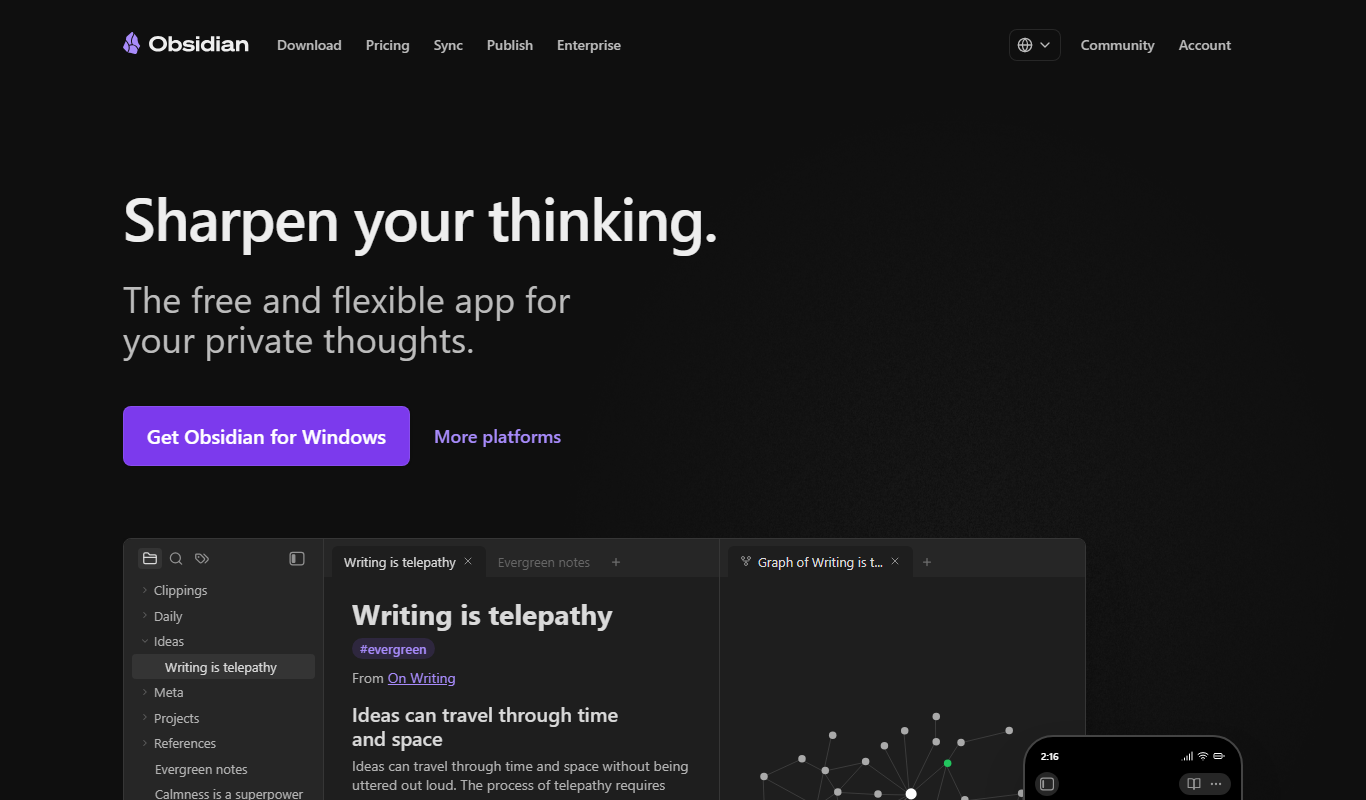
Obsidian
Obsidian is a markdown note-taking app that helps users build a personal knowledge base with linked notes, graph visualization, and extensive customization options.
More AI App Builder tools
Other tools in the same category, for when this one is not quite the fit.

Subscription
AppSheet
AppSheet is a Google-owned no-code platform that enables users to build custom mobile and web apps with AI-powered automation, connecting to various data sources without programming skills.

Free
Next.js
Next.js is an open-source React framework by Vercel that enables server-side rendering, static site generation, and API routes to build fast, SEO-friendly web applications.

Freemium
Avalonia
Avalonia is an open source, cross-platform UI framework for .NET that enables developers to build desktop and mobile apps with a single codebase using C# and XAML.

Free Trial
BuildFire
BuildFire is a no-code mobile app development platform that enables users to build custom iOS and Android apps using an easy drag-and-drop interface without coding skills.

Free
NoCode.tech
NoCode.tech is a platform offering a curated directory of no-code tools and educational resources to help users build applications and automate workflows without programming skills.

Free
Flutter
Flutter is an open-source UI toolkit by Google that allows developers to build native mobile, web, and desktop applications from a single Dart codebase with high performance and expressive UIs.

Custom Pricing
Cleveroad
Cleveroad is a software development company specializing in custom mobile and web applications, offering end-to-end services including design, development, and support.
Free
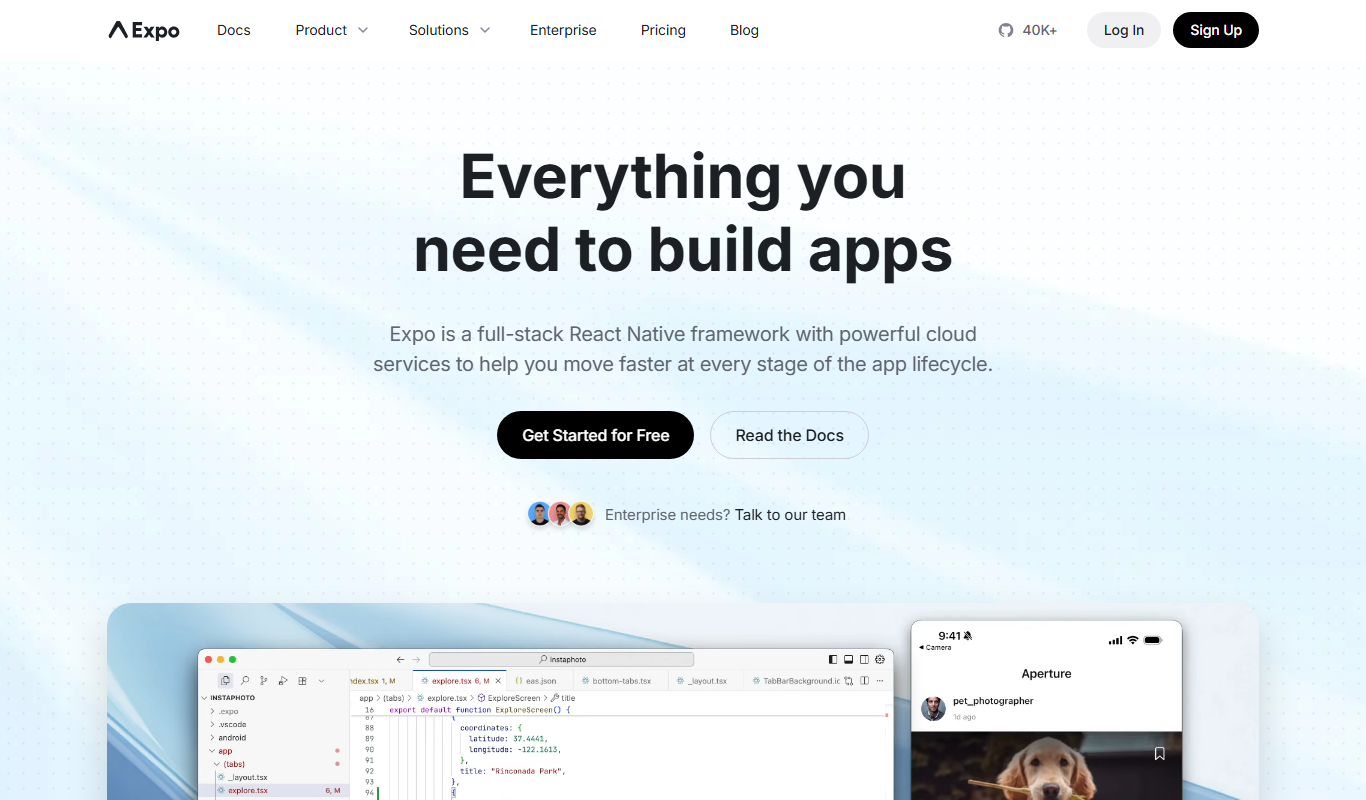
Expo
Expo is an open-source platform that simplifies building and deploying React Native mobile apps using JavaScript, offering managed workflows, cloud builds, and over-the-air updates.