

From my experience with Mini Course Generator, I found it excels at enabling quick and easy creation of mini online courses without requiring technical skills. The platform’s pre-built templates and drag-and-drop editor make course building accessible for marketers, educators, and content creators who want to launch educational content fast. However, the tool is best suited for short courses and lacks the advanced customization and mobile app support found in larger LMS platforms. Overall, if you need to create engaging mini courses for lead generation or training with minimal setup, Mini Course Generator delivers solid, user-friendly results.
Mini Course Generator Review - Create Online Courses Easily and Fast
Mini Course Generator is a web-based tool that enables users to quickly create, customize, and publish short online courses using templates and multimedia support without technical skills.
- Best for
- Create Mini Online Courses
- Key capability
- Pre-built Course Templates
Your actions
Save Mini Course Generator, follow its updates and vote on it — everything stays in your account.
Sign in or create a free account
What is Mini Course Generator?
Mini Course Generator is a web-based platform designed to simplify and speed up the process of creating mini online courses. It provides users with templates, content structuring tools, and hosting capabilities to build educational content without technical expertise.
Key features of Mini Course Generator
The tool offers drag-and-drop course creation, customizable templates, multimedia support, and easy publishing options. It focuses on helping users create short, engaging courses quickly to use for marketing, education, or training.
Pre-built Course Templates
Ready-to-use templates help users start course creation quickly without designing from scratch.
Drag-and-Drop Editor
Intuitive editor allows easy content arrangement and multimedia integration.
Multimedia Support
Supports videos, images, text, and quizzes to create interactive learning experiences.
Custom Branding
Users can customize course appearance to align with their brand identity.
Course Hosting and Delivery
Courses are hosted on Mini Course Generator’s platform with secure access and sharing options.
Pros and cons of Mini Course Generator
Pros
- User-friendly interface with drag-and-drop editing
- Quick course creation with pre-built templates
- Supports multimedia and quizzes for engagement
- Affordable pricing with free trial option
Cons
- Limited advanced customization compared to full LMS platforms
- No mobile app; web-only access
- Tech stack details not publicly disclosed
Key use cases for Mini Course Generator
Create Mini Online Courses
Users can quickly build short, focused online courses to educate their audience or customers.
Lead Generation
Marketers use mini courses as lead magnets to attract and engage potential customers.
Content Repurposing
Content creators repurpose existing content into structured mini courses to increase value and reach.
Educational Product Launches
Entrepreneurs launch educational products or workshops using the platform’s streamlined course creation tools.
How Mini Course Generator works
- 1
Sign Up
Create an account on the Mini Course Generator website to access the platform.
- 2
Choose a Template
Select from pre-designed mini course templates tailored for different topics and formats.
- 3
Add Content
Use the editor to add text, images, videos, and quizzes to your course modules.
- 4
Customize Design
Adjust colors, fonts, and layouts to match your brand and style preferences.
- 5
Publish and Share
Publish your mini course online and share it via links or embed it on your website.
Who is using Mini Course Generator
Content creators
Online educators
Marketing professionals
Small business owners
Coaches and consultants
Mini Course Generator pricing
Free Trial
$0 for 7 days
Access to all features with limited time to test the platform.
Monthly Subscription
$29/month
Full access to course creation tools, templates, and hosting with monthly billing.
Annual Subscription
$290/year
Discounted yearly plan with full features and priority support.
Plans and prices are as published by the vendor and can change. Check the official site before you buy. Open the pricing page (opens in a new tab)
Frequently asked questions about Mini Course Generator
Yes, Mini Course Generator is designed for users with no coding or design experience.
Limits depend on your subscription plan; paid plans allow multiple courses.
Yes, the platform provides embed codes to integrate courses into external sites.
Yes, you can add quizzes to engage learners and assess understanding.
It depends on your specific needs and how you plan to use the tool. The official website and documentation are the best sources for the latest details.
It depends on your specific needs and how you plan to use the tool. The official website and documentation are the best sources for the latest details.
Pricing depends on the plan and included features. For the most accurate and up-to-date details, check the official pricing page.
Sign in to review this tool.
Sign In to ReviewNo reviews yet
Be the first to share how this tool worked for you.
Ask about pricing, limits, or how it compares — or answer someone else.
Sign In to AskNo questions yet
Have a question about using or paying for this tool? Be the first to ask.
Featured on TiorAI



Alternative Tools
Explore similar AI tools that might fit your needs

Free Trial
Teachable
Teachable is an online platform that allows users to create, market, and sell courses and digital products without coding, featuring course builders, payment processing, and marketing tools.

Annual subscription
Kajabi
Kajabi is a comprehensive platform that enables users to create, market, and sell online courses, membership sites, and digital products with integrated website building, email marketing, and payment processing tools.
More AI App Builder tools
Other tools in the same category, for when this one is not quite the fit.

Subscription
AppSheet
AppSheet is a Google-owned no-code platform that enables users to build custom mobile and web apps with AI-powered automation, connecting to various data sources without programming skills.

Free
Next.js
Next.js is an open-source React framework by Vercel that enables server-side rendering, static site generation, and API routes to build fast, SEO-friendly web applications.

Freemium
Avalonia
Avalonia is an open source, cross-platform UI framework for .NET that enables developers to build desktop and mobile apps with a single codebase using C# and XAML.

Free Trial
BuildFire
BuildFire is a no-code mobile app development platform that enables users to build custom iOS and Android apps using an easy drag-and-drop interface without coding skills.

Free
NoCode.tech
NoCode.tech is a platform offering a curated directory of no-code tools and educational resources to help users build applications and automate workflows without programming skills.

Free
Flutter
Flutter is an open-source UI toolkit by Google that allows developers to build native mobile, web, and desktop applications from a single Dart codebase with high performance and expressive UIs.

Custom Pricing
Cleveroad
Cleveroad is a software development company specializing in custom mobile and web applications, offering end-to-end services including design, development, and support.
Free
Expo
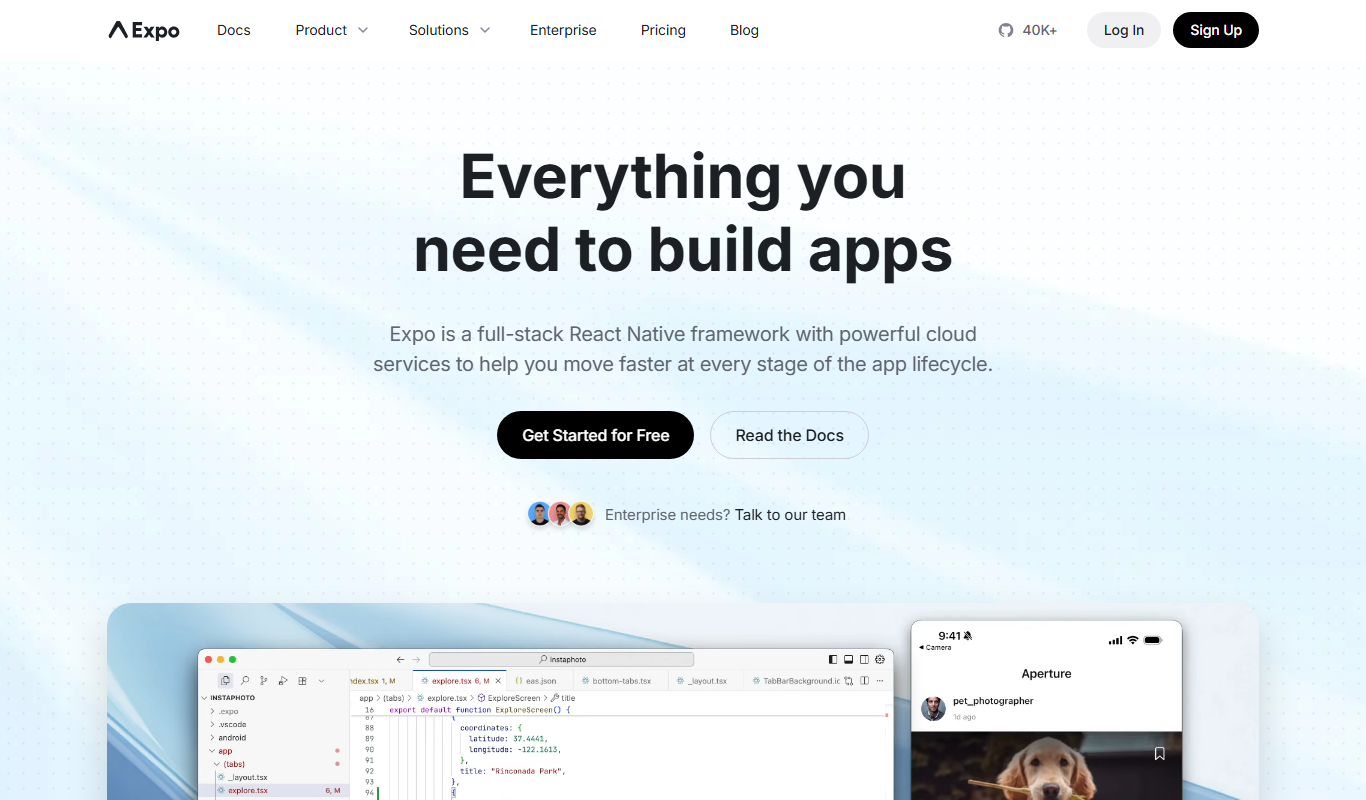
Expo is an open-source platform that simplifies building and deploying React Native mobile apps using JavaScript, offering managed workflows, cloud builds, and over-the-air updates.