

From my experience with BoldVoice Accent Oracle, I found it excels at quickly and accurately identifying English regional accents through an easy-to-use web interface. Its real-time feedback and speech pattern visualizations make it particularly valuable for language learners and linguists seeking practical insights. However, the tool currently focuses solely on English accents, which may limit its usefulness for multilingual users. Overall, if you need a straightforward, AI-driven accent detection solution for English speech, BoldVoice Accent Oracle delivers reliable and insightful results.
BoldVoice Accent Oracle - AI Accent Detection and Speech Analysis Tool
BoldVoice Accent Oracle is an AI-based web tool that detects and analyzes English regional accents from audio samples, providing detailed speech insights.
- Best for
- Accent Identification
- Key capability
- Real-Time Accent Detection
Your actions
Save BoldVoice Accent Oracle, follow its updates and vote on it — everything stays in your account.
Sign in or create a free account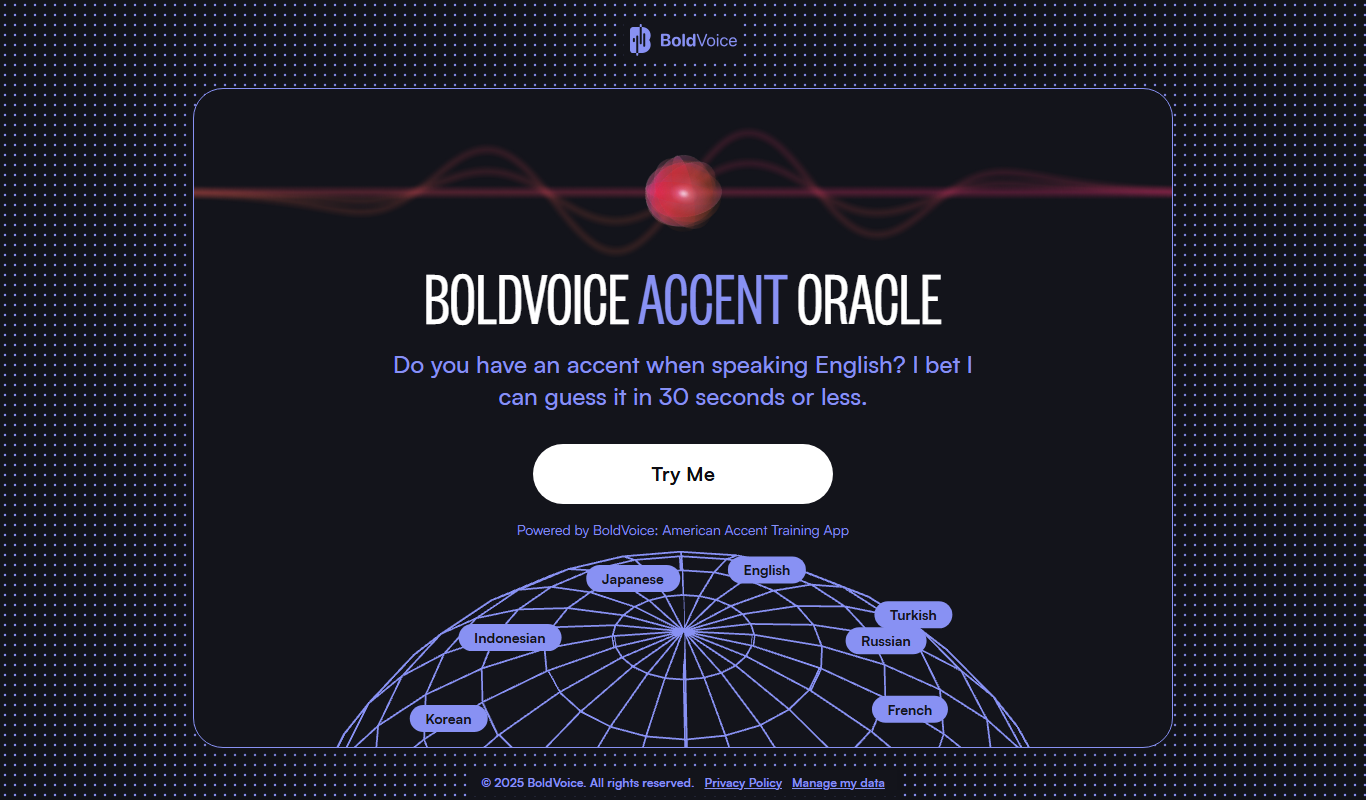
What is BoldVoice Accent Oracle?
BoldVoice Accent Oracle is an AI-powered web tool designed to detect and analyze accents from spoken audio samples. It leverages advanced speech recognition and machine learning algorithms to identify the speaker’s regional accent, providing insights into pronunciation and speech patterns. This tool is useful for linguists, language learners, customer service teams, and developers working with voice technologies.
Key features of BoldVoice Accent Oracle
The tool offers real-time accent detection, detailed speech analytics, and an easy-to-use web interface. It supports uploading audio files or recording directly via the browser. Results include accent classification with confidence scores and visualizations of speech features.
Real-Time Accent Detection
Instantly identifies regional accents from audio input with high accuracy.
Speech Pattern Visualization
Provides visual feedback on pronunciation and speech features to aid analysis.
User-Friendly Web Interface
Accessible via browser without the need for installation or advanced technical skills.
Support for Multiple Audio Formats
Accepts common audio file types for flexible input options.
Pros and cons of BoldVoice Accent Oracle
Pros
- Accurate and fast accent detection
- Simple and intuitive web interface
- Useful for linguists and language learners
Cons
- Limited to English accents currently
- Free plan has restricted usage limits
Key use cases for BoldVoice Accent Oracle
Accent Identification
Detect and identify regional accents from spoken audio to better understand speaker background.
Speech Analytics
Analyze speech patterns for linguistic research, customer service improvement, or language learning.
Language Learning Support
Help language learners recognize and improve their accent by comparing with native speakers.
Customer Experience Enhancement
Use accent insights to tailor communication strategies in call centers or voice assistants.
How BoldVoice Accent Oracle works
- 1
Upload or Record Audio
Users can upload an audio file or record their voice directly on the platform.
- 2
AI Accent Analysis
The tool processes the audio using AI models to detect the speaker’s accent.
- 3
View Results
Users receive a detailed report showing the identified accent and speech characteristics.
Who is using BoldVoice Accent Oracle
Linguists and researchers
Language learners and educators
Customer service teams
Voice technology developers
BoldVoice Accent Oracle pricing
Free
$0/month
Basic accent detection with limited usage and features.
Pro
$19/month
Extended usage limits, advanced analytics, and priority support.
Plans and prices are as published by the vendor and can change. Check the official site before you buy. Open the pricing page (opens in a new tab)
Frequently asked questions about BoldVoice Accent Oracle
It can detect a wide range of English regional accents, including American, British, Australian, and others.
Yes, the free tier allows limited use without registration, but signing up unlocks more features.
Yes, all audio data is processed securely and not shared with third parties.
It depends on your specific needs and how you plan to use the tool. The official website and documentation are the best sources for the latest details.
Yes, it can help with that use case depending on how you configure it and what features are available. You’ll get the best results with clear inputs and a defined goal.
Sign in to review this tool.
Sign In to ReviewNo reviews yet
Be the first to share how this tool worked for you.
Ask about pricing, limits, or how it compares — or answer someone else.
Sign In to AskNo questions yet
Have a question about using or paying for this tool? Be the first to ask.
Featured on TiorAI



Alternative Tools
Explore similar AI tools that might fit your needs
Pay As You Go
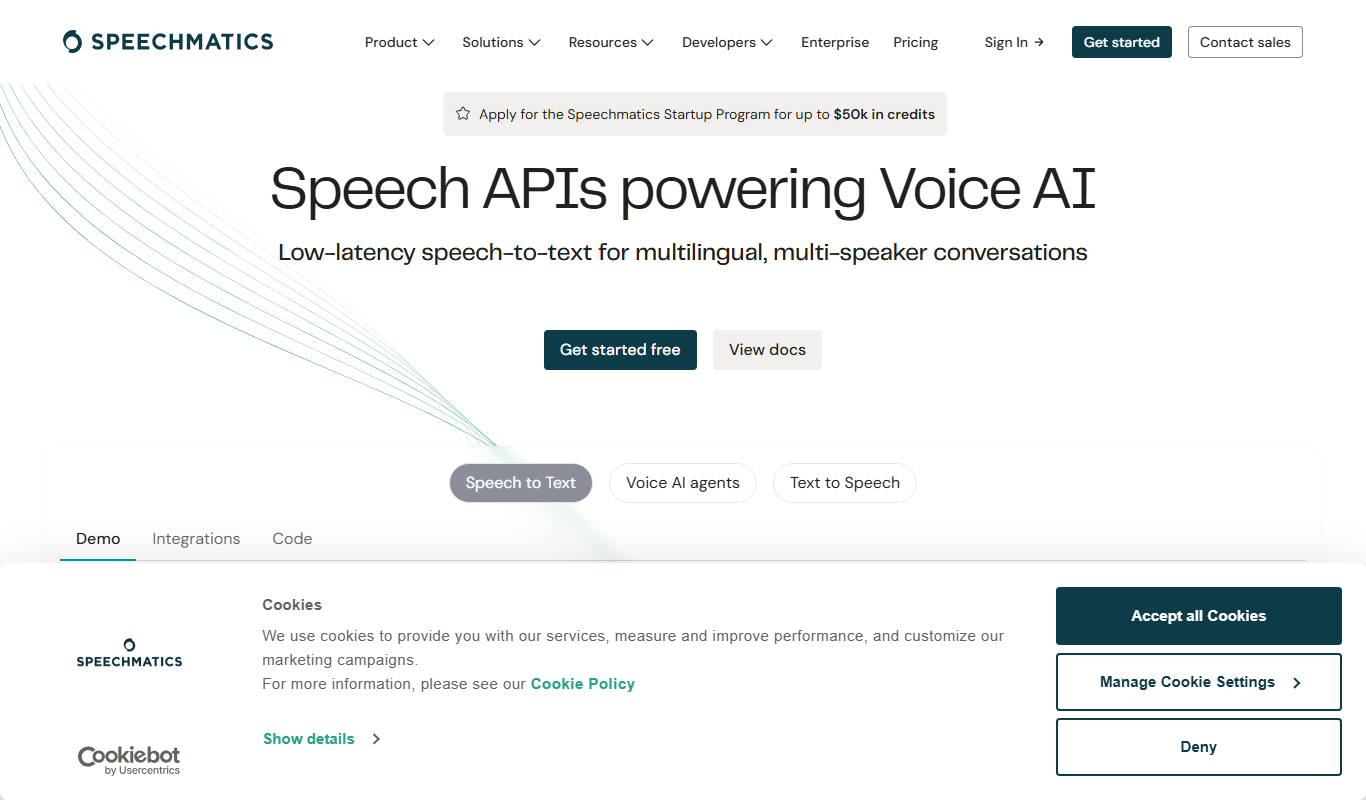
Speechmatics
Speechmatics is an AI-powered speech-to-text transcription software that converts audio and video into accurate text transcripts supporting multiple languages and real-time processing.
More AI Detection & Anti-Detection tools
Other tools in the same category, for when this one is not quite the fit.
Free
ResyMatch
ResyMatch is a free online tool that analyzes your resume against job descriptions to improve ATS compatibility by matching keywords and checking formatting.

Freemium
ModerateContent
ModerateContent is an AI-based image moderation tool that automatically detects and filters NSFW and offensive images to help platforms maintain safe content environments.

Free
Dictionary.com
Dictionary.com is a comprehensive online platform offering English word definitions, synonyms, antonyms, pronunciation guides, and grammar tips to help users improve their language skills.

Free
Merriam-Webster Dictionary
Merriam-Webster Dictionary is a trusted online English dictionary offering definitions, synonyms, audio pronunciations, and language learning resources.

Free
DetectGPT
DetectGPT is a free web tool that detects whether text was generated by AI language models such as GPT-3 or GPT-4 by analyzing linguistic patterns and providing a probability score.

Free
Full Fact
Full Fact is an AI-assisted fact-checking platform that combines automated claim detection with expert human review to identify and correct misinformation in news and public statements.

Free
Scite
Scite is an AI-powered platform that analyzes scientific citations by classifying them as supporting, contrasting, or mentioning, providing researchers with deeper insights into how papers are referenced.

Free
Yuka
Yuka is a mobile and web app that scans food and cosmetic product barcodes to provide health impact scores and ingredient analysis, helping users make healthier choices.