

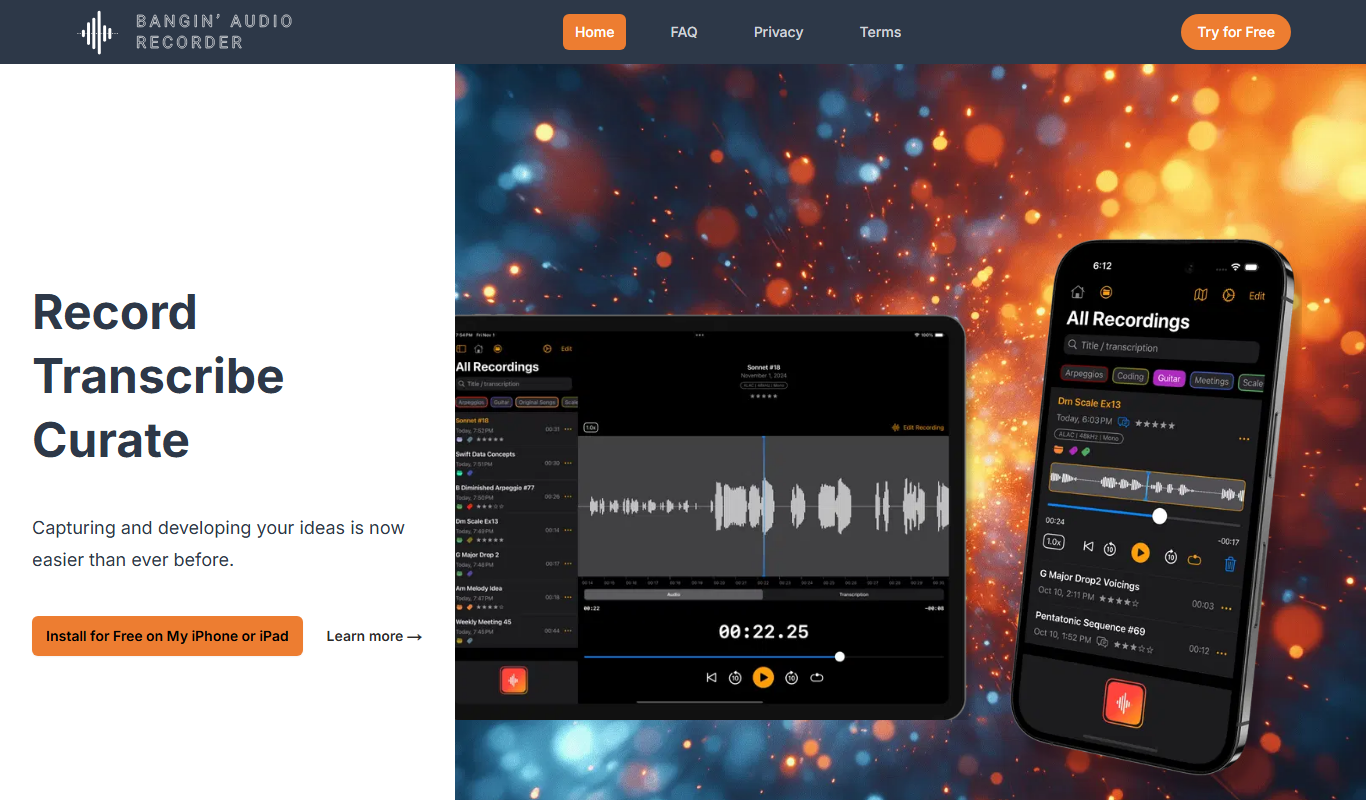
From my experience with Bangin’ Audio Recorder, it stands out for its straightforward interface and reliable multi-track recording capabilities. The software is particularly well-suited for musicians and podcasters who want quality audio capture without a steep learning curve. However, some advanced features like noise reduction require a subscription, which might be a consideration for budget-conscious users. Overall, if you need a dependable desktop audio recorder with essential editing tools, Bangin’ Audio Recorder offers a balanced mix of usability and functionality.
Bangin' Audio Recorder Review - Features, Pricing, and Use Cases
Bangin' Audio Recorder is a desktop audio recording software offering multi-track recording, noise reduction, and real-time monitoring, suitable for musicians and podcasters on Windows and macOS.
- Best for
- Music Production
- Key capability
- Multi-Track Recording
Do you recommend this tool?
What is Bangin’ Audio Recorder?
Bangin’ Audio Recorder is a desktop application designed for high-fidelity audio recording and editing. It caters to musicians, podcasters, and audio professionals who need a reliable and intuitive tool to capture sound with minimal latency and high clarity. The software supports multiple input sources and offers basic editing features to streamline the audio production workflow.
Key features of Bangin’ Audio Recorder
The tool provides multi-track recording, real-time monitoring, noise reduction, and export options in various audio formats. Its user-friendly interface allows quick setup and control over recording parameters, making it accessible for both beginners and experienced users.
Multi-Track Recording
Record multiple audio sources simultaneously for complex projects.
Real-Time Monitoring
Listen to your input live with low latency to ensure quality capture.
Noise Reduction
Built-in tools to minimize background noise and enhance clarity.
Flexible Export Options
Save recordings in WAV, MP3, or FLAC formats for various uses.
User-Friendly Interface
Intuitive controls designed for quick learning and efficient workflow.
Pros and cons of Bangin’ Audio Recorder
Pros
- Easy to use interface suitable for beginners
- Supports high-quality multi-track recording
- Affordable pricing with a free tier
- Real-time monitoring reduces recording errors
Cons
- Advanced features locked behind subscription
- Limited language support (English only)
- No mobile or web app versions available
Key use cases for Bangin’ Audio Recorder
Music Production
Record and edit high-quality audio tracks for music creation and mixing.
Podcast Recording
Capture clear voice recordings for podcasts with easy-to-use controls.
Voiceover Recording
Produce professional voiceover audio for videos, presentations, and commercials.
Sound Sampling
Record and manipulate sound samples for creative audio projects.
How Bangin’ Audio Recorder works
- 1
Download and Install
Get the installer from the official website and set up the software on your Windows or macOS device.
- 2
Connect Audio Sources
Plug in microphones or instruments and configure input settings within the app.
- 3
Start Recording
Use the record button to capture audio tracks with real-time monitoring.
- 4
Edit and Export
Trim, adjust levels, and apply noise reduction before exporting your audio in preferred formats.
Who is using Bangin’ Audio Recorder
Musicians and music producers
Podcasters and voiceover artists
Audio engineers and sound designers
Content creators needing quality audio capture
Bangin’ Audio Recorder pricing
Free
$0
Basic recording features with limited export options and watermark on output.
Pro
$9.99/month
Full access to all features including multi-track recording and advanced noise reduction.
Plans and prices are as published by the vendor and can change. Check the official site before you buy. Open the pricing page (opens in a new tab)
Frequently asked questions about Bangin’ Audio Recorder
Yes, the software supports both Windows and macOS platforms.
Yes, the Pro plan allows multi-track recording for simultaneous inputs.
Noise reduction is only available in the Pro subscription.
You can export in WAV, MP3, and FLAC formats.
Pricing depends on the plan and included features. For the most accurate and up-to-date details, check the official pricing page.
Yes, it can help with that use case depending on how you configure it and what features are available. You’ll get the best results with clear inputs and a defined goal.
Yes, it can help with that use case depending on how you configure it and what features are available. You’ll get the best results with clear inputs and a defined goal.
Sign in to review this tool.
Sign In to ReviewNo reviews yet
Be the first to share how this tool worked for you.
Ask about pricing, limits, or how it compares — or answer someone else.
Sign In to AskNo questions yet
Have a question about using or paying for this tool? Be the first to ask.
Featured on TiorAI



Alternative Tools
Explore similar AI tools that might fit your needs

Free
Audacity
Audacity is a free, open-source audio editing software that supports multi-track recording, editing, and effects processing for music and podcast production.

Free
GarageBand
GarageBand is a free digital audio workstation by Apple that enables users to create, record, and edit music and podcasts on Mac and iOS devices using virtual instruments, loops, and multi-track recording.
More AI Music & Audio Tools tools
Other tools in the same category, for when this one is not quite the fit.

Freemium
Gladia
Gladia is an AI platform providing speech-to-text transcription, multilingual support, and audio analysis via easy-to-use APIs for real-time and batch processing.
Free
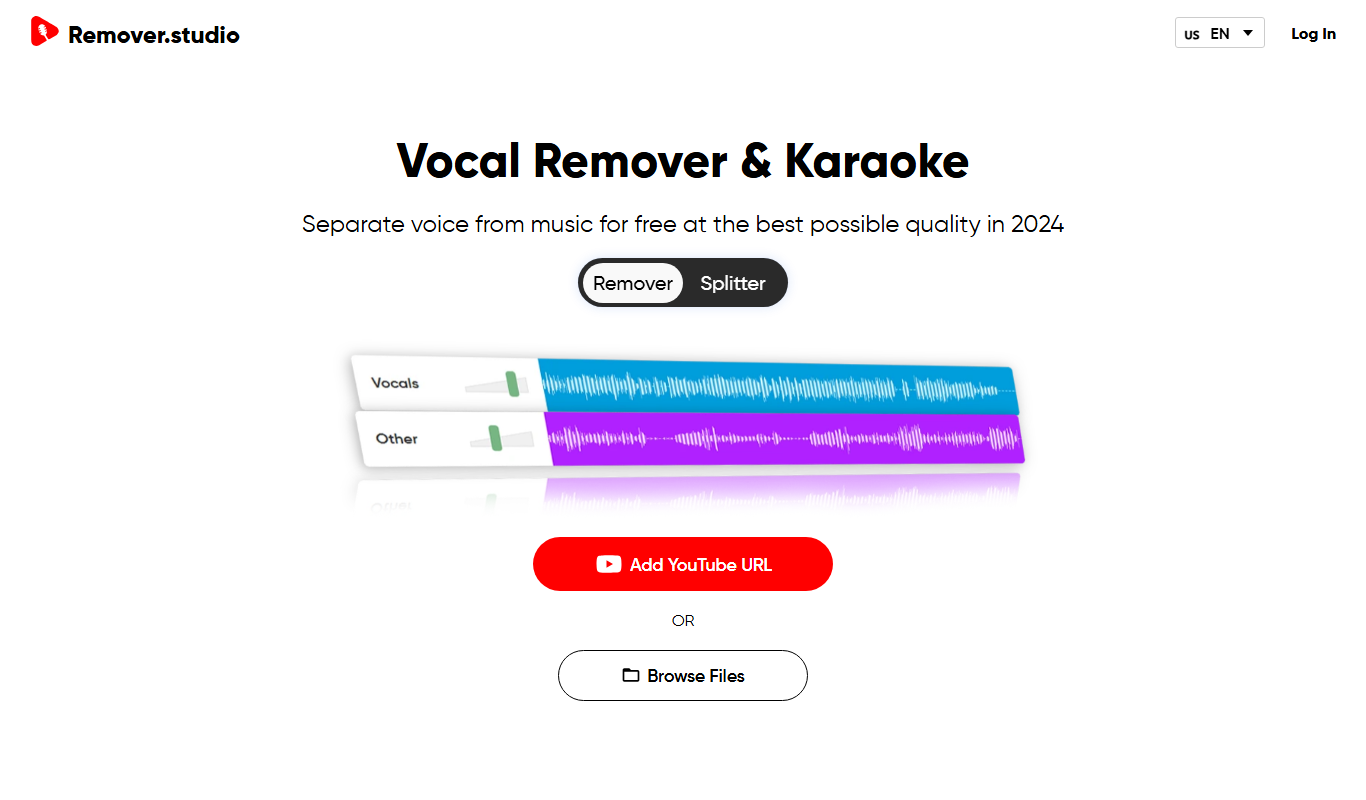
VocalRemover.co
VocalRemover.co is an online AI-powered tool that removes vocals from audio tracks to create karaoke versions or isolated stems for remixing and editing.

Free
Mubert
Mubert is an AI-driven music generation platform that creates continuous, royalty-free music streams customizable by genre and mood, suitable for streaming, content creation, and commercial use.

Free
Aiva
Aiva is an AI music composition software that generates original music in various styles, enabling creators to produce soundtracks and background music quickly without needing musical expertise.

Free
MusicHero.ai: Free AI Music Generator from Text Online
MusicHero.ai is a free online AI tool that generates original music tracks from user-provided text descriptions, enabling quick and easy music creation without musical skills.
Free Trial
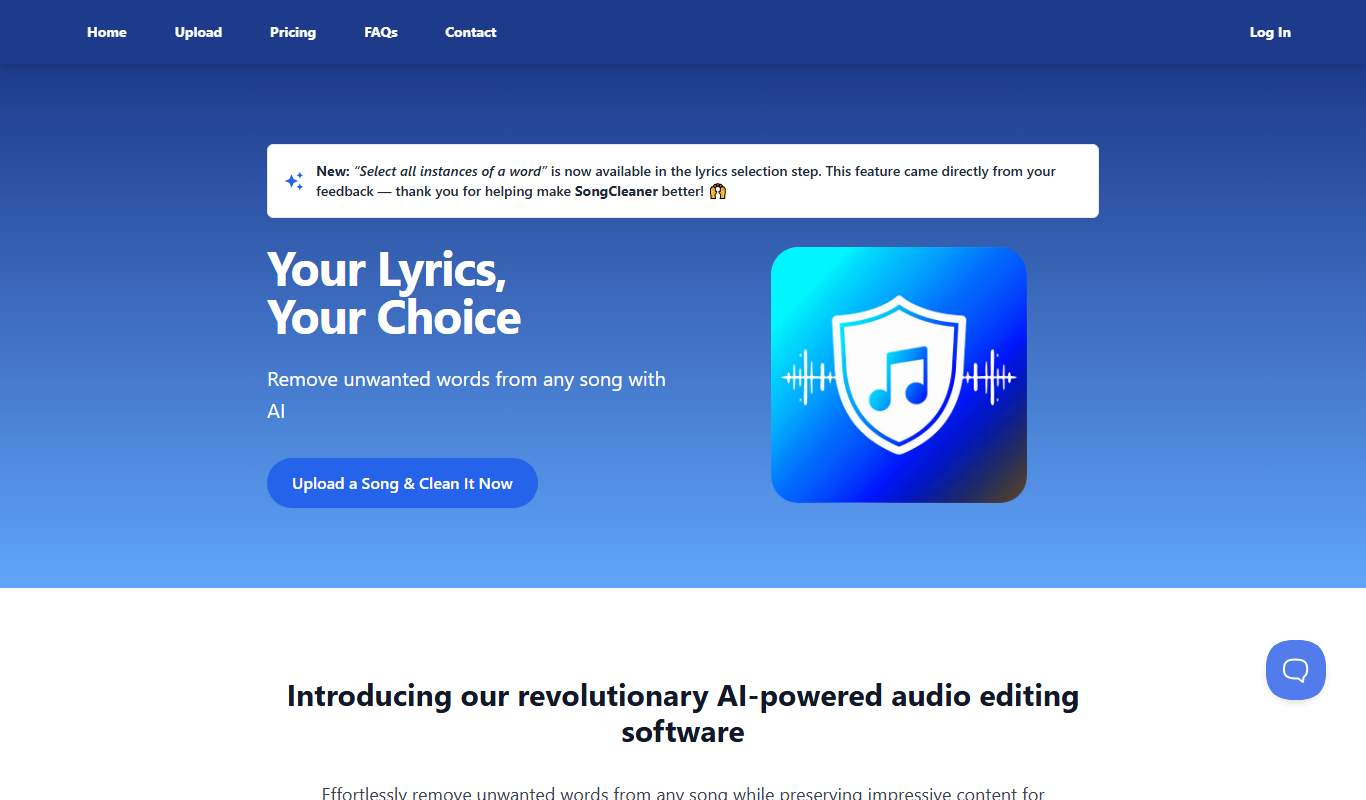
SongCleaner
SongCleaner is a web-based audio noise reduction tool that automatically removes background noise and hiss from music and voice recordings, improving audio clarity without requiring technical skills.
Free
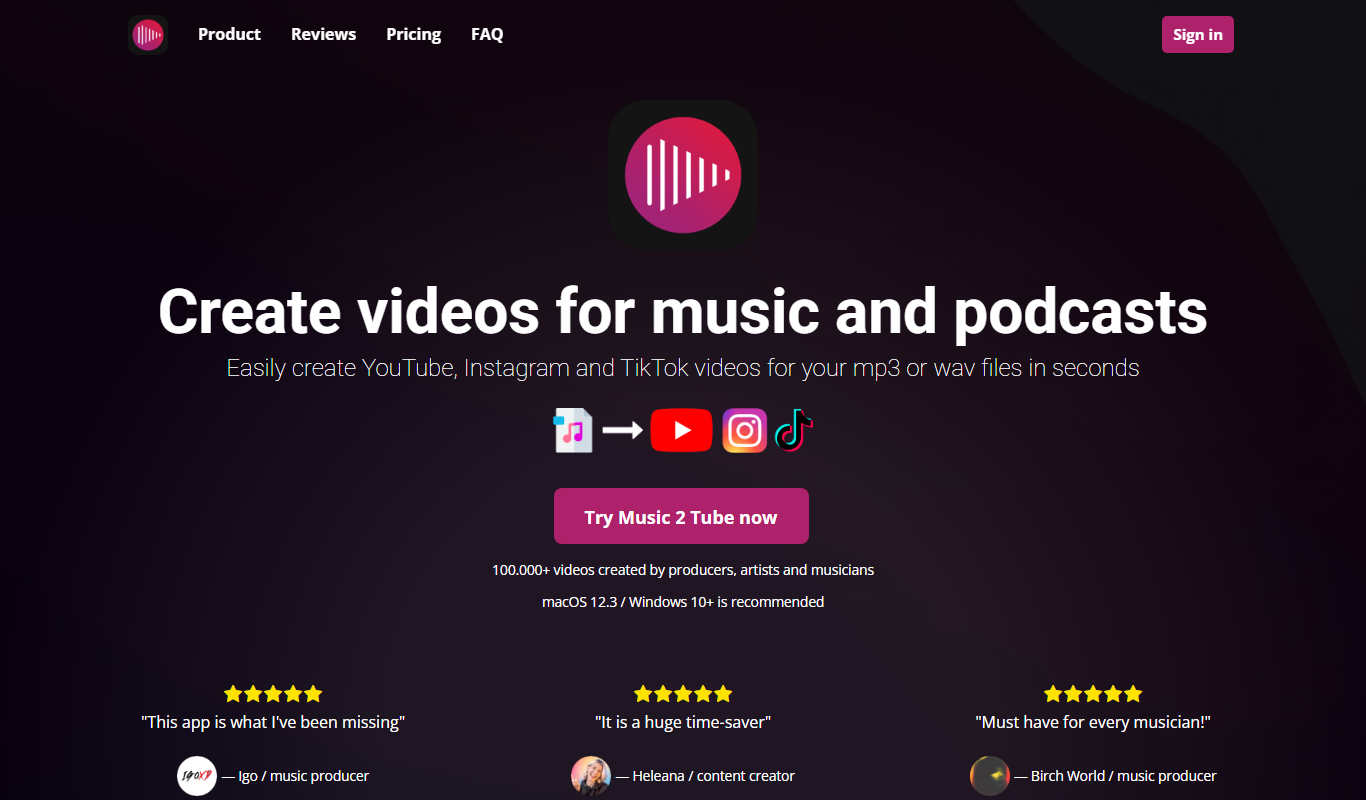
Music 2 Tube
Music 2 Tube is an online tool that converts your music or audio files into videos optimized for YouTube by combining audio with customizable visuals.

Freemium
Decrackle Playground & APIs
Decrackle Playground & APIs is an AI-driven platform that removes crackle, hiss, and other noise from audio recordings using machine learning, available via a web interface and APIs.