

From my experience with Appomate, it stands out as a practical low-code platform that simplifies mobile and web app development for users without deep coding skills. The drag-and-drop interface and prebuilt components make prototyping and deployment efficient, especially for small businesses and startups. However, the platform’s pricing transparency beyond the trial period could be improved, and advanced customization options are not extensively documented. Overall, if you need to quickly build cross-platform apps with integrated workflows, Appomate offers a solid, user-friendly solution.
Appomate Low-Code Platform for Rapid Mobile and Web App Development
Appomate is a low-code development platform that allows users to build mobile and web applications quickly using visual drag-and-drop tools, backend integrations, and workflow automation without extensive coding knowledge.
- Best for
- Mobile App Development
- Key capability
- Drag-and-Drop Interface
Your actions
Save Appomate, follow its updates and vote on it — everything stays in your account.
Sign in or create a free account
What is Appomate?
Appomate is a low-code development platform designed to simplify and accelerate the creation of mobile and web applications. It enables users with minimal coding skills to build, customize, and deploy apps through an intuitive drag-and-drop interface. The platform supports integration with various backend services and offers automation capabilities to streamline business processes.
Key features of Appomate
Appomate offers visual app building tools, prebuilt UI components, backend integration, workflow automation, and multi-platform deployment, making it suitable for businesses aiming to rapidly develop and launch applications.
Drag-and-Drop Interface
Build app interfaces visually without writing code.
Prebuilt Templates and Components
Access a library of UI elements and templates to speed up development.
Backend Integration
Connect to databases, REST APIs, and third-party services seamlessly.
Workflow Automation
Automate business processes with configurable workflows.
Cross-Platform Deployment
Publish apps for iOS, Android, and web from a single project.
Pros and cons of Appomate
Pros
- User-friendly drag-and-drop app builder
- Supports cross-platform app deployment
- Includes workflow automation features
- Offers prebuilt templates to speed development
Cons
- Limited information on advanced customization options
- Pricing details beyond trial are not fully transparent online
Key use cases for Appomate
Mobile App Development
Create native and hybrid mobile applications quickly without deep coding knowledge.
Web Application Development
Build responsive web applications using drag-and-drop components and prebuilt templates.
Business Process Automation
Automate workflows and integrate backend systems to streamline business operations.
Rapid Prototyping
Design and test app prototypes rapidly to validate ideas before full development.
Cross-Platform Deployment
Deploy apps across multiple platforms including iOS, Android, and web from a single codebase.
How Appomate works
- 1
Sign Up
Create an account on the Appomate platform to access the low-code development environment.
- 2
Design Your App
Use drag-and-drop components to build your app’s user interface and define workflows.
- 3
Integrate Backend
Connect your app to databases, APIs, and other backend services for dynamic functionality.
- 4
Test and Preview
Simulate your app on different devices to ensure proper functionality and design.
- 5
Deploy
Publish your app to app stores or web platforms with cross-platform support.
Who is using Appomate
Small and medium businesses
Startups looking for rapid app development
Business analysts and non-developers
IT teams needing quick prototyping
Enterprises seeking workflow automation
Appomate pricing
Free Trial
$0 for 14 days
Access to core features to evaluate the platform.
Professional
$49/month
Full feature access with limits on app users and projects.
Enterprise
Custom pricing
Tailored solutions with advanced support and scalability.
Plans and prices are as published by the vendor and can change. Check the official site before you buy. Open the pricing page (opens in a new tab)
Frequently asked questions about Appomate
No, Appomate is designed for users with little to no coding experience through its low-code visual interface.
Yes, Appomate supports cross-platform deployment for iOS, Android, and web.
Appomate offers a free trial for 14 days to test the platform.
Yes, it supports integration with databases, REST APIs, and third-party services.
This tool is designed to help users accomplish its core tasks more efficiently. It is typically used by individuals or teams looking to improve productivity and workflow.
It depends on your specific needs and how you plan to use the tool. The official website and documentation are the best sources for the latest details.
Yes, it can help with that use case depending on how you configure it and what features are available. You’ll get the best results with clear inputs and a defined goal.
Some tools offer a free plan or trial with limited features. Availability can vary, so confirm on the official website.
Sign in to review this tool.
Sign In to ReviewNo reviews yet
Be the first to share how this tool worked for you.
Ask about pricing, limits, or how it compares — or answer someone else.
Sign In to AskNo questions yet
Have a question about using or paying for this tool? Be the first to ask.
Featured on TiorAI



Alternative Tools
Explore similar AI tools that might fit your needs

Free Trial
OutSystems
OutSystems is a low-code platform that accelerates enterprise application development through visual tools, AI assistance, and seamless integration, enabling rapid deployment across web and mobile.

Enterprise
Mendix
Mendix is a low-code development platform that enables rapid creation, deployment, and management of enterprise-grade applications with minimal coding, supporting collaboration between business and IT teams.

Free
Bubble
Bubble is a no-code AI app builder for creating web and mobile apps visually, switching between AI prompting and visual editing for design, database, logic and privacy rules.
More AI App Builder tools
Other tools in the same category, for when this one is not quite the fit.

Subscription
AppSheet
AppSheet is a Google-owned no-code platform that enables users to build custom mobile and web apps with AI-powered automation, connecting to various data sources without programming skills.

Free
Next.js
Next.js is an open-source React framework by Vercel that enables server-side rendering, static site generation, and API routes to build fast, SEO-friendly web applications.

Freemium
Avalonia
Avalonia is an open source, cross-platform UI framework for .NET that enables developers to build desktop and mobile apps with a single codebase using C# and XAML.

Free Trial
BuildFire
BuildFire is a no-code mobile app development platform that enables users to build custom iOS and Android apps using an easy drag-and-drop interface without coding skills.

Free
NoCode.tech
NoCode.tech is a platform offering a curated directory of no-code tools and educational resources to help users build applications and automate workflows without programming skills.

Free
Flutter
Flutter is an open-source UI toolkit by Google that allows developers to build native mobile, web, and desktop applications from a single Dart codebase with high performance and expressive UIs.

Custom Pricing
Cleveroad
Cleveroad is a software development company specializing in custom mobile and web applications, offering end-to-end services including design, development, and support.
Free
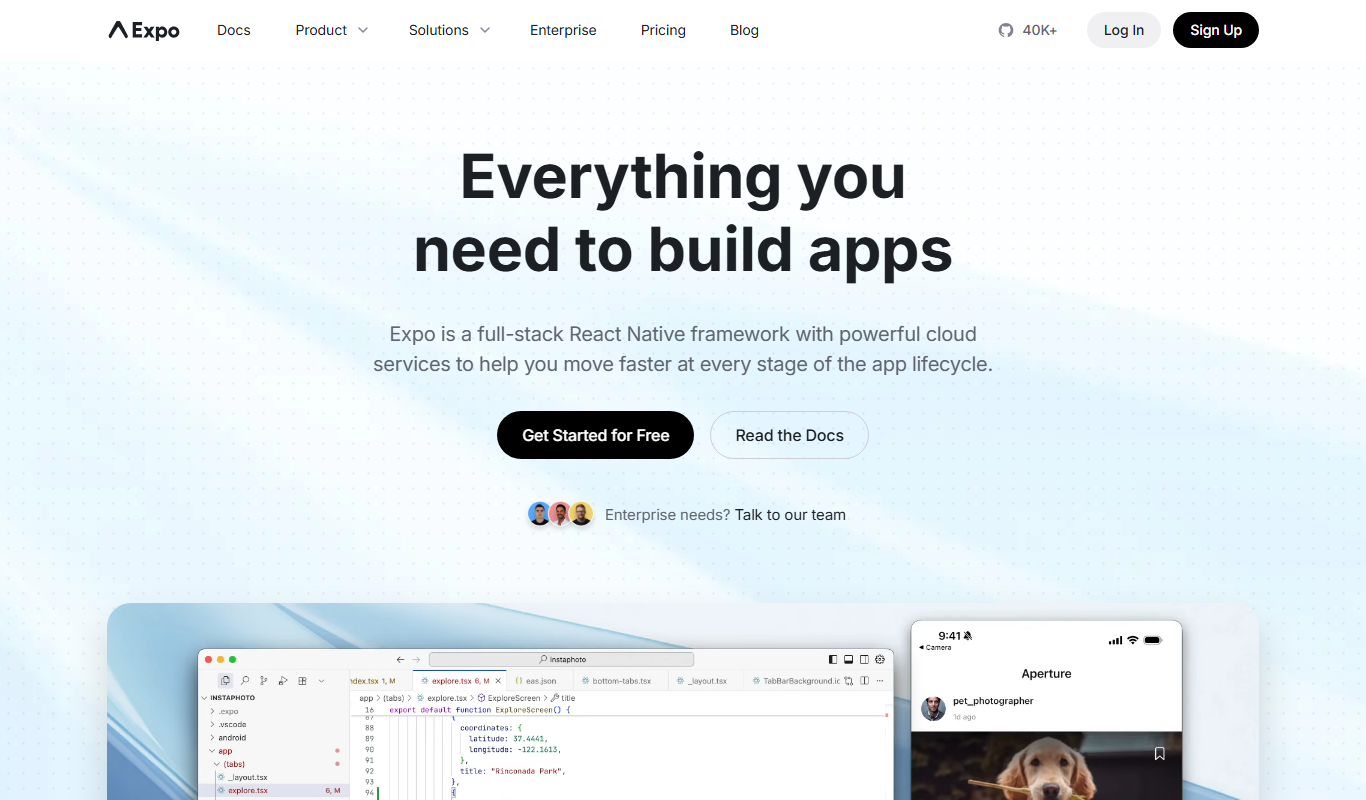
Expo
Expo is an open-source platform that simplifies building and deploying React Native mobile apps using JavaScript, offering managed workflows, cloud builds, and over-the-air updates.