

Apache SpamAssassin Email Spam Filter Software for Effective Spam Detection
Apache SpamAssassin is a free, open-source email spam filtering software that uses a combination of rule-based scoring, Bayesian filtering, and DNS blocklists to detect and block spam emails effectively.
- Best for
- Email Spam Filtering
- Key capability
- Rule-Based Scoring System
Save SpamAssassin, follow its updates and vote on it — everything stays in your account.
Sign in or create a free account
What is SpamAssassin?
Apache SpamAssassin is an open-source email spam filtering platform that uses a wide range of heuristic and statistical tests to identify and block unsolicited and malicious emails. It applies rule-based scoring, Bayesian filtering, DNS blocklists, and collaborative filtering databases to detect spam. Widely used by individuals and organizations, SpamAssassin helps maintain cleaner inboxes and enhances email security by filtering out unwanted messages before they reach users.
Key features of SpamAssassin
SpamAssassin offers comprehensive spam detection through customizable rules, Bayesian filtering, and integration capabilities with mail servers. It supports spam scoring, automatic learning, and detailed reporting, making it a robust solution for email security and spam management.
Rule-Based Scoring System
Uses a comprehensive set of rules to evaluate emails and assign spam scores.
Bayesian Spam Filtering
Employs statistical techniques to learn and improve spam detection based on user input.
DNS Blocklists Integration
Checks sender IPs against known spammer lists to enhance detection.
Customizable Rules and Plugins
Allows users to create custom filters and extend functionality through plugins.
Multi-Platform Support
Compatible with various mail servers and operating systems.
Pros and cons of SpamAssassin
Pros
- Highly customizable spam filtering rules
- Open-source and free with active community support
- Effective combination of heuristic and statistical methods
- Supports integration with many mail servers
- Regularly updated with new spam detection techniques
Cons
- Requires technical knowledge to configure optimally
- Primarily command-line based, limited GUI options
- May need tuning to reduce false positives
Key use cases for SpamAssassin
Email Spam Filtering
Automatically detect and filter out unwanted spam emails to reduce inbox clutter and improve email security.
Phishing Detection
Identify potential phishing attempts by analyzing email content and headers to protect users from malicious attacks.
Custom Spam Rules
Allow administrators to create and apply custom filtering rules tailored to specific organizational needs.
Integration with Mail Servers
Seamlessly integrate with popular mail servers like Postfix, Exim, and Sendmail for real-time spam filtering.
Spam Scoring and Reporting
Assign spam scores to incoming emails and generate detailed reports for monitoring and analysis.
How SpamAssassin works
- 1
Installation and Setup
Install SpamAssassin on your mail server or client system and configure it to process incoming emails.
- 2
Email Analysis
Incoming emails are analyzed using a variety of tests including header analysis, text analysis, and DNS-based checks.
- 3
Spam Scoring
Each email is assigned a spam score based on the tests it triggers; higher scores indicate higher likelihood of spam.
- 4
Filtering Actions
Emails exceeding a configured spam score threshold are flagged, quarantined, or rejected according to user preferences.
- 5
Continuous Learning
SpamAssassin can learn from user feedback to improve filtering accuracy over time using Bayesian analysis.
Who is using SpamAssassin
SpamAssassin pricing
Free
$0
Open-source software available at no cost with full features.
Plans and prices are as published by the vendor and can change. Check the official site before you buy. Open the pricing page (opens in a new tab)
Frequently asked questions about SpamAssassin
Yes, SpamAssassin is open-source and completely free to use.
Yes, it supports integration with popular mail servers like Postfix, Exim, and Sendmail.
Yes, users can create and apply custom rules to tailor spam detection.
SpamAssassin is primarily written in Perl with some components in C.
It depends on your specific needs and how you plan to use the tool. The official website and documentation are the best sources for the latest details.
It depends on your specific needs and how you plan to use the tool. The official website and documentation are the best sources for the latest details.
Yes, it can help with that use case depending on how you configure it and what features are available. You’ll get the best results with clear inputs and a defined goal.
It depends on your specific needs and how you plan to use the tool. The official website and documentation are the best sources for the latest details.
Conclusion
Each incoming email is analyzed with a variety of tests, including header analysis, text analysis and DNS-based checks. Triggered tests add up to a spam score, and emails exceeding a configured threshold are flagged, quarantined or rejected. Bayesian analysis lets SpamAssassin learn from user feedback over time, and sender IPs are checked against known spammer lists. It integrates with popular mail servers such as Postfix, Exim and Sendmail.
The project is open source and free to use, written primarily in Perl with some components in C. It is aimed at system administrators, email service providers and IT security professionals. Setup is primarily command-line based with limited GUI options, and filtering may need tuning to reduce false positives.
Sources
Sign in to review this tool.
Sign In to ReviewNo reviews yet
Be the first to share how this tool worked for you.
Ask about pricing, limits, or how it compares — or answer someone else.
Sign In to AskNo questions yet
Have a question about using or paying for this tool? Be the first to ask.
Featured on TiorAI



More AI Checker tools
Other tools in the same category, for when this one is not quite the fit.

inspectorio.com
Inspectorio is a cloud-based platform that digitizes and automates supply chain quality inspections and compliance management, helping brands and suppliers improve product quality and reduce risks.
MailTester
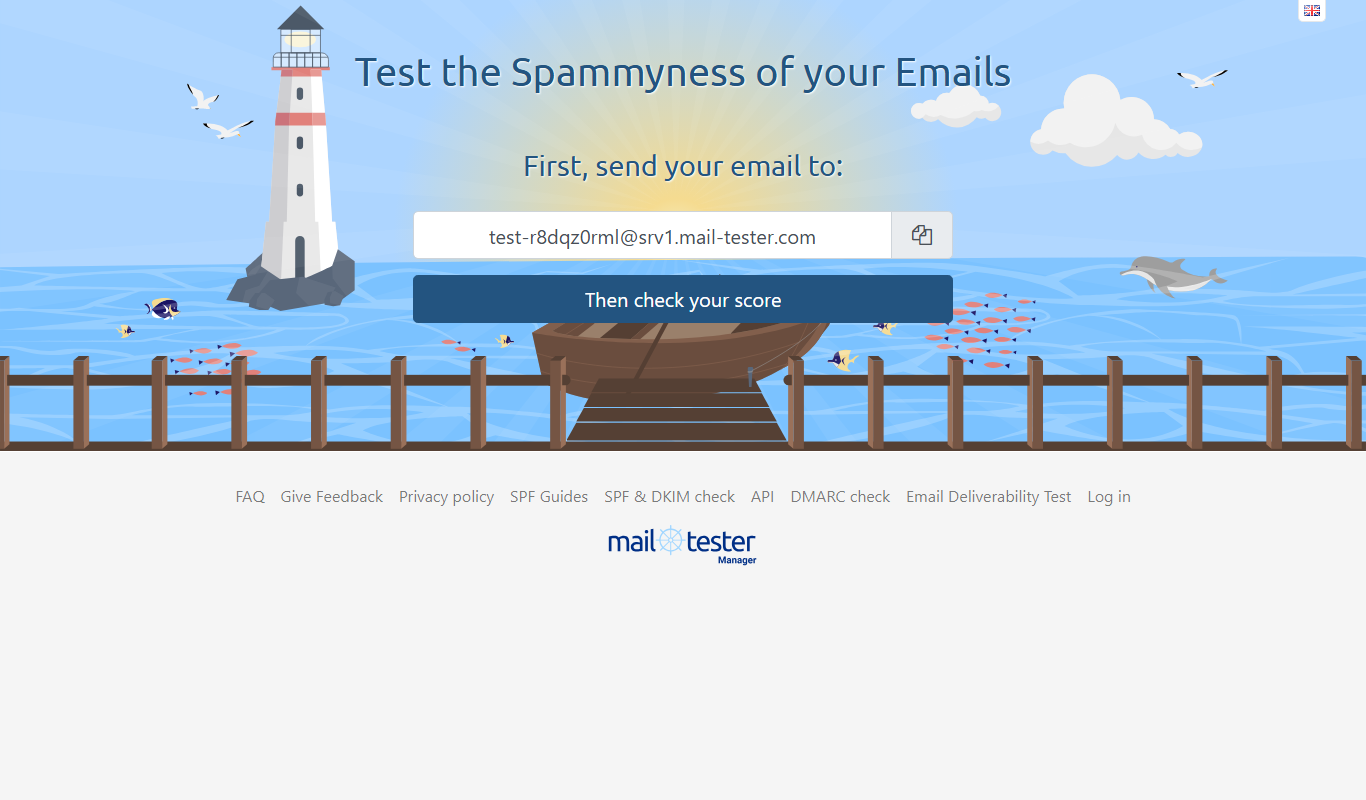
MailTester is an online tool that analyzes your email's spam score, authentication, and deliverability; occasional manual use is free and paid packages start at $10/month.

netradyne.com
Netradyne is an AI-driven fleet safety platform that uses video telematics and machine learning to monitor driver behavior in real time, providing alerts and analytics to improve safety and compliance.

AI Detector Writer
AI Detector Writer is a free online tool that analyzes text to determine if it was generated by AI, providing a confidence score and detailed report to help users verify content authenticity.

Snopes
Snopes is a free fact-checking website that verifies the accuracy of news stories, rumors, and viral claims to help users avoid misinformation.

IDWise Identity Verification, eKYC & AML
IDWise is a digital identity verification platform offering eKYC and AML compliance solutions through biometric facial recognition, document verification, and global sanctions screening.

OET Practice Online
OET Practice Online is a web platform offering interactive practice tests and resources designed to help healthcare professionals prepare for the Occupational English Test by improving their English skills in medical contexts.

KYC Hub
KYC Hub is a fraud and compliance infrastructure platform covering onboarding, real-time monitoring, decision automation and adverse media, not only KYC and AML.