

From my experience with VideoToWords AI, I found it excels at providing fast and accurate speech-to-text transcription for video content. The platform’s straightforward upload and editing process makes it accessible even for users without technical expertise. It’s particularly well-suited for content creators and professionals who need quick, reliable transcripts for captions or documentation. However, the tool currently supports only English and lacks a mobile app, which might limit flexibility for some users. Overall, if you require efficient transcription of video or audio files with easy editing, VideoToWords AI delivers solid results.
Accurate AI Speech and Video to Text Transcription Tool for Professionals
VideoToWords AI is a web-based platform that converts speech from video and audio files into accurate text transcripts using advanced AI technology, supporting multiple file formats and offering easy editing and export features.
- Best for
- Video Captioning
- Key capability
- High Accuracy Speech Recognition


Do you recommend this tool?
What is #1 AI Speech/Video To Text Tool?
VideoToWords AI is an online platform that uses artificial intelligence to convert speech from video and audio files into accurate text transcriptions. It supports a variety of video formats and provides fast, automated transcription services designed to save time and improve productivity for professionals across industries.
Key features of #1 AI Speech/Video To Text Tool
The tool offers automatic speech recognition, multi-format video support, easy editing of transcriptions, and export options in multiple text formats. It aims to deliver high accuracy and quick turnaround times for users needing reliable speech-to-text conversion.
High Accuracy Speech Recognition
Leverages advanced AI models to deliver precise transcriptions with minimal errors.
Supports Multiple Video Formats
Accepts common video and audio file types including MP4, MOV, AVI, and MP3.
User-Friendly Editing Interface
Allows users to easily edit and correct transcripts within the platform.
Fast Processing Times
Provides quick turnaround on transcription jobs, suitable for tight deadlines.
Export Options
Enables export of transcripts in text and subtitle formats for diverse use cases.
Pros and cons of #1 AI Speech/Video To Text Tool
Pros
- Easy to use with simple upload and editing workflow
- Supports a wide range of video and audio formats
- Fast transcription turnaround
- Affordable subscription pricing
- Accurate AI-powered speech recognition
Cons
- Currently supports only English language transcription
- No mobile app available, web-only platform
- Limited advanced customization options for transcription output
Key use cases for #1 AI Speech/Video To Text Tool
Video Captioning
Automatically generate captions for videos to improve accessibility and engagement.
Meeting Transcriptions
Convert recorded meetings and webinars into searchable text for documentation and review.
Content Creation
Easily create text versions of video or audio content for blogs, articles, or social media.
Language Learning
Use transcriptions to aid in language comprehension and study by reading along with spoken content.
Legal and Medical Documentation
Generate accurate transcripts from audio or video files for professional record-keeping.
How #1 AI Speech/Video To Text Tool works
- 1
Upload Video or Audio
Users upload their video or audio files directly to the platform through a simple web interface.
- 2
AI Transcription Processing
The AI engine processes the audio track, recognizing speech and converting it into text.
- 3
Edit and Review
Users can review the generated transcript, make corrections, and format the text as needed.
- 4
Export Transcript
The final transcript can be exported in various formats such as TXT, DOCX, or SRT for captions.
Who is using #1 AI Speech/Video To Text Tool
Content creators and video editors
Marketing and social media teams
Educators and language learners
Legal and medical professionals
Business professionals needing meeting transcripts
#1 AI Speech/Video To Text Tool pricing
Free Trial
$0
Limited usage to test the platform with basic features.
Monthly Subscription
$19/month
Access to full features with a set number of transcription minutes.
Annual Subscription
$180/year
Discounted yearly plan with full feature access and transcription minutes.
Plans and prices are as published by the vendor and can change. Check the official site before you buy. Open the pricing page (opens in a new tab)
Frequently asked questions about #1 AI Speech/Video To Text Tool
It supports common video and audio formats such as MP4, MOV, AVI, and MP3.
The AI engine provides high accuracy, but results may vary depending on audio quality and clarity.
Yes, the platform includes an editing interface to review and correct transcripts.
Yes, a free trial is available with limited transcription minutes.
It depends on your specific needs and how you plan to use the tool. The official website and documentation are the best sources for the latest details.
Yes, it can help with that use case depending on how you configure it and what features are available. You’ll get the best results with clear inputs and a defined goal.
Yes, it can help with that use case depending on how you configure it and what features are available. You’ll get the best results with clear inputs and a defined goal.
Sign in to review this tool.
Sign In to ReviewNo reviews yet
Be the first to share how this tool worked for you.
Ask about pricing, limits, or how it compares — or answer someone else.
Sign In to AskNo questions yet
Have a question about using or paying for this tool? Be the first to ask.
Featured on TiorAI



Alternative Tools
Explore similar AI tools that might fit your needs

Freemium
Trint
Trint is an AI transcription platform that converts audio and video files into editable, searchable text with high accuracy, supporting multiple languages and collaboration features.
More AI Speech Recognition Tools tools
Other tools in the same category, for when this one is not quite the fit.

Custom Pricing
SoundHound
SoundHound's Houndify is a voice AI platform providing speech-to-meaning technology, customizable voice assistants, and multi-language support for developers to integrate conversational AI into apps and devices.

Free
Coqui
Coqui is an open-source AI platform providing high-quality text-to-speech and speech recognition technologies, enabling developers to build custom voice applications with flexible model training and API access.
Custom Pricing
SoundHound
SoundHound's Houndify is a voice AI platform providing speech recognition and natural language understanding to build custom voice assistants and conversational interfaces.

Free
Snowball AI – ChatGPT in WhatsApp
Snowball AI integrates OpenAI's ChatGPT into WhatsApp, enabling users to chat with an AI assistant directly within WhatsApp for tasks like answering questions, automating responses, and generating content.
Free
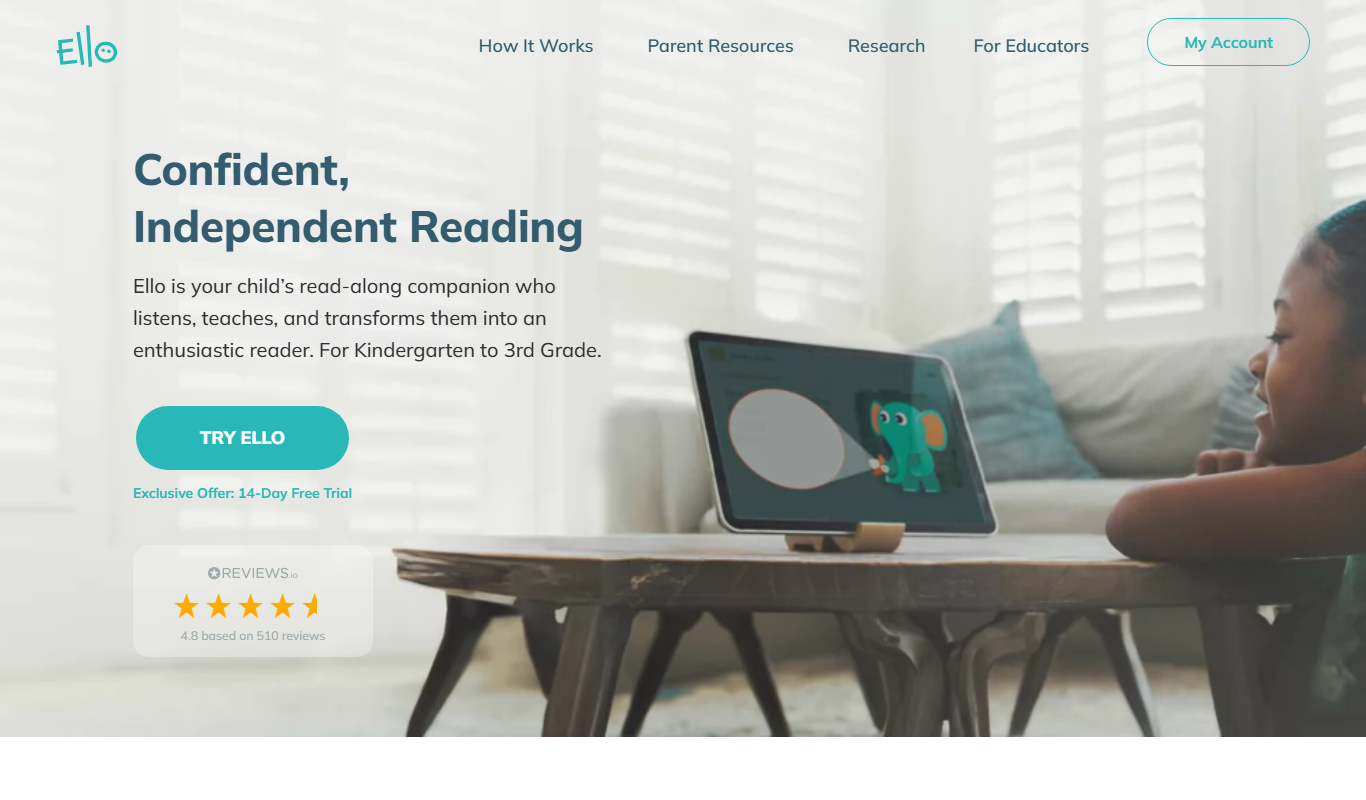
Ello
Ello is a free, ad-free social network focused on artists and creatives to share portfolios and connect without advertising distractions.

Freemium
Gladia
Gladia is an AI platform providing speech-to-text transcription, multilingual support, and audio analysis via easy-to-use APIs for real-time and batch processing.
Free
Hintscribe
Hintscribe is an AI-powered writing assistant that helps users generate, edit, and organize written content efficiently through smart suggestions and text generation.
Free
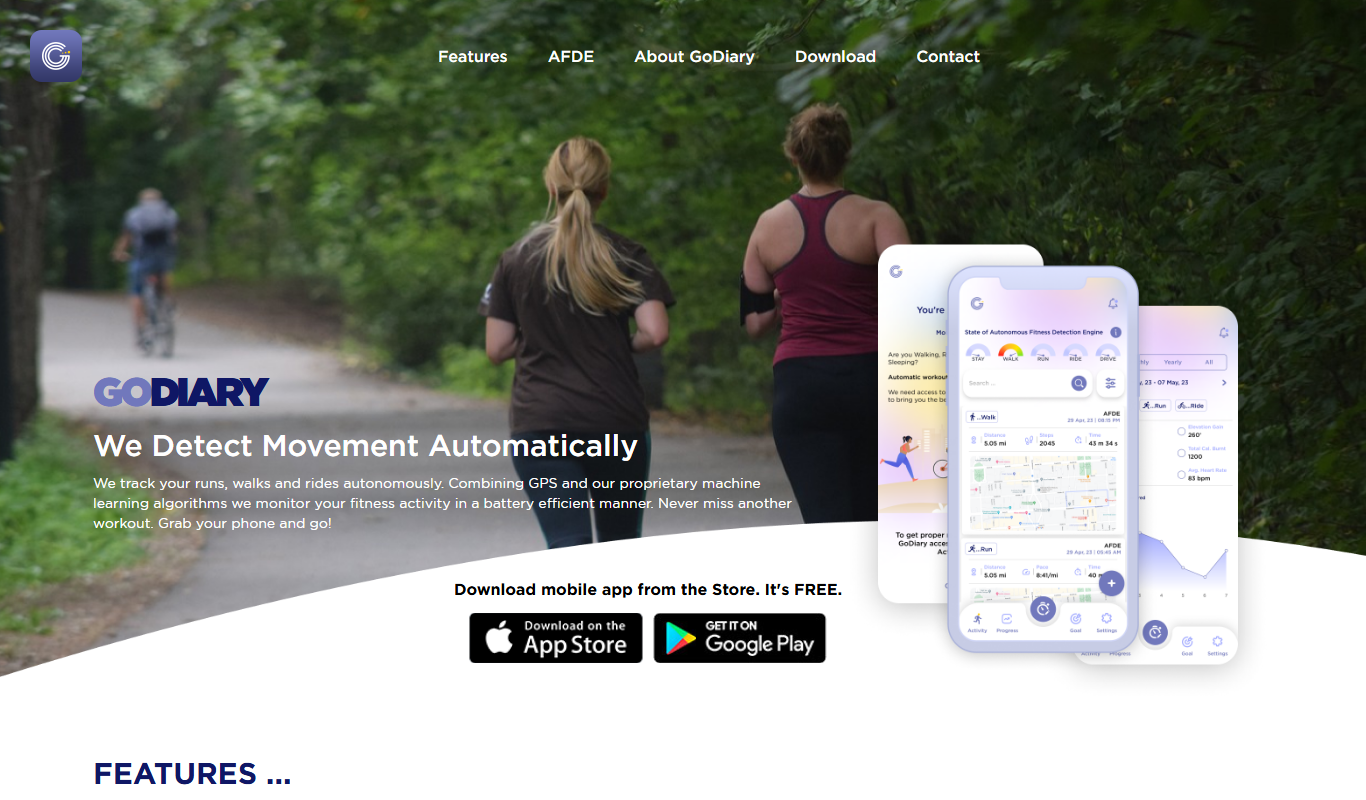
GoDiary: Running Tracker
GoDiary is a running tracker app that uses GPS to monitor your runs, log workouts, analyze progress, and connect with a fitness community.