

From my experience with AI PDF Bank Statement Parser, I found it excels at automating the tedious task of extracting financial data from diverse bank statement PDFs. The accuracy of its OCR and the ability to handle multiple bank formats make it a reliable choice for finance professionals who need to streamline data entry and reconciliation. However, the tool currently supports only English and lacks a mobile app, which might limit flexibility for some users. Overall, if you require efficient and accurate bank statement parsing for accounting or loan processing, this tool delivers solid results with a user-friendly interface.
AI PDF Bank Statement Parser for Automated Financial Data Extraction
AI PDF Bank Statement Parser is a web-based tool that uses AI and OCR to automatically extract transaction and account data from PDF bank statements, enabling faster financial data processing and integration.
- Best for
- Automated Bank Statement Data Extraction
- Key capability
- Multi-Bank Format Support
Your actions
Save AI PDF bank statement parser, follow its updates and vote on it — everything stays in your account.
Sign in or create a free account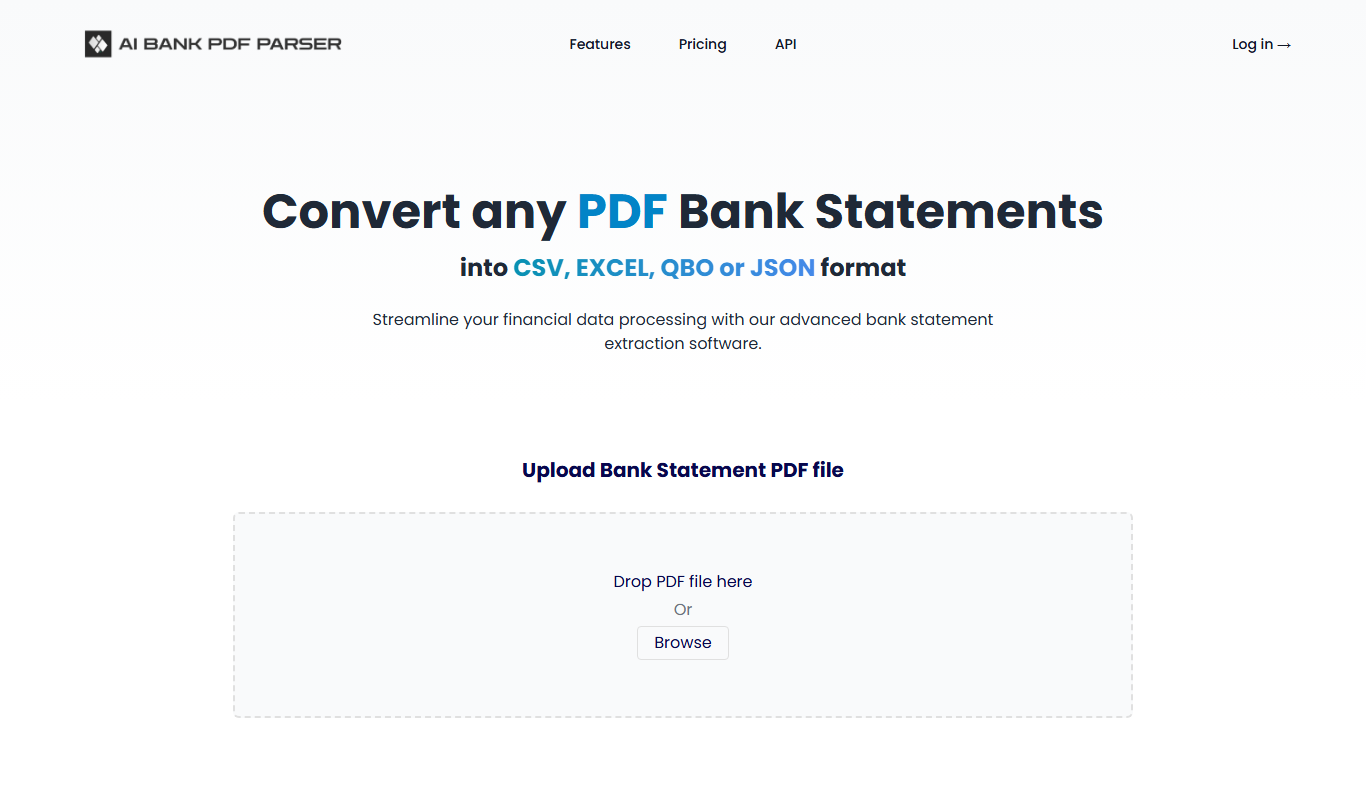

What is AI PDF bank statement parser?
AI PDF Bank Statement Parser is an AI-powered web application designed to automatically extract structured financial data from PDF bank statements. It leverages advanced OCR and machine learning algorithms to identify and parse transaction details, account summaries, and other key financial information from various bank statement formats. This eliminates the need for manual data entry, reduces errors, and accelerates financial workflows.
Key features of AI PDF bank statement parser
The tool offers automated PDF parsing, multi-bank format support, high accuracy OCR, export options to CSV and Excel, and integration capabilities with financial software. It also provides a user-friendly web interface for uploading documents and reviewing parsed data.
Multi-Bank Format Support
Supports parsing bank statements from a wide range of banks and financial institutions.
High Accuracy OCR
Utilizes advanced OCR technology to accurately recognize text and numbers from PDFs.
Structured Data Output
Delivers parsed data in clean, structured formats ready for analysis or integration.
User-Friendly Interface
Simple web-based platform for uploading documents and managing parsed data.
Data Export and API Access
Allows exporting data to common formats and offers API for seamless integration.
Pros and cons of AI PDF bank statement parser
Pros
- Automates tedious manual data entry
- Supports multiple bank formats
- High accuracy with advanced OCR
- Easy-to-use web interface
- Offers API for integration
Cons
- Limited language support (English only)
- No mobile app available
- Pricing may be high for small users
Key use cases for AI PDF bank statement parser
Automated Bank Statement Data Extraction
Extract transaction details, balances, and account information from PDF bank statements automatically to save manual data entry time.
Financial Data Integration
Integrate parsed bank statement data into accounting software, ERP systems, or financial analysis tools for streamlined workflows.
Loan and Credit Application Processing
Quickly verify applicant financials by parsing bank statements to support creditworthiness assessments.
Expense Tracking and Reconciliation
Use extracted transaction data for accurate expense tracking and bank reconciliation processes.
Audit and Compliance Support
Facilitate audits by providing structured, searchable financial data extracted from unstructured PDF statements.
How AI PDF bank statement parser works
- 1
Upload PDF Bank Statement
Users upload their bank statement PDFs through the web interface.
- 2
AI-Powered Parsing
The system uses OCR and machine learning to extract transaction data and account details.
- 3
Review and Edit
Parsed data is presented for user review and manual correction if needed.
- 4
Export or Integrate
Users export data in CSV/Excel formats or connect with financial software via API.
Who is using AI PDF bank statement parser
Accounting firms
Financial analysts
Loan officers
Small and medium businesses
Bookkeepers
AI PDF bank statement parser pricing
Free Trial
$0
Limited number of free parses to test the service.
Basic
$29/month
Includes a set number of parses per month with standard support.
Pro
$79/month
Higher parse limits, priority support, and API access.
Plans and prices are as published by the vendor and can change. Check the official site before you buy. Open the pricing page (opens in a new tab)
Frequently asked questions about AI PDF bank statement parser
The parser supports a wide range of PDF bank statement formats from major banks in the US and internationally.
Yes, the platform uses encryption and secure protocols to protect your data privacy.
Yes, API access is available on higher-tier plans for integration with third-party software.
Users can review and manually correct parsed data before exporting.
It depends on your specific needs and how you plan to use the tool. The official website and documentation are the best sources for the latest details.
Data handling and security practices vary by provider. Review the official privacy policy to understand how your data is stored and used.
Data handling and security practices vary by provider. Review the official privacy policy to understand how your data is stored and used.
Sign in to review this tool.
Sign In to ReviewNo reviews yet
Be the first to share how this tool worked for you.
Ask about pricing, limits, or how it compares — or answer someone else.
Sign In to AskNo questions yet
Have a question about using or paying for this tool? Be the first to ask.
Featured on TiorAI



Alternative Tools
Explore similar AI tools that might fit your needs

Free Trial
Docparser
Docparser is a cloud-based tool that automates data extraction from PDFs and scanned documents using customizable parsing templates and OCR, enabling businesses to streamline document workflows.

Custom Pricing
Rossum
Rossum is an AI-driven document processing platform that automates data extraction from business documents like invoices and purchase orders using deep learning, eliminating manual data entry and template setup.

Custom Pricing
Hypatos
Hypatos is an AI-powered document processing platform that automates data extraction from invoices and financial documents to optimize accounts payable workflows.
More AI Pdf Summarizer tools
Other tools in the same category, for when this one is not quite the fit.
Free
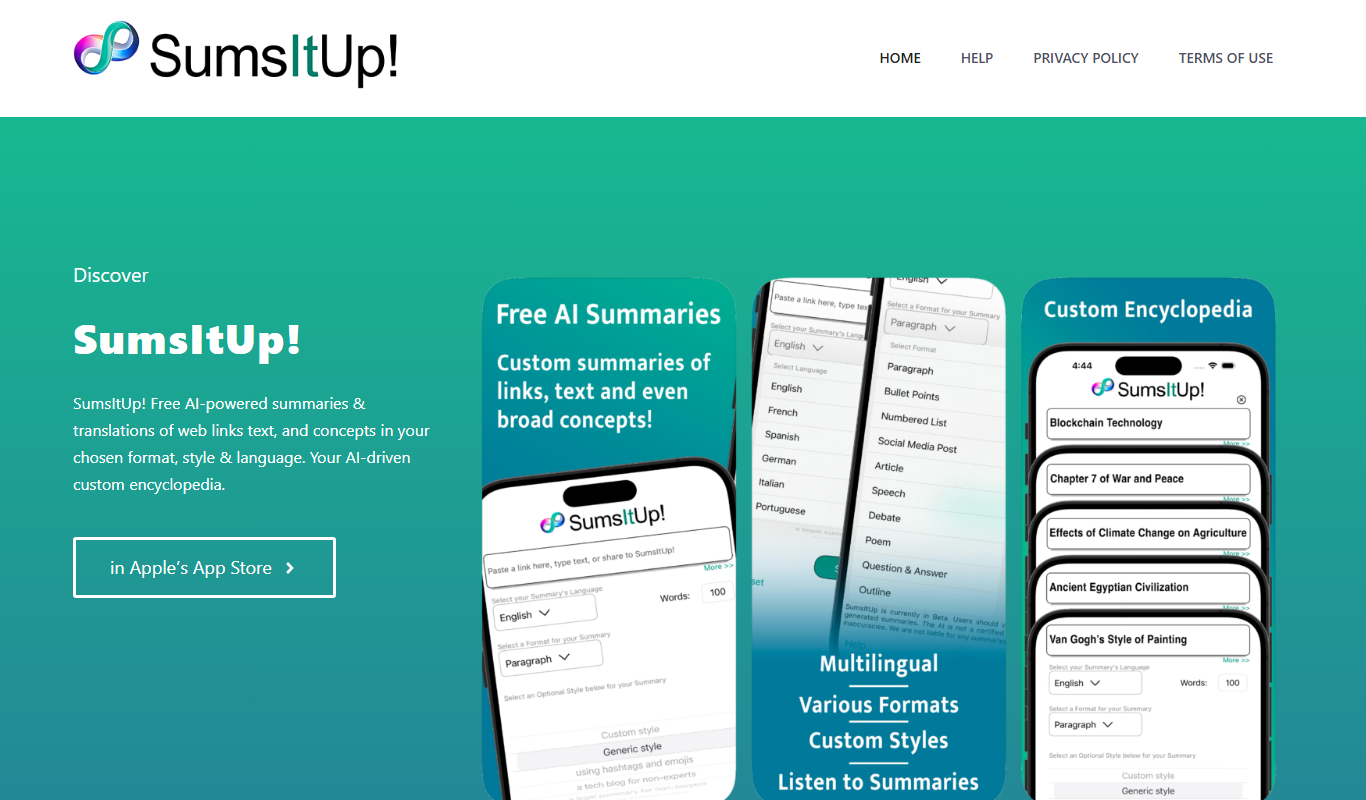
SumsItUp!
SumsItUp! is an AI-based tool that summarizes lengthy text into concise, easy-to-understand summaries, saving time and improving comprehension.
Freemium
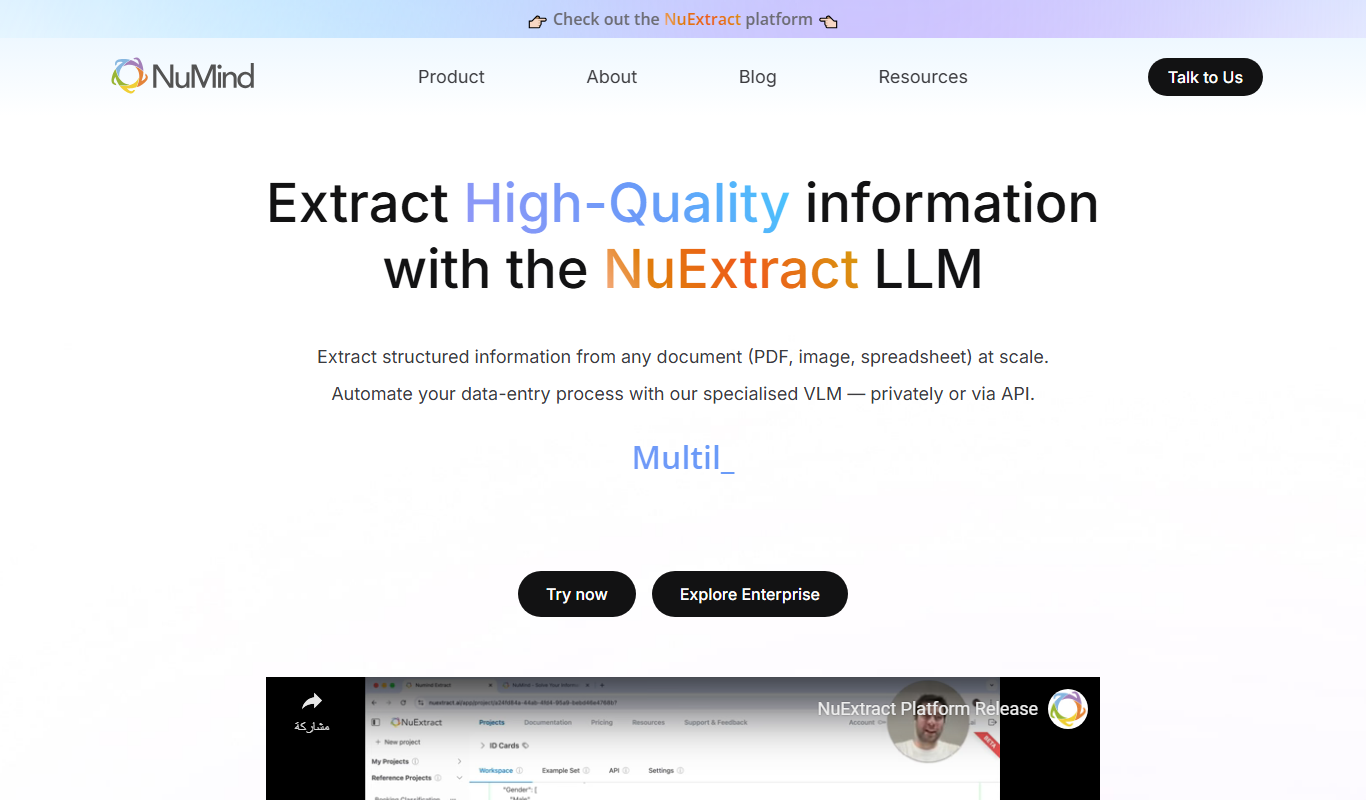
NuMind
NuMind is an AI platform that simplifies data analysis and predictive modeling through automated machine learning and interactive visualization, designed for both technical and non-technical users.
Freemium
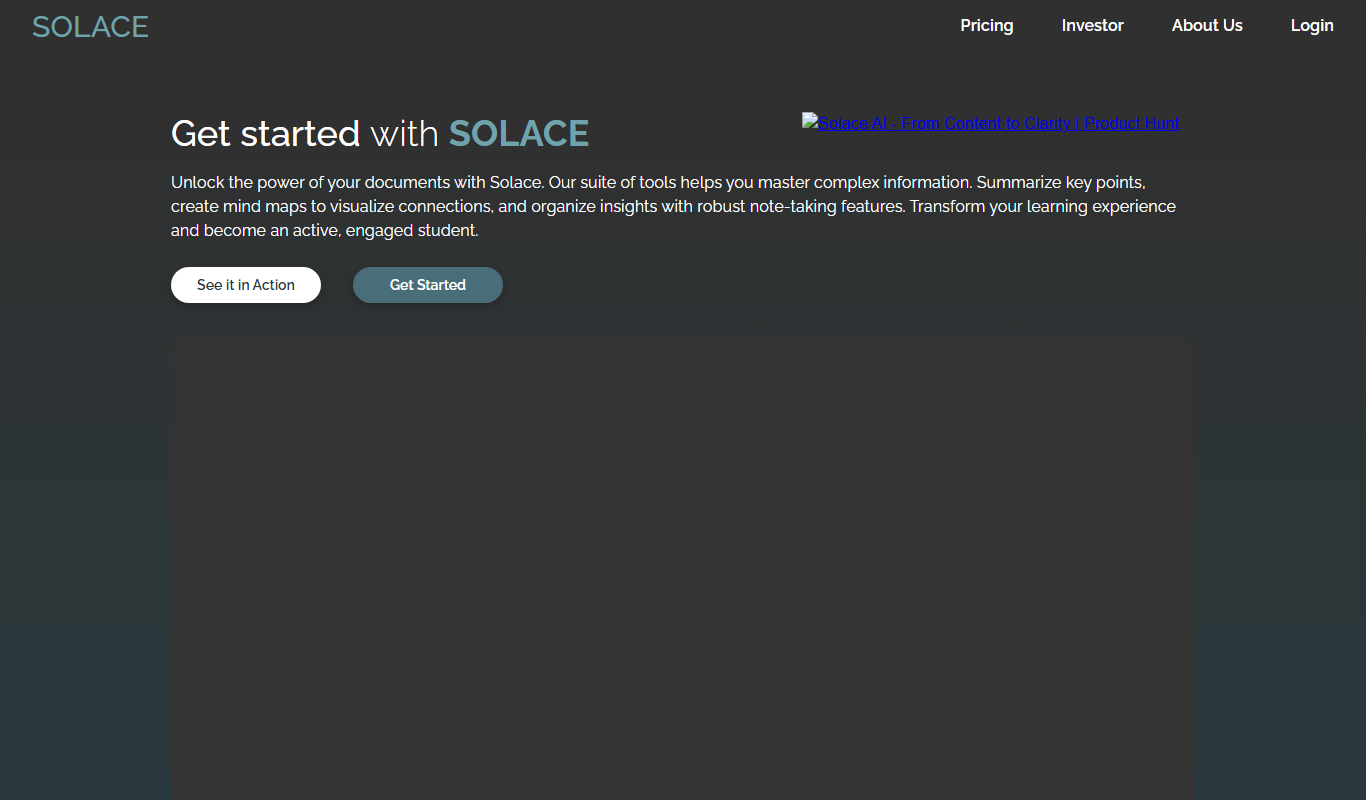
Solace AI
Solace AI is an AI-driven mental health platform that provides emotional support and therapeutic conversations through a chatbot interface, helping users manage stress and anxiety.

Free
Wholesum Food Calculator
Wholesum Food Calculator is a web-based tool that provides detailed nutritional analysis and meal planning features, helping users track macros and micros accurately.

Free
QuickRead AI
QuickRead AI is an AI-powered tool that summarizes long texts into concise key points, helping users read and understand content faster.

Freemium
Summate
Summate is an AI-powered writing assistant that enables users to generate original content, summarize long texts, and improve writing quality through an easy-to-use web platform.

Free
pdfy
PDFy is an AI-powered web tool that summarizes PDF documents quickly by extracting key points, helping users save time reading lengthy files.

Free
CTRify
CTRify is a web-based URL shortening tool that provides branded short links, real-time click analytics, custom domains, QR code generation, and link retargeting features to help marketers track and optimize their campaigns.