

Docparser Document Data Extraction Tool for Automated PDF Parsing
Docparser is a cloud-based tool that automates data extraction from PDFs and scanned documents using customizable parsing templates and OCR, enabling businesses to streamline document workflows.
- Best for
- Invoice Data Extraction
- Key capability
- Custom Parsing Templates
Save Docparser, follow its updates and vote on it — everything stays in your account.
Sign in or create a free account
What is Docparser?
Docparser is a cloud-based document data extraction tool designed to automatically parse and extract structured data from PDFs and scanned documents. It enables businesses to automate the tedious process of manual data entry by converting unstructured documents into actionable data. Users can define custom parsing rules to target specific fields, making it adaptable to various document formats such as invoices, purchase orders, and bank statements.
Key features of Docparser
Docparser offers powerful PDF parsing capabilities, optical character recognition (OCR) for scanned documents, customizable parsing rules, integration with popular business applications, and API access for seamless automation. Its user-friendly interface allows non-technical users to set up parsing templates without coding.
Custom Parsing Templates
Visual editor to create tailored parsing rules for different document types.
OCR Technology
Optical character recognition to extract data from scanned and image-based PDFs.
API Access
Robust API for integrating document parsing into existing workflows and applications.
Integration Support
Connects with tools like Zapier, Google Sheets, Dropbox, and accounting software for automated data transfer.
Multi-format Export
Export parsed data in multiple formats including Excel, CSV, JSON, and XML.
Pros and cons of Docparser
Pros
- Highly customizable parsing templates
- Supports OCR for scanned documents
- Easy integration with popular business tools
- User-friendly interface for non-technical users
- Robust API for automation
Cons
- Pricing can be high for large volume users
- Limited language support beyond English and German
- Setup can be time-consuming for complex documents
Key use cases for Docparser
Invoice Data Extraction
Automatically extract key data fields such as invoice numbers, dates, and totals from PDF invoices to streamline accounting workflows.
Purchase Order Processing
Parse purchase orders to capture order details and automate entry into ERP or CRM systems.
Bank Statement Parsing
Extract transaction data from bank statements for financial analysis and reconciliation.
Automated Document Workflows
Integrate parsed data into business workflows to reduce manual data entry and improve operational efficiency.
Custom Data Extraction
Configure parsing rules to extract specific data points from a variety of document types beyond invoices and statements.
How Docparser works
- 1
Upload Documents
Users upload PDFs or scanned documents to the Docparser platform via web interface or API.
- 2
Define Parsing Rules
Create custom parsing templates by selecting data fields and setting extraction rules using a visual editor.
- 3
Process Documents
Docparser applies OCR and parsing rules to extract structured data from the uploaded documents.
- 4
Export Data
Extracted data can be exported in formats like Excel, CSV, JSON, or sent directly to other applications via integrations or API.
Who is using Docparser
Docparser pricing
Free Trial
$0 for 14 days
Full feature access with limited document pages to test the platform.
Starter
$39 for 100 credits
100 credits; one credit is a document of up to 5 pages.
Professional
$74 for 250 credits
250 credits; one credit is a document of up to 5 pages.
Business
$159 for 1,000 credits
1,000 credits; one credit is a document of up to 5 pages.
Enterprise
Custom
Package tailored to specific parsing needs with custom parsing credits, unlimited parsers, extended document retention and a white labeling license.
Plans and prices are as published by the vendor and can change. Check the official site before you buy. Open the pricing page (opens in a new tab)
Frequently asked questions about Docparser
Docparser can process PDFs, scanned documents, and image-based files such as invoices, purchase orders, bank statements, and more.
Yes, Docparser includes built-in OCR technology to extract text from scanned and image-based PDFs.
Yes, Docparser offers API access and integrations with platforms like Zapier, Google Sheets, and various accounting and CRM tools.
No, Docparser provides a visual editor that allows users to create custom parsing templates without any coding.
Data handling and security practices vary by provider. Review the official privacy policy to understand how your data is stored and used.
Yes, it can help with that use case depending on how you configure it and what features are available. You’ll get the best results with clear inputs and a defined goal.
Integration support depends on the tool and its available connectors or API. Check the official documentation or integrations page to confirm what is supported.
It depends on your specific needs and how you plan to use the tool. The official website and documentation are the best sources for the latest details.
Conclusion
Documents arrive through the web interface or the API, and a visual editor defines custom parsing templates without any coding. Built-in OCR extracts text from scanned and image-based PDFs such as invoices, purchase orders and bank statements. Extracted data is exported as Excel, CSV or JSON or sent to other applications through integrations like Zapier and Google Sheets.
It targets accounting and finance teams, e-commerce companies, and logistics and supply chain managers. Setup can be time-consuming for complex documents. Plans are sold in credits, where one credit is a document of up to 5 pages. Starter costs $39 for 100 credits, Professional $74 for 250 and Business $159 for 1,000, while Enterprise is priced on a custom basis.
Sources
Sign in to review this tool.
Sign In to ReviewNo reviews yet
Be the first to share how this tool worked for you.
Ask about pricing, limits, or how it compares — or answer someone else.
Sign In to AskNo questions yet
Have a question about using or paying for this tool? Be the first to ask.
Featured on TiorAI



Alternative Tools
Explore similar AI tools that might fit your needs

Rossum
Rossum is an AI-driven document processing platform that automates data extraction from business documents like invoices and purchase orders using deep learning, eliminating manual data entry and template setup.

Hypatos
Hypatos is an AI-powered document processing platform that automates data extraction from invoices and financial documents to optimize accounts payable workflows.
More AI Workflow tools
Other tools in the same category, for when this one is not quite the fit.

Slite
Slite is a collaborative knowledge base and team wiki software designed to help teams organize, share, and manage information efficiently, especially for remote and distributed teams.
Roam Research
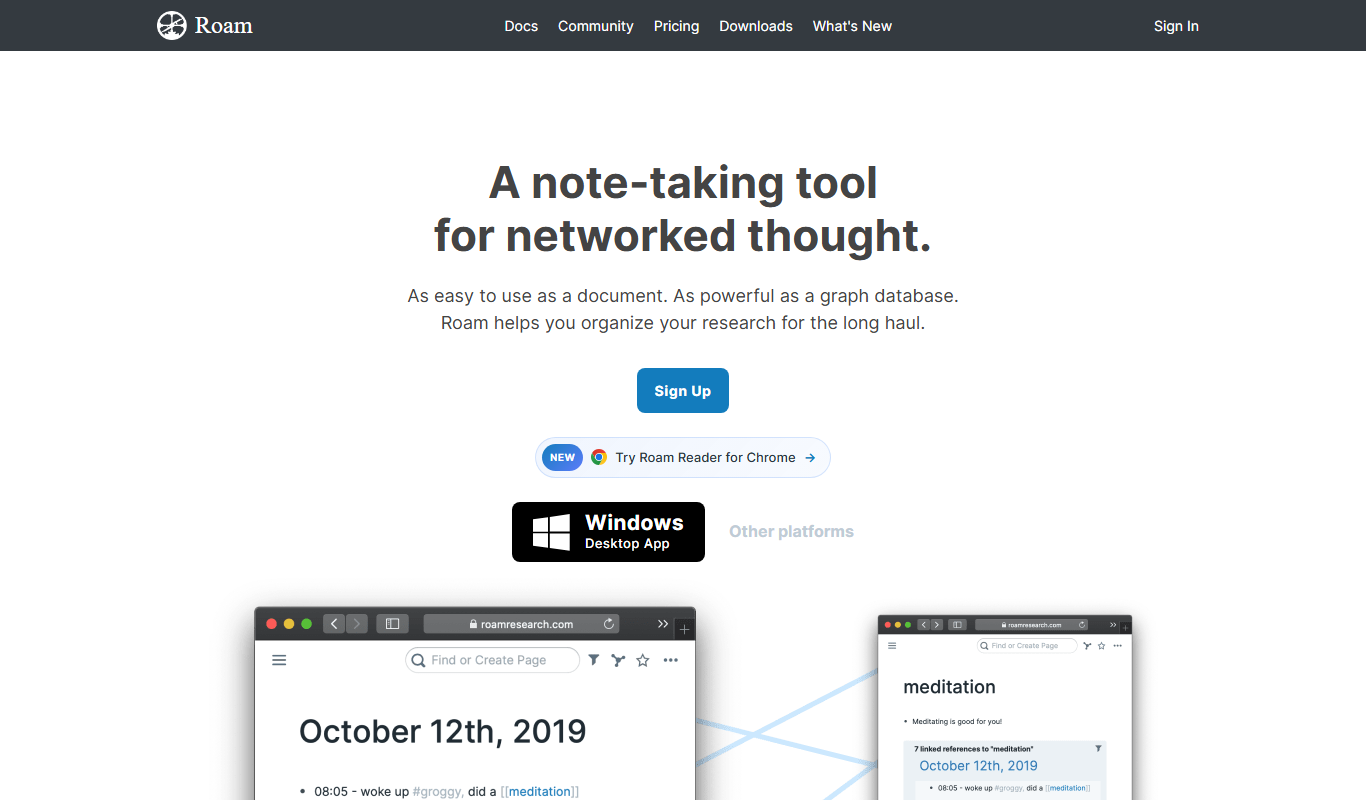
Roam Research is a note-taking and knowledge management tool that uses bidirectional linking and graph visualization to help users organize and connect ideas effectively.
Swimlane
Swimlane is a security orchestration, automation, and response (SOAR) platform that enables organizations to automate incident response workflows, integrate threat intelligence, and improve security operations efficiency.

Coggle
Coggle is a web-based collaborative mind mapping tool that helps users visually organize ideas, brainstorm, and plan projects with real-time team collaboration.

Readwise
Readwise is a tool that imports and organizes your reading highlights from various platforms and uses spaced repetition to help you retain knowledge effectively.

Condo Control
Condo Control is a cloud-based property management platform for communication, amenity booking, package tracking and payment processing in condominium and homeowners associations.

Linear
Linear is a project management and issue tracking software optimized for agile software development teams, offering fast workflows, real-time collaboration, and integrations with tools like GitHub and Slack.

Resource Guru
Resource Guru is a cloud-based resource scheduling software that helps teams efficiently allocate and manage people, equipment, and rooms to optimize project delivery and avoid scheduling conflicts.