

Swimlane Security Automation Platform for Enterprise Incident Response
Swimlane is a security orchestration, automation, and response (SOAR) platform that enables organizations to automate incident response workflows, integrate threat intelligence, and improve security operations efficiency.
- Best for
- Security Orchestration, Automation, and Response (SOAR)
- Key capability
- Visual Playbook Builder
Save Swimlane, follow its updates and vote on it — everything stays in your account.
Sign in or create a free accountWhat is Swimlane?
Swimlane is a security automation platform designed to help organizations orchestrate, automate, and manage their cybersecurity operations. It enables security teams to streamline incident response workflows, integrate threat intelligence, and improve operational efficiency through automation. Swimlane’s platform supports complex security processes by connecting disparate security tools and data sources into a unified system.
Key features of Swimlane
Swimlane offers a comprehensive set of features including customizable workflow automation, incident management dashboards, threat intelligence integration, case management, and reporting capabilities. Its drag-and-drop playbook builder allows security teams to automate routine tasks and accelerate response times.
Visual Playbook Builder
Drag-and-drop interface to create and customize automated security workflows without coding.
Incident Management Dashboard
Centralized view for tracking and managing security incidents and investigations.
Threat Intelligence Integration
Connect multiple threat intelligence sources to enrich alerts and improve detection accuracy.
Automated Response Actions
Trigger automated containment and remediation steps to reduce response times.
Compliance Reporting
Generate audit-ready reports to support regulatory compliance efforts.
Pros and cons of Swimlane
Pros
- Highly customizable workflow automation
- Strong integration capabilities with security tools
- Improves incident response efficiency
- Comprehensive incident management features
Cons
- Pricing is not publicly available and may be expensive for smaller teams
- Steep learning curve for complex workflow design
Key use cases for Swimlane
Security Orchestration, Automation, and Response (SOAR)
Automate and orchestrate security operations workflows to improve incident response times and reduce manual effort.
Incident Response Management
Centralize and streamline investigation and remediation processes for security incidents.
Threat Intelligence Integration
Aggregate and operationalize threat intelligence data to proactively detect and respond to threats.
Compliance and Audit Reporting
Automate compliance workflows and generate audit-ready reports to meet regulatory requirements.
Security Operations Center (SOC) Efficiency
Enhance SOC team productivity by automating repetitive tasks and providing actionable insights.
How Swimlane works
- 1
Connect Security Tools
Integrate Swimlane with existing security infrastructure such as SIEMs, endpoint protection, and threat intelligence feeds.
- 2
Design Automated Workflows
Use the visual playbook builder to create automated incident response and remediation workflows tailored to your environment.
- 3
Detect and Respond
Automatically detect security incidents and trigger workflows to investigate, contain, and remediate threats.
- 4
Monitor and Report
Track incident status and generate compliance reports to maintain visibility and audit readiness.
Who is using Swimlane
Swimlane pricing
Custom Pricing
Contact Sales
Pricing tailored to organizational size, deployment needs, and feature requirements.
Plans and prices are as published by the vendor and can change. Check the official site before you buy. Open the pricing page (opens in a new tab)
Frequently asked questions about Swimlane
Swimlane is used to automate and orchestrate security operations workflows, helping organizations respond faster to cyber threats.
Yes, Swimlane supports integration with a wide range of security tools including SIEMs, endpoint protection, and threat intelligence platforms.
Swimlane is primarily designed for enterprise security teams and SOCs, but smaller organizations with complex security needs may also benefit.
Swimlane is a web-based platform with API access for integrations.
Data handling and security practices vary by provider. Review the official privacy policy to understand how your data is stored and used.
Integration support depends on the tool and its available connectors or API. Check the official documentation or integrations page to confirm what is supported.
It depends on your specific needs and how you plan to use the tool. The official website and documentation are the best sources for the latest details.
Conclusion
Deployment starts by integrating Swimlane with existing security infrastructure such as SIEMs, endpoint protection and threat intelligence feeds, after which detected incidents trigger automated workflows. Those playbooks are designed in a drag-and-drop visual builder, so investigation, containment and remediation steps can be set up without coding. Threat intelligence from multiple sources enriches alerts, and a central dashboard tracks incidents and investigations. It is a web-based platform with API access for integrations.
The service is primarily designed for enterprise security teams and SOCs, with managed security service providers and IT compliance officers also among its target users. Pricing is tailored to organizational size, deployment needs and feature requirements, and it is only available by contacting sales.
Sources
Sign in to review this tool.
Sign In to ReviewNo reviews yet
Be the first to share how this tool worked for you.
Ask about pricing, limits, or how it compares — or answer someone else.
Sign In to AskNo questions yet
Have a question about using or paying for this tool? Be the first to ask.
Featured on TiorAI



More AI Customer Service tools
Other tools in the same category, for when this one is not quite the fit.

GrowthMentor
GrowthMentor is an online platform that connects entrepreneurs and marketers with vetted mentors for personalized advice via live video sessions, helping startups grow and solve business challenges.

Percepto Autonomous Inspection
Percepto Autonomous Inspection is an AI-powered autonomous drone platform that automates industrial site inspections, providing real-time anomaly detection, 3D mapping, and remote asset monitoring to enhance safety and operational efficiency.
NewsBlur
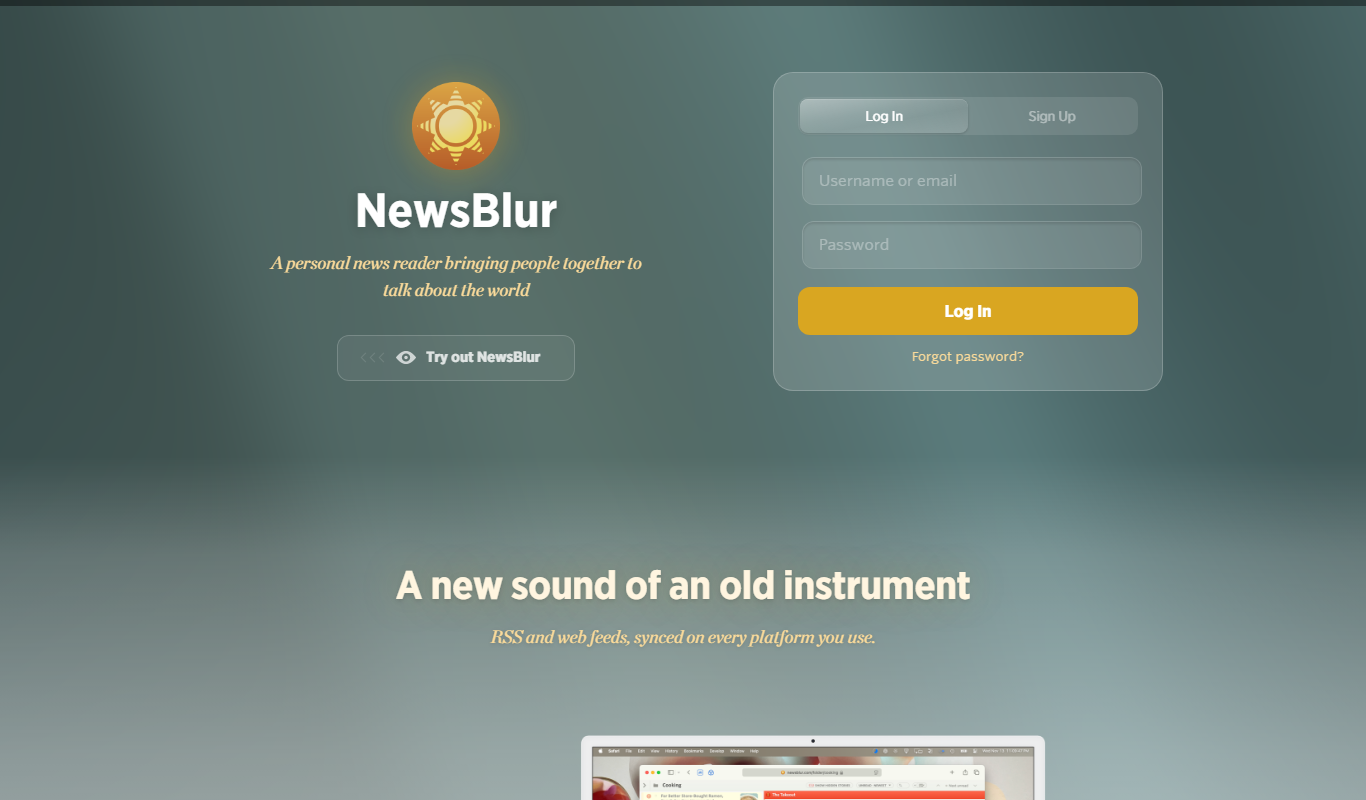
NewsBlur is a personal RSS reader and news aggregator that collects and filters news from multiple sources, allowing users to customize their news feed and read across web and mobile platforms.
Global Sources
Global Sources is a B2B sourcing platform that connects buyers with verified suppliers worldwide, offering product catalogs, trade show access, and communication tools to facilitate global trade.
DHgate
DHgate is a global online wholesale marketplace connecting international buyers with Chinese manufacturers and suppliers, offering bulk purchasing, dropshipping, and buyer protection services.

Alibaba
Alibaba is a global B2B wholesale marketplace that connects buyers with verified suppliers worldwide, offering trade assurance and custom manufacturing services.

SideChef
SideChef is a cooking app that provides step-by-step recipe guidance, meal planning tools, and smart kitchen integration to simplify home cooking.

ClearSale AI
ClearSale AI is a fraud prevention platform that uses artificial intelligence and manual review to protect e-commerce merchants from fraudulent transactions and chargebacks.