

Slite Collaborative Knowledge Base and Team Wiki Software for Remote Work
Slite is a collaborative knowledge base and team wiki software designed to help teams organize, share, and manage information efficiently, especially for remote and distributed teams.
- Best for
- Team Knowledge Management
- Key capability
- Real-Time Collaborative Editing
Save Slite, follow its updates and vote on it — everything stays in your account.
Sign in or create a free account
What is Slite?
Slite is a collaborative knowledge base and team wiki software designed to help teams organize, share, and manage information efficiently. It provides a centralized platform for creating, editing, and storing documents, notes, and workflows, making it easier for teams to stay aligned, especially in remote or hybrid work environments.
Key features of Slite
Slite offers real-time collaborative editing, rich text formatting, document organization with channels and folders, powerful search capabilities, integrations with popular tools, and offline access. It supports team communication through comments and mentions, enabling seamless collaboration.
Real-Time Collaborative Editing
Multiple users can edit documents simultaneously with live updates.
Organized Knowledge Base
Use channels and folders to categorize and structure your team’s information.
Powerful Search
Quickly find documents, notes, and content across your workspace.
Comments and Mentions
Facilitate communication within documents through threaded comments and user mentions.
Offline Mode
Access and edit documents without internet connectivity, syncing changes later.
Integrations
Connect with Slack, Google Drive, and other productivity tools to enhance workflows.
Pros and cons of Slite
Pros
- Intuitive and clean user interface
- Strong collaboration and real-time editing features
- Good organizational structure with channels and folders
- Offline access capability
- Integrates well with common productivity tools
Cons
- Limited advanced formatting compared to some competitors
- Pricing can be high for larger teams
- No built-in task management features
Key use cases for Slite
Team Knowledge Management
Centralize company knowledge and documentation in a shared workspace accessible to all team members.
Remote Collaboration
Enable distributed teams to collaborate on documents, share updates, and maintain alignment asynchronously.
Project Documentation
Organize project notes, meeting minutes, and workflows in a structured and searchable format.
Onboarding and Training
Create onboarding guides and training materials to help new employees ramp up quickly.
Meeting Notes and Agendas
Capture and share meeting notes in real-time to keep everyone informed and accountable.
How Slite works
- 1
Create an Account
Sign up on Slite’s website or app using email or single sign-on options.
- 2
Set Up Your Workspace
Create channels and folders to organize your team’s documents and knowledge base.
- 3
Invite Team Members
Add colleagues to your workspace to start collaborating on notes and projects.
- 4
Create and Collaborate on Documents
Use the editor to write, format, and edit documents together in real-time.
- 5
Integrate and Share
Connect Slite with tools like Slack, Google Drive, and others to streamline workflows.
Who is using Slite
Slite pricing
Trial
14 days
14-day free trial to explore everything included in the Basic and Pro plans, with no credit card required.
Basic
$10/user/month billed annually
Unlimited docs, AI search and answers, doc verification workflow, Knowledge Management Panel, MCP and API access for writing, organizing and verifying docs.
Pro
$20/user/month billed annually
Everything in Basic plus the Slite Agent, search across connected tools, doc fact-checking, agent workflows, 50 monthly credits per seat and OpenID SSO.
Enterprise
Everything in Pro plus reader-only seats, advanced security and controls, audit logs, an SLA, a dedicated account manager and priority support.
Plans and prices are as published by the vendor and can change. Check the official site before you buy. Open the pricing page (opens in a new tab)
Frequently asked questions about Slite
No, there is no free plan. Slite offers a 14-day trial.
Yes, Slite allows offline access and editing, syncing changes when back online.
Slite integrates with Slack, Google Drive, Zapier, and other popular productivity tools.
Absolutely, Slite is designed to facilitate collaboration for remote and distributed teams.
This tool is designed to help users accomplish its core tasks more efficiently. It is typically used by individuals or teams looking to improve productivity and workflow.
Some tools offer a free plan or trial with limited features. Availability can vary, so confirm on the official website.
Yes, it can help with that use case depending on how you configure it and what features are available. You’ll get the best results with clear inputs and a defined goal.
Conclusion
Team knowledge is organized into channels and folders, and search finds documents, notes and content across the workspace. Several users can edit a document simultaneously with live updates, while threaded comments and mentions keep discussion inside the document. Integrations cover Slack, Google Drive and Zapier.
Remote and distributed teams are a central audience. There is no free plan, and Slite offers a 14-day trial. Basic costs $10/user/month and Pro $20/user/month billed annually, with Enterprise above them.
Sources
Sign in to review this tool.
Sign In to ReviewNo reviews yet
Be the first to share how this tool worked for you.
Ask about pricing, limits, or how it compares — or answer someone else.
Sign In to AskNo questions yet
Have a question about using or paying for this tool? Be the first to ask.
Featured on TiorAI



Alternative Tools
Explore similar AI tools that might fit your needs

Confluence
Confluence is a team collaboration and knowledge management platform by Atlassian that enables creating, sharing, and organizing documentation with real-time editing and integration with tools like Jira.
More AI Workflow tools
Other tools in the same category, for when this one is not quite the fit.
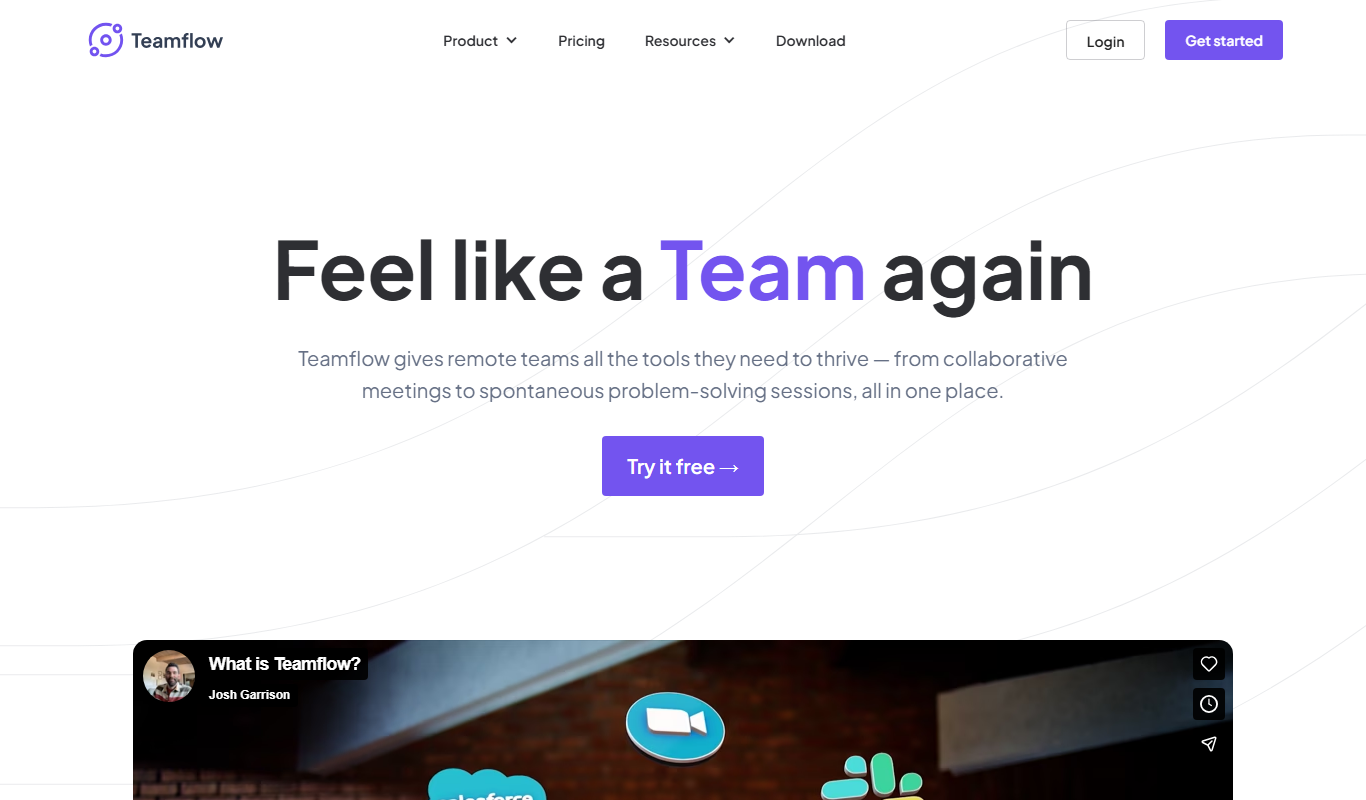
Teamflow
Teamflow is a virtual office platform designed to enhance remote team collaboration through spatial audio, customizable virtual spaces, and integrated video conferencing.

C3.ai
C3.ai is an enterprise AI platform that enables organizations to build and deploy AI applications for predictive analytics, IoT, and digital transformation across industries.

ContractWorks
ContractWorks is a web-based contract management software that helps businesses securely store, track, and sign contracts with features like electronic signatures, automated alerts, and compliance tools.
Turbonomic
Turbonomic is an AI-driven platform that automates application resource management to optimize performance and reduce costs across hybrid and multi-cloud environments.
CaseFleet
CaseFleet is a cloud-based legal case management platform designed to help lawyers organize case facts, evidence, and timelines to streamline litigation preparation and collaboration.

LaborX
LaborX is a blockchain-powered freelance platform that uses smart contracts and cryptocurrency payments to provide secure, transparent, and automated freelance job agreements and payments worldwide.

BSC Designer
BSC Designer is a strategic performance management software that enables organizations to create balanced scorecards, manage KPIs, and generate performance reports to improve strategy execution.

Ideanote
Ideanote is an idea management platform that helps organizations collect, evaluate, and implement ideas through collaborative campaigns and workflow automation.