

From my experience with NuMind, I found it excels at making advanced AI and machine learning accessible to users without deep technical backgrounds. The platform’s automated workflows and interactive visualizations simplify complex data tasks, which is especially valuable for business analysts and small teams. However, while it offers powerful features, some advanced customizations may still require technical expertise, and the Enterprise pricing is not transparent upfront. Overall, if you need a user-friendly AI tool for predictive analytics and data visualization, NuMind provides a balanced mix of automation and flexibility.
NuMind AI Platform for Advanced Data Analysis and Predictive Modeling
NuMind is an AI platform that simplifies data analysis and predictive modeling through automated machine learning and interactive visualization, designed for both technical and non-technical users.
- Best for
- Predictive Analytics
- Key capability
- Automated Machine Learning
Your actions
Save NuMind, follow its updates and vote on it — everything stays in your account.
Sign in or create a free account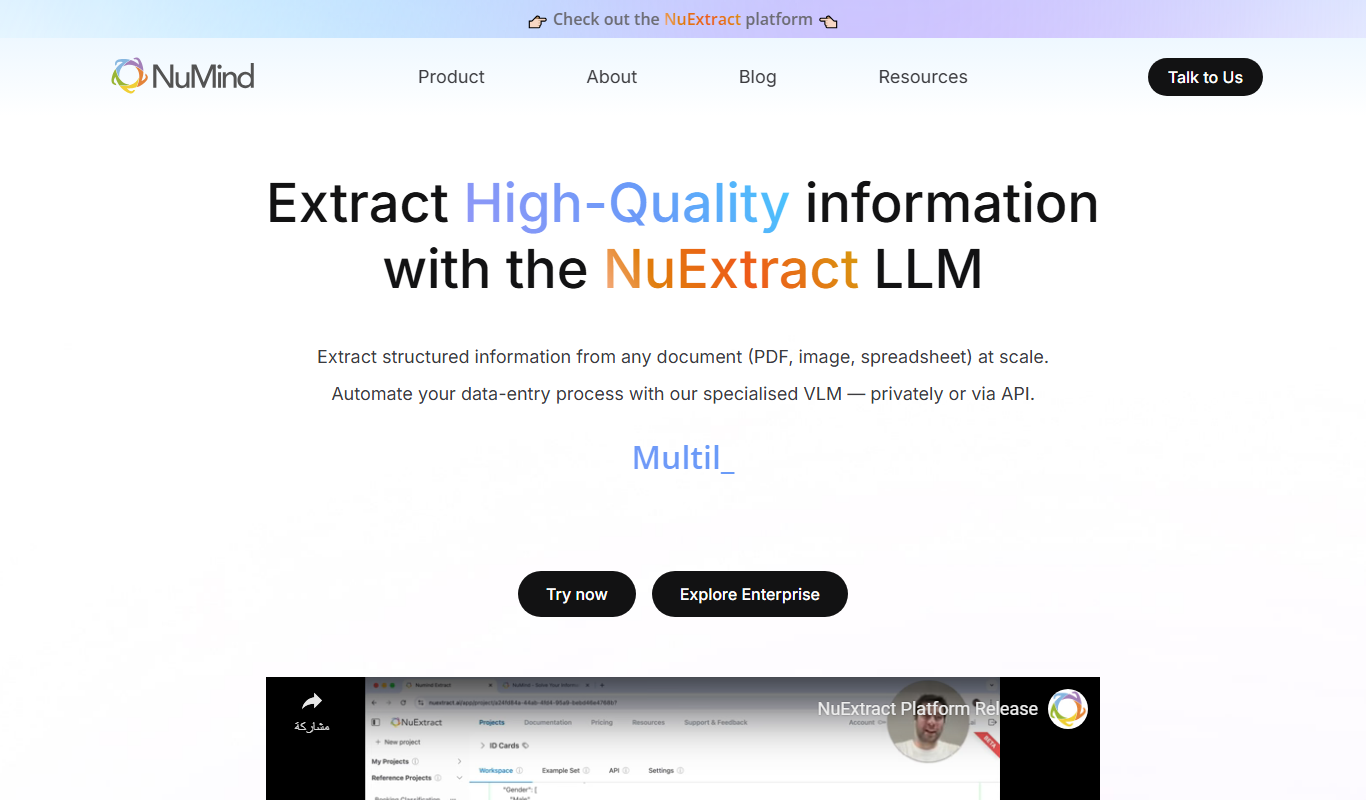
What is NuMind?
NuMind is an AI-powered platform designed to facilitate advanced data analysis, predictive modeling, and machine learning automation. It enables users to build, deploy, and manage AI models with minimal coding, making sophisticated analytics accessible to business professionals and data scientists alike.
Key features of NuMind
NuMind offers automated machine learning pipelines, interactive data visualization tools, real-time predictive analytics, and API integrations to embed AI capabilities into existing systems.
Automated Machine Learning
Streamlines model creation by automating feature selection, training, and tuning.
Interactive Data Visualization
Offers customizable charts and dashboards to interpret complex data easily.
Real-Time Predictive Analytics
Delivers up-to-date forecasts and insights to support timely decision-making.
API Integration
Enables seamless embedding of AI models into existing software and workflows.
User-Friendly Interface
Designed for both technical and non-technical users to navigate AI tools effortlessly.
Pros and cons of NuMind
Pros
- User-friendly interface suitable for non-experts
- Automated machine learning reduces time to insights
- Flexible API for integration with other tools
- Comprehensive data visualization options
- Scalable plans for different business sizes
Cons
- Limited language support (English only)
- Advanced customization may require technical knowledge
- Pricing details for Enterprise plans are not publicly disclosed
Key use cases for NuMind
Predictive Analytics
Leverage AI-driven models to forecast trends and outcomes across various industries.
Data Visualization
Create intuitive visual representations of complex datasets to aid decision-making.
Automated Machine Learning
Simplify the creation and deployment of machine learning models without extensive coding.
Business Intelligence
Integrate AI insights into business workflows to optimize operations and strategy.
Custom AI Solutions
Develop tailored AI applications to address specific organizational challenges.
How NuMind works
- 1
Sign Up and Access Platform
Create an account on NuMind’s web platform to start building AI models.
- 2
Upload and Prepare Data
Import datasets and use built-in tools to clean and preprocess data for analysis.
- 3
Build and Train Models
Leverage automated machine learning to generate predictive models tailored to your data.
- 4
Visualize Results
Use interactive dashboards to explore model outputs and data insights.
- 5
Deploy and Integrate
Deploy models via API or embed insights into business applications for real-time use.
Who is using NuMind
Data analysts
Business intelligence professionals
Small to medium enterprises
Marketing teams
Product managers
NuMind pricing
Free
$0/month
Access to basic features with limited data processing and model runs.
Pro
$49/month
Expanded data limits, priority support, and advanced modeling capabilities.
Enterprise
Custom pricing
Tailored solutions with dedicated support, integrations, and scalability.
Plans and prices are as published by the vendor and can change. Check the official site before you buy. Open the pricing page (opens in a new tab)
Frequently asked questions about NuMind
No, NuMind is designed to be accessible to users without coding skills through its automated workflows and intuitive interface.
Yes, NuMind provides API access to embed AI models and analytics into your current applications.
NuMind supports common data formats including CSV, Excel, JSON, and database connections.
Yes, support is available via email and chat, with priority support for Pro and Enterprise users.
This tool is designed to help users accomplish its core tasks more efficiently. It is typically used by individuals or teams looking to improve productivity and workflow.
It depends on your specific needs and how you plan to use the tool. The official website and documentation are the best sources for the latest details.
Integration support depends on the tool and its available connectors or API. Check the official documentation or integrations page to confirm what is supported.
Sign in to review this tool.
Sign In to ReviewNo reviews yet
Be the first to share how this tool worked for you.
Ask about pricing, limits, or how it compares — or answer someone else.
Sign In to AskNo questions yet
Have a question about using or paying for this tool? Be the first to ask.
Featured on TiorAI



More AI Artificial Intelligence Tools tools
Other tools in the same category, for when this one is not quite the fit.

Freemium
LegalGraph – AI Based Legal Assistant
LegalGraph is an AI-powered legal assistant that automates contract review and legal document analysis by extracting key clauses, identifying risks, and providing actionable insights through a secure web platform.

Free
Towards AI Jobs
Towards AI Jobs is a free, specialized job board focusing on AI, machine learning, and data science roles worldwide, offering job seekers and employers a targeted platform.
Free
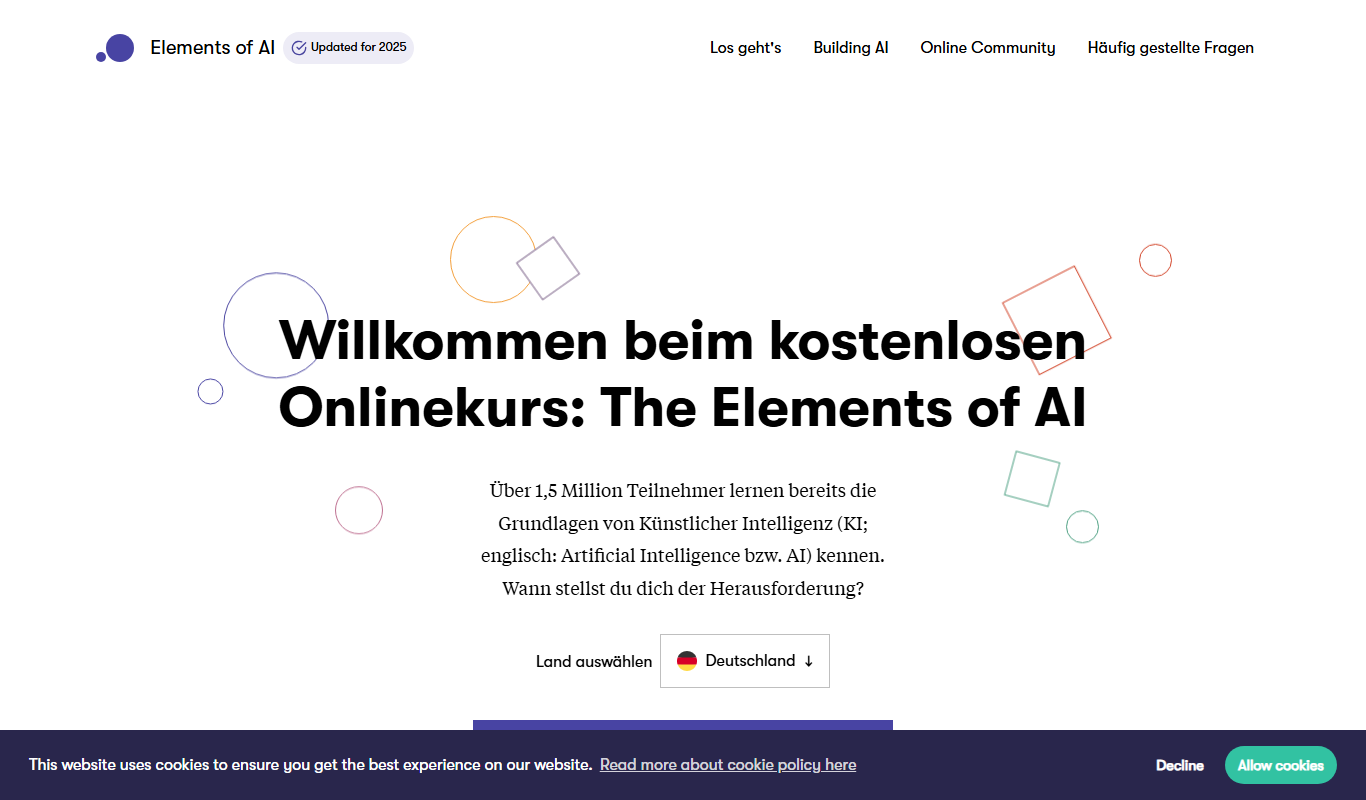
elementsofai.de
Elements of AI is a free, self-paced online course created by the University of Helsinki and Reaktor that teaches foundational AI concepts to beginners and professionals without requiring programming skills.

Freemium
Stratpilot
Stratpilot is an AI-powered strategic planning platform that helps businesses analyze data, simulate scenarios, and develop effective strategies to improve decision-making and performance.

Freemium
fpt.ai
fpt.ai is an AI platform from FPT with NLP, vision, voice, chatbot and eKYC products.

Contact Sales
Knowz
Knowz is an AI-driven knowledge management platform that enables enterprises to unify data sources and perform natural language search to extract precise answers and insights.
Free
AI Grant
AI Grant funds open-source AI projects with grants of $5,000 to $50,000 in cash or compute, and applying is free.

Free
Larry the Elf
Larry the Elf is a free AI gift recommendation tool that provides personalized gift ideas based on recipient details and occasion through an interactive chat interface.