

From my experience with PDFy, I found it excels at quickly generating clear summaries of PDF documents, which is a huge time saver when dealing with lengthy reports or academic papers. The web-based interface is straightforward and requires no setup, making it accessible for users of all technical levels. However, while the AI does a good job capturing main points, it can occasionally miss subtle nuances, so reviewing summaries for critical use is advisable. Overall, PDFy is a practical tool for students, researchers, and professionals who need fast insights from PDFs without reading every detail.
PDFy AI Tool for Fast PDF Summarization and Document Analysis Online
PDFy is an AI-powered web tool that summarizes PDF documents quickly by extracting key points, helping users save time reading lengthy files.
- Best for
- Quick PDF Summarization
- Key capability
- AI-Powered Summarization
Your actions
Save pdfy, follow its updates and vote on it — everything stays in your account.
Sign in or create a free account

What is pdfy?
PDFy is an AI-powered web application designed to help users quickly summarize and analyze PDF documents. By leveraging advanced natural language processing, PDFy extracts key points and generates concise summaries, making it easier to digest large or complex PDFs without reading them in full.
Key features of pdfy
PDFy offers fast PDF upload and processing, AI-generated summaries, key information extraction, and a user-friendly web interface that requires no installation. It supports a variety of PDF types including academic papers, business documents, and reports.
AI-Powered Summarization
Automatically generates clear and concise summaries of PDF content.
Fast Document Upload
Simple drag-and-drop or file selection for quick PDF input.
User-Friendly Interface
Clean web design that requires no technical skills to operate.
Supports Various PDF Types
Works well with academic papers, business reports, and more.
Pros and cons of pdfy
Pros
- Quick and easy PDF summarization
- No software installation required
- Supports multiple document types
- Affordable subscription plan
Cons
- Limited free plan usage
- May miss nuanced details in complex documents
Key use cases for pdfy
Quick PDF Summarization
Generate concise summaries of lengthy PDF documents to save reading time.
Document Content Extraction
Extract key information and insights from PDFs for research or review.
Academic Research Assistance
Help students and researchers quickly understand academic papers and reports.
Business Document Review
Summarize contracts, proposals, and reports for faster decision-making.
Knowledge Management
Organize and digest large volumes of PDF documents efficiently.
How pdfy works
- 1
Upload PDF
Users upload their PDF document directly on the PDFy website.
- 2
AI Processing
The AI analyzes the document’s text to identify main ideas and important details.
- 3
View Summary
A concise summary is generated and displayed for quick reading.
- 4
Download or Share
Users can download the summary or share it for collaboration.
Who is using pdfy
Students and researchers
Business professionals
Content creators
Knowledge workers
Academic institutions
pdfy pricing
Free
$0/month
Basic access with limited number of PDF summaries per month.
Pro
$9.99/month
Unlimited summaries, faster processing, and priority support.
Plans and prices are as published by the vendor and can change. Check the official site before you buy. Open the pricing page (opens in a new tab)
Frequently asked questions about pdfy
PDFy can summarize most text-based PDFs including academic papers, reports, and business documents.
Yes, the free plan has a file size limit, while the Pro plan supports larger files.
Summaries capture key points effectively but should be reviewed for critical decisions.
Yes, summaries can be downloaded or copied for offline use.
It depends on your specific needs and how you plan to use the tool. The official website and documentation are the best sources for the latest details.
Some tools offer a free plan or trial with limited features. Availability can vary, so confirm on the official website.
Yes, it can help with that use case depending on how you configure it and what features are available. You’ll get the best results with clear inputs and a defined goal.
Sign in to review this tool.
Sign In to ReviewNo reviews yet
Be the first to share how this tool worked for you.
Ask about pricing, limits, or how it compares — or answer someone else.
Sign In to AskNo questions yet
Have a question about using or paying for this tool? Be the first to ask.
Featured on TiorAI



Alternative Tools
Explore similar AI tools that might fit your needs

Free
Sumnotes
Sumnotes is an online tool that extracts highlights and annotations from PDF files, Kindle, Instapaper and web pages.
More AI Pdf Summarizer tools
Other tools in the same category, for when this one is not quite the fit.
Free
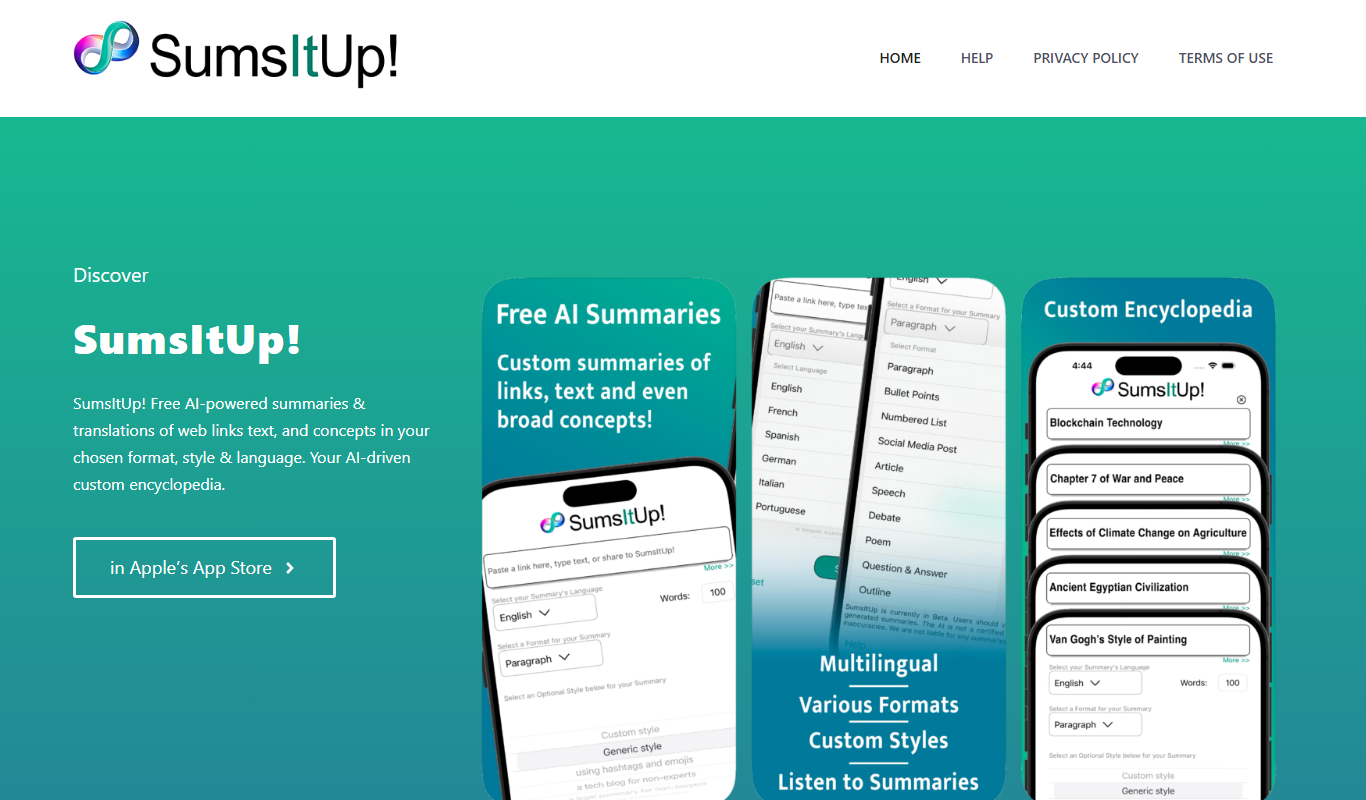
SumsItUp!
SumsItUp! is an AI-based tool that summarizes lengthy text into concise, easy-to-understand summaries, saving time and improving comprehension.
Freemium
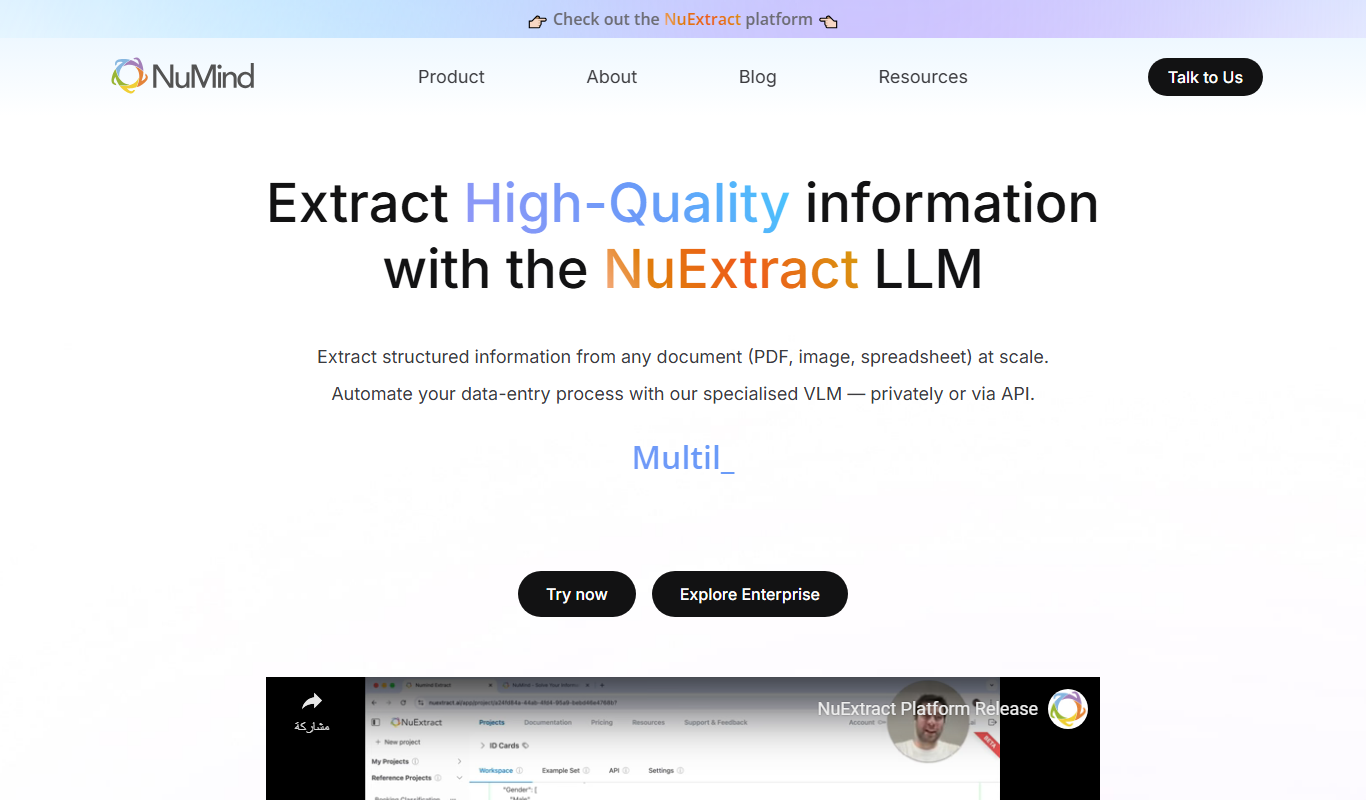
NuMind
NuMind is an AI platform that simplifies data analysis and predictive modeling through automated machine learning and interactive visualization, designed for both technical and non-technical users.
Freemium
Solace AI
Solace AI is an AI-driven mental health platform that provides emotional support and therapeutic conversations through a chatbot interface, helping users manage stress and anxiety.

Free
Wholesum Food Calculator
Wholesum Food Calculator is a web-based tool that provides detailed nutritional analysis and meal planning features, helping users track macros and micros accurately.

Free
QuickRead AI
QuickRead AI is an AI-powered tool that summarizes long texts into concise key points, helping users read and understand content faster.

Freemium
Summate
Summate is an AI-powered writing assistant that enables users to generate original content, summarize long texts, and improve writing quality through an easy-to-use web platform.

Free
CTRify
CTRify is a web-based URL shortening tool that provides branded short links, real-time click analytics, custom domains, QR code generation, and link retargeting features to help marketers track and optimize their campaigns.
Free
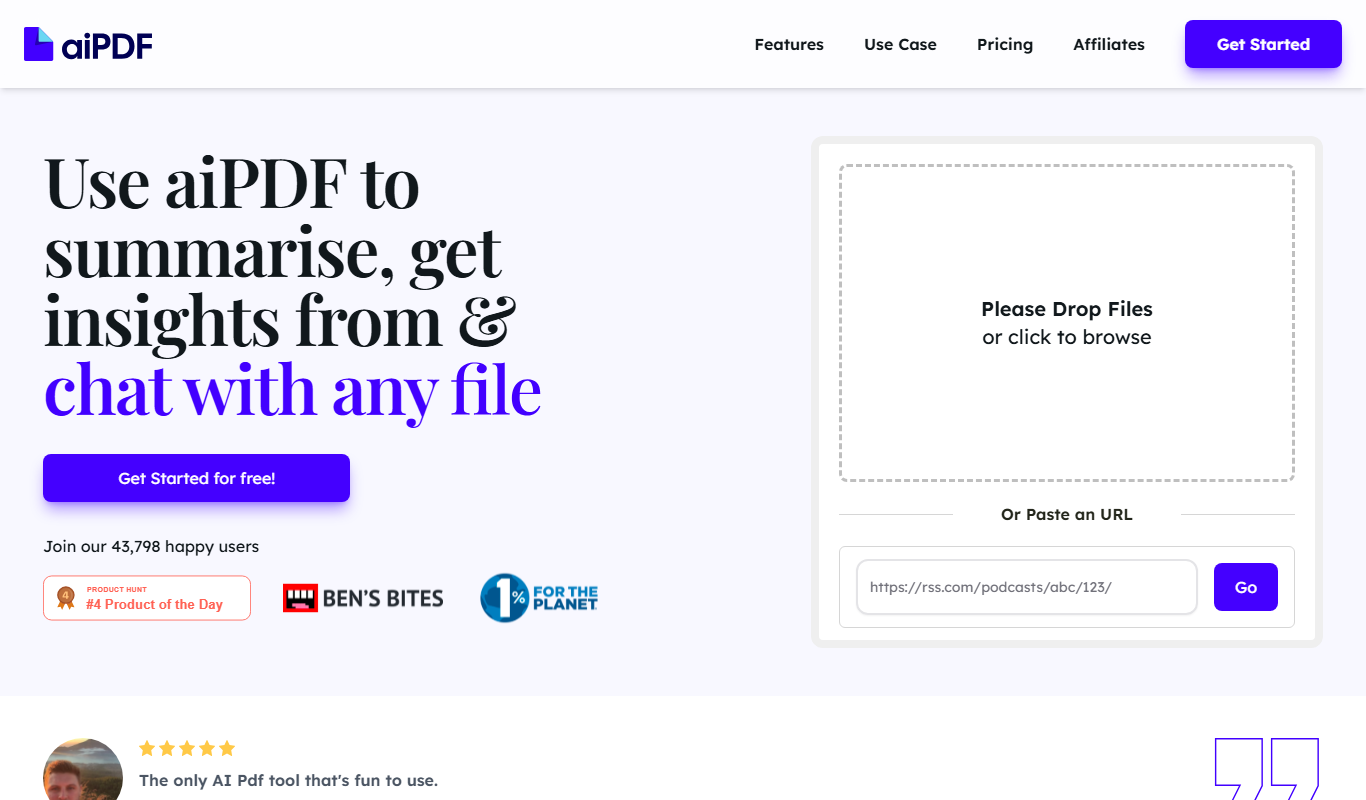
aiPDF
aiPDF is an AI-driven platform that allows users to upload PDF files and interact with their content through a chatbot interface, enabling quick answers and summaries from documents.