

Extract and Manage PDF Annotations Easily with Sumnotes Online Tool
Sumnotes is an online tool that extracts highlights and annotations from PDF files, Kindle, Instapaper and web pages.
- Best for
- Academic Research
- Key capability
- Highlight and Note Extraction
Save Sumnotes, follow its updates and vote on it — everything stays in your account.
Sign in or create a free account
What is Sumnotes?
Sumnotes is an online tool that extracts annotations, highlights and notes from PDF documents, and it also supports Kindle, Instapaper and web pages.
Key features of Sumnotes
Sumnotes offers automatic extraction of PDF highlights and notes, supports exporting to various formats like Word and Excel, and provides a clean interface for organizing extracted content. It works entirely online without requiring software installation.
Highlight and Note Extraction
Automatically pulls all highlighted text and comments from PDFs.
Multiple Export Formats
Supports exporting extracted content to Word, Excel, and plain text files.
Web-Based Interface
No installation required; works directly in the browser.
Editable Output
Allows users to edit extracted notes before exporting.
Pros and cons of Sumnotes
Pros
- Simple and intuitive interface
- Saves time extracting annotations manually
- Supports multiple export formats
- No software installation required
Cons
- Free plan limits extraction size
- May not support all types of PDF annotations
Key use cases for Sumnotes
Academic Research
Extract highlights and notes from research papers to organize and review key information efficiently.
Business Document Review
Summarize and manage annotations from business PDFs such as contracts or reports for easier collaboration.
Content Creation
Gather important excerpts and comments from PDFs to streamline writing articles, blogs, or reports.
Study and Learning
Compile highlighted study materials and notes from textbooks or lecture PDFs for quick revision.
How Sumnotes works
- 1
Upload PDF
Users upload their annotated PDF document to the Sumnotes web platform.
- 2
Automatic Extraction
The tool scans the PDF and extracts all highlights, underlines, and comments.
- 3
Review and Edit
Extracted annotations are displayed in an editable format for review and modification.
- 4
Export Data
Users export the extracted notes to formats such as Word, Excel, or plain text for further use.
Who is using Sumnotes
Sumnotes pricing
Free
$0
Limited number of PDF pages per extraction with basic features.
Pro Subscription
$19.99/year ($1.67/month)
Single plan with unlimited annotations, Anki flashcards, 5GB file storage and highlight capture from PDFs, the web and Kindle.
Plans and prices are as published by the vendor and can change. Check the official site before you buy. Open the pricing page (opens in a new tab)
Frequently asked questions about Sumnotes
Sumnotes supports most PDFs with standard annotations like highlights and comments, but some scanned or secured PDFs may not be fully compatible.
The free plan has limits on the number of pages per extraction, while subscription plans offer higher or unlimited limits.
No, Sumnotes is fully web-based and works in your browser without any installation.
You can export extracted notes to Word, Excel, or plain text formats.
It depends on your specific needs and how you plan to use the tool. The official website and documentation are the best sources for the latest details.
Yes, it can help with that use case depending on how you configure it and what features are available. You’ll get the best results with clear inputs and a defined goal.
Some tools offer a free plan or trial with limited features. Availability can vary, so confirm on the official website.
Conclusion
An annotated PDF is uploaded, and its highlights, underlines and comments are extracted into an editable format for review. Besides PDF documents, it also supports Kindle, Instapaper and web pages. Everything runs in the browser without any installation, and the notes export to Word, Excel or plain text.
Students, researchers and educators can use it to compile highlighted study materials or organize key information from research papers. The page notes that some scanned or secured PDFs may not be fully compatible. A Pro Subscription costs $19.99 per year, which works out to $1.67 per month.
Sources
Sign in to review this tool.
Sign In to ReviewNo reviews yet
Be the first to share how this tool worked for you.
Ask about pricing, limits, or how it compares — or answer someone else.
Sign In to AskNo questions yet
Have a question about using or paying for this tool? Be the first to ask.
Featured on TiorAI



Alternative Tools
Explore similar AI tools that might fit your needs

Kami
Kami is a digital annotation tool that enables educators and students to collaborate on PDFs and documents in real-time, enhancing digital learning experiences.
More AI Content Generator tools
Other tools in the same category, for when this one is not quite the fit.

ClinicalTrials.gov
ClinicalTrials.gov is a free, publicly accessible database maintained by the U.S. National Library of Medicine that provides detailed information on clinical trials worldwide, allowing users to search, register, and review study results.

Scite
Scite is an AI-powered platform that analyzes scientific citations by classifying them as supporting, contrasting, or mentioning, providing researchers with deeper insights into how papers are referenced.

RhymeZone
RhymeZone is a free online rhyming dictionary and writing tool that helps users find rhymes, synonyms, antonyms, and related words to enhance poetry, songwriting, and creative writing.

These Lyrics Do Not Exist
These Lyrics Do Not Exist is a free AI tool that generates original song lyrics across various genres and themes to assist musicians and songwriters.

Lytho
Lytho is an AI-driven content platform that helps marketing and creative teams manage digital assets, collaborate on content, and maintain brand consistency with AI insights and analytics.
CommonLit
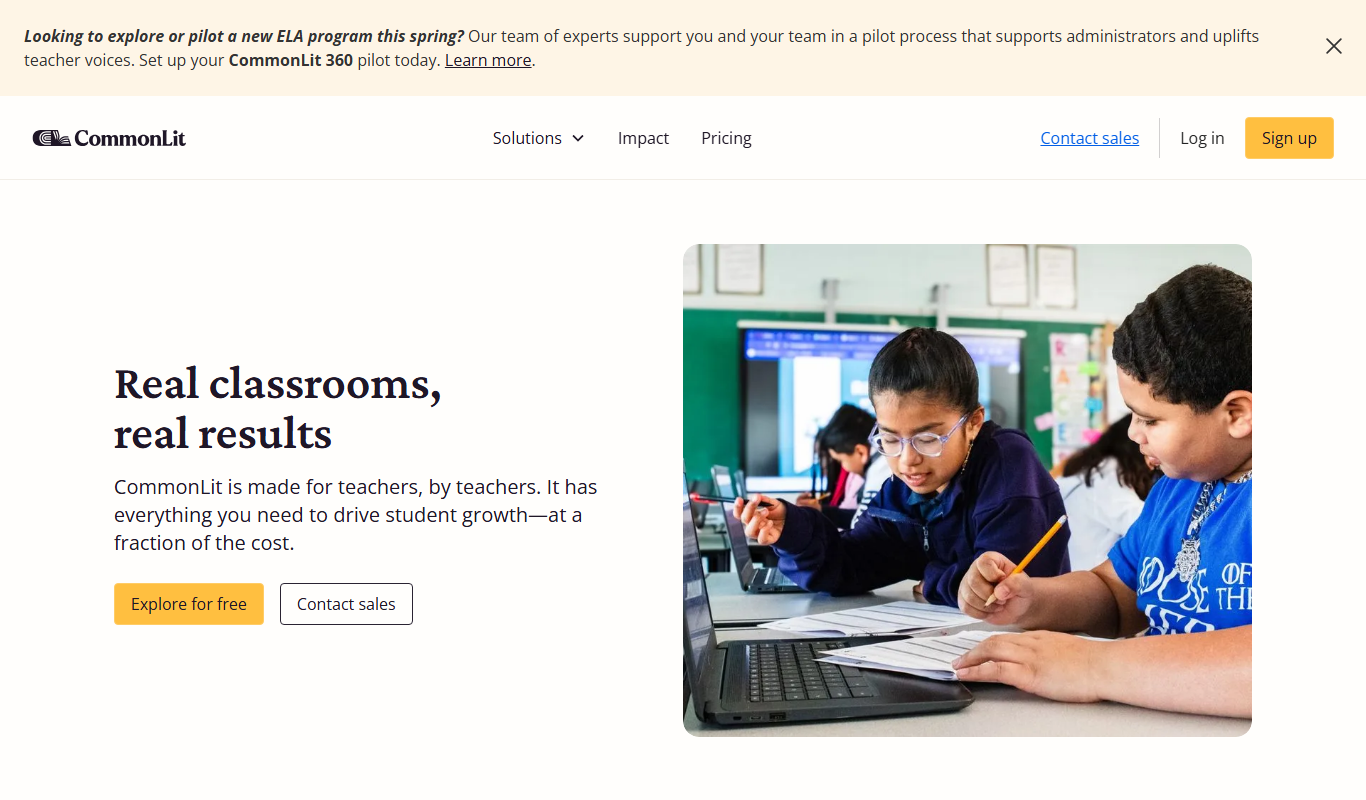
CommonLit is a free online platform providing leveled reading passages, comprehension questions, and teacher tools to support literacy development for students in grades 3-12.
Newsela
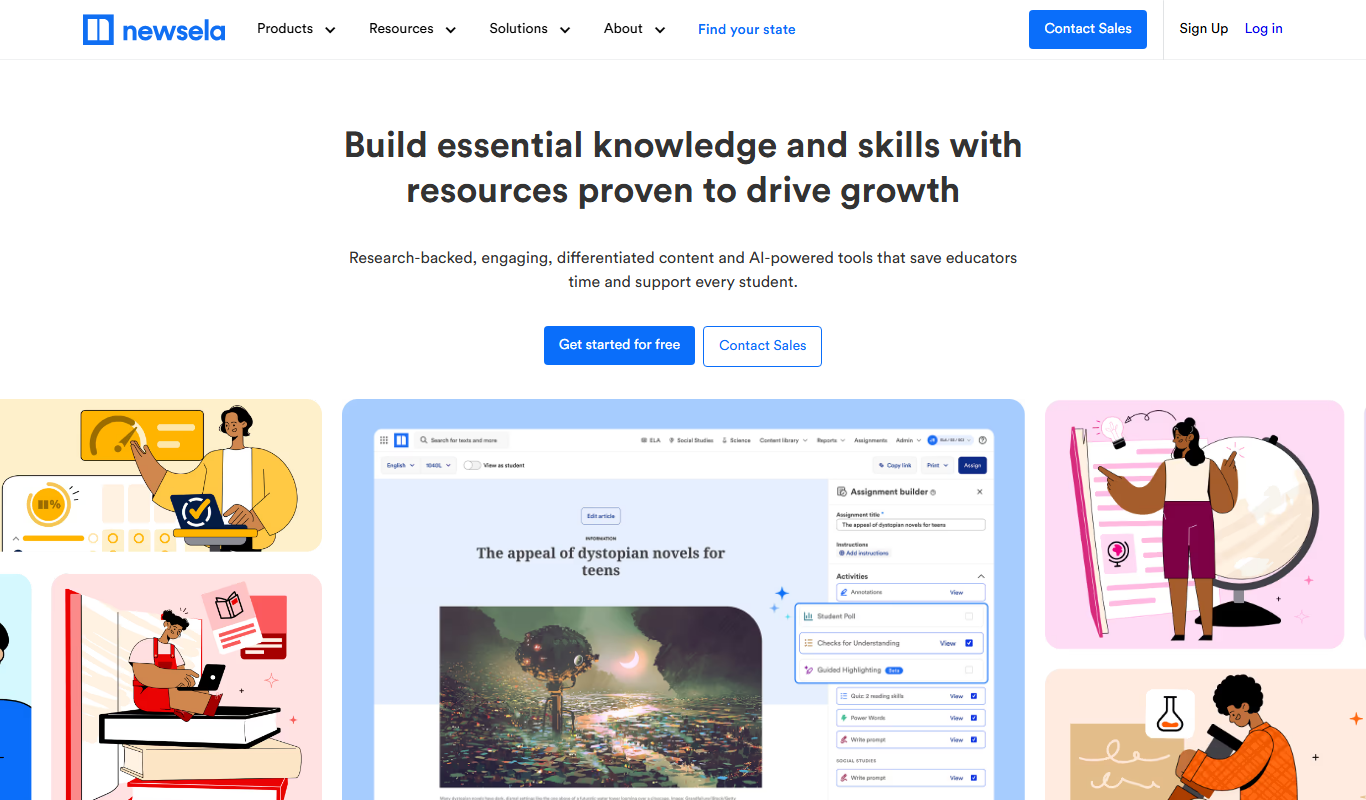
Newsela is an educational platform providing leveled reading content and instructional tools to personalize learning and improve literacy for K-12 students.

Papeeria
Papeeria is an online LaTeX editor that enables real-time collaborative writing, cloud project management, and PDF compilation, designed primarily for academic and scientific documents.