

From my experience with Kami, I found it excels at providing an intuitive and versatile platform for annotating and collaborating on documents, especially in educational settings. The real-time collaboration features and seamless integration with tools like Google Classroom make it a strong choice for teachers and students navigating digital classrooms. However, some advanced features require a paid subscription, and offline use is limited, which can be a drawback in low-connectivity environments. Overall, if you need a reliable tool to enhance document interaction and remote learning, Kami delivers solid and accessible functionality.
Kami PDF and Document Annotation Tool for Education and Collaboration
Kami is a digital annotation tool that enables educators and students to collaborate on PDFs and documents in real-time, enhancing digital learning experiences.
- Best for
- Digital Classroom Annotation
- Key capability
- Real-Time Collaboration
Your actions
Save Kami, follow its updates and vote on it — everything stays in your account.
Sign in or create a free account
What is Kami?
Kami is a digital classroom app designed to transform any existing document into an interactive learning experience. It allows users to view, annotate, and collaborate on PDFs and other document types in real-time, making it a popular tool for educators and students to engage with learning materials digitally.
Key features of Kami
Kami offers a suite of annotation tools including highlighting, drawing, text insertion, and voice commenting. It integrates with popular learning management systems and supports real-time collaboration, making it ideal for remote and hybrid education environments.
Real-Time Collaboration
Multiple users can annotate and comment on the same document simultaneously.
Wide Range of Annotation Tools
Includes highlighting, text insertion, drawing, voice comments, and more.
Integration with LMS and Cloud Storage
Works seamlessly with Google Drive, Google Classroom, Canvas, and other platforms.
Accessibility Features
Supports text-to-speech and other tools to assist learners with disabilities.
Cross-Platform Availability
Accessible via web, Chrome extension, and mobile apps for iOS and Android.
Pros and cons of Kami
Pros
- User-friendly interface suitable for educators and students
- Robust real-time collaboration features
- Wide compatibility with various document types and platforms
- Strong integration with popular educational tools
- Accessibility features support diverse learners
Cons
- Some advanced features require paid subscription
- Limited offline functionality
- Mobile app features are less comprehensive than web version
Key use cases for Kami
Digital Classroom Annotation
Teachers and students can annotate PDFs and documents in real-time to enhance learning and engagement.
Collaborative Document Review
Teams can collaborate on documents by adding comments, highlights, and drawings to improve communication.
Homework and Assignment Submission
Students can complete assignments digitally by marking up documents and submitting them through integrated platforms.
Accessible Learning Materials
Supports text-to-speech and other accessibility features to assist diverse learners.
How Kami works
- 1
Install or Access Kami
Use Kami via its web app or install the Chrome extension for seamless integration with Google Drive and other platforms.
- 2
Upload or Open Documents
Open PDFs, images, and other supported files directly in Kami for annotation.
- 3
Annotate and Collaborate
Use tools like highlighting, text boxes, and drawing to mark up documents. Collaborate in real-time with others.
- 4
Save and Share
Save annotated documents back to cloud storage or share them with classmates, teachers, or colleagues.
Who is using Kami
Educators and teachers
Students in K-12 and higher education
Educational institutions and school districts
Remote learning facilitators
Content creators needing document annotation
Kami pricing
Free
$0/month
Basic annotation tools with limited features suitable for individual users.
Pro
$9.95/month
Advanced annotation tools, real-time collaboration, and additional integrations.
Teacher
$69.99/year
Designed for educators with premium features and classroom management tools.
School/District
Custom pricing
Enterprise-level features and deployment for schools and districts.
Plans and prices are as published by the vendor and can change. Check the official site before you buy. Open the pricing page (opens in a new tab)
Frequently asked questions about Kami
Yes, Kami offers a free plan with basic annotation features suitable for individual users.
Yes, Kami integrates seamlessly with Google Classroom and Google Drive for easy assignment management.
Kami is available as a web app and also offers mobile apps for iOS and Android.
Yes, Kami supports real-time collaboration allowing multiple users to annotate simultaneously.
This tool is designed to help users accomplish its core tasks more efficiently. It is typically used by individuals or teams looking to improve productivity and workflow.
Some tools offer a free plan or trial with limited features. Availability can vary, so confirm on the official website.
Yes, it can help with that use case depending on how you configure it and what features are available. You’ll get the best results with clear inputs and a defined goal.
It depends on your specific needs and how you plan to use the tool. The official website and documentation are the best sources for the latest details.
Sign in to review this tool.
Sign In to ReviewNo reviews yet
Be the first to share how this tool worked for you.
Ask about pricing, limits, or how it compares — or answer someone else.
Sign In to AskNo questions yet
Have a question about using or paying for this tool? Be the first to ask.
Featured on TiorAI



More AI Backyard Design tools
Other tools in the same category, for when this one is not quite the fit.
Free Trial
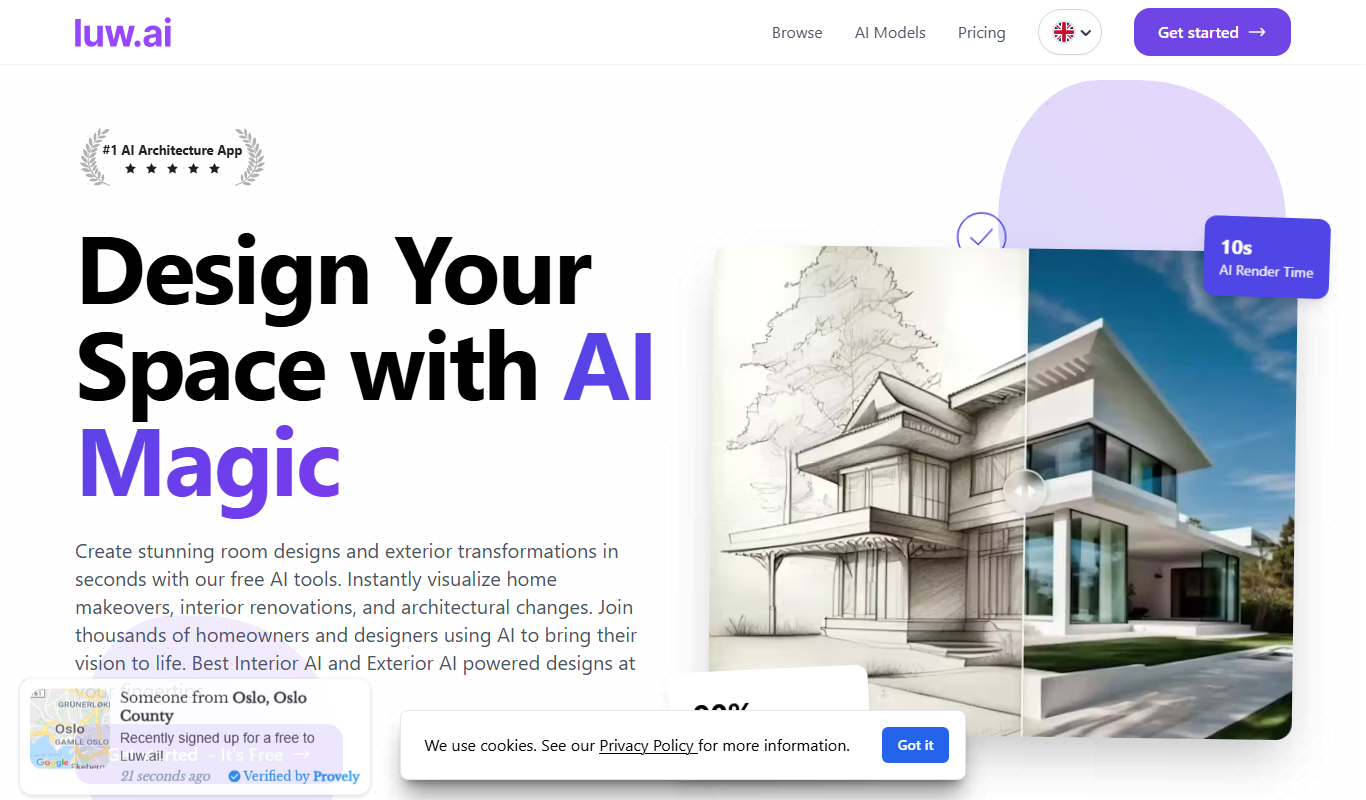
luw.ai
luw.ai is an AI-driven platform that automates customer support through chatbots, integrating with helpdesk systems to improve response times and reduce workload.

Beta Access
Car Concepts AI (BETA)
Car Concepts AI Beta is a free web-based AI tool that generates unique car concept images from user text prompts, ideal for automotive design inspiration and marketing visuals.

Free
Bench_AI
Bench AI is an AI-driven developer assistant that helps programmers generate, complete, and debug code efficiently using machine learning models.

Free
Package Design
Package Design is a web-based tool that helps users create custom product packaging and labels using templates and 3D mockups, suitable for small businesses and designers.

Enterprise
connecterra.ai
Connecterra AI is a smart farm management platform that uses AI and wearable sensors to monitor dairy cow health, optimize milk production, and improve farm operations through real-time data analytics.
Free
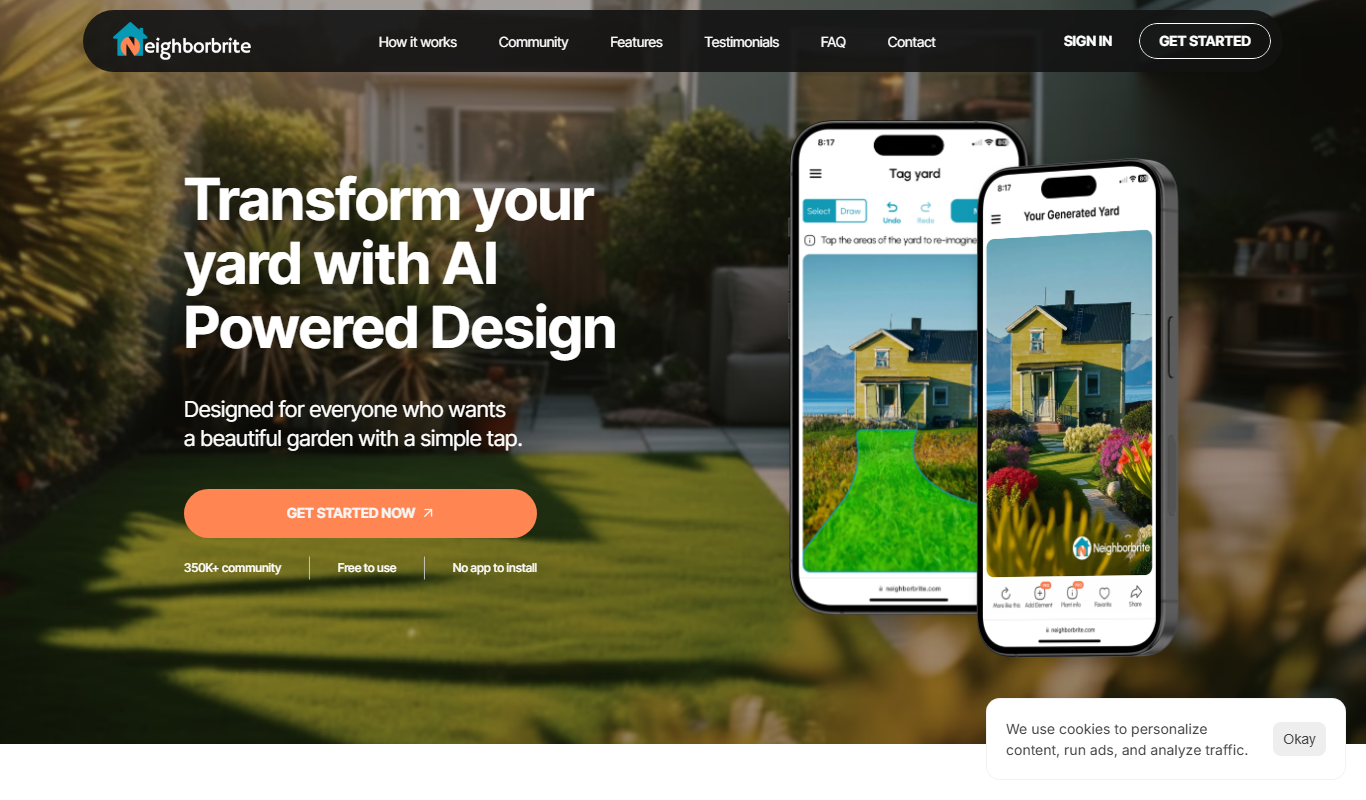
Neighborbrite
Neighborbrite is a community engagement platform that connects neighbors through communication tools, event planning, and resource sharing to foster stronger local communities.

Freemium
Bourdain
Bourdain is an AI-powered writing assistant designed to help users generate and optimize content for SEO and marketing purposes efficiently.

Freemium
AI HomeDesign
AI HomeDesign is a web-based interior design tool that uses artificial intelligence to help users create, customize, and visualize home layouts and floor plans with 3D visualization and furniture placement features.