

From my experience with AI or Not, I found it excels at providing a quick and accessible way to check if text is AI-generated without any cost or sign-up barriers. The straightforward interface makes it ideal for educators and editors who need fast verification. However, the tool currently supports only English and lacks integration options, which may limit its use in more complex workflows. Overall, if you need a free, no-frills AI content detector for basic authenticity checks, AI or Not delivers reliable and user-friendly results.
AI or Not - Free Online AI Content Detector for Text Authenticity
AI or Not is a free online tool that detects whether text is generated by AI or written by a human by analyzing linguistic patterns and providing a confidence score.
- Best for
- Academic Integrity
- Key capability
- AI Content Detection

Do you recommend this tool?
What is AI or Not?
AI or Not is a free online tool designed to detect whether a piece of text was generated by artificial intelligence or written by a human. It uses machine learning models to analyze writing patterns and linguistic features to estimate the likelihood of AI authorship. This helps users verify content authenticity and maintain integrity in academic, editorial, and professional contexts.
Key features of AI or Not
The tool offers a simple interface where users can paste text and receive an instant analysis indicating if the content is AI-generated or human-written. It provides a confidence score and highlights key indicators used in the detection process. AI or Not requires no registration and is accessible directly via web browsers.
AI Content Detection
Accurately identifies AI-generated text using advanced machine learning algorithms.
Instant Analysis
Provides quick results without the need for account creation or downloads.
User-Friendly Interface
Simple and clean web interface accessible on any device.
Free to Use
Completely free with no hidden fees or subscription requirements.
Pros and cons of AI or Not
Pros
- Completely free with no signup required
- Fast and easy to use with instant results
- Clear indication of AI vs human writing
- Accessible via any web browser
Cons
- Supports only English language detection
- Accuracy can vary depending on text length and style
- No API or integration options available
Key use cases for AI or Not
Academic Integrity
Detect AI-generated text in student submissions to maintain academic honesty.
Content Verification
Verify if articles, blog posts, or reports are written by humans or AI.
Editorial Review
Assist editors in identifying AI-generated content before publication.
Plagiarism Prevention
Help educators and publishers prevent misuse of AI-generated text.
How AI or Not works
- 1
Input Text
Paste or type the text you want to analyze into the input box.
- 2
Run Detection
Click the detection button to start the analysis.
- 3
View Results
Receive a result indicating the likelihood of AI authorship along with a confidence score.
Who is using AI or Not
Educators and academic institutions
Editors and publishers
Content creators and marketers
Students and researchers
AI or Not pricing
Free
$0
Unlimited access to AI content detection features at no cost.
Plans and prices are as published by the vendor and can change. Check the official site before you buy. Open the pricing page (opens in a new tab)
Frequently asked questions about AI or Not
Yes, AI or Not is completely free and does not require any registration.
Currently, AI or Not supports English text detection only.
While it uses advanced algorithms, no AI detection tool is 100% accurate; results should be used as guidance.
Yes, the tool is available for anyone to use, including commercial users.
It depends on your specific needs and how you plan to use the tool. The official website and documentation are the best sources for the latest details.
It depends on your specific needs and how you plan to use the tool. The official website and documentation are the best sources for the latest details.
Yes, it can help with that use case depending on how you configure it and what features are available. You’ll get the best results with clear inputs and a defined goal.
Sign in to review this tool.
Sign In to ReviewNo reviews yet
Be the first to share how this tool worked for you.
Ask about pricing, limits, or how it compares — or answer someone else.
Sign In to AskNo questions yet
Have a question about using or paying for this tool? Be the first to ask.
Featured on TiorAI



Alternative Tools
Explore similar AI tools that might fit your needs

Free
GPTZero
GPTZero is an AI detection tool that analyzes text to determine if it was generated by artificial intelligence or written by a human, helping maintain content authenticity.
More AI Content Detection tools
Other tools in the same category, for when this one is not quite the fit.
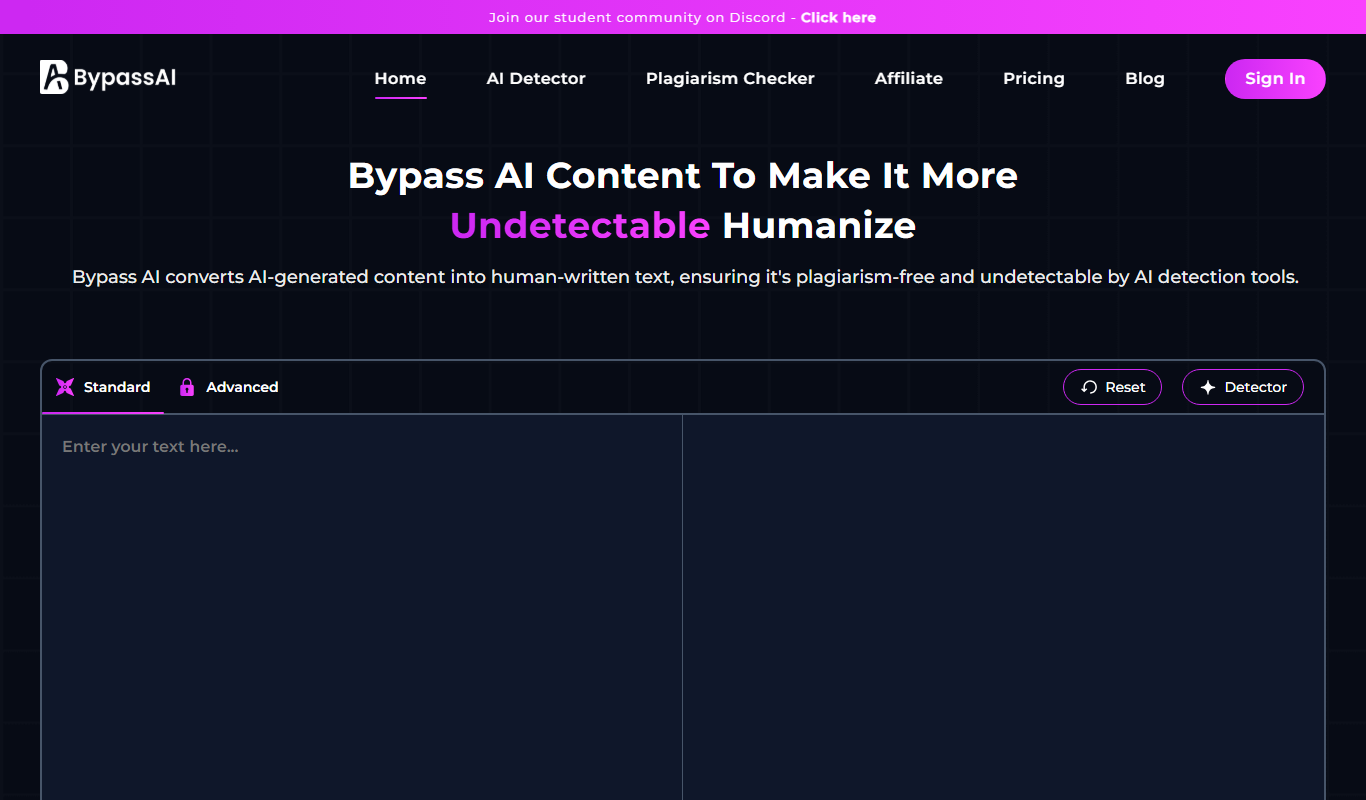
Free
BypassAI.IO
BypassAI.IO is a web-based tool that detects AI-generated content and checks for plagiarism to help users verify the authenticity of their text.
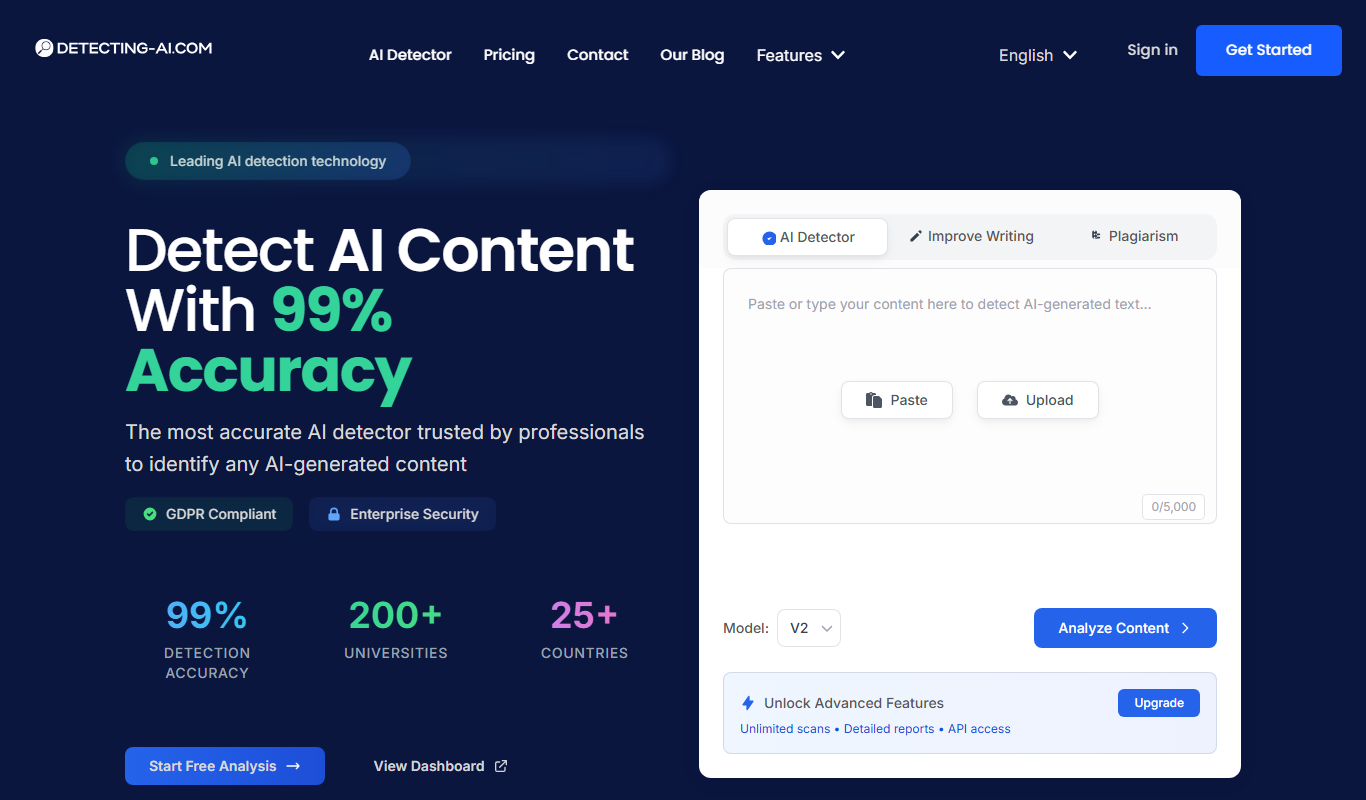
Free
Detecting-AI.com
Detecting-AI.com is an online tool that analyzes text or URLs to determine the likelihood that content was generated by AI, helping users verify authenticity.

Free
AI Bypass
AI Bypass is a web tool that detects AI-generated text by analyzing content to determine the likelihood it was created by AI, helping users verify originality.
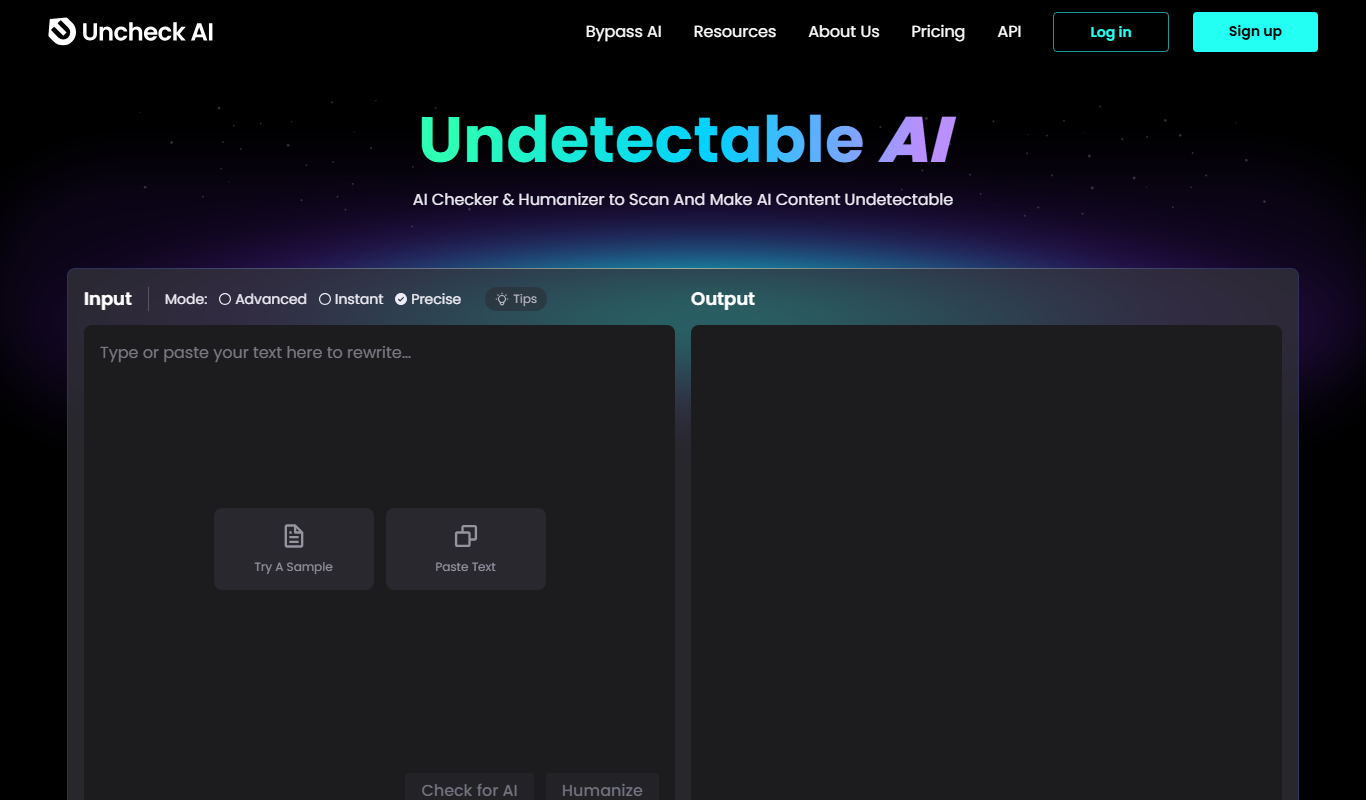
Free
Undetectable.ai
Undetectable.ai is a web-based tool that analyzes text to determine if it was written by AI or a human, providing probability scores to help users verify content authenticity.

Free
CopyFind – Plagiarism and AI Detector
CopyFind is an AI-powered tool that detects plagiarism and AI-generated text to ensure content originality.

Free
AI Detector & Plagiarism Scan
AI Detector & Plagiarism Scan is a web tool that identifies AI-generated text and checks for plagiarism to ensure content originality.
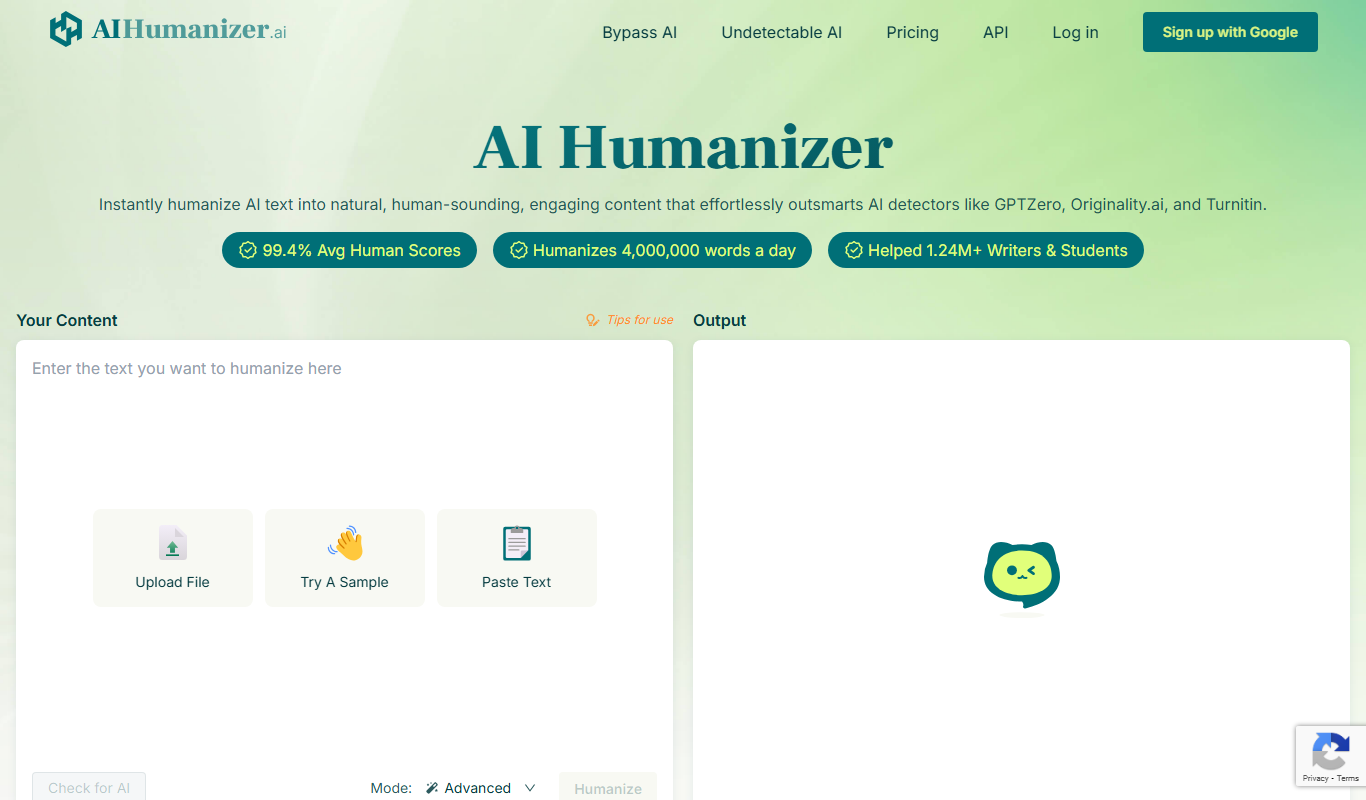
Free
AIHumanize.com
AIHumanize.com is an online tool that detects AI-generated text and checks for plagiarism to help users verify content authenticity.
Free
GPT-Zero
GPT-Zero is a web-based AI text detection tool that analyzes text to determine if it was generated by AI models like GPT, providing confidence scores and detailed reports.