

From my experience with GPTZero, I found it excels at providing a straightforward and accessible way to detect AI-generated text, which is invaluable for educators and content professionals aiming to maintain authenticity. The tool’s clear reports and ease of use make it practical for quick checks, though its accuracy can vary with very short or heavily edited texts. While the free tier is useful for casual users, the paid plans unlock more robust features suitable for frequent use. Overall, if you need reliable AI content detection without complex setup, GPTZero delivers solid, user-friendly results.
GPTZero AI Detector for Authenticity and AI Content Identification
GPTZero is an AI detection tool that analyzes text to determine if it was generated by artificial intelligence or written by a human, helping maintain content authenticity.
- Best for
- Academic Integrity Verification
- Key capability
- AI Content Detection

What is GPTZero?
GPTZero is an AI-powered detection tool designed to identify whether a piece of text was generated by artificial intelligence or written by a human. It helps educators, content creators, and professionals verify the authenticity of written content by analyzing linguistic patterns, perplexity, and burstiness metrics. The tool is primarily used to combat misuse of AI writing in academic and professional settings.
Key features of GPTZero
GPTZero offers real-time AI content detection with detailed analysis reports, including probability scores indicating AI authorship. It supports bulk text input, provides user-friendly dashboards, and integrates easily into workflows requiring content verification. The platform emphasizes transparency and accuracy in distinguishing AI-generated text.
AI Content Detection
Accurately identifies AI-generated text using advanced linguistic analysis.
Perplexity and Burstiness Metrics
Measures text complexity and variability to differentiate human and AI writing styles.
Bulk Text Analysis
Allows users to analyze multiple documents or large text blocks efficiently.
User-Friendly Dashboard
Provides clear visualizations and easy-to-understand reports.
Free and Premium Plans
Offers a free tier with basic features and paid plans for enhanced capabilities.
Pros and cons of GPTZero
Pros
- Easy-to-use interface with quick results
- Effective at distinguishing AI-generated text
- Free tier available for casual users
- Supports bulk text analysis
- Clear and detailed reporting
Cons
- Limited accuracy with very short texts
- Premium features require subscription
- Detection may be less effective on heavily edited AI text
Key use cases for GPTZero
Academic Integrity Verification
Detect AI-generated text in student essays and academic submissions to uphold honesty.
Content Authenticity Checking
Verify if marketing or editorial content is human-written or AI-generated to maintain brand trust.
Plagiarism and AI Text Detection
Identify AI-generated passages that may bypass traditional plagiarism checkers.
Editorial Quality Control
Assist editors in distinguishing between original and AI-assisted writing for quality assurance.
Research and Analysis
Analyze text sources to determine the likelihood of AI authorship for research purposes.
How GPTZero works
-
1
Input Text
Users paste or upload the text they want to analyze into the GPTZero interface.
-
2
AI Analysis
The tool evaluates the text using proprietary algorithms that measure linguistic complexity and predictability.
-
3
Result Generation
GPTZero generates a detailed report showing the likelihood that the text was AI-generated.
-
4
Review and Action
Users review the results to make informed decisions about content authenticity.
Who is using GPTZero
Educators and academic institutions
Content creators and marketers
Editors and publishers
Students and researchers
Compliance and integrity officers
GPTZero pricing
Free
$0/month
Basic AI detection with limited daily usage and standard reporting.
Pro
$20/month
Extended usage limits, priority support, and advanced analytics features.
Plans and prices are as published by the vendor and can change. Check the official site before you buy. Open the pricing page (opens in a new tab)
Frequently asked questions about GPTZero
GPTZero offers a free plan with limited daily usage and basic features, with paid plans for more advanced capabilities.
GPTZero uses proprietary algorithms that provide high accuracy by analyzing linguistic patterns, but no tool can guarantee 100% accuracy.
GPTZero is designed to detect a wide range of AI-generated text, including outputs from popular models like GPT-3 and GPT-4, but detection effectiveness may vary.
GPTZero states that user data is handled securely and not shared without consent, but users should review the privacy policy for details.
It depends on your specific needs and how you plan to use the tool. The official website and documentation are the best sources for the latest details.
Yes, it can help with that use case depending on how you configure it and what features are available. You’ll get the best results with clear inputs and a defined goal.
It depends on your specific needs and how you plan to use the tool. The official website and documentation are the best sources for the latest details.
Sign in to review this tool.
No reviews yet
Be the first to share how this tool worked for you.
Ask about pricing, limits, or how it compares — or answer someone else.
No questions yet
Have a question about using or paying for this tool? Be the first to ask.
Featured on TiorAI



More AI Checker Essay tools
Other tools in the same category, for when this one is not quite the fit.

Free
EasyBib
EasyBib is an online tool that helps students and researchers generate citations and bibliographies in multiple academic formats, with added plagiarism and grammar checking features.

Free
ReadWorks
ReadWorks is a free online platform providing leveled reading passages, lesson plans, and assessment tools to improve K-12 students' reading comprehension and literacy skills.

Freemium
Unicheck
Unicheck is a plagiarism detection tool that scans documents against online and academic sources to identify copied content and ensure originality.

Free
Full Fact
Full Fact is an AI-assisted fact-checking platform that combines automated claim detection with expert human review to identify and correct misinformation in news and public statements.
Free
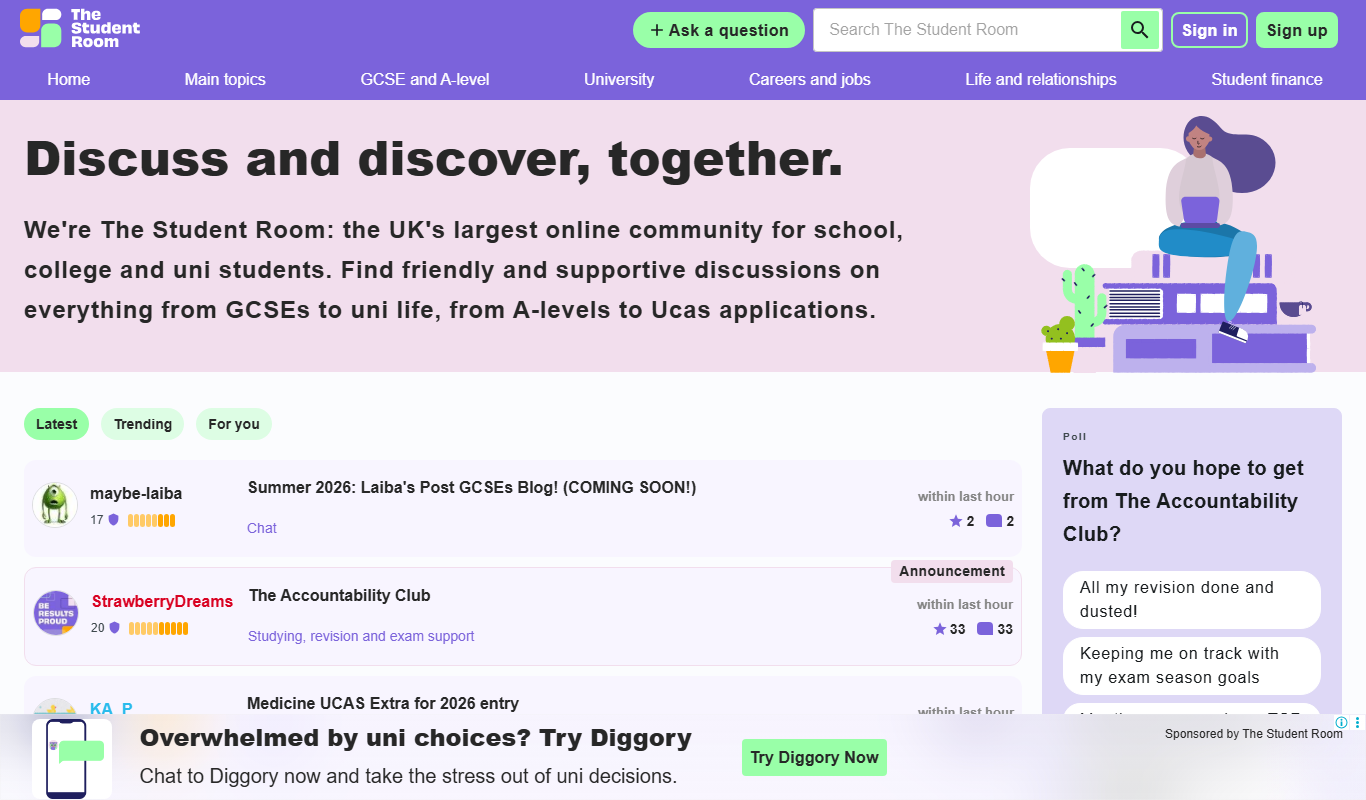
The Student Room
The Student Room is a free UK-based online student community offering forums, study resources, university application advice, and mental health support to students.

Free
PTE Tutorials
PTE Tutorials is an online platform offering comprehensive practice tests and study materials to help candidates prepare effectively for the PTE Academic exam.

Freemium
OET Practice Online
OET Practice Online is a web platform offering interactive practice tests and resources designed to help healthcare professionals prepare for the Occupational English Test by improving their English skills in medical contexts.

Freemium
WhiteSmoke
WhiteSmoke is a writing assistant software that provides grammar, spelling, punctuation correction, plagiarism detection, and translation features to improve English writing across multiple platforms.