

AI Detector & Plagiarism Scan Tool for Accurate Text Authenticity Checks
AI Detector & Plagiarism Scan is a web tool that identifies AI-generated text and checks for plagiarism to ensure content originality.
- Best for
- Academic Integrity
- Key capability
- AI-Generated Text Detection
Save AI Detector & Plagiarism Scan, follow its updates and vote on it — everything stays in your account.
Sign in or create a free account
What is AI Detector & Plagiarism Scan?
AI Detector & Plagiarism Scan by TextDetector.ai offers AI detection, plagiarism checking and a humanizer, with apps for iPhone, iPad, Mac and Android.
Key features of AI Detector & Plagiarism Scan
The tool offers a combined AI detection and plagiarism scanning service. Users can input text or upload documents to receive detailed reports highlighting AI-generated segments and plagiarized passages. The interface is user-friendly, providing quick results with percentage scores and source references. It supports multiple file formats and offers a free tier with basic checks alongside premium options for deeper analysis.
AI-Generated Text Detection
Identifies text segments likely created by AI models such as GPT, helping distinguish human vs. machine writing.
Plagiarism Checker
Scans content against billions of online sources to detect copied or duplicated text.
Multi-format Support
Accepts various document types including plain text, DOCX, and PDF for flexible input.
Detailed Reporting
Provides clear percentage scores and highlights for AI and plagiarized content with source references.
User-Friendly Interface
Simple web-based platform requiring no installation, accessible from any modern browser.
Pros and cons of AI Detector & Plagiarism Scan
Pros
- Combines AI detection and plagiarism scanning in one tool
- Easy to use with quick results
- Supports multiple document formats
- Free tier available for casual users
Cons
- Limited language support focused on English
- Premium plan required for higher volume and advanced features
Key use cases for AI Detector & Plagiarism Scan
Academic Integrity
Verify student papers and research for originality and AI-generated content to maintain academic standards.
Content Creation Verification
Ensure blog posts, articles, and marketing content are original and not AI-generated or plagiarized.
SEO Content Quality Control
Check website content for uniqueness and AI involvement to avoid penalties and improve search rankings.
Publishing and Journalism
Validate manuscripts and news articles for authenticity and originality before publication.
How AI Detector & Plagiarism Scan works
- 1
Input Text or Upload Document
Users paste text directly or upload files such as DOCX or PDF for analysis.
- 2
AI Content Detection
The system analyzes linguistic patterns and AI signatures to estimate the likelihood of AI-generated text.
- 3
Plagiarism Scanning
The tool compares the text against a vast database of online sources to identify copied or closely matched content.
- 4
Receive Detailed Report
Users get a comprehensive report showing AI detection scores, plagiarized sections, and source links.
Who is using AI Detector & Plagiarism Scan
AI Detector & Plagiarism Scan pricing
Free
$0/month
Basic AI detection and plagiarism checks with limited daily usage.
Premium
$19.99/month
Enhanced detection accuracy, higher usage limits, and priority support.
Plans and prices are as published by the vendor and can change. Check the official site before you buy. Open the pricing page (opens in a new tab)
Frequently asked questions about AI Detector & Plagiarism Scan
The tool uses advanced algorithms to estimate AI-generated text with high accuracy, but no detector is 100% perfect.
Currently, the tool primarily supports English text for both AI detection and plagiarism scanning.
TextDetector.ai states that user data is not stored permanently and is only used for the duration of the analysis.
You can upload plain text, DOCX, and PDF files for scanning.
Yes, it can help with that use case depending on how you configure it and what features are available. You’ll get the best results with clear inputs and a defined goal.
Some tools offer a free plan or trial with limited features. Availability can vary, so confirm on the official website.
Yes, it can help with that use case depending on how you configure it and what features are available. You’ll get the best results with clear inputs and a defined goal.
Conclusion
Users paste text or upload a file, and the system estimates the likelihood of AI-generated text before comparing it against online sources for copied content. The report shows AI detection scores, plagiarized sections and source links. A humanizer is offered as well, next to AI detection and plagiarism checking.
Apps are available for iPhone, iPad, Mac and Android, in addition to the web tool. Its use cases include checking student papers for academic integrity and verifying that blog posts and articles are original. The subscription sits inside the apps.
Sources
Sign in to review this tool.
Sign In to ReviewNo reviews yet
Be the first to share how this tool worked for you.
Ask about pricing, limits, or how it compares — or answer someone else.
Sign In to AskNo questions yet
Have a question about using or paying for this tool? Be the first to ask.
Featured on TiorAI



More AI Content Detection tools
Other tools in the same category, for when this one is not quite the fit.

AI Detector Writer
AI Detector Writer is a free online tool that analyzes text to determine if it was generated by AI, providing a confidence score and detailed report to help users verify content authenticity.

CopyFind – Plagiarism and AI Detector
CopyFind is an AI-powered tool that detects plagiarism and AI-generated text to ensure content originality.
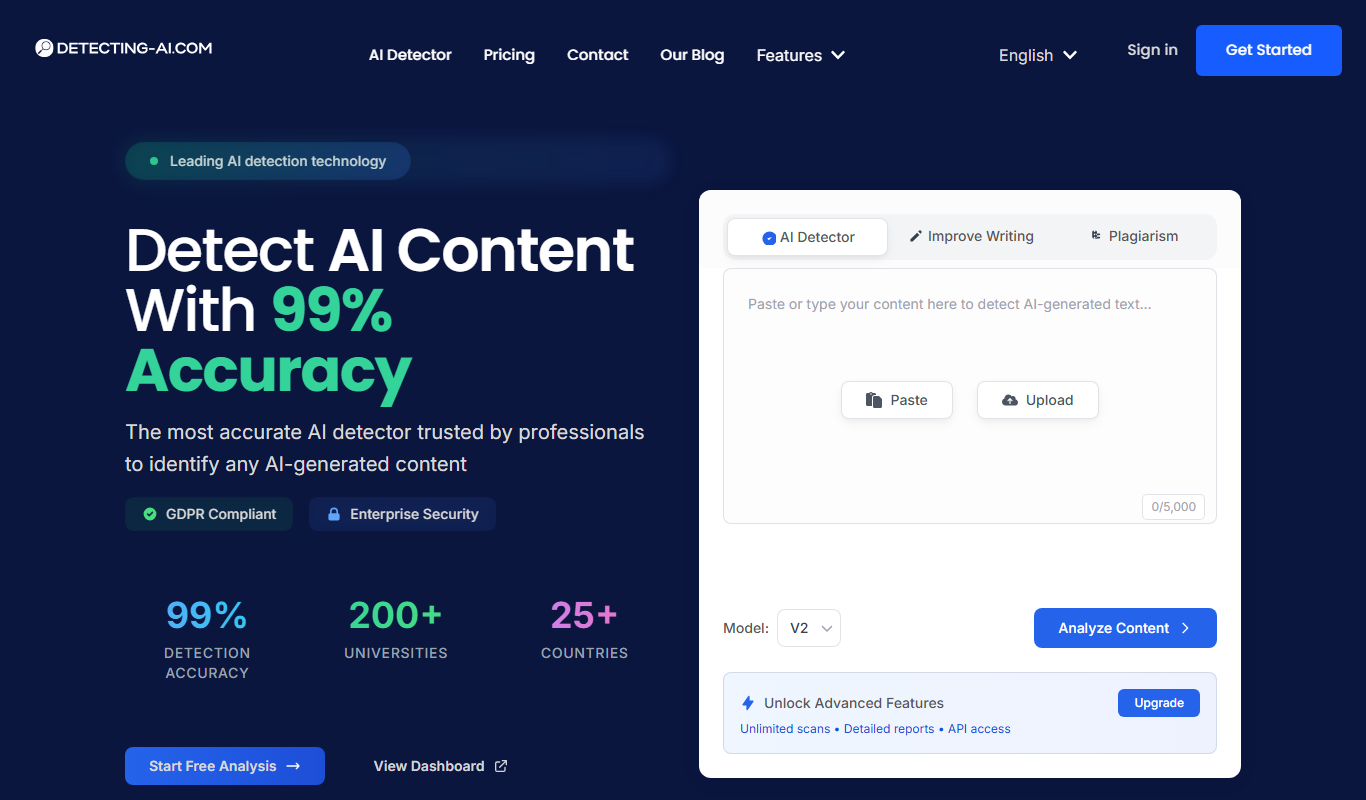
Detecting-AI.com
Detecting-AI.com is an online tool that analyzes text or URLs to determine the likelihood that content was generated by AI, helping users verify authenticity.
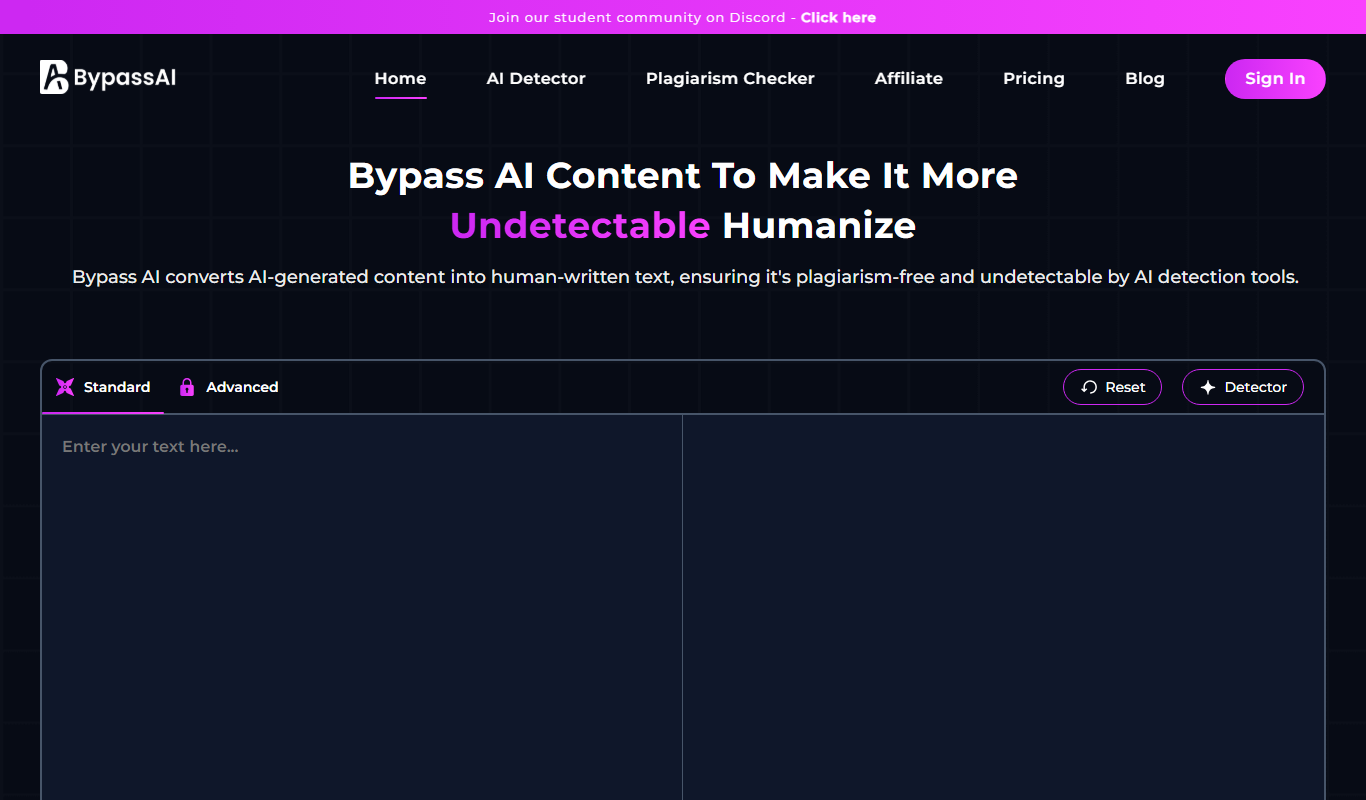
BypassAI.IO
BypassAI.IO is a web-based tool that detects AI-generated content and checks for plagiarism to help users verify the authenticity of their text.

AI Bypass
AI Bypass is a web tool that detects AI-generated text by analyzing content to determine the likelihood it was created by AI, helping users verify originality.
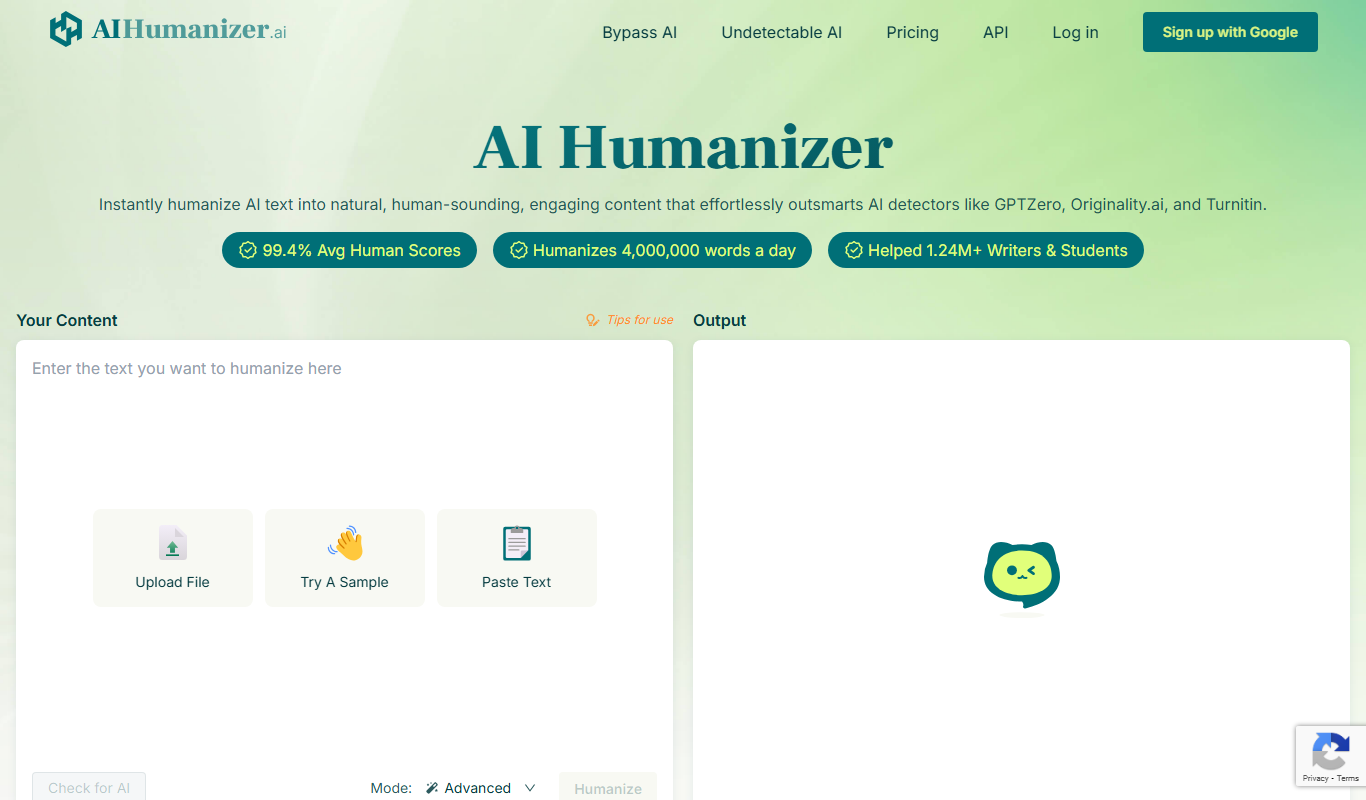
AIHumanize.com
AIHumanize.com is an online tool that detects AI-generated text and checks for plagiarism to help users verify content authenticity.
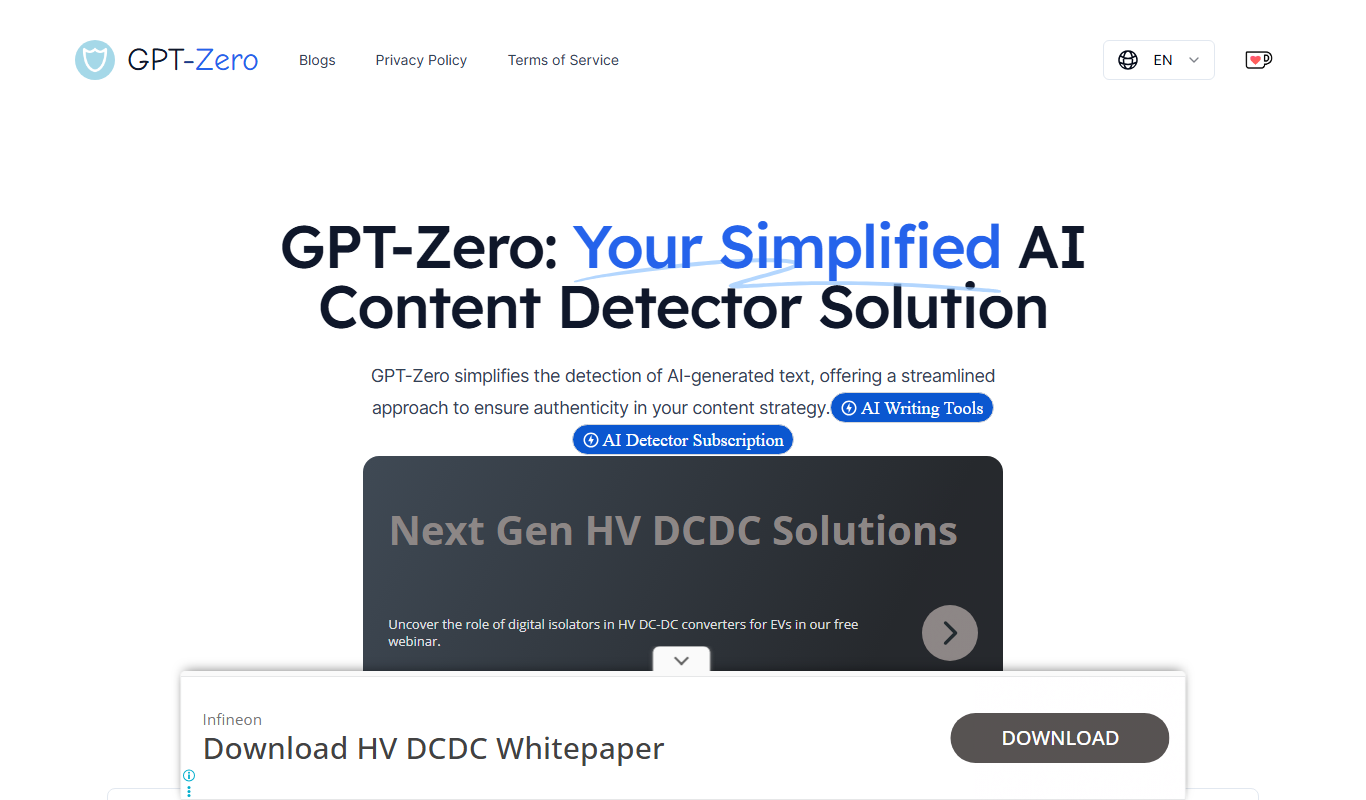
GPT-Zero
GPT-Zero is a web-based AI text detection tool that analyzes text to determine if it was generated by AI models like GPT, providing confidence scores and detailed reports.
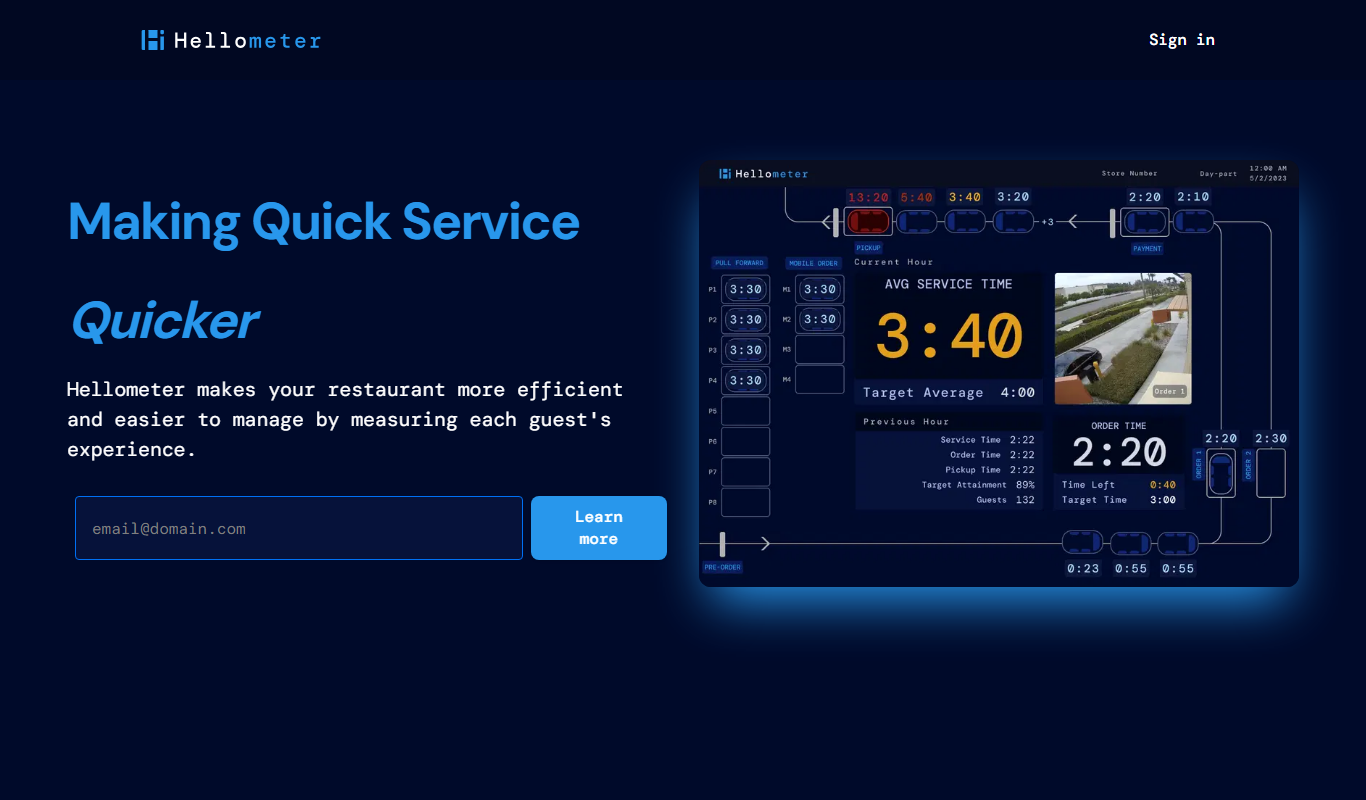
Hellometer
Hellometer is an AI writing detection tool that analyzes text to determine if it was generated by AI and checks for plagiarism, helping users verify content originality.