

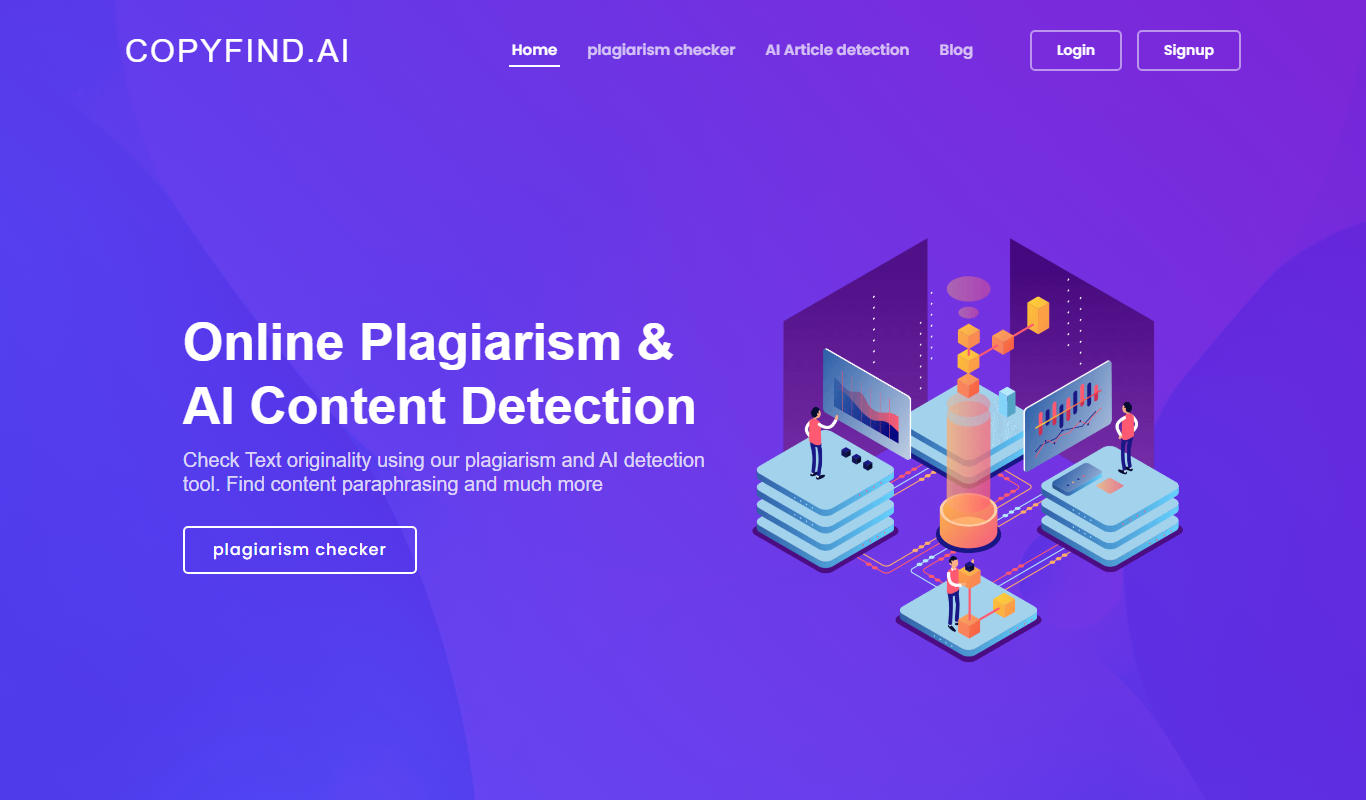
From my experience with CopyFind, I found it excels at combining traditional plagiarism detection with AI-generated content identification, which is increasingly important in today’s content landscape. The platform is straightforward to use, delivering clear and detailed reports that help maintain content integrity. It is particularly well-suited for educators, publishers, and SEO professionals who need reliable originality checks. However, the tool currently supports only English and lacks a mobile app, which may limit accessibility for some users. Overall, if you require a dual-purpose tool for plagiarism and AI content detection, CopyFind offers solid performance and value.
CopyFind AI Detector for Plagiarism and Content Authenticity Checking
CopyFind is an AI-powered tool that detects plagiarism and AI-generated text to ensure content originality.
- Best for
- Academic Integrity Verification
- Key capability
- Plagiarism Detection
Do you recommend this tool?
What is CopyFind – Plagiarism and AI Detector?
CopyFind is an AI-powered plagiarism and content authenticity detection tool designed to identify copied, paraphrased, or AI-generated text. It helps educators, publishers, and content creators ensure the originality of written material by scanning documents against extensive databases and AI detection algorithms.
Key features of CopyFind – Plagiarism and AI Detector
CopyFind offers comprehensive plagiarism scanning combined with AI content detection, providing detailed reports highlighting suspicious text segments. It supports multiple document formats and delivers fast, accurate results to maintain content integrity.
Plagiarism Detection
Identifies copied or closely paraphrased text by comparing against billions of web pages and academic content.
AI-Generated Content Detection
Detects text likely produced by AI models, helping to maintain human-authored content standards.
Detailed Similarity Reports
Provides clear, easy-to-understand reports with source links and highlighted matches.
Multi-format Support
Accepts various document types including DOCX, PDF, and plain text for flexible usage.
User-Friendly Interface
Intuitive dashboard designed for quick uploads and straightforward interpretation of results.
Pros and cons of CopyFind – Plagiarism and AI Detector
Pros
- Combines plagiarism and AI content detection in one tool
- User-friendly interface with clear reports
- Supports multiple document formats
- Offers a free plan for basic use
- Fast scanning and detailed results
Cons
- Limited language support (English only)
- No mobile app available
- Advanced features require subscription
Key use cases for CopyFind – Plagiarism and AI Detector
Academic Integrity Verification
Detects copied or AI-generated content in student submissions to maintain originality standards.
Content Authenticity for Publishers
Helps publishers verify that submitted articles are original and not plagiarized or AI-generated.
SEO Content Quality Assurance
Ensures website content is unique and not duplicated or generated by AI, improving search rankings.
Research Paper Validation
Assists researchers in confirming that their papers do not contain plagiarized or AI-generated text.
How CopyFind – Plagiarism and AI Detector works
- 1
Upload Document
Users upload text files or paste content directly into the platform for analysis.
- 2
Scanning Process
The tool scans the content against web sources, academic databases, and AI-generated text patterns.
- 3
Report Generation
CopyFind generates a detailed report showing matched sources, similarity percentages, and AI detection scores.
- 4
Review and Action
Users review flagged sections and decide on necessary actions to ensure content originality.
Who is using CopyFind – Plagiarism and AI Detector
Educators and academic institutions
Content publishers and editors
SEO professionals and marketers
Researchers and students
Freelance writers and bloggers
CopyFind – Plagiarism and AI Detector pricing
Free
$0/month
Limited scans per month with basic plagiarism and AI detection features.
Pro
$19/month
Unlimited scans, priority processing, detailed reports, and advanced AI detection.
Plans and prices are as published by the vendor and can change. Check the official site before you buy. Open the pricing page (opens in a new tab)
Frequently asked questions about CopyFind – Plagiarism and AI Detector
Yes, CopyFind uses advanced algorithms to identify content likely created by AI models.
It supports DOCX, PDF, and plain text formats for scanning.
Yes, CopyFind offers a free plan with limited monthly scans.
CopyFind compares content against billions of sources to provide highly accurate similarity results.
It depends on your specific needs and how you plan to use the tool. The official website and documentation are the best sources for the latest details.
Some tools offer a free plan or trial with limited features. Availability can vary, so confirm on the official website.
Yes, it can help with that use case depending on how you configure it and what features are available. You’ll get the best results with clear inputs and a defined goal.
Sign in to review this tool.
Sign In to ReviewNo reviews yet
Be the first to share how this tool worked for you.
Ask about pricing, limits, or how it compares — or answer someone else.
Sign In to AskNo questions yet
Have a question about using or paying for this tool? Be the first to ask.
Featured on TiorAI



Alternative Tools
Explore similar AI tools that might fit your needs
Free
Copyscape
Copyscape is an online plagiarism detection tool that scans the web to find duplicate content and verify originality, widely used by writers, educators, and SEO professionals.
More AI Content Detection tools
Other tools in the same category, for when this one is not quite the fit.

Free
AI or Not
AI or Not is a free online tool that detects whether text is generated by AI or written by a human by analyzing linguistic patterns and providing a confidence score.
Free
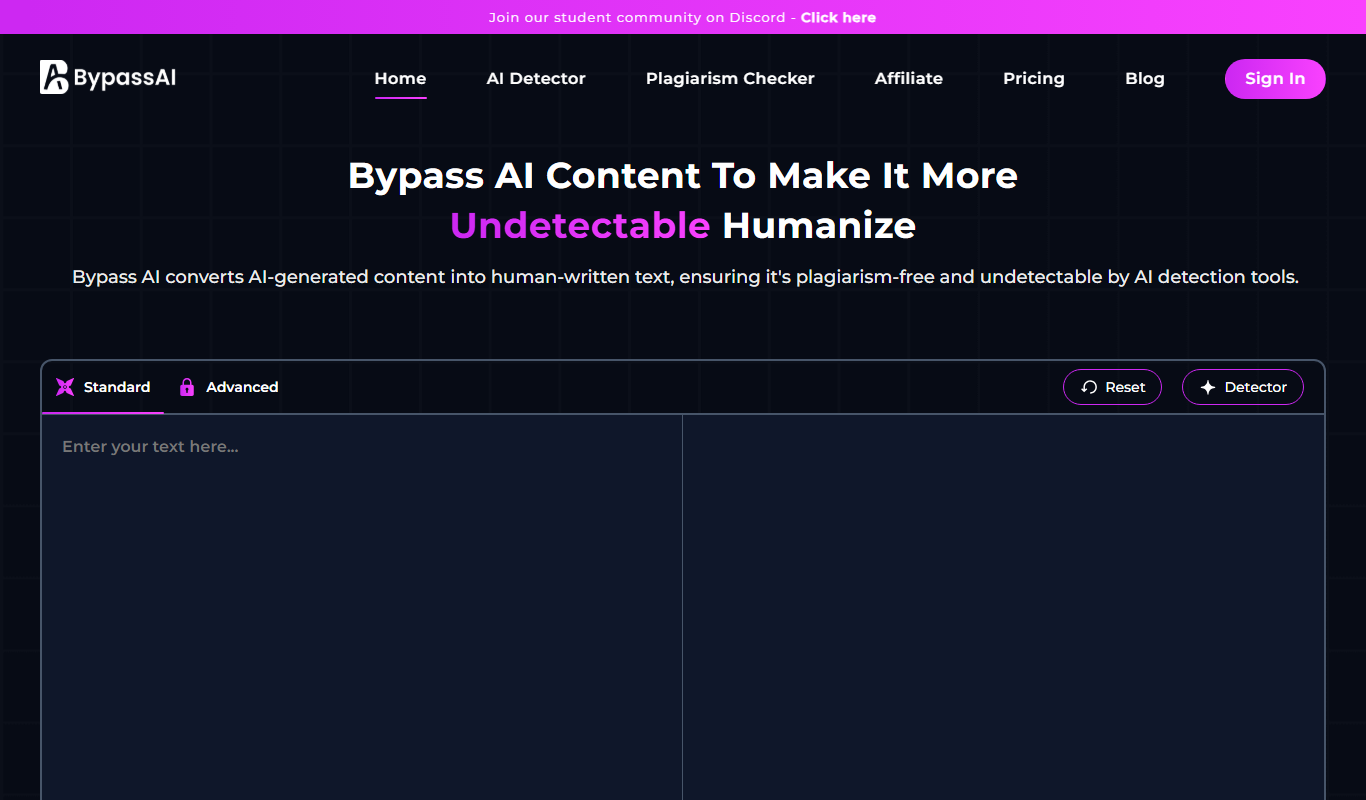
BypassAI.IO
BypassAI.IO is a web-based tool that detects AI-generated content and checks for plagiarism to help users verify the authenticity of their text.
Free
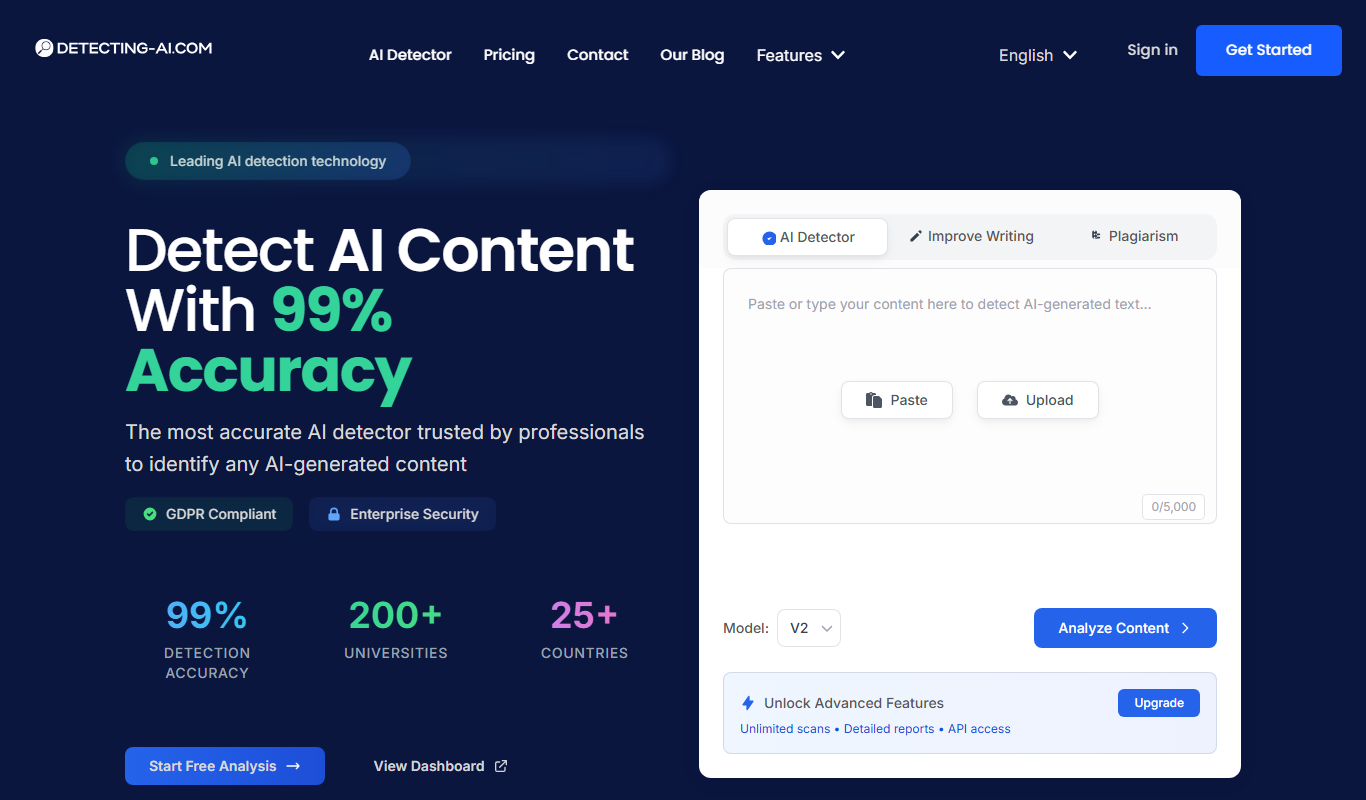
Detecting-AI.com
Detecting-AI.com is an online tool that analyzes text or URLs to determine the likelihood that content was generated by AI, helping users verify authenticity.

Free
AI Bypass
AI Bypass is a web tool that detects AI-generated text by analyzing content to determine the likelihood it was created by AI, helping users verify originality.
Free
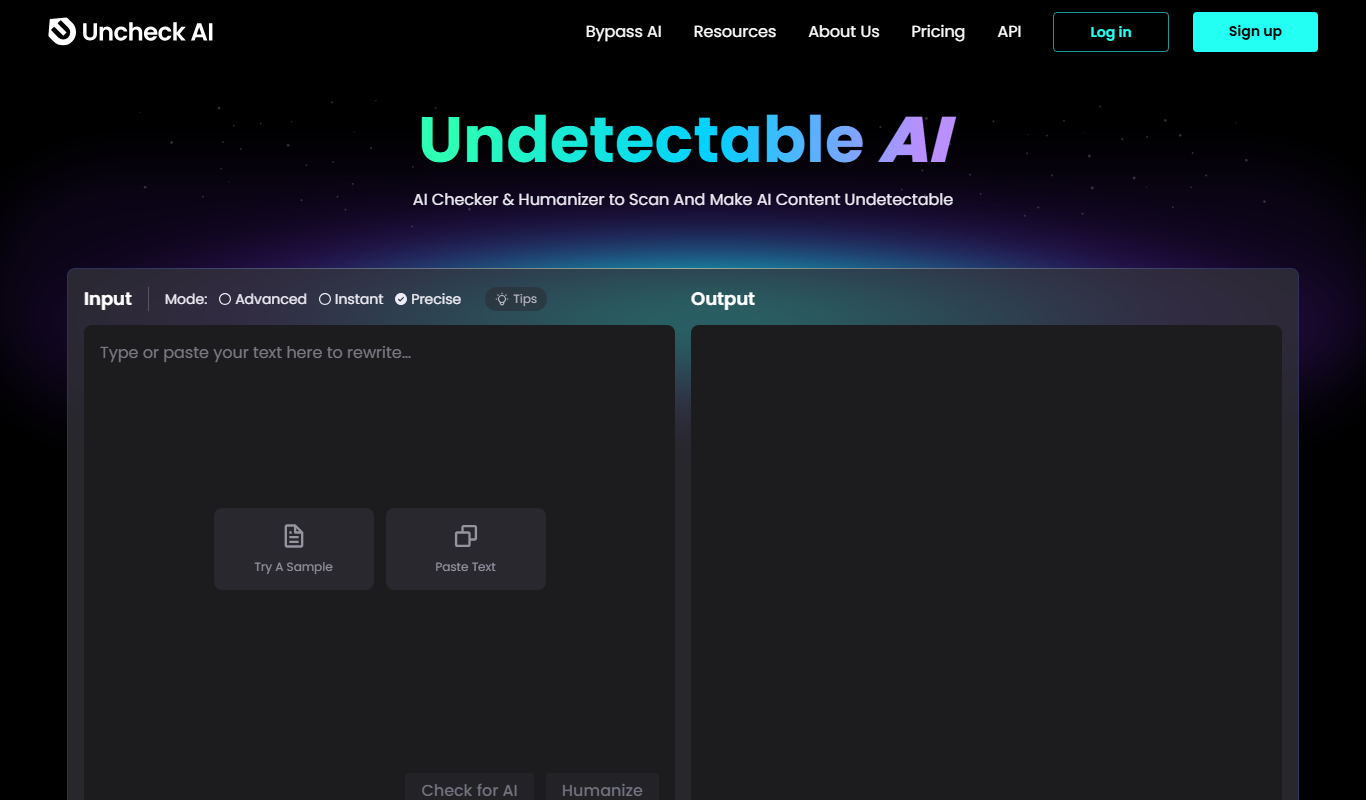
Undetectable.ai
Undetectable.ai is a web-based tool that analyzes text to determine if it was written by AI or a human, providing probability scores to help users verify content authenticity.

Free
AI Detector & Plagiarism Scan
AI Detector & Plagiarism Scan is a web tool that identifies AI-generated text and checks for plagiarism to ensure content originality.
Free
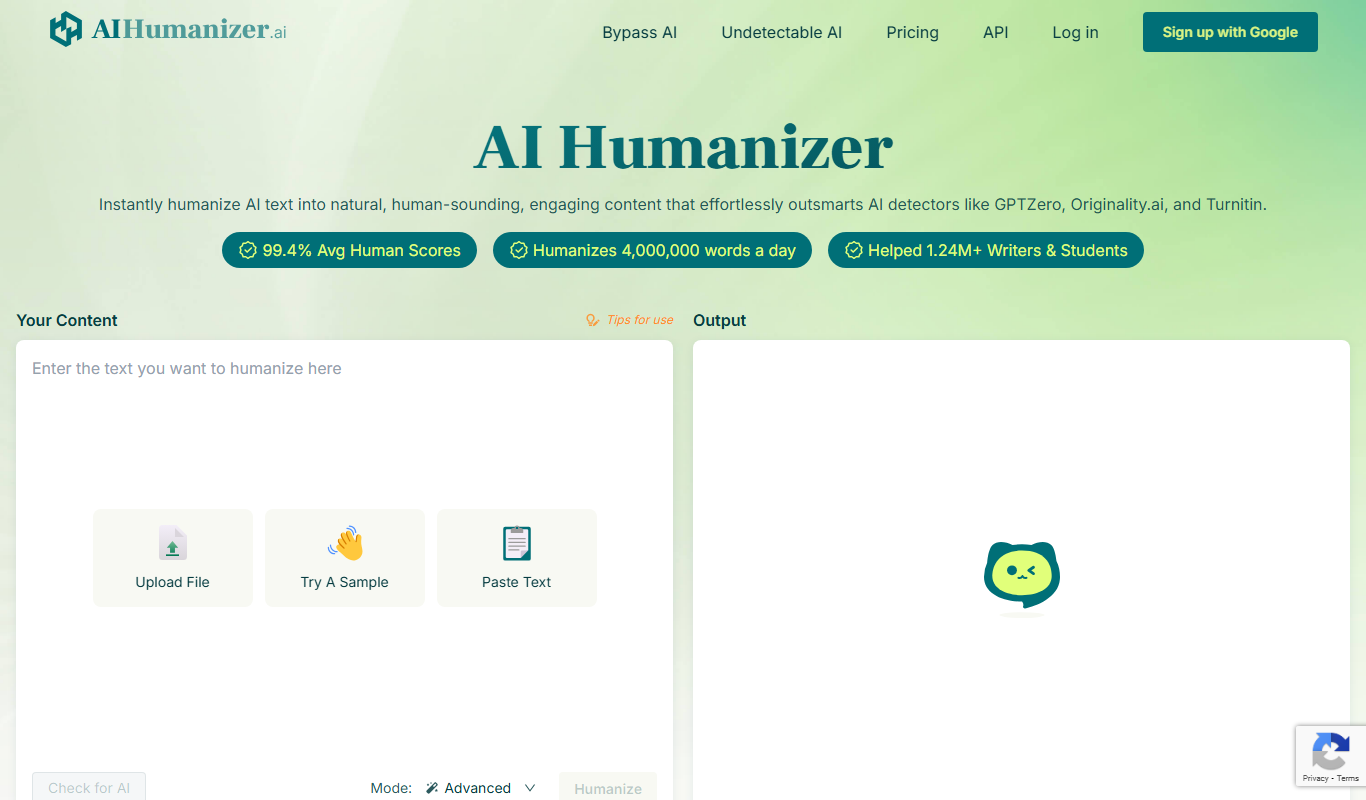
AIHumanize.com
AIHumanize.com is an online tool that detects AI-generated text and checks for plagiarism to help users verify content authenticity.
Free
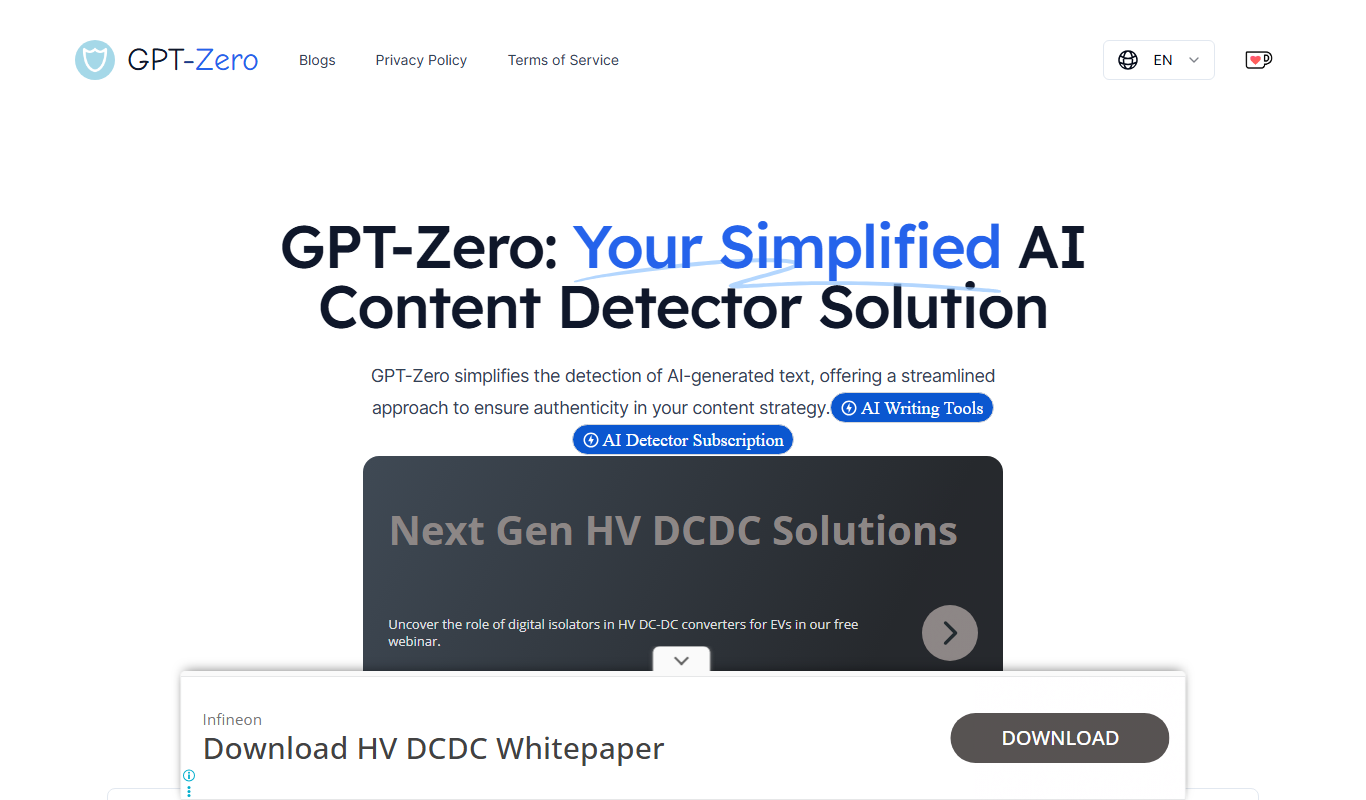
GPT-Zero
GPT-Zero is a web-based AI text detection tool that analyzes text to determine if it was generated by AI models like GPT, providing confidence scores and detailed reports.