

From my experience with 101.school, I found it excels at providing a straightforward and interactive platform for educators to engage students both in classrooms and remotely. The real-time feedback and variety of exercise types make it a practical tool for reinforcing lessons and tracking progress. However, the lack of detailed public pricing and absence of dedicated mobile apps may limit its accessibility for some users. Overall, if you need a web-based solution for interactive teaching and assessment, 101.school offers solid features with a user-friendly approach.
101.school Online Learning Platform for Interactive Education Tools
101.school is a web-based interactive education platform that enables teachers to create and assign digital exercises and assessments, supporting both in-person and remote learning environments.
- Best for
- Interactive Classroom Activities
- Key capability
- Interactive Exercise Builder
Your actions
Save 101.school, follow its updates and vote on it — everything stays in your account.
Sign in or create a free account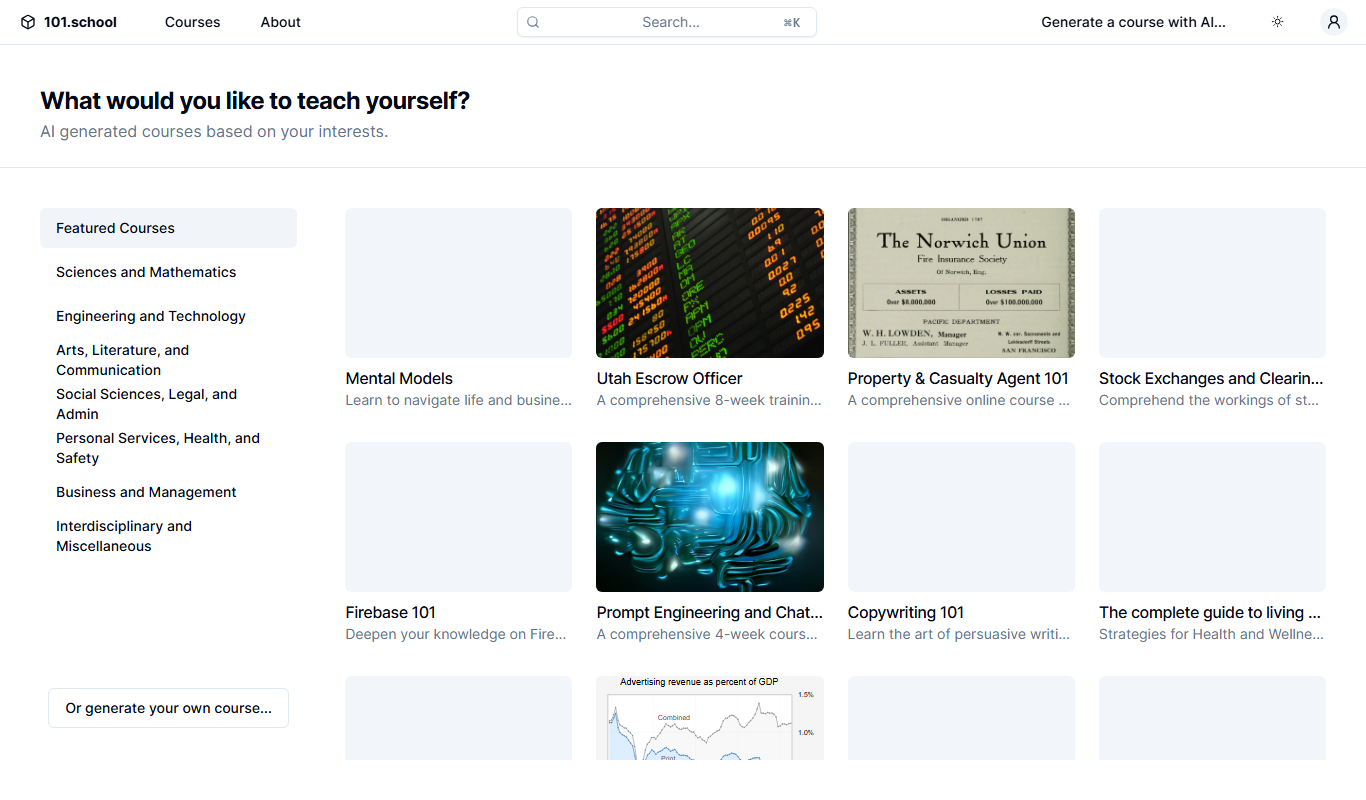
What is 101.school?
101.school is an online educational platform designed to facilitate interactive learning and teaching. It offers a variety of digital tools that allow educators to create engaging lessons, assignments, and assessments that students can complete online. The platform emphasizes real-time interaction and feedback, making it suitable for both in-person and remote education settings.
Key features of 101.school
101.school provides a suite of interactive tools including quizzes, exercises, and collaborative activities. It supports real-time student engagement, automated grading, and detailed analytics to help teachers track progress. The platform is accessible via web browsers, requiring no additional software installation.
Interactive Exercise Builder
Create diverse types of exercises including multiple-choice, matching, and open-ended questions.
Real-Time Student Engagement
Students can participate in activities simultaneously with instant feedback.
Automated Grading and Analytics
The platform automatically grades assignments and provides detailed performance reports.
Class and Group Management
Organize students efficiently for personalized learning paths.
Multilingual Support
Supports multiple languages, primarily English and Russian, to accommodate diverse users.
Pros and cons of 101.school
Pros
- User-friendly interface for teachers and students
- Supports real-time interaction and feedback
- Free plan available for basic use
- Detailed analytics for monitoring progress
Cons
- Limited advanced features in free version
- Primarily web-based with no dedicated mobile apps
- Pricing details for premium plans are not publicly listed
Key use cases for 101.school
Interactive Classroom Activities
Teachers can create and assign interactive exercises to engage students in real-time.
Homework and Practice Assignments
Students can complete assignments online with instant feedback to reinforce learning.
Remote Learning Support
Supports distance education by providing tools for teachers and students to interact virtually.
Assessment and Progress Tracking
Teachers can monitor student performance and progress through detailed reports.
Collaborative Learning
Enables group activities and peer interaction within the digital classroom environment.
How 101.school works
- 1
Create an Account
Teachers and students sign up on the 101.school website to access the platform.
- 2
Set Up Classes and Groups
Educators organize students into classes or groups for targeted activities.
- 3
Design Interactive Lessons
Teachers create exercises, quizzes, and assignments using the platform’s tools.
- 4
Assign Activities
Lessons and assignments are assigned to students for completion online.
- 5
Monitor and Provide Feedback
Teachers review student submissions, track progress, and provide feedback.
Who is using 101.school
K-12 teachers
Educational institutions
Remote learning facilitators
Tutors and private educators
Students seeking interactive practice
101.school pricing
Free
$0/month
Access to basic features with limited number of classes and exercises.
Premium
Contact for pricing
Advanced features including unlimited classes, priority support, and enhanced analytics.
Plans and prices are as published by the vendor and can change. Check the official site before you buy. Open the pricing page (opens in a new tab)
Frequently asked questions about 101.school
Yes, 101.school offers a free plan with basic features suitable for small classes.
Yes, it is designed to support both in-person and remote education with interactive tools.
You can create multiple-choice, matching, open-ended questions, and other interactive activities.
Yes, teachers can access detailed analytics and progress tracking for their students.
Yes, it can help with that use case depending on how you configure it and what features are available. You’ll get the best results with clear inputs and a defined goal.
Yes, it can help with that use case depending on how you configure it and what features are available. You’ll get the best results with clear inputs and a defined goal.
Some tools offer a free plan or trial with limited features. Availability can vary, so confirm on the official website.
Yes, it can help with that use case depending on how you configure it and what features are available. You’ll get the best results with clear inputs and a defined goal.
Sign in to review this tool.
Sign In to ReviewNo reviews yet
Be the first to share how this tool worked for you.
Ask about pricing, limits, or how it compares — or answer someone else.
Sign In to AskNo questions yet
Have a question about using or paying for this tool? Be the first to ask.
Featured on TiorAI



Alternative Tools
Explore similar AI tools that might fit your needs
Free
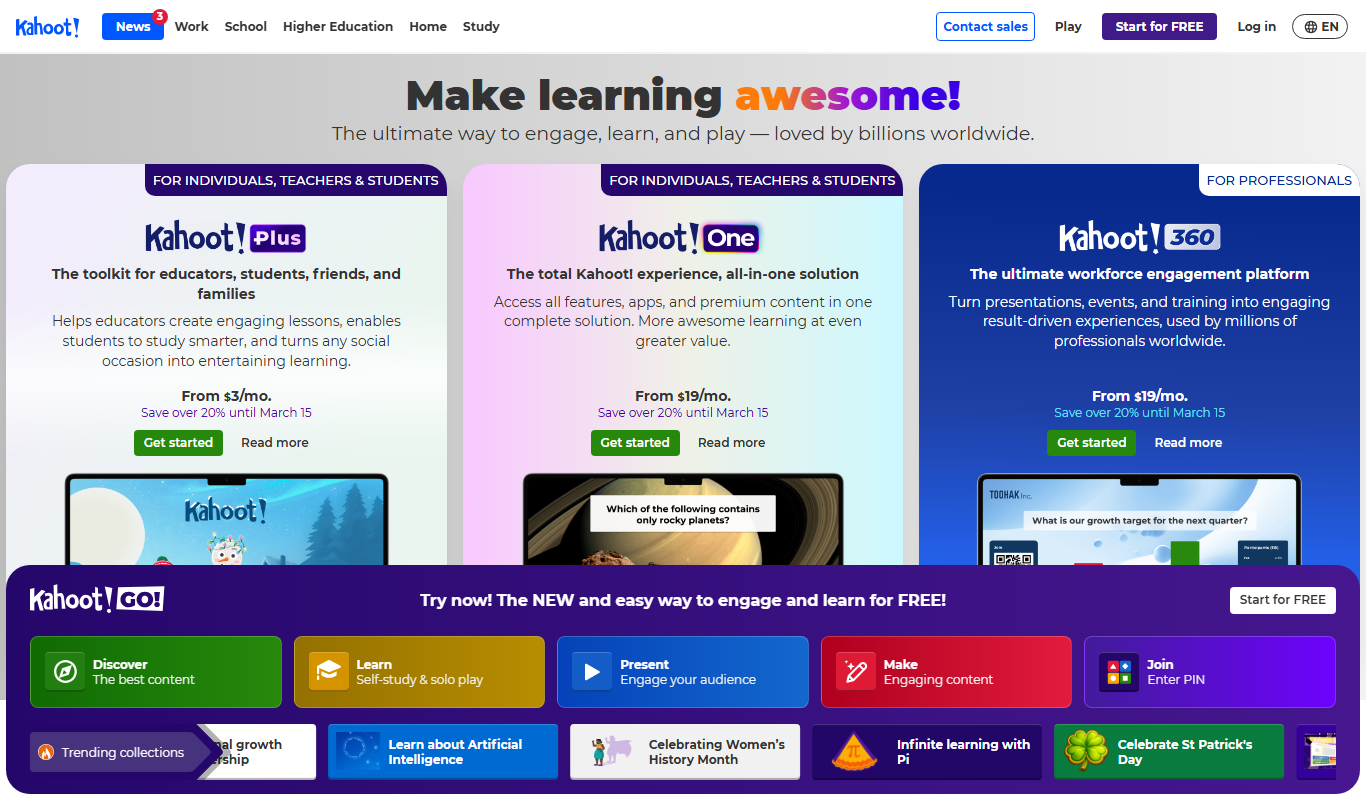
Kahoot
Kahoot is a game-based learning platform that enables users to create and play interactive quizzes and games to boost engagement in education, training, and events.

Free
Nearpod
Nearpod is an interactive educational platform that allows teachers to create and deliver engaging lessons with real-time assessments, multimedia content, and virtual reality experiences for both in-person and remote learning.
More AI Education & Learning Tools tools
Other tools in the same category, for when this one is not quite the fit.

Freemium
Create my test
Create My Test converts a document to a test with AI, and the site offers free registration.
Freemium
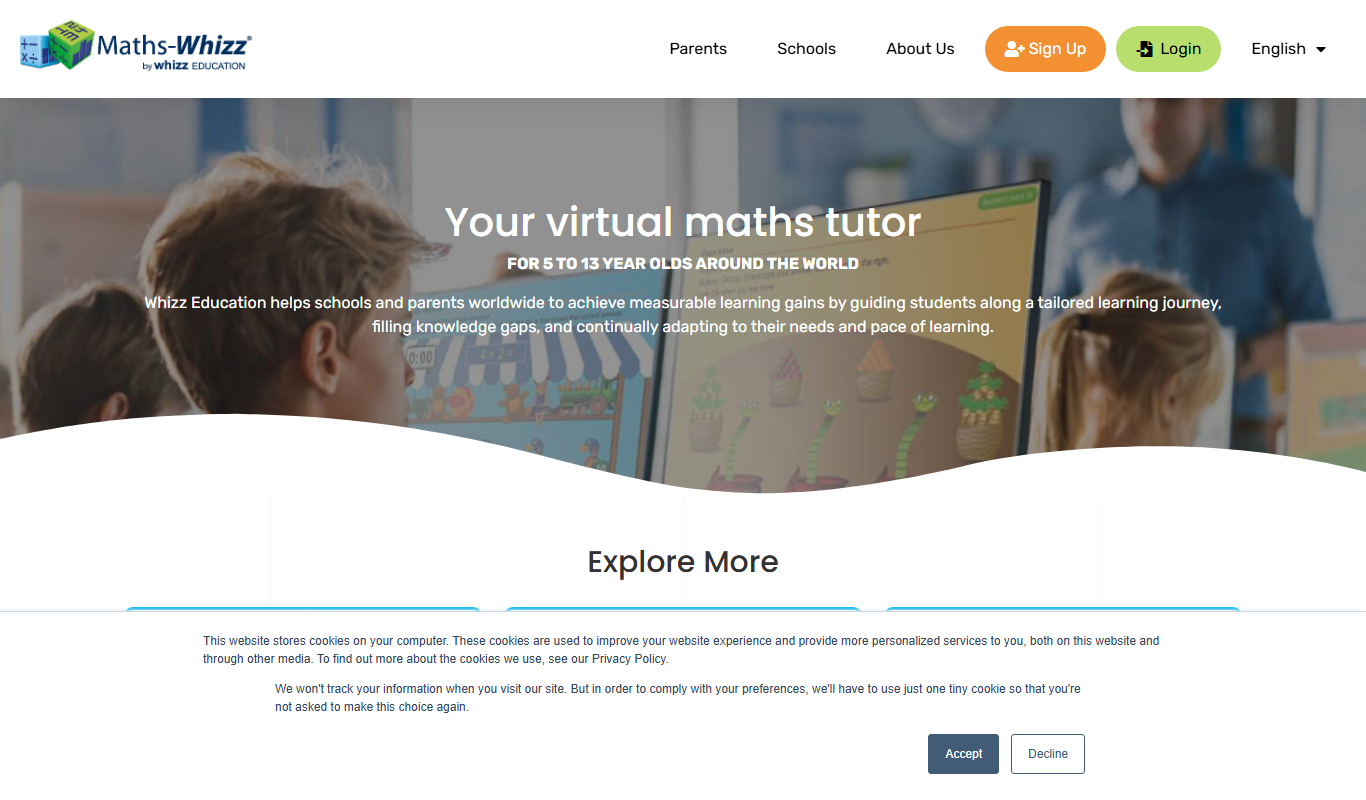
whizz.com
Whizz.com is an adaptive online math tutoring platform for children aged 5-13 that personalizes lessons based on student ability and provides progress tracking for parents and teachers.
Freemium
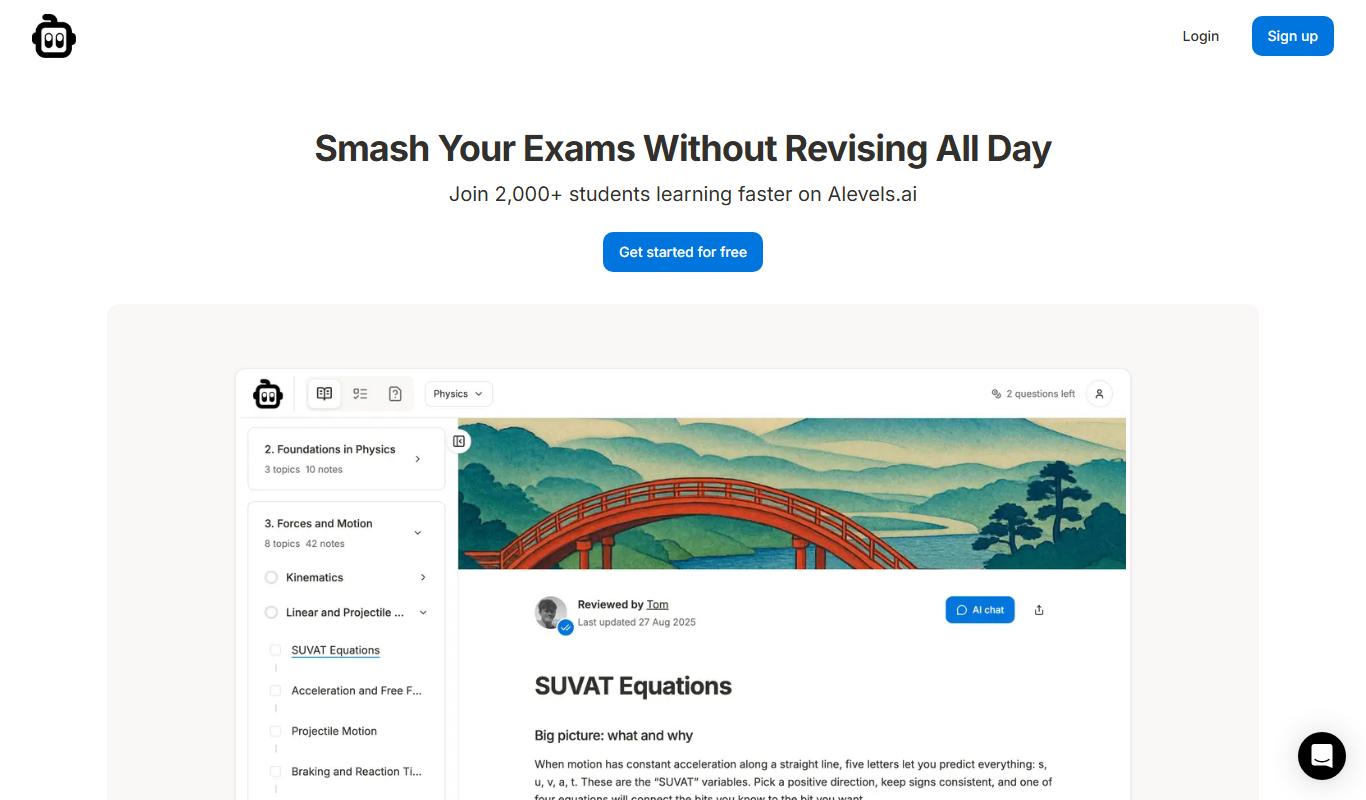
alevels.ai
alevels.ai is an AI-driven platform that helps A-Level students prepare for exams through personalized study plans, AI-generated practice questions, and instant doubt resolution.

Freemium
Yeti Confetti Kids by Lirvana Labs
Yeti Confetti Kids by Lirvana Labs is an educational app with a curriculum of English, Math and Social Emotional Learning generated by AI.

Free
Laion
Laion is a non-profit open-source AI research organization providing large-scale datasets for training machine learning models, focusing on democratizing access to high-quality AI data.
Free
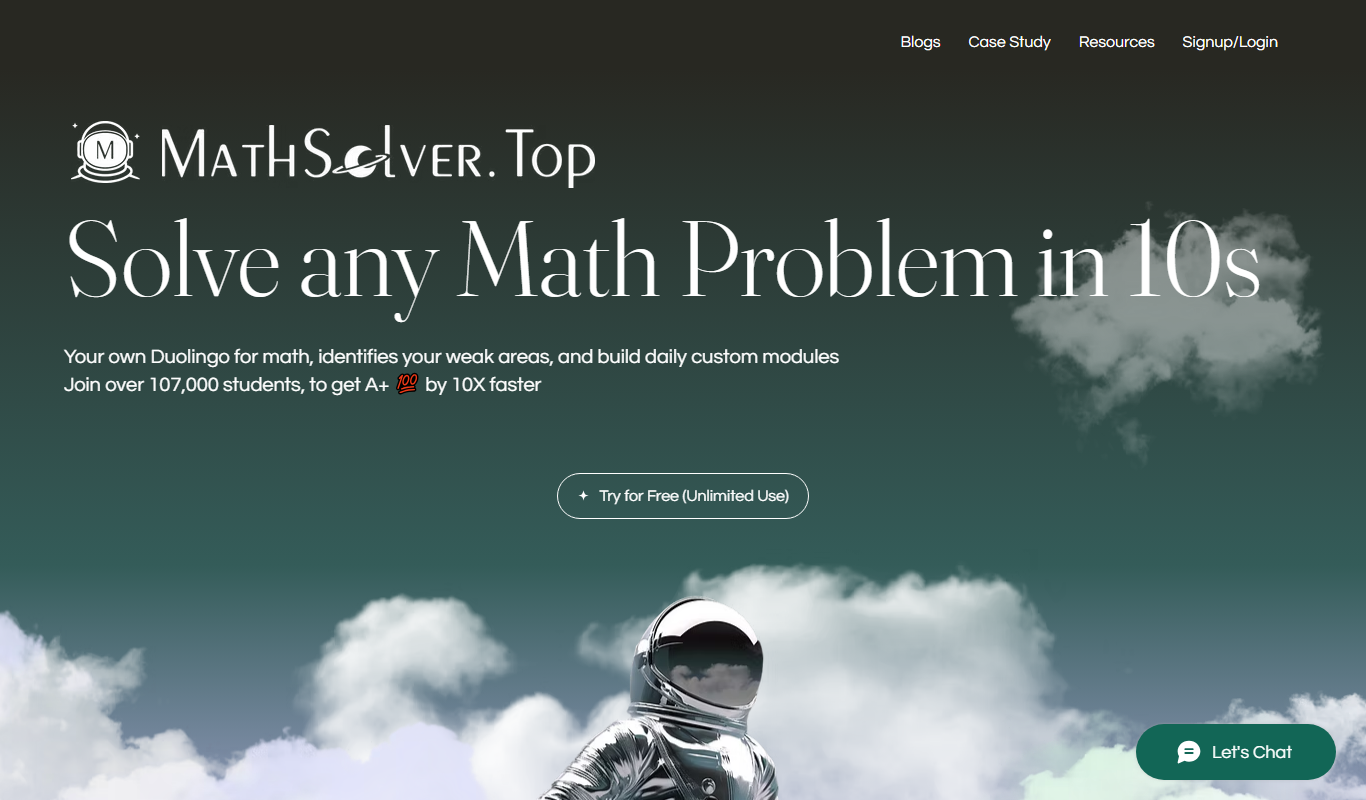
MathSolver.top
MathSolver.top is a free AI math solver and tutor that provides step-by-step solutions for algebra, calculus and geometry; it requires signup or login.

Free
AIMath
AIMath is an AI-powered online calculator that solves a wide range of math problems and provides detailed step-by-step solutions to help users learn and understand mathematics.
Free
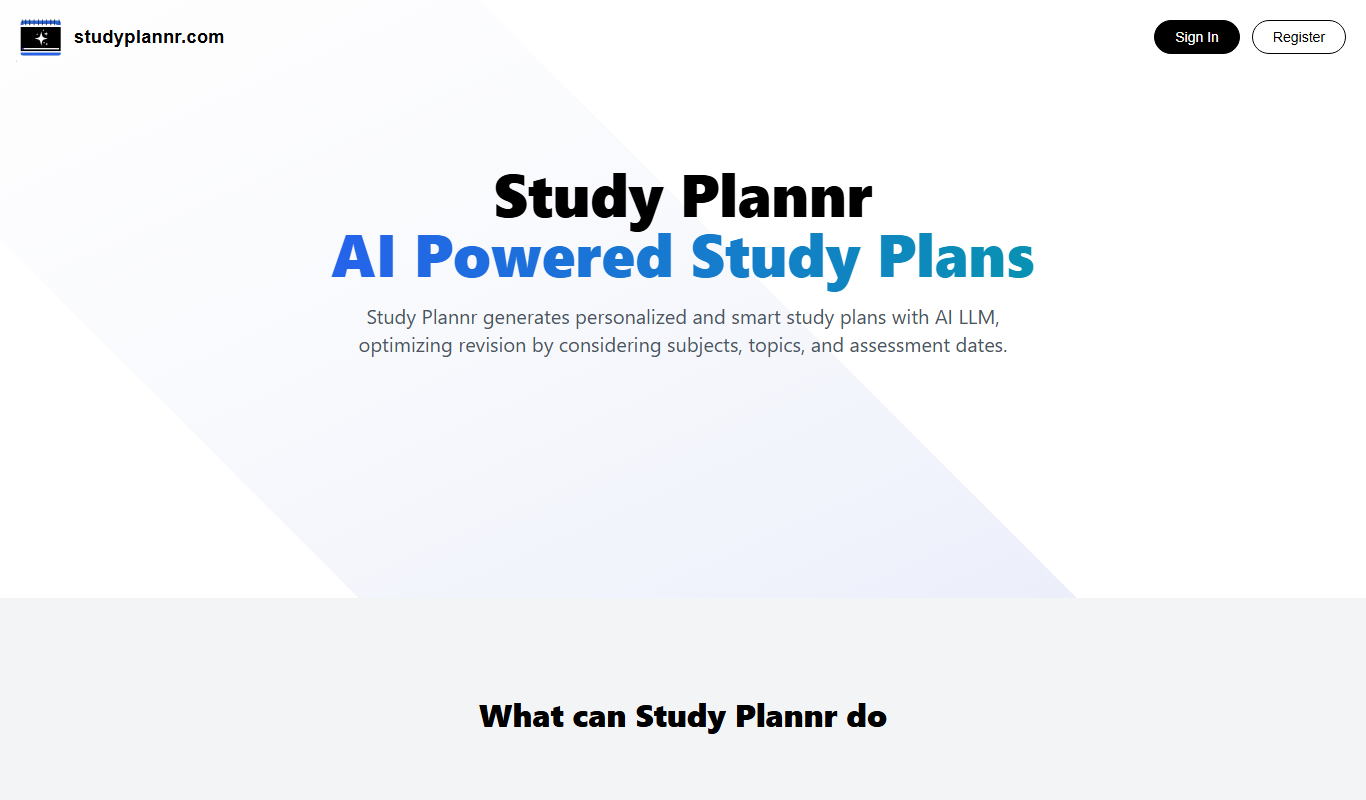
Study Plannr
Study Plannr is an online tool that helps students create personalized study schedules, set goals, and track their progress to improve productivity and exam preparation.