

Free
SlideAI
SlideAI is an AI-driven presentation tool that automatically generates slide decks from text input, enabling fast and professional presentation creation.
60 tools in this category. Filter by pricing, platform or language to narrow the list.
SlideAI is an AI-driven presentation tool that automatically generates slide decks from text input, enabling fast and professional presentation creation.

Slides.bot is an AI-driven presentation maker that converts text or URLs into ready-to-use slide decks, helping users create presentations quickly and efficiently.
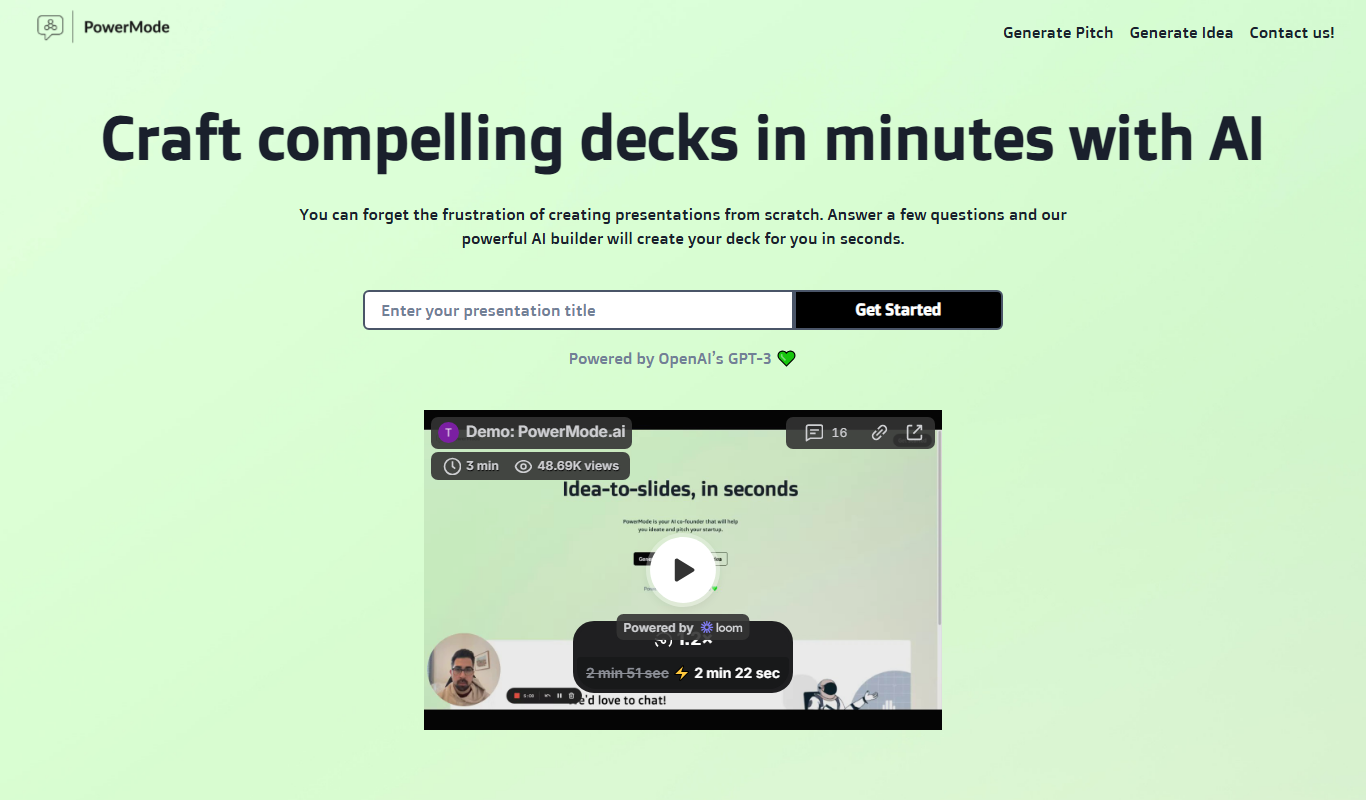
PowerMode creates presentation decks with AI: answer a few questions and get a deck in seconds for a sales pitch, a class or an idea.
Slider AI is a web-based tool that uses AI to automatically generate presentation slides from text input, enabling fast and easy creation of professional slide decks.
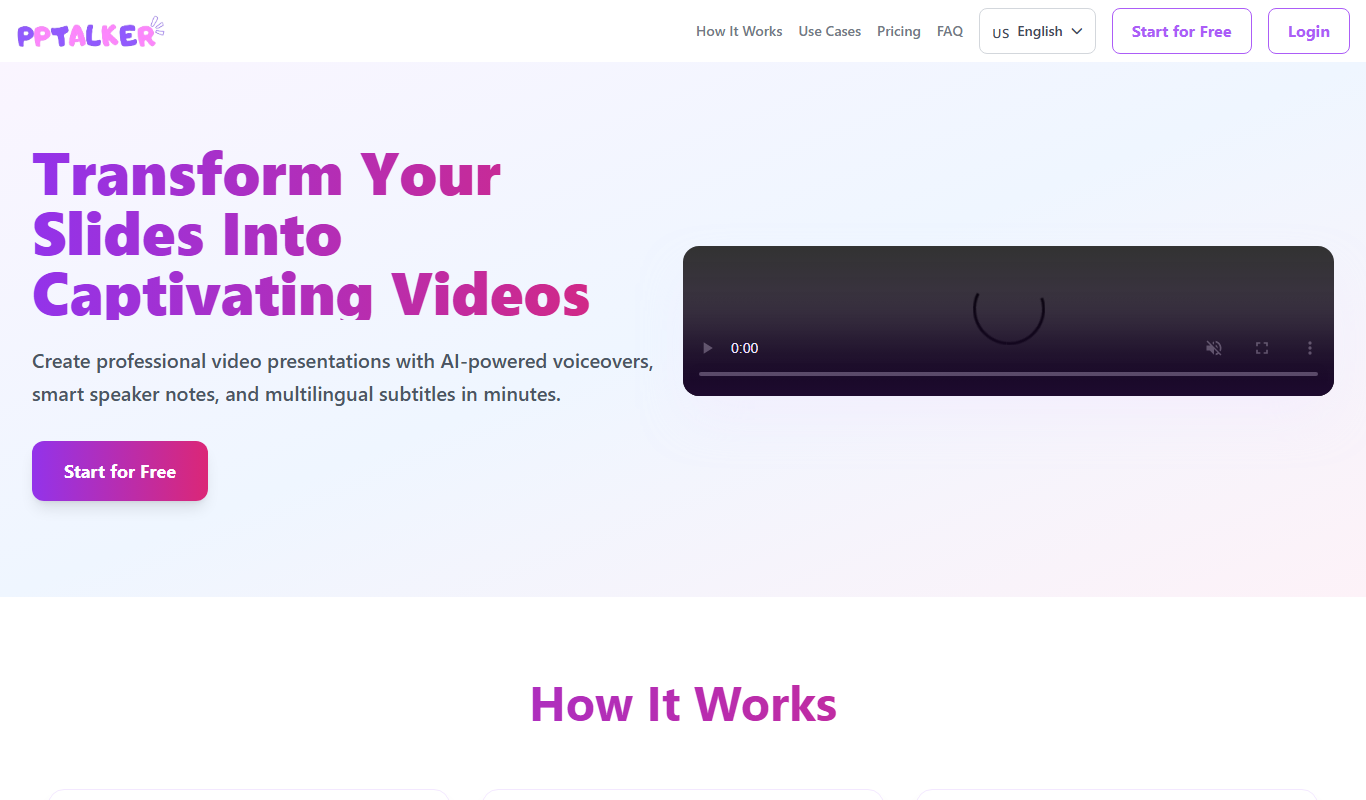
PPTalker turns PowerPoint, PDF and HTML slides into video with an AI voiceover and subtitles.
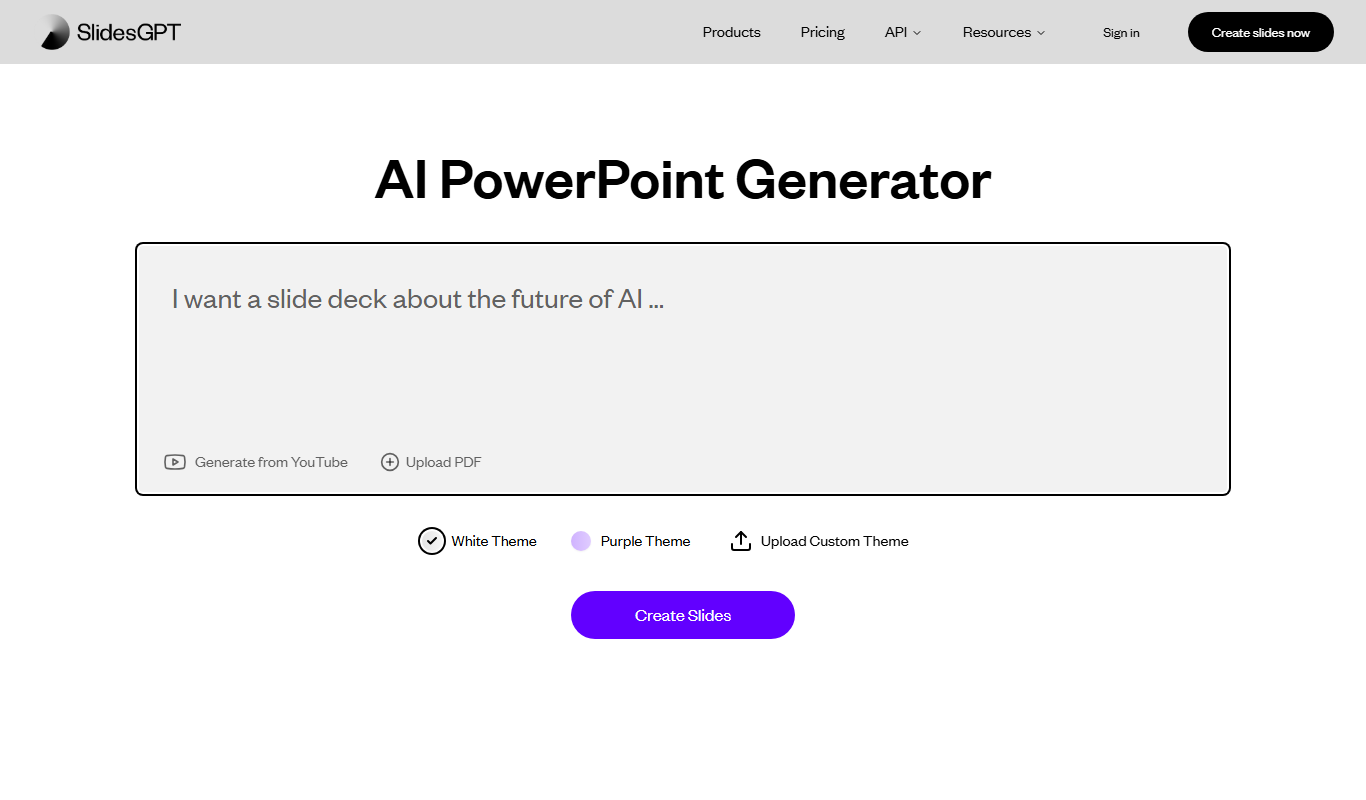
SlidesGPT is an AI-driven presentation tool that quickly generates slide decks from text input, helping users create professional presentations with minimal effort.

SlidesToVideos.com turns Google Slides presentations into AI videos, using slide text as image or video prompts and presenter notes for AI voice narration.

Slides Orator is an AI-powered tool that automatically creates professional slide presentations from text or outlines, offering customizable templates and export options.
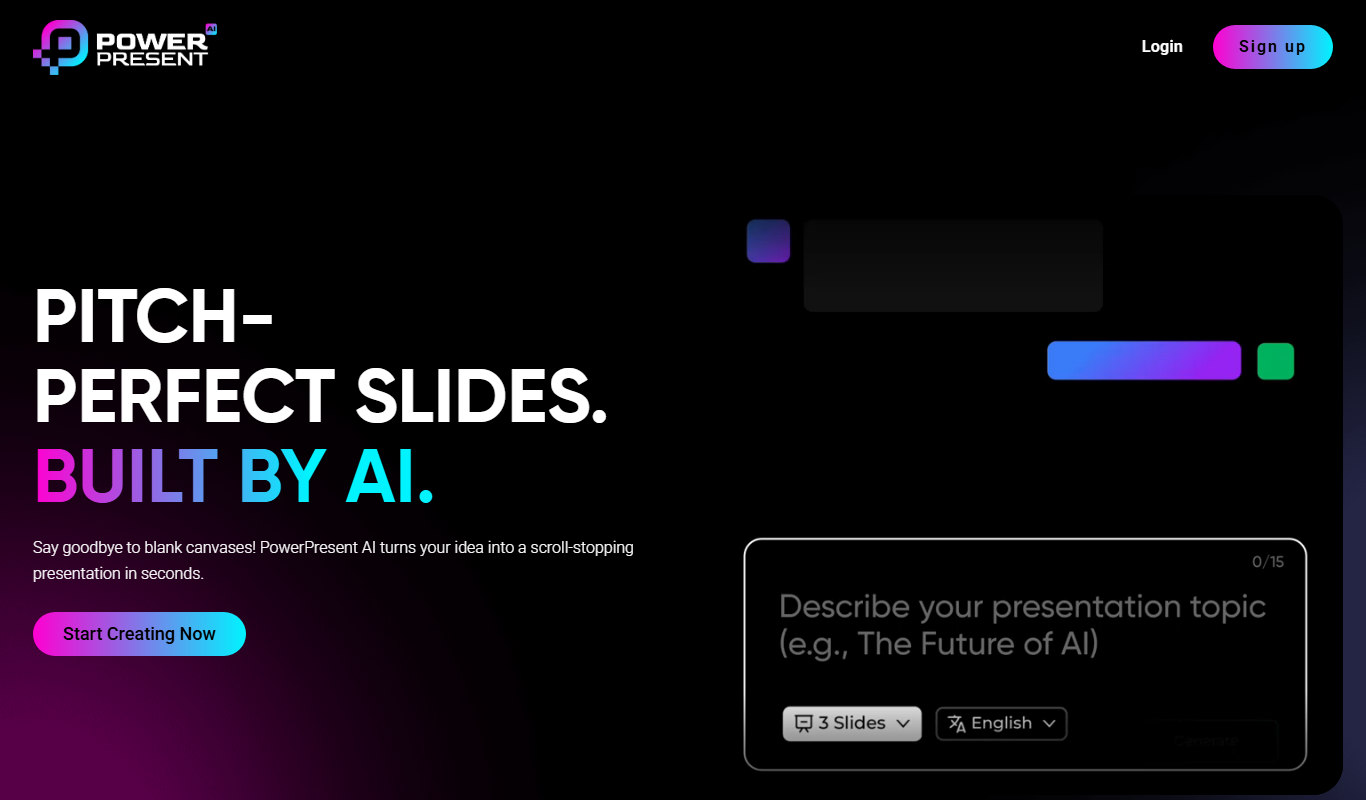
Powerpresent AI is a web-based tool that uses artificial intelligence to automatically generate professional presentation slides from user input, offering customizable templates and easy editing.
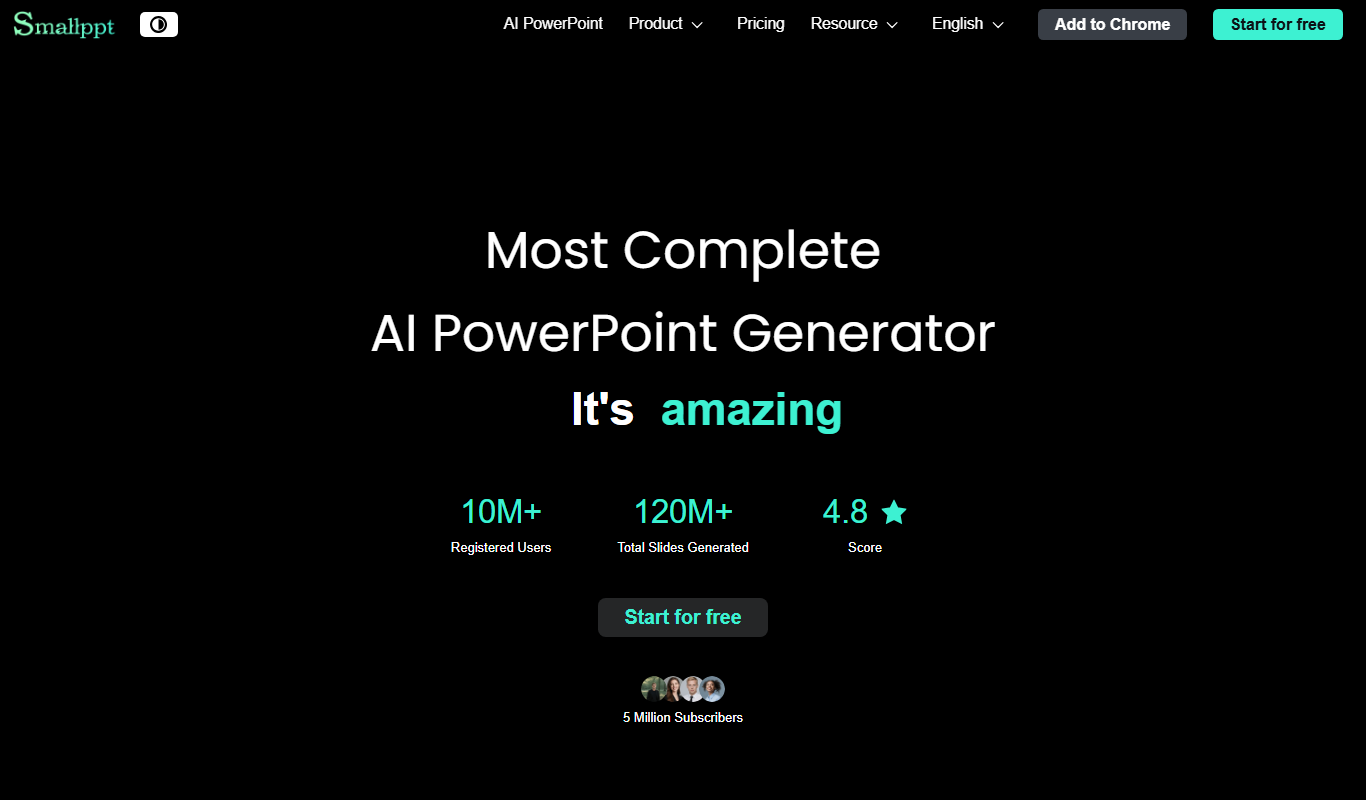
Smallppt is an online tool by Smallpdf GmbH that converts PDF documents into editable PowerPoint presentations quickly and securely without software installation.
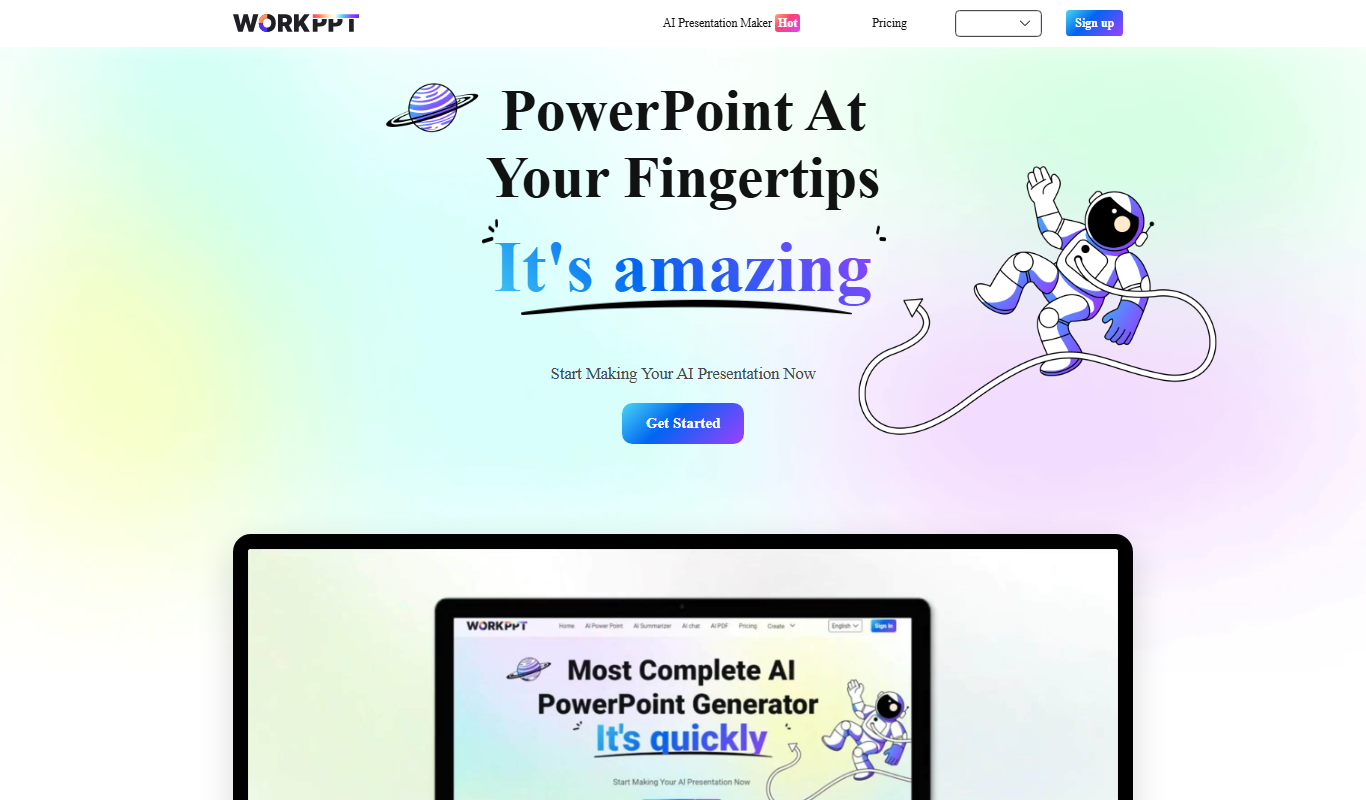
WorkPPT is a web-based presentation tool by SoftTooler that uses AI to help users create and customize professional slides quickly, supporting collaboration and export in PPTX and PDF formats.
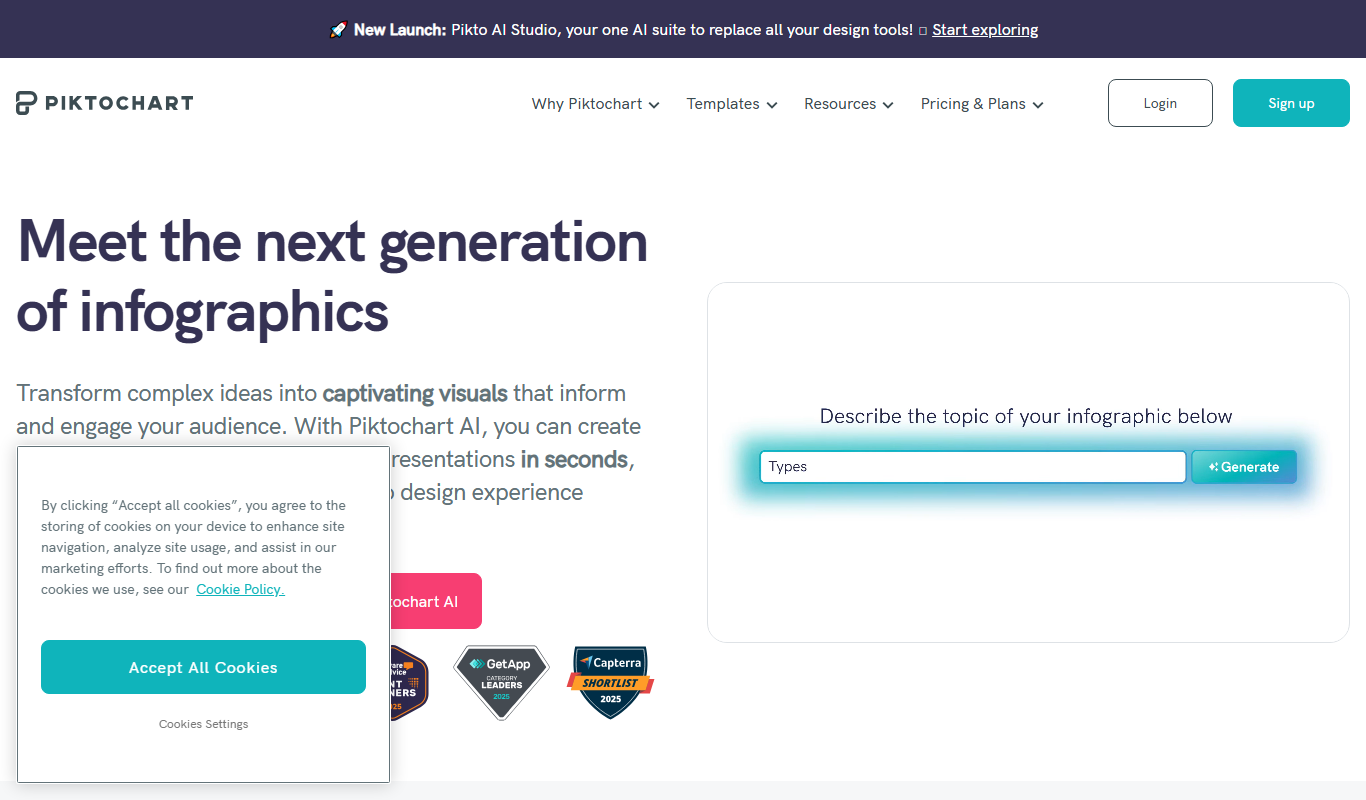
Piktochart is a web-based tool that helps users create infographics, presentations, and reports using customizable templates and an easy drag-and-drop editor.
Page 2 of 5