

PPTalker AI Voice Generator for PowerPoint Presentations and Narration
PPTalker turns PowerPoint, PDF and HTML slides into video with an AI voiceover and subtitles.
- Best for
- PowerPoint Narration
- Key capability
- Natural AI Voices
Save PPTalker, follow its updates and vote on it — everything stays in your account.
Sign in or create a free account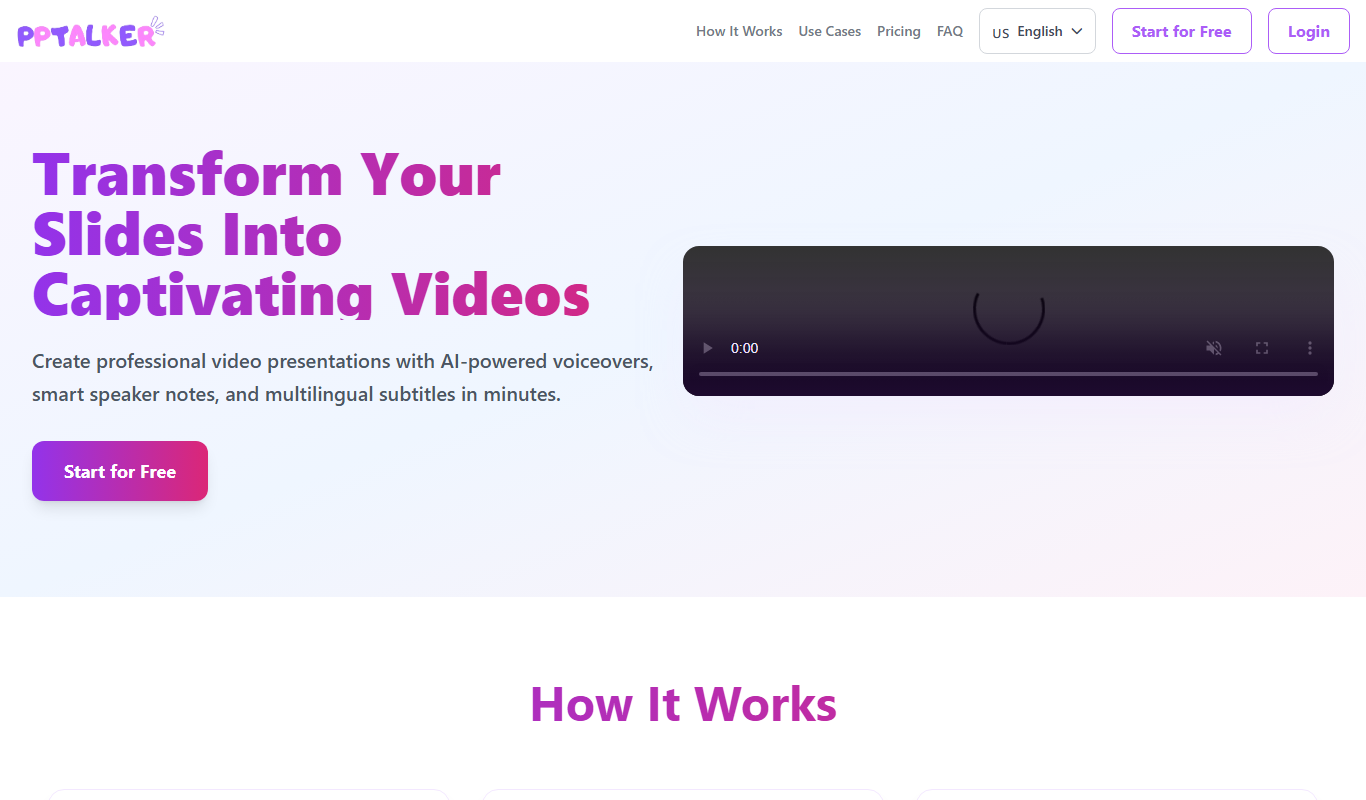
What is PPTalker?
PPTalker turns PowerPoint, PDF and HTML slides into a video with an AI voiceover and subtitles.
Key features of PPTalker
PPTalker offers realistic AI voices with customizable speech styles, easy integration with PowerPoint, multi-language support, and fast processing to generate voiceovers that sync with presentation slides.
Natural AI Voices
High-quality, human-like AI voices that sound expressive and clear.
Multi-language Support
Supports multiple languages and accents to cater to diverse audiences.
PowerPoint Integration
Seamless integration with PowerPoint for easy narration addition.
Customization Options
Control over speech rate, pitch, and pauses to tailor narration style.
Fast Processing
Quickly generates voiceovers to save time on presentation preparation.
Pros and cons of PPTalker
Pros
- Produces natural and clear AI voice narrations
- Supports multiple languages and accents
- Easy to use with PowerPoint presentations
- Customizable speech parameters
- Fast voiceover generation
Cons
- Limited free trial features
- No desktop or mobile app, web-only platform
- Customization options could be more advanced
Key use cases for PPTalker
PowerPoint Narration
Automatically generate natural-sounding voice narration for PowerPoint slides to enhance presentations.
E-learning Content
Create engaging audio narration for e-learning modules and educational videos.
Marketing Videos
Produce professional voiceovers for promotional and marketing video content.
Accessibility
Add voice narration to presentations to improve accessibility for visually impaired audiences.
How PPTalker works
- 1
Upload or Connect Presentation
Import your PowerPoint slides or upload text content to the PPTalker platform.
- 2
Select Voice and Language
Choose from a variety of AI voices and languages that best fit your presentation style.
- 3
Customize Speech
Adjust speech speed, tone, and pauses to match your desired narration style.
- 4
Generate Voiceover
Let PPTalker convert your text into natural-sounding audio synced with your slides.
- 5
Download and Use
Download the narrated presentation or audio files for use in your projects.
Who is using PPTalker
PPTalker pricing
Free
$0
2 videos per month, according to external sources.
Pro
$3.99/month
Includes 30 minutes of video per month, up to 50 slides per deck, all AI voices, unlimited AI speaker notes and 20,000 characters per script.
Plans and prices are as published by the vendor and can change. Check the official site before you buy. Open the pricing page (opens in a new tab)
Frequently asked questions about PPTalker
PPTalker produces a full video from the slides with speaker notes and multilingual subtitles, and it also supports PDF and HTML.
Yes, you can adjust speech speed, tone, and pauses to create a natural narration.
External sources say the free plan includes 2 videos per month.
PPTalker supports multiple languages including English, Spanish, French, German, Chinese, and Japanese.
It depends on your specific needs and how you plan to use the tool. The official website and documentation are the best sources for the latest details.
Yes, it can help with that use case depending on how you configure it and what features are available. You’ll get the best results with clear inputs and a defined goal.
Yes, it can help with that use case depending on how you configure it and what features are available. You’ll get the best results with clear inputs and a defined goal.
Some tools offer a free plan or trial with limited features. Availability can vary, so confirm on the official website.
Conclusion
Slides go in and a narrated video comes out: PowerPoint, PDF and HTML slides are turned into a video with an AI voiceover and subtitles. Speaker notes are part of the output, along with multilingual subtitles. Users choose from a variety of AI voices and languages, then adjust speech speed, tone and pauses.
Narration can also make presentations more accessible for visually impaired audiences. Typical users include educators and trainers, e-learning content creators and business presenters. The free plan includes 2 videos per month, according to external sources.
Sources
Sign in to review this tool.
Sign In to ReviewNo reviews yet
Be the first to share how this tool worked for you.
Ask about pricing, limits, or how it compares — or answer someone else.
Sign In to AskNo questions yet
Have a question about using or paying for this tool? Be the first to ask.
Featured on TiorAI



More AI Presentation Tools tools
Other tools in the same category, for when this one is not quite the fit.

Powerpresent AI
Powerpresent AI is a web-based tool that uses artificial intelligence to automatically generate professional presentation slides from user input, offering customizable templates and easy editing.

WorkPPT
WorkPPT is a web-based presentation tool by SoftTooler that uses AI to help users create and customize professional slides quickly, supporting collaboration and export in PPTX and PDF formats.

Pi by DeepVinci
Pi by DeepVinci is an AI presentation tool that creates slides from a sentence, an uploaded document or a connected knowledge base.
Piktochart
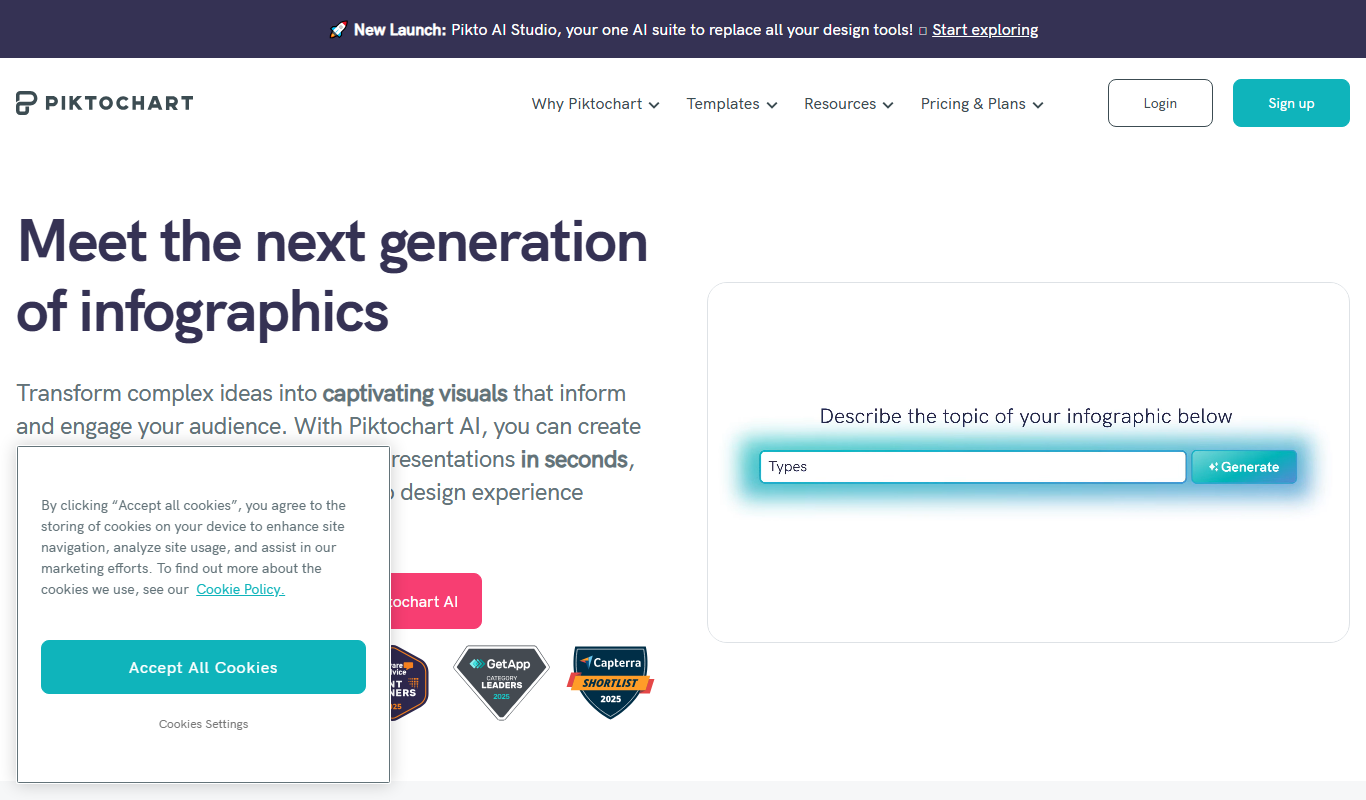
Piktochart is a web-based tool that helps users create infographics, presentations, and reports using customizable templates and an easy drag-and-drop editor.

AI Slide Studio
AI Slide Studio is a web-based tool that uses artificial intelligence to automatically generate and design presentation slides from text input, helping users create professional slide decks quickly and easily.

AutoPPT
AutoPPT is an AI-powered tool that automates the creation of professional presentations by generating slides from text inputs, allowing users to customize and export decks quickly.

Pitch
Pitch is a collaborative presentation software that enables teams to create, edit, and share presentations in real-time with integrated design tools and version control.

AiPPT
AiPPT is an AI-driven web tool that helps users create professional presentations quickly by generating slide content and designs automatically.