

SlideAI Presentation Maker with AI-Powered Slide Generation and Design
SlideAI is an AI-driven presentation tool that automatically generates slide decks from text input, enabling fast and professional presentation creation.
- Best for
- Business Presentations
- Key capability
- AI-Powered Slide Generation
Save SlideAI, follow its updates and vote on it — everything stays in your account.
Sign in or create a free account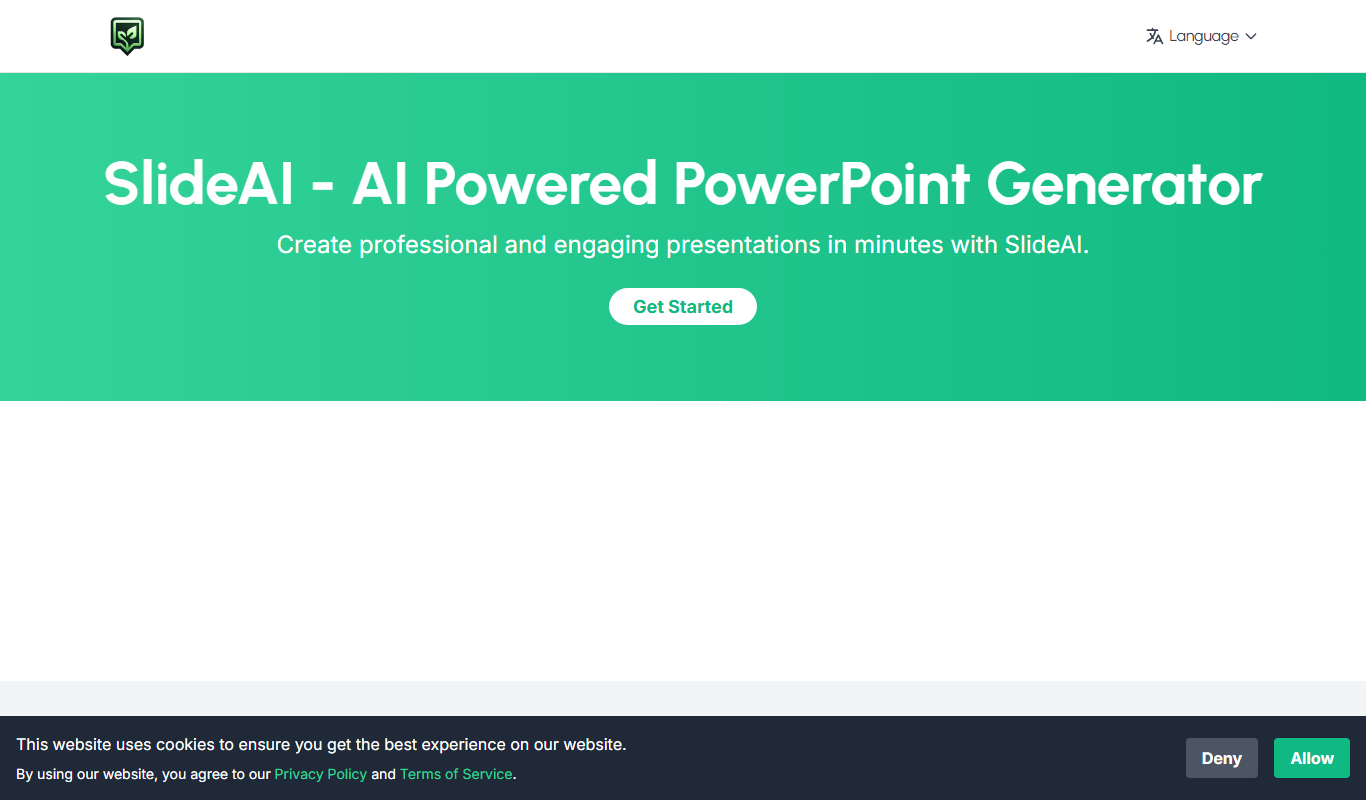
What is SlideAI?
SlideAI is a web-based presentation software that leverages artificial intelligence to automatically generate slide decks from user-provided text prompts. It simplifies the process of creating visually appealing presentations by automating slide design and content layout, enabling users to produce professional slides quickly without design expertise.
Key features of SlideAI
SlideAI offers AI-powered slide generation, customizable templates, automatic content formatting, and export options to popular formats like PowerPoint and PDF. Its intuitive interface allows users to input their presentation topic or content outline and receive a complete slide deck with minimal manual editing.
AI-Powered Slide Generation
Automatically create slide content and design based on user input.
Customizable Templates
Choose from various templates to match your presentation style.
Content Formatting Automation
The tool formats text, images, and layouts to ensure professional appearance.
Export Options
Download presentations in multiple formats including PowerPoint and PDF.
Pros and cons of SlideAI
Pros
- Speeds up presentation creation with AI automation
- User-friendly interface requiring no design skills
- Supports export to common presentation formats
Cons
- Limited customization compared to manual design tools
- Free plan has export and feature restrictions
Key use cases for SlideAI
Business Presentations
Create professional business presentations quickly using AI-generated slides.
Educational Content
Generate engaging educational slides for lectures, workshops, and training sessions.
Marketing Pitches
Design compelling marketing and sales pitch decks with minimal effort.
Startup Investor Decks
Build investor-ready pitch decks with AI assistance to highlight key points effectively.
How SlideAI works
- 1
Enter Presentation Topic
Input your presentation title or main topic into the SlideAI interface.
- 2
AI Generates Slides
The AI analyzes the input and creates a structured slide deck with relevant content and design.
- 3
Customize Slides
Edit and personalize the generated slides using available templates and design options.
- 4
Export and Present
Download the presentation in formats like PPTX or PDF for offline use or sharing.
Who is using SlideAI
SlideAI pricing
Free daily credits
Free
Free daily generation credits, no credit card required. Paid credit packs are available when you need to create more presentations.
Starter Pack
$1.99 for 20 credits
One-time credit pack: 20 generation credits, good for occasional extra presentations.
Growth Pack
$4.99 for 60 credits
One-time credit pack: 60 generation credits, better value for regular use.
Pro Pack
$9.99 for 120 credits
One-time credit pack: 120 generation credits, a high-volume pack for teams and power users.
Plans and prices are as published by the vendor and can change. Check the official site before you buy. Open the pricing page (opens in a new tab)
Frequently asked questions about SlideAI
Yes, after the AI generates the slides, you can customize and edit them as needed.
SlideAI supports exporting presentations as PowerPoint (PPTX) and PDF files.
Yes. SlideAI includes free daily generation credits. Paid credit packs are available when you need to create more presentations.
It depends on your specific needs and how you plan to use the tool. The official website and documentation are the best sources for the latest details.
Yes, it can help with that use case depending on how you configure it and what features are available. You’ll get the best results with clear inputs and a defined goal.
Some tools offer a free plan or trial with limited features. Availability can vary, so confirm on the official website.
Conclusion
A topic, notes or an outline goes in with the number of slides wanted, and out comes a structured, editable draft with slide titles and body copy. The site presents that output as a strong first draft to refine with the user’s own facts, visuals and design polish, not a finished deck. Specific prompts that include the topic, audience and purpose produce clearer structure and less generic copy.
It is built for professionals, educators, founders and teams. Typical decks range from business updates and lecture slides to pitch decks and training material. Instead of a subscription, free daily generation credits can be topped up with one-time credit packs.
Sources
Sign in to review this tool.
Sign In to ReviewNo reviews yet
Be the first to share how this tool worked for you.
Ask about pricing, limits, or how it compares — or answer someone else.
Sign In to AskNo questions yet
Have a question about using or paying for this tool? Be the first to ask.
Featured on TiorAI



Alternative Tools
Explore similar AI tools that might fit your needs

Visme
Visme is a web-based platform for creating presentations, infographics, and marketing visuals with customizable templates and data visualization tools.
More AI Ai Tools tools
Other tools in the same category, for when this one is not quite the fit.

Ask AI questions
Ask AI Questions is a free web-based AI tool that generates instant answers to user-submitted questions without requiring registration or payment.

edraw ai
Edraw AI is an AI-powered diagramming tool by EdrawSoft that helps users create flowcharts, mind maps, and business diagrams efficiently with AI-assisted features and real-time collaboration.

afiniti.com
Afiniti is an AI-driven software that enhances call center performance by pairing customers with agents based on behavioral data to improve outcomes and customer satisfaction.

AI Names Generator
AI Names Generator is a free name generator at aithename.com that covers people, pet, fantasy and D&D names, not only company names.

Free AI Face Swap
Free AI Face Swap is a web-based tool that uses artificial intelligence to swap faces between two images realistically and for free, without requiring user registration.

VideoFaceSwap
VideoFaceSwap is a web-based AI tool that allows users to swap faces in videos realistically by uploading a video and a face image, then processing them with deep learning algorithms to produce natural-looking face replacements.

BestFaceSwap
BestFaceSwap is an online AI tool that swaps faces in photos and videos using deep learning, offering free and premium plans with realistic results.

Free Face Swap
Free Face Swap is an online face swap tool for photos and videos.