

From my experience with Smallppt, I found it excels at quickly converting PDFs into editable PowerPoint presentations without the need for installing software. The interface is intuitive, making it accessible even for users with minimal technical skills. It’s particularly well-suited for professionals and students who need to repurpose PDF content into slides efficiently. However, the free version limits daily conversions, which might be restrictive for heavy users. Overall, Smallppt delivers a reliable and secure solution for PDF to PowerPoint conversion tasks.
Smallppt Online PDF to PowerPoint Converter Tool for Easy Presentations
Smallppt is an online tool by Smallpdf GmbH that converts PDF documents into editable PowerPoint presentations quickly and securely without software installation.
- Best for
- Convert PDFs to Editable PowerPoint Slides
- Key capability
- Fast and Accurate Conversion
Your actions
Save Smallppt, follow its updates and vote on it — everything stays in your account.
Sign in or create a free account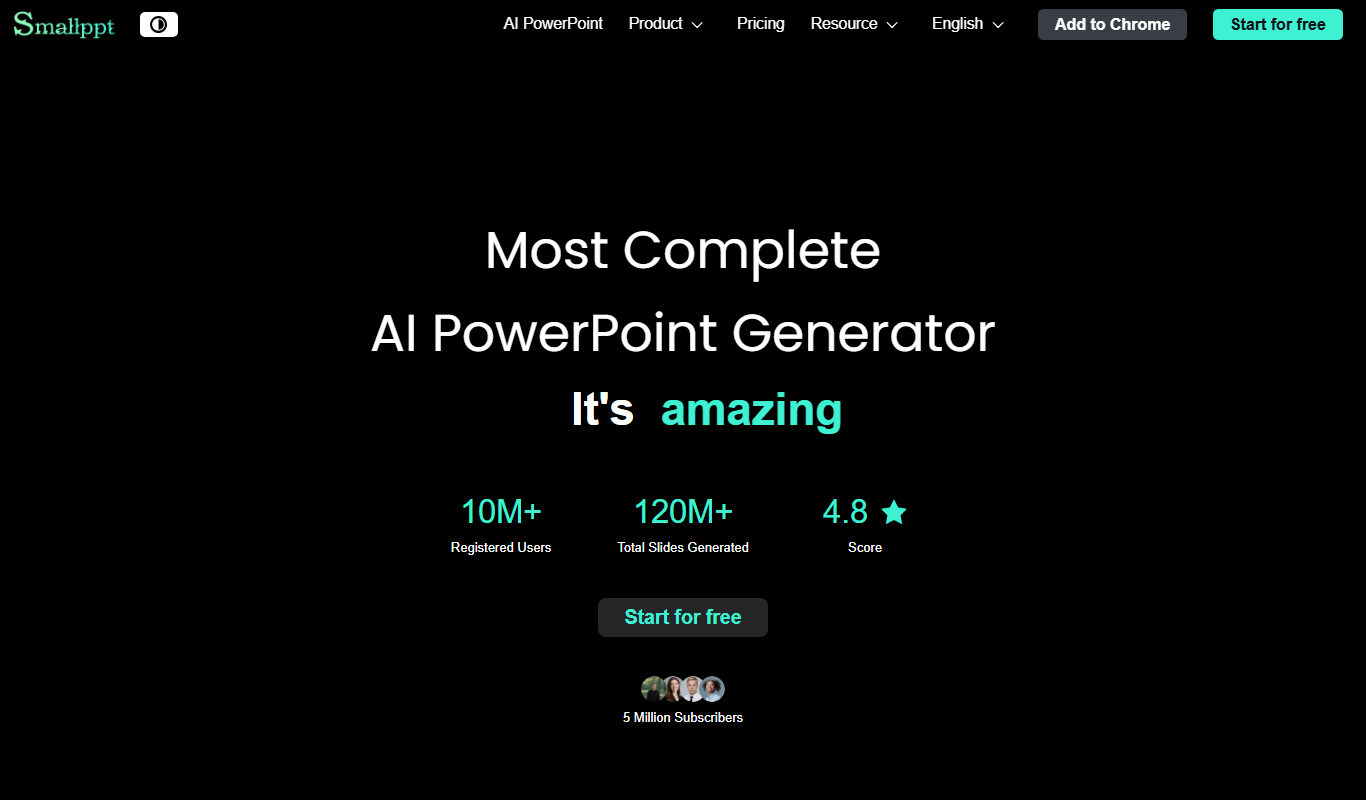

What is Smallppt?
Smallppt is an online tool designed to convert PDF files into editable PowerPoint presentations quickly and easily. It is part of the Smallpdf suite of productivity tools, focusing on simplifying document workflows by enabling users to transform static PDFs into dynamic slide decks without the need for complex software installations.
Key features of Smallppt
Smallppt offers a straightforward drag-and-drop interface for uploading PDFs, fast conversion to PPTX format, and the ability to download editable presentations compatible with Microsoft PowerPoint and other slide software. It supports multiple languages and ensures file security by deleting uploaded files after processing.
Fast and Accurate Conversion
Converts PDFs to PowerPoint slides quickly while preserving layout and formatting.
User-Friendly Interface
Simple drag-and-drop functionality with no software installation required.
Multi-Language Support
Supports multiple languages to cater to a global user base.
Secure File Handling
Files are encrypted during upload and automatically deleted after one hour to ensure privacy.
Pros and cons of Smallppt
Pros
- Easy to use with drag-and-drop interface
- Fast conversion preserving layout
- Supports multiple languages
- Secure file handling with automatic deletion
- No software installation required
Cons
- Free version limits daily conversions
- Only converts PDF to PowerPoint, no other formats
Key use cases for Smallppt
Convert PDFs to Editable PowerPoint Slides
Transform PDF documents into fully editable PowerPoint presentations for easier editing and customization.
Prepare Presentations from PDF Reports
Quickly convert PDF reports or brochures into slides to create professional presentations without manual reformatting.
Save Time on Presentation Creation
Automate the conversion process to reduce time spent recreating content from PDFs into PowerPoint format.
Collaborate with Teams Using Editable Files
Share converted PowerPoint files with team members for collaborative editing and feedback.
How Smallppt works
- 1
Upload PDF
Drag and drop your PDF file onto the Smallppt web interface or select it from your device.
- 2
Automatic Conversion
The tool processes the PDF and converts it into an editable PowerPoint (.pptx) file.
- 3
Download Presentation
Download the converted PowerPoint file and open it in your preferred presentation software for editing.
Who is using Smallppt
Business professionals preparing presentations
Students converting reports to slides
Marketing teams repurposing PDF content
Educators creating lecture materials
Small businesses needing quick conversions
Smallppt pricing
Free
$0/month
Limited daily conversions with basic features and ads.
Pro
$12/month
Unlimited conversions, faster processing, no ads, and access to the full Smallpdf toolset.
Plans and prices are as published by the vendor and can change. Check the official site before you buy. Open the pricing page (opens in a new tab)
Frequently asked questions about Smallppt
Yes, Smallppt offers a free tier with limited daily conversions and basic features.
Smallppt specifically converts PDF files into editable PowerPoint (.pptx) presentations.
Yes, files are encrypted during upload and automatically deleted from servers after one hour.
Absolutely, the output files are fully editable in Microsoft PowerPoint or compatible software.
Some tools offer a free plan or trial with limited features. Availability can vary, so confirm on the official website.
It depends on your specific needs and how you plan to use the tool. The official website and documentation are the best sources for the latest details.
Sign in to review this tool.
Sign In to ReviewNo reviews yet
Be the first to share how this tool worked for you.
Ask about pricing, limits, or how it compares — or answer someone else.
Sign In to AskNo questions yet
Have a question about using or paying for this tool? Be the first to ask.
Featured on TiorAI



More AI Presentation Generator Lite tools
Other tools in the same category, for when this one is not quite the fit.

Free
Beautiful.ai
Beautiful.ai is an AI-powered presentation software that automates slide design using smart templates and data visualization tools, enabling users to create professional presentations quickly without design skills.
Freemium
Glimmer
Glimmer is an AI-driven video enhancement platform that improves video quality in real-time and post-production using noise reduction, color correction, and filters accessible via web and API.

Free Trial
Slides Orator
Slides Orator is an AI-powered tool that automatically creates professional slide presentations from text or outlines, offering customizable templates and export options.

Free
Powerpresent AI
Powerpresent AI is a web-based tool that uses artificial intelligence to automatically generate professional presentation slides from user input, offering customizable templates and easy editing.

Free Trial
PageOn.ai
PageOn.ai is an AI-powered no-code website builder that enables users to create landing pages and simple websites quickly using AI-generated templates and drag-and-drop customization.

Free
Supademo 2.0
Supademo 2.0 is a no-code platform that enables SaaS companies to build interactive product demos and guided tours without coding, helping accelerate sales and marketing efforts.

Free
WorkPPT
WorkPPT is a web-based presentation tool by SoftTooler that uses AI to help users create and customize professional slides quickly, supporting collaboration and export in PPTX and PDF formats.
Freemium
AiBucket
AiBucket is an AI content generation platform that helps users create marketing copy, creative writing, and SEO-friendly content quickly using customizable templates and AI-powered text generation.