

Unix Timestamp Converter
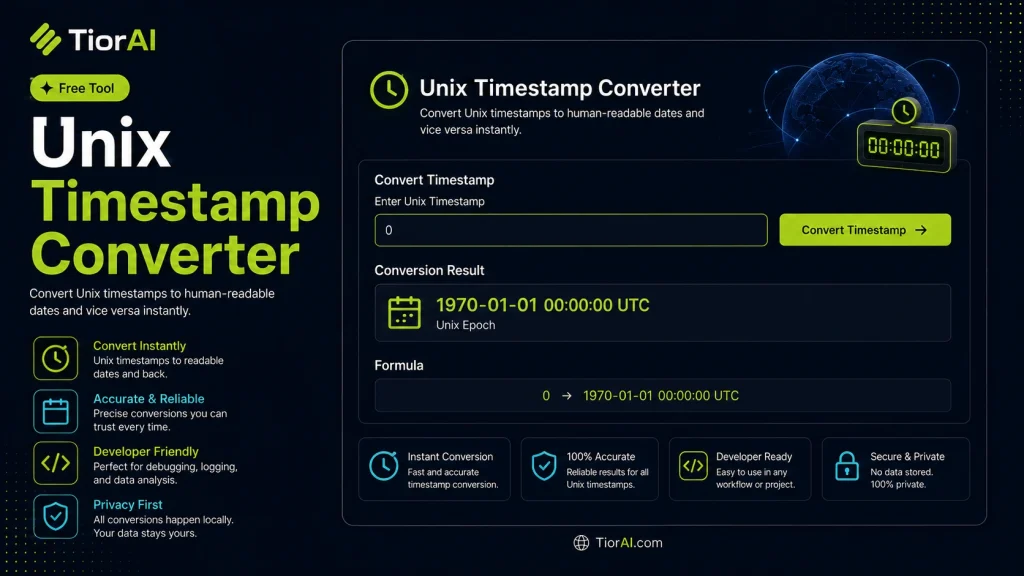
Convert Unix timestamps to human-readable dates and vice versa with our free converter. Enter epoch time or a date to convert - essential for developers, log analysis, and system administration.
How to use it
- Paste or Enter Your Input Paste your code, text, or data into the input field. The tool supports large inputs without performance issues.
- Process and Analyze Click the action button or let the tool auto-process your input. Results appear in real time with highlighted details.
- Copy or Download the Output Review the results and copy the output to clipboard or download as a file for use in your project.
Tip For large inputs, process in sections to validate intermediate results and catch errors early.
Understanding Unix Timestamps
A Unix timestamp is a way to track time as a single number representing the total seconds elapsed since the Unix Epoch, which is 00:00:00 UTC on January 1, 1970. This numeric format is widely used in computing because it provides a simple, consistent method to record and compare points in time without ambiguity caused by time zones or date formats.
Unix timestamps are essential in programming, databases, and logging systems where precise time tracking is required. They allow developers to store dates and times as integers, making calculations like time differences straightforward. For example, subtracting two Unix timestamps gives the exact number of seconds between two events.
Common use cases include:
- Storing timestamps in databases to ensure uniformity across different systems.
- Synchronizing events in distributed systems where local time zones vary.
- Generating time-based tokens or expiry times in security applications.
- Logging events in server logs or application logs for debugging and auditing.
Converting Unix timestamps to human-readable dates and vice versa is necessary because users and developers often need to interpret or display these times in standard date formats. This conversion accounts for time zones and daylight saving adjustments, making the timestamp meaningful in a local context.
What is a Unix Timestamp?
A Unix timestamp is a numeric value that counts the number of seconds since January 1, 1970, at 00:00:00 UTC, known as the Unix Epoch. This format is widely used in computing to represent points in time consistently and without ambiguity caused by different date formats or time zones.
When to Use a Unix Timestamp Converter
- When analyzing log files that record events as Unix timestamps and you need to read them as standard dates.
- When developing or debugging software that stores or processes dates as Unix timestamps.
- When working with APIs that require date parameters in Unix timestamp format.
- When synchronizing events across systems in different time zones.
- When generating or validating time-based tokens or expiry times.
Common Mistakes to Avoid
- Mixing up timestamps in seconds with those in milliseconds, which can cause incorrect date conversions.
- Failing to adjust for time zones when converting timestamps, leading to misleading local times.
- Assuming Unix timestamps include leap seconds, which they do not, potentially causing small timing errors.
Understanding Unix timestamps and how to convert them accurately is essential for developers, system administrators, and anyone working with time-based data. This converter helps translate between numeric timestamps and human-readable dates, ensuring clarity and precision in time-related tasks.
Frequently asked questions
Reviews and questions
Whether this tool gave people the answer they needed, and what they asked about it.
Sign in to review this tool.
Sign In to ReviewNo reviews yet
Be the first to say whether this tool gave you what you needed.
Ask how to read the result, or what the tool does with an edge case — or answer someone else.
Sign In to AskNo questions yet
Not sure how to read a result? Be the first to ask.
AI tools related to this topic
Tools from the TiorAI directory that work on the same kind of job.

ChatGPT
ChatGPT is an AI chatbot by OpenAI powered by GPT-4o. It handles writing, coding, research, data analysis, and natural conversation. Free tier available, Plus at $20/month.