

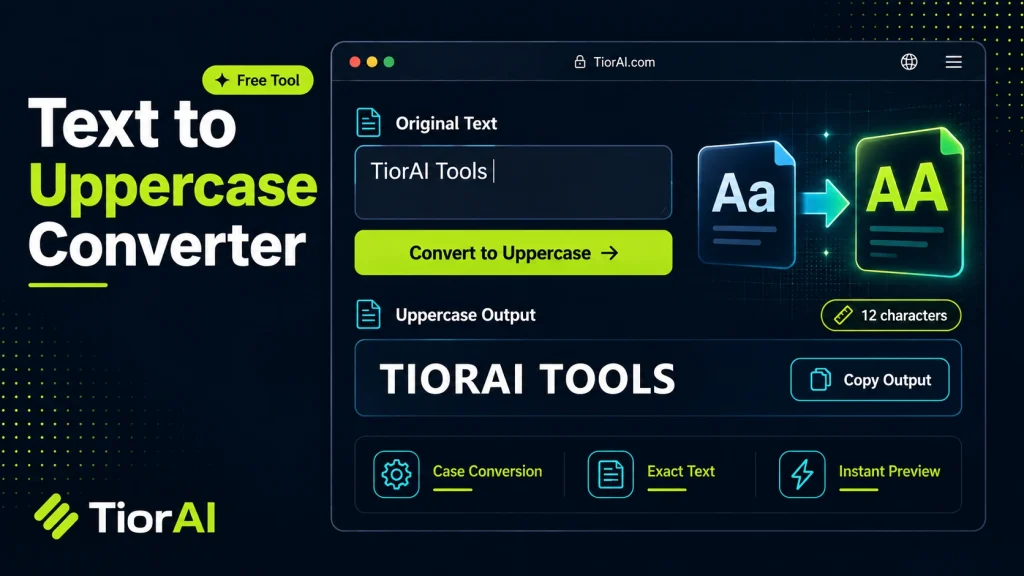
How to use it
- Enter Source Value Type or paste the value you want to convert into the Text to Uppercase Converter. The tool accepts a wide range of input formats.
- Select Target Format Choose your desired output format or unit from the available options. The conversion starts automatically.
- Copy the Result Review the converted output and click copy to use it in your project, document, or workflow.
Tip Keep the Text to Uppercase Converter open in a browser tab for instant access during development sessions.
Understanding Text Case and Uppercase Conversion
Text case refers to the distinction between uppercase (capital letters) and lowercase (small letters) characters in written language. This distinction is fundamental in many alphabets, including the Latin alphabet used in English and most Western languages. Uppercase letters are typically used to denote the beginning of sentences, proper nouns, acronyms, or for emphasis.
Why does uppercase conversion exist? The ability to convert text to uppercase is essential for standardizing text input, improving readability, or meeting formatting requirements in various contexts such as programming, data processing, and document editing.
How does uppercase conversion work technically? At its core, converting text to uppercase involves mapping each lowercase character to its corresponding uppercase equivalent. This is done using character encoding standards like ASCII or Unicode, which assign unique numeric codes to each character.
- In ASCII, for example, lowercase letters ‘a’ to ‘z’ have codes 97 to 122, while uppercase ‘A’ to ‘Z’ have codes 65 to 90. The conversion involves subtracting 32 from the lowercase character code to get the uppercase code.
- Unicode extends this concept to support characters from many languages and scripts, including accented letters and non-Latin alphabets. Uppercase conversion in Unicode-aware systems uses language-specific rules and mappings.
Most programming languages and text processing tools provide built-in functions to perform this conversion efficiently. For example, in JavaScript, the toUpperCase() method converts a string to uppercase by applying these mappings internally.
Common real-world scenarios where uppercase conversion is used:
- Data normalization: When comparing user input or database entries, converting text to uppercase ensures case-insensitive matching.
- Formatting standards: Certain documents, forms, or legal texts require uppercase letters for clarity or compliance.
- Emphasis and styling: Uppercase text is often used in headings, titles, or warnings to draw attention.
- Programming and scripting: Some programming languages or command-line interfaces treat uppercase and lowercase differently, so conversion helps maintain consistency.
In summary, uppercase conversion is a straightforward but crucial text transformation that relies on character encoding standards and language rules to map lowercase letters to their uppercase counterparts. It is widely used across computing, documentation, and communication to ensure clarity, consistency, and compliance.
What is Uppercase Conversion?
Uppercase conversion is the process of transforming all alphabetic characters in a text string into their uppercase (capital) forms. This transformation is based on character encoding standards like ASCII and Unicode, which define mappings between lowercase and uppercase letters.
For example, the lowercase letter ‘a’ corresponds to the uppercase ‘A’. This mapping is consistent for all letters in the English alphabet and many other languages that use the Latin script.
How Does Uppercase Conversion Work Technically?
Computers represent characters using numeric codes. In ASCII, lowercase letters have codes from 97 (‘a’) to 122 (‘z’), while uppercase letters range from 65 (‘A’) to 90 (‘Z’). To convert a lowercase letter to uppercase, the system subtracts 32 from its ASCII code.
Unicode extends this concept to cover many alphabets and special characters. Uppercase conversion in Unicode-aware systems uses tables that map each lowercase character to its uppercase equivalent, sometimes considering language-specific rules.
When to Use Uppercase Conversion
- Data Normalization: When comparing or searching text, converting both inputs to uppercase ensures case-insensitive matching.
- Formatting: Some documents or forms require uppercase text for clarity or compliance.
- Emphasis: Uppercase text is often used in headings, titles, or warnings to attract attention.
- Programming: Ensuring consistent case in identifiers or commands can prevent errors.
Common Mistakes to Avoid
- Expecting uppercase conversion to affect numbers, punctuation, or symbols — it only changes alphabetic characters.
- Ignoring locale-specific casing rules, which can lead to incorrect conversions in languages like Turkish.
Understanding these aspects helps you use uppercase conversion effectively and avoid common pitfalls.
Worked examples
Standardizing User Input for Database Storage
Ensuring email addresses are stored in uppercase to avoid case sensitivity issues during lookup.
Before [email protected]After [email protected]Formatting a Heading for a Report
Making section titles stand out by converting them to uppercase.
Before Quarterly financial resultsAfter QUARTERLY FINANCIAL RESULTSPreparing Text for Case-Insensitive Search
Converting search queries and database entries to uppercase to enable case-insensitive matching.
Before New York CityAfter NEW YORK CITY
Frequently asked questions
Reviews and questions
Whether this tool gave people the answer they needed, and what they asked about it.
Sign in to review this tool.
Sign In to ReviewNo reviews yet
Be the first to say whether this tool gave you what you needed.
Ask how to read the result, or what the tool does with an edge case — or answer someone else.
Sign In to AskNo questions yet
Not sure how to read a result? Be the first to ask.
AI tools related to this topic
Tools from the TiorAI directory that work on the same kind of job.

Any Video Converter
Any Video Converter is a multimedia software that converts video files between numerous formats, downloads online videos, and offers basic editing and DVD burning features.

Bank Statement Converter
Bank Statement Converter is an online tool that converts PDF bank statements into Excel and CSV formats, enabling easy data extraction and financial management.

Code Language Converter
Code Language Converter is a free web-based tool that translates code snippets between multiple programming languages, helping developers convert syntax quickly and learn language differences.

HD Photo Converter
HD Photo Converter is a free online tool that allows users to convert images between popular formats like JPG, PNG, BMP, and TIFF while maintaining high quality. It supports batch conversion and requires no installation.
Humanize AI Text Converter
Humanize AI Text Converter is a web tool that rewrites AI-generated text to make it sound more natural and human-like, improving readability and engagement.