

| Similarity | 0% |
|---|---|
| Added Lines | 0 |
| Removed Lines | 0 |
How to use it
- Paste Your Text Paste or type your text into the Text Compare. The tool handles content of any length with no character limits.
- Apply the Tool Click the action button to process your text. The transformation is applied instantly to your content.
- Copy the Result Review the transformed text and copy it to your clipboard for use in documents, emails, or projects.
Tip Run your text through the Text Compare before publishing to catch formatting inconsistencies automatically.
Understanding Text Comparison
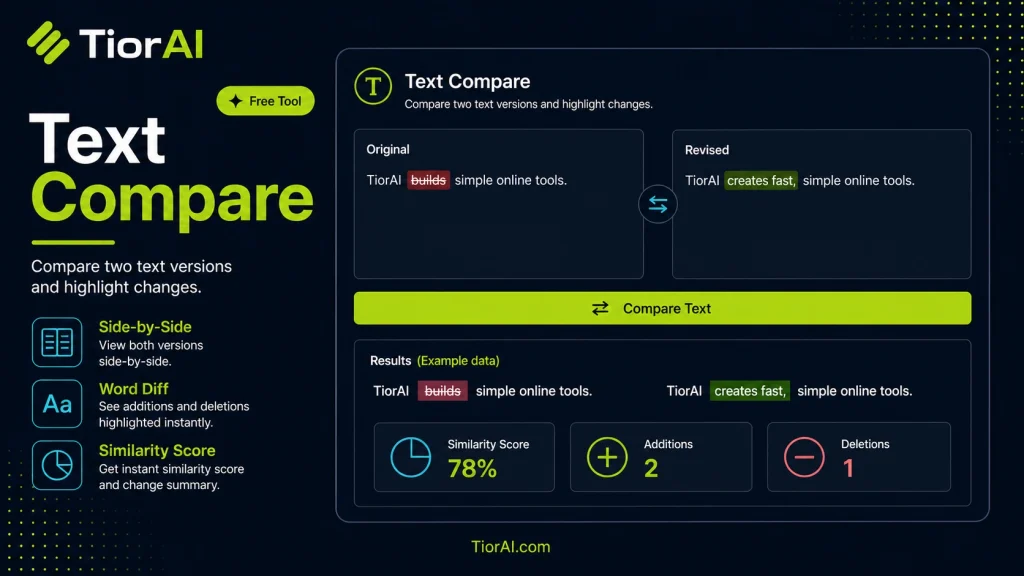
Text comparison is the process of analyzing two or more pieces of text to identify similarities and differences. This technique is essential in many fields such as software development, content creation, legal documentation, and academic research. The goal is to highlight changes, detect plagiarism, or verify edits.
At its core, text comparison tools use algorithms to break down the input texts into smaller units like words, sentences, or characters. They then align these units to find matches and discrepancies. Common algorithms include the Longest Common Subsequence (LCS) and diff algorithms, which efficiently detect insertions, deletions, and substitutions.
Why is text comparison needed?
- To review changes between document versions without manually scanning line by line.
- To detect copied or plagiarized content by comparing texts side-by-side.
- To merge edits from multiple contributors in collaborative writing.
- To debug code by comparing different source files or versions.
Text comparison is especially useful when precision is required in identifying even minor differences, such as a missing comma or a changed word, which can significantly affect meaning or functionality.
What is Text Comparison?
Text comparison is a method used to identify differences and similarities between two pieces of text. It breaks down the texts into smaller components like words or lines and aligns them to highlight changes such as additions, deletions, or substitutions. This process is crucial in many areas including document editing, software development, and plagiarism detection.
When to Use a Text Compare Tool
- To review changes between different versions of contracts or legal documents.
- To detect copied content in academic or professional writing.
- To analyze code changes during software development.
- To verify that translations accurately reflect the original text.
Common Mistakes to Avoid
- Using texts with inconsistent formatting, which can cause false difference highlights.
- Expecting the tool to understand the meaning of the text rather than just comparing exact characters or words.
Text comparison tools provide a practical way to quickly and accurately spot textual differences, saving time and reducing errors in manual review processes.
Frequently asked questions
Reviews and questions
Whether this tool gave people the answer they needed, and what they asked about it.
Sign in to review this tool.
Sign In to ReviewNo reviews yet
Be the first to say whether this tool gave you what you needed.
Ask how to read the result, or what the tool does with an edge case — or answer someone else.
Sign In to AskNo questions yet
Not sure how to read a result? Be the first to ask.