


How to use it
- Enter Source Value Type or paste the value you want to convert into the Text Repeater. The tool accepts a wide range of input formats.
- Select Target Format Choose your desired output format or unit from the available options. The conversion starts automatically.
- Copy the Result Review the converted output and click copy to use it in your project, document, or workflow.
Tip Switch between source and target formats in the Text Repeater to quickly verify conversions in both directions.
Understanding Text Repetition in Digital Text Processing
Text repetition is a fundamental concept in digital text manipulation where a specific string or sequence of characters is duplicated multiple times in succession. This process is often automated through software tools known as text repeaters. The core idea is simple: given an input string and a number, the tool outputs the string repeated that many times, concatenated together.
Why does text repetition exist? In computing and digital communication, repeating text can serve various purposes. It can be used for formatting, testing, generating placeholder content, or creating patterns. For example, developers might need to generate repeated sequences for testing input fields or UI elements. Writers or designers might want to create repeated motifs or filler text quickly.
How does text repetition work technically? At its core, text repetition is a string operation. Most programming languages provide built-in operators or functions to repeat strings. For instance, in Python, the expression 'abc' * 3 results in 'abcabcabc'. Under the hood, the operation involves allocating enough memory to hold the repeated string and then copying the original string into this space the specified number of times.
When implemented in web tools, the process usually involves:
- Accepting user input for the text to repeat.
- Accepting a numeric input for how many times to repeat.
- Validating inputs to ensure the repeat count is a positive integer and the text is valid.
- Generating the repeated string by concatenation or using language-specific repeat functions.
- Displaying or exporting the repeated output.
Common real-world scenarios where text repetition is encountered:
- Testing and debugging: Developers use repeated text to test how applications handle large inputs or repeated patterns.
- Placeholder content: Designers use repeated text snippets to fill layouts before final content is ready.
- Formatting and styling: Repeated characters like dashes or asterisks are used to create visual separators or borders in text files or console outputs.
- Generating patterns: In creative coding or ASCII art, repeated text forms the basis of patterns and designs.
Understanding the concept of text repetition helps users appreciate the simplicity and utility of text repeater tools and how they can be applied effectively in various digital tasks.
What is Text Repetition?
Text repetition is a basic yet powerful concept in digital text processing where a piece of text is duplicated multiple times in a row. This operation is often used to generate repeated sequences quickly without manual copying and pasting. The repeated text is simply the original string concatenated with itself as many times as specified.
How Text Repetition Works Technically
At the technical level, text repetition involves string manipulation. Programming languages typically provide operators or functions to repeat strings efficiently. For example, in many languages, you can multiply a string by a number to get the repeated result. Underneath, the system allocates memory to hold the repeated string and copies the original text into this space repeatedly.
Online text repeater tools implement this logic in web environments, taking user input for the text and the number of repetitions, validating these inputs, and then generating the repeated output. This process is straightforward but must handle edge cases like invalid inputs or very large repeat counts gracefully.
Common Use Cases for Text Repeaters
- Testing and Development: Developers use repeated text to test input fields, buffer limits, or UI behavior with large or patterned inputs.
- Placeholder Content: Designers and writers use repeated text snippets to fill layouts or documents before final content is ready.
- Formatting: Repeated characters like dashes or asterisks create visual separators or borders in plain text environments.
- Creative Projects: Repeated text forms the basis of ASCII art or pattern generation in coding and design.
Common Mistakes When Using Text Repeaters
- Entering non-integer or negative numbers for the repeat count, which can cause errors or unexpected results.
- Attempting to repeat very large amounts of text without considering performance or memory constraints, potentially causing slowdowns or crashes.
When to Use a Text Repeater
- When you need to generate repeated text sequences quickly for testing or development.
- When creating placeholder or filler content for design mockups or documents.
- When formatting text outputs that require repeated characters as separators or borders.
- When generating repeated patterns for creative or coding projects.
Worked examples
Generating repeated test input
Useful when testing how a form handles repeated strings.
Before Input: 'abc', Repeat count: 4After Output: 'abcabcabcabc'Creating a visual separator
Used to create a horizontal line in plain text files or console logs.
Before Input: '-', Repeat count: 20After Output: '--------------------'Filling placeholder content
Helpful for designers needing quick filler text.
Before Input: 'Lorem ', Repeat count: 10After Output: 'Lorem Lorem Lorem Lorem Lorem Lorem Lorem Lorem Lorem Lorem '
Frequently asked questions
Reviews and questions
Whether this tool gave people the answer they needed, and what they asked about it.
Sign in to review this tool.
Sign In to ReviewNo reviews yet
Be the first to say whether this tool gave you what you needed.
Ask how to read the result, or what the tool does with an edge case — or answer someone else.
Sign In to AskNo questions yet
Not sure how to read a result? Be the first to ask.
AI tools related to this topic
Tools from the TiorAI directory that work on the same kind of job.

Duplicate Cleaner Pro
Duplicate Cleaner Pro is a Windows software tool that scans for and removes duplicate files, helping users free up disk space and organize their files efficiently.

Ask String
Ask String is an AI chatbot platform that enables businesses to build and deploy conversational chatbots without coding, automating customer support and engagement.
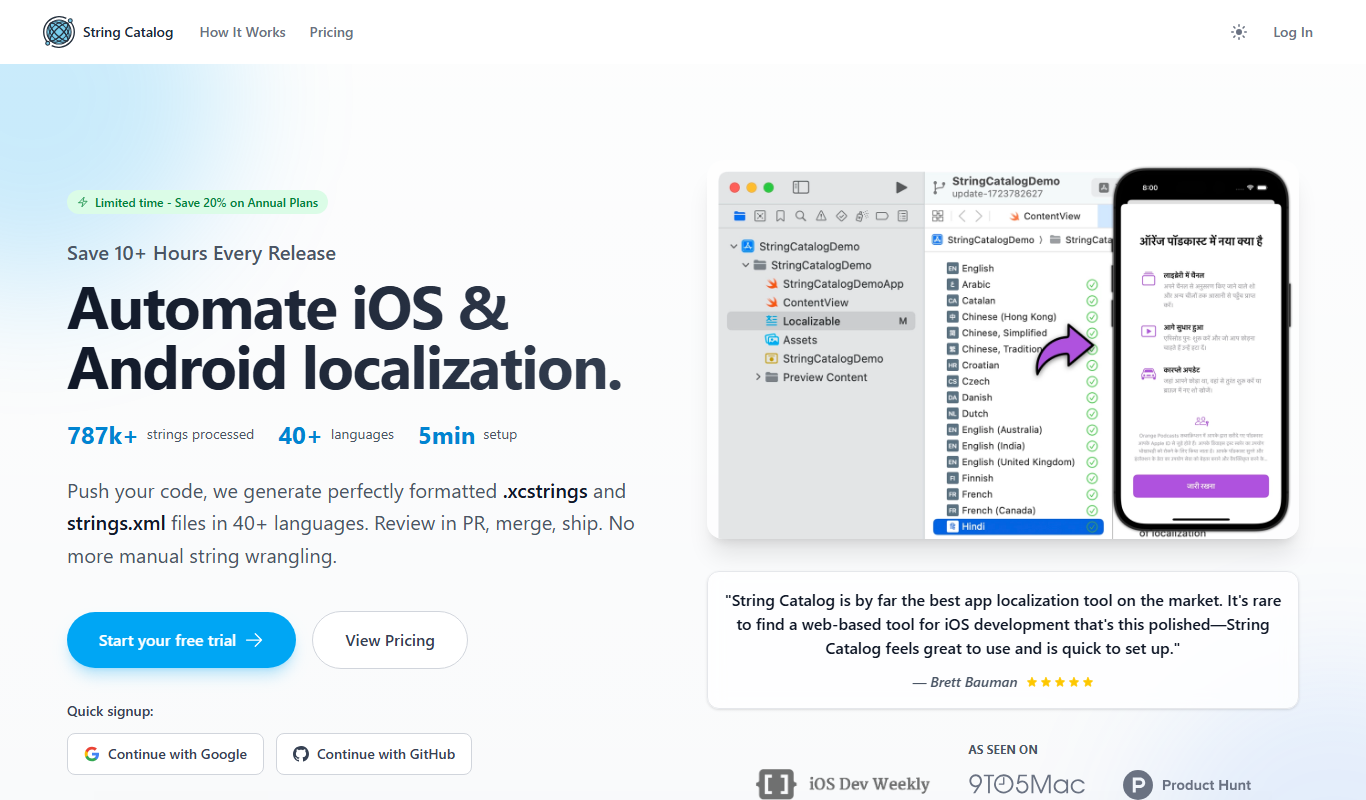
String Catalog
String Catalog is a web platform that centralizes software string management and streamlines localization workflows by enabling collaboration between developers and translators, automating translation processes, and ensuring quality control.

Times Tables Rock Stars
Times Tables Rock Stars is an interactive platform that helps children improve their multiplication and division skills through engaging games and detailed progress tracking.