

SSL Checker
Check SSL/TLS certificate information for a website including validity, issuer, and expiration details.
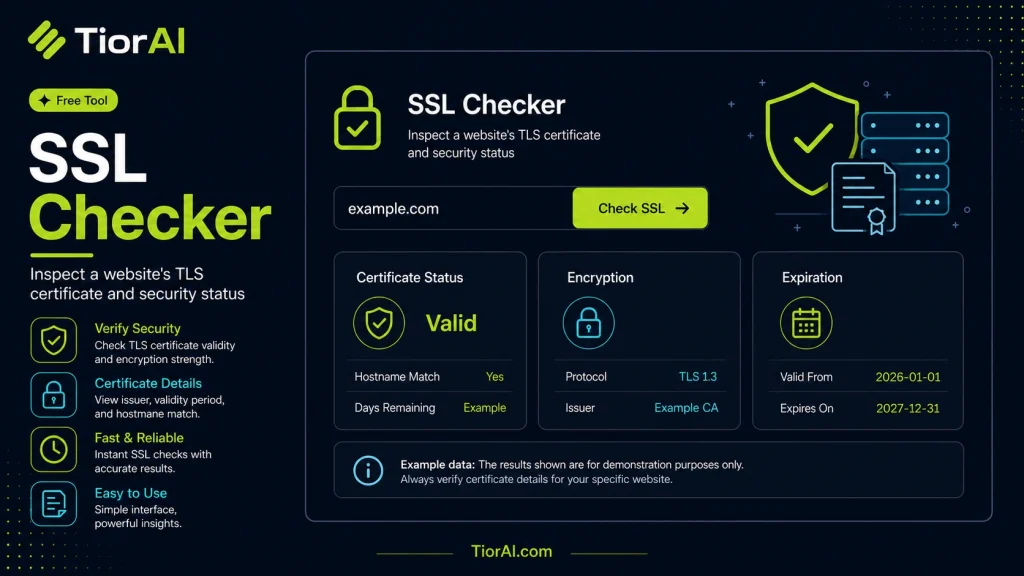
SSL Certificate Checker
| Subject | |
|---|---|
| Issuer | |
| Valid From | |
| Valid To | |
| Days Remaining | |
| Protocol |
How to use it
- Enter Target URL or Data Enter the URL, domain, or data you want to check into the Ssl Checker to initiate the security scan.
- Run the Scan Click scan to analyze your input against security databases and threat intelligence sources.
- Review the Report Examine the security report with findings, risk levels, and actionable recommendations to improve safety.
Tip The Ssl Checker checks against real-time threat databases — results reflect the most current security landscape.
About SSL Checker
SSL (Secure Sockets Layer) certificates are digital certificates that authenticate a website’s identity and enable encrypted connections between a web server and a browser. This encryption ensures that data transmitted, such as passwords or credit card numbers, remains private and secure from interception.
An SSL checker is a tool that verifies the presence, validity, and configuration of an SSL certificate on a website. It checks details like the certificate issuer, expiration date, domain name match, and encryption strength. This verification is essential because expired or misconfigured certificates can cause browsers to display security warnings, potentially deterring visitors.
SSL checkers are commonly used by website owners, developers, and security professionals to ensure their sites maintain proper security standards. For example, after installing or renewing an SSL certificate, running a check confirms that the certificate is correctly installed and trusted by browsers. Additionally, regular checks help detect certificates nearing expiration to avoid unexpected downtime or security alerts.
In summary, SSL checkers help maintain website trustworthiness and protect user data by validating SSL certificates’ status and configuration.
Understanding SSL Certificates and Their Importance
SSL certificates secure data transmitted between a user’s browser and a website by encrypting the connection. This prevents attackers from intercepting sensitive information like passwords or payment details. Websites with valid SSL certificates display HTTPS in the URL bar, signaling trustworthiness to visitors.
When to Use an SSL Checker
Using an SSL checker is essential in several scenarios:
- After installing or renewing an SSL certificate to ensure it is correctly set up.
- Before launching a new website to confirm SSL configuration.
- Regularly monitoring certificates to avoid expiration and security warnings.
- Troubleshooting browser warnings related to SSL issues.
- Verifying the SSL status of third-party sites before sharing sensitive data.
Common Mistakes to Avoid
- Assuming HTTPS means the SSL certificate is valid without checking details.
- Ignoring expiration or domain mismatch warnings, which can expose users to risks.
- Entering incorrect domain names in the SSL checker, leading to misleading results.
Regularly verifying your SSL certificate with an SSL checker helps maintain website security and user trust by ensuring encryption is active and properly configured.
Frequently asked questions
Reviews and questions
Whether this tool gave people the answer they needed, and what they asked about it.
Sign in to review this tool.
Sign In to ReviewNo reviews yet
Be the first to say whether this tool gave you what you needed.
Ask how to read the result, or what the tool does with an edge case — or answer someone else.
Sign In to AskNo questions yet
Not sure how to read a result? Be the first to ask.