

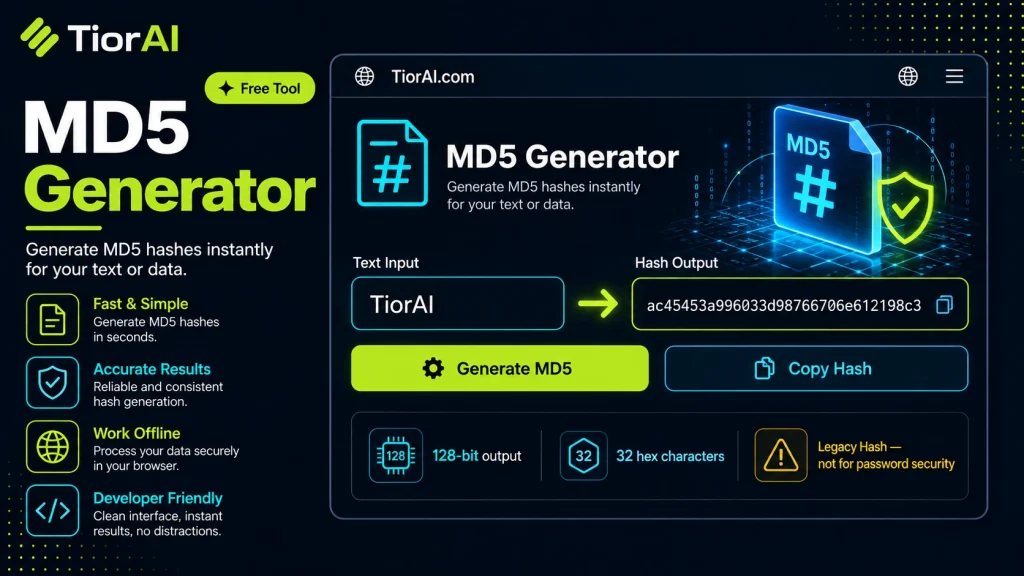
MD5 is not suitable for password storage or secure cryptography.
How to use it
- Configure Settings Set your preferences and parameters in the Md5 Generator. Customize the output to match your specific requirements.
- Generate Output Click generate to create your result. The tool processes your settings and produces output instantly.
- Copy or Download Review the generated output, then copy it to your clipboard or download it for immediate use.
Tip The Md5 Generator creates production-ready output — no manual cleanup needed before using the results.
Understanding MD5 Hashing
MD5 stands for Message Digest Algorithm 5. It is a widely used cryptographic hash function that produces a 128-bit (16-byte) hash value, typically expressed as a 32-character hexadecimal number. The primary purpose of MD5 is to take an input (or “message”) and return a fixed-size string of characters, which appears random. This output is known as the hash or digest.
MD5 was designed by Ronald Rivest in 1991 to replace earlier hash functions and is defined in RFC 1321. It operates by processing the input data in 512-bit blocks, applying a series of nonlinear functions, modular additions, and bitwise operations to produce the final hash.
Why use MD5? Hash functions like MD5 are used to verify data integrity, create digital fingerprints of files, and store checksums. Because even a tiny change in input drastically changes the output hash, MD5 hashes help detect accidental or intentional data corruption.
Developers often use MD5 in scenarios such as:
- Verifying file integrity after downloads or transfers.
- Generating unique identifiers for data.
- Checking for duplicate content.
However, MD5 is not collision-resistant by modern standards, meaning two different inputs can produce the same hash. This weakness makes it unsuitable for security-critical applications like password hashing or digital signatures. More secure alternatives include SHA-256 or bcrypt.
Despite its vulnerabilities, MD5 remains popular for non-security uses due to its speed and simplicity.
What is MD5 and How Does It Work?
MD5 is a cryptographic hash function that converts any input data into a fixed-size 128-bit hash value, usually shown as a 32-character hexadecimal string. It was created to provide a way to verify data integrity by producing a unique fingerprint for data. Even a small change in the input results in a completely different hash, making it useful for detecting accidental changes or corruption.
Developers use MD5 to generate checksums for files or strings, which helps confirm that data has not been altered during transmission or storage. The algorithm processes data in 512-bit blocks and applies a series of mathematical operations to produce the hash.
When Should You Use an MD5 Generator?
- File Integrity Verification: After downloading or transferring files, you can compare the MD5 hash of the original and received files to ensure they match.
- Checksum Generation: For non-security purposes like caching or indexing, MD5 hashes provide a quick way to generate unique identifiers.
- Detecting Data Corruption: Regularly hashing backups or data snapshots helps detect accidental corruption over time.
Common Mistakes to Avoid
- Using MD5 for Password Storage: MD5 is vulnerable to attacks and should never be used to hash passwords or sensitive data.
- Assuming MD5 Hashes Can Be Reversed: Hashing is one-way; you cannot retrieve the original input from the hash.
- Ignoring Collision Risks: Different inputs can produce the same MD5 hash, so it should not be relied on for uniqueness in security contexts.
Technical Context
MD5 is defined in RFC 1321 and was once a standard for cryptographic hashing. However, advances in computational power and cryptanalysis have exposed vulnerabilities, especially collision attacks where two different inputs produce the same hash. Because of this, MD5 is deprecated for cryptographic security but remains useful for quick integrity checks where security is not a concern.
For security-sensitive applications, developers should use stronger hash functions like SHA-256 or specialized password hashing algorithms such as bcrypt or Argon2, which include salting and are designed to resist brute-force attacks.
Common use cases
- Generating MD5 hash for a simple string
- MD5 hash of a file content
Frequently asked questions
Reviews and questions
Whether this tool gave people the answer they needed, and what they asked about it.
Sign in to review this tool.
Sign In to ReviewNo reviews yet
Be the first to say whether this tool gave you what you needed.
Ask how to read the result, or what the tool does with an edge case — or answer someone else.
Sign In to AskNo questions yet
Not sure how to read a result? Be the first to ask.