

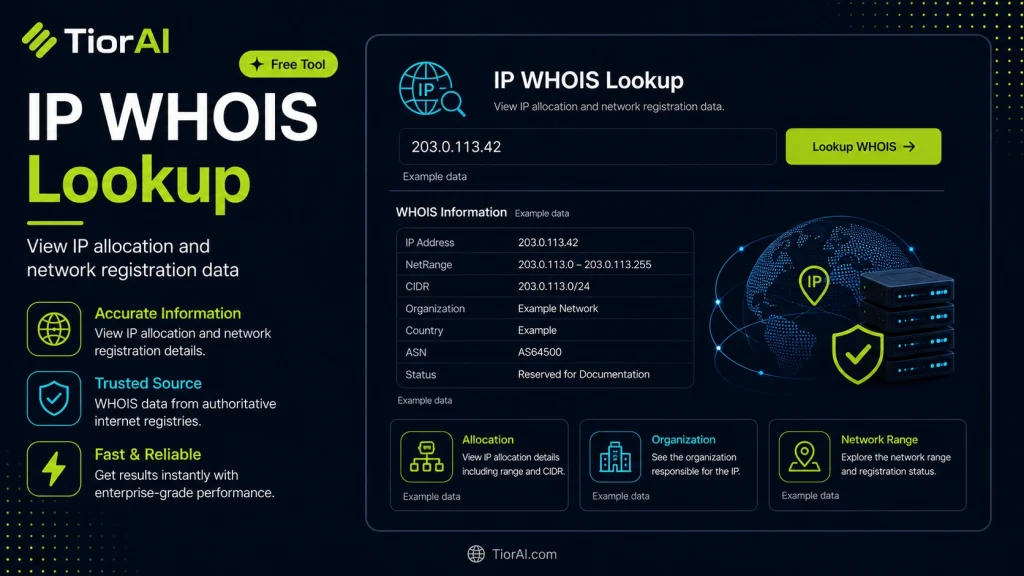
How to use it
- Enter Domain or IP Enter the domain name, IP address, or URL into the Ip Whois Lookup to start the lookup or analysis.
- Run the Check Click the check button to query the relevant databases. Results are retrieved and displayed in seconds.
- Analyze the Results Review the detailed results including status, records, and diagnostics to troubleshoot or verify your query.
Tip Bookmark the Ip Whois Lookup for your network troubleshooting toolkit — quick lookups save hours of debugging.
Understanding IP WHOIS Lookup
An IP WHOIS lookup is a query tool used to retrieve registration details about an Internet Protocol (IP) address. IP addresses are numerical labels assigned to devices connected to a computer network that uses the Internet Protocol for communication. These addresses are managed and allocated by regional Internet registries (RIRs) such as ARIN, RIPE NCC, APNIC, LACNIC, and AFRINIC.
The WHOIS protocol itself is a query and response protocol standardized in RFC 3912. It allows users to query databases that store information about the ownership and registration of Internet resources like domain names and IP address blocks.
When you perform an IP WHOIS lookup, you query these registries to obtain data such as:
- Organization or entity that owns the IP address or block
- Contact information for network administrators
- IP address allocation dates and status
- Associated Autonomous System Numbers (ASNs)
This information is critical for network troubleshooting, cybersecurity investigations, and managing IP address space. Developers and network engineers use IP WHOIS data to identify the source of network traffic, verify ownership, and ensure compliance with network policies.
From a technical perspective, IP WHOIS databases are distributed and maintained by RIRs, each responsible for a specific geographic region. Queries can be made via command-line tools like whois or through web-based interfaces. The data format returned is typically plain text with standardized fields, though some services offer JSON or XML APIs for easier integration into software.
In real projects, developers might integrate IP WHOIS lookups into security monitoring systems to automatically flag suspicious IP addresses or into network management tools to map IP ownership. Understanding the structure and limitations of WHOIS data is important, as some information may be redacted for privacy or compliance reasons.
What is IP WHOIS Lookup?
IP WHOIS lookup is a method used to retrieve registration details about an IP address from regional Internet registries. These registries maintain databases that store information about who owns specific IP address blocks, their contact details, and allocation status. This lookup is essential for understanding the ownership and administrative control of IP addresses on the internet.
When to Use IP WHOIS Lookup
- When investigating the source of suspicious network traffic or potential cyber attacks.
- To verify the legitimacy of an IP address before granting access to sensitive systems.
- To find contact information for network administrators when reporting abuse or technical issues.
- For network planning and auditing by mapping IP address allocations.
Common Mistakes to Avoid
- Assuming IP WHOIS lookup provides real-time geolocation data; it only shows registration details.
- Confusing IP WHOIS data with domain WHOIS data, which are maintained separately and contain different information.
Technical Context
The WHOIS protocol, defined in RFC 3912, is the foundation for querying registration data of Internet resources. IP WHOIS data is maintained by five regional Internet registries (RIRs): ARIN, RIPE NCC, APNIC, LACNIC, and AFRINIC. Each registry manages IP allocations within their geographic region and provides query services.
Developers and network engineers often integrate IP WHOIS lookups into security tools, network monitoring systems, and incident response workflows. The data returned typically includes the IP range, organization name, administrative contacts, and status of the IP block. However, privacy regulations may limit the availability of some personal contact details.
Understanding how to interpret IP WHOIS data helps in troubleshooting network issues, identifying responsible parties for IP addresses, and maintaining compliance with network policies.
Common use cases
- Lookup for a Public IP Address
- Lookup for an IP Address in Europe
Frequently asked questions
Reviews and questions
Whether this tool gave people the answer they needed, and what they asked about it.
Sign in to review this tool.
Sign In to ReviewNo reviews yet
Be the first to say whether this tool gave you what you needed.
Ask how to read the result, or what the tool does with an edge case — or answer someone else.
Sign In to AskNo questions yet
Not sure how to read a result? Be the first to ask.
AI tools related to this topic
Tools from the TiorAI directory that work on the same kind of job.

Action Network
Action Network is a free digital organizing platform designed for progressive activists and nonprofits to manage petitions, fundraising, email and SMS outreach, and events.

Layla Network AI
Layla Network AI is an AI-driven platform that automates network monitoring, anomaly detection, and troubleshooting to improve network reliability and operational efficiency.