

From my experience with Layla Network AI, I found it excels at automating complex network monitoring and troubleshooting tasks using advanced AI algorithms. The platform’s real-time anomaly detection and root cause analysis capabilities significantly reduce downtime and improve operational efficiency. It’s particularly well-suited for enterprise IT teams managing large, complex networks who need proactive insights and automation. However, the lack of publicly available pricing and the focus on larger organizations may limit accessibility for smaller businesses. Overall, if you require AI-driven network automation and predictive analytics, Layla Network AI offers a robust solution.
Layla Network AI Review: AI-Powered Network Automation and Insights Platform
Layla Network AI is an AI-driven platform that automates network monitoring, anomaly detection, and troubleshooting to improve network reliability and operational efficiency.
- Best for
- Network Performance Monitoring
- Key capability
- AI-Powered Anomaly Detection
Your actions
Save Layla Network AI, follow its updates and vote on it — everything stays in your account.
Sign in or create a free account

What is Layla Network AI?
Layla Network AI is an advanced AI-powered platform designed to automate and optimize network operations. It uses machine learning algorithms to provide real-time insights, predictive analytics, and automated troubleshooting for complex network environments. The platform helps IT teams improve network reliability, reduce downtime, and enhance security by proactively identifying issues and recommending corrective actions.
Key features of Layla Network AI
Key features include AI-driven network monitoring, anomaly detection, automated root cause analysis, capacity planning tools, and integration capabilities with existing IT infrastructure. Layla Network AI provides a centralized dashboard for comprehensive network visibility and actionable insights.
AI-Powered Anomaly Detection
Detect network anomalies early with machine learning models trained on historical data.
Automated Root Cause Analysis
Identify the underlying causes of network issues quickly to reduce downtime.
Real-Time Network Monitoring
Continuous monitoring with live dashboards and customizable alerts.
Capacity Planning Tools
Forecast network usage trends to optimize resources and plan upgrades.
Integration with IT Systems
Seamlessly connect with existing network management and IT service platforms.
Pros and cons of Layla Network AI
Pros
- Advanced AI algorithms improve network issue detection accuracy
- Automates complex troubleshooting to reduce downtime
- Provides actionable insights for capacity planning
- Integrates well with existing IT infrastructure
- Real-time monitoring enhances network visibility
Cons
- Pricing details are not publicly available and require contacting sales
- May have a learning curve for teams new to AI-driven network tools
- Primarily targeted at larger enterprises, less suited for small businesses
Key use cases for Layla Network AI
Network Performance Monitoring
Use AI-driven analytics to monitor network health and detect anomalies in real time.
Automated Network Troubleshooting
Leverage machine learning to identify root causes of network issues and suggest fixes automatically.
Capacity Planning and Optimization
Analyze network usage patterns to optimize resource allocation and plan for future growth.
Security Threat Detection
Detect unusual network behaviors that may indicate security threats using AI models.
IT Operations Efficiency
Automate routine network management tasks to reduce manual workload and improve operational efficiency.
How Layla Network AI works
- 1
Connect Network Data Sources
Integrate Layla Network AI with your existing network devices and monitoring tools to collect data.
- 2
AI Analysis and Monitoring
The platform continuously analyzes network traffic and performance metrics using machine learning models.
- 3
Anomaly Detection and Alerts
Automatically detect unusual patterns or potential issues and notify IT teams in real time.
- 4
Automated Troubleshooting
Use AI-driven root cause analysis to identify problems and receive recommended solutions.
- 5
Optimize and Plan
Leverage insights for capacity planning and network optimization to improve overall performance.
Who is using Layla Network AI
Enterprise IT teams
Network operations centers
Managed service providers
Telecommunications companies
Large organizations with complex networks
Layla Network AI pricing
Contact Sales
Custom pricing
Tailored pricing based on organizational needs and scale.
Plans and prices are as published by the vendor and can change. Check the official site before you buy. Open the pricing page (opens in a new tab)
Frequently asked questions about Layla Network AI
It supports a wide range of enterprise network environments including LAN, WAN, and cloud networks.
Yes, it offers APIs and connectors to integrate with popular network monitoring and IT service management platforms.
The platform is primarily designed for medium to large enterprises with complex network infrastructures.
Yes, it delivers real-time notifications for detected anomalies and network issues.
It depends on your specific needs and how you plan to use the tool. The official website and documentation are the best sources for the latest details.
Integration support depends on the tool and its available connectors or API. Check the official documentation or integrations page to confirm what is supported.
Sign in to review this tool.
Sign In to ReviewNo reviews yet
Be the first to share how this tool worked for you.
Ask about pricing, limits, or how it compares — or answer someone else.
Sign In to AskNo questions yet
Have a question about using or paying for this tool? Be the first to ask.
Featured on TiorAI



Alternative Tools
Explore similar AI tools that might fit your needs
Custom Pricing
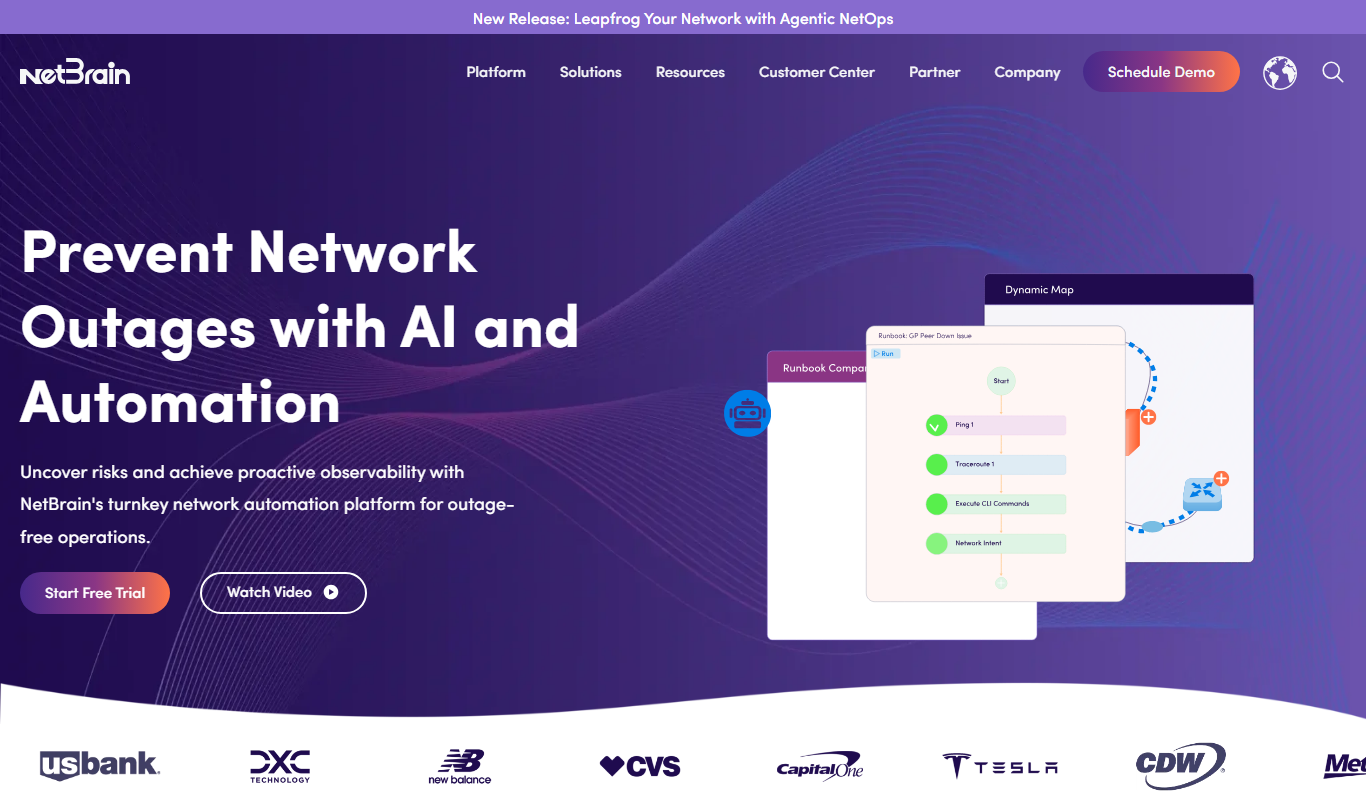
NetBrain
NetBrain is a network automation platform that helps IT teams visualize, troubleshoot, and manage complex networks using dynamic mapping and automated runbooks.
More AI Artificial Intelligence Tools tools
Other tools in the same category, for when this one is not quite the fit.

Freemium
Video Editor AI
Video Editor AI lets you edit any video with AI: remove objects, blur faces, remove backgrounds, upscale and add subtitles. Free, no watermark.

Freemium
Zetta
Zetta automates business intelligence with dashboards, analysis, insights and a conversational AI Analyst, set up by connecting a data warehouse and defining metrics.
Freemium
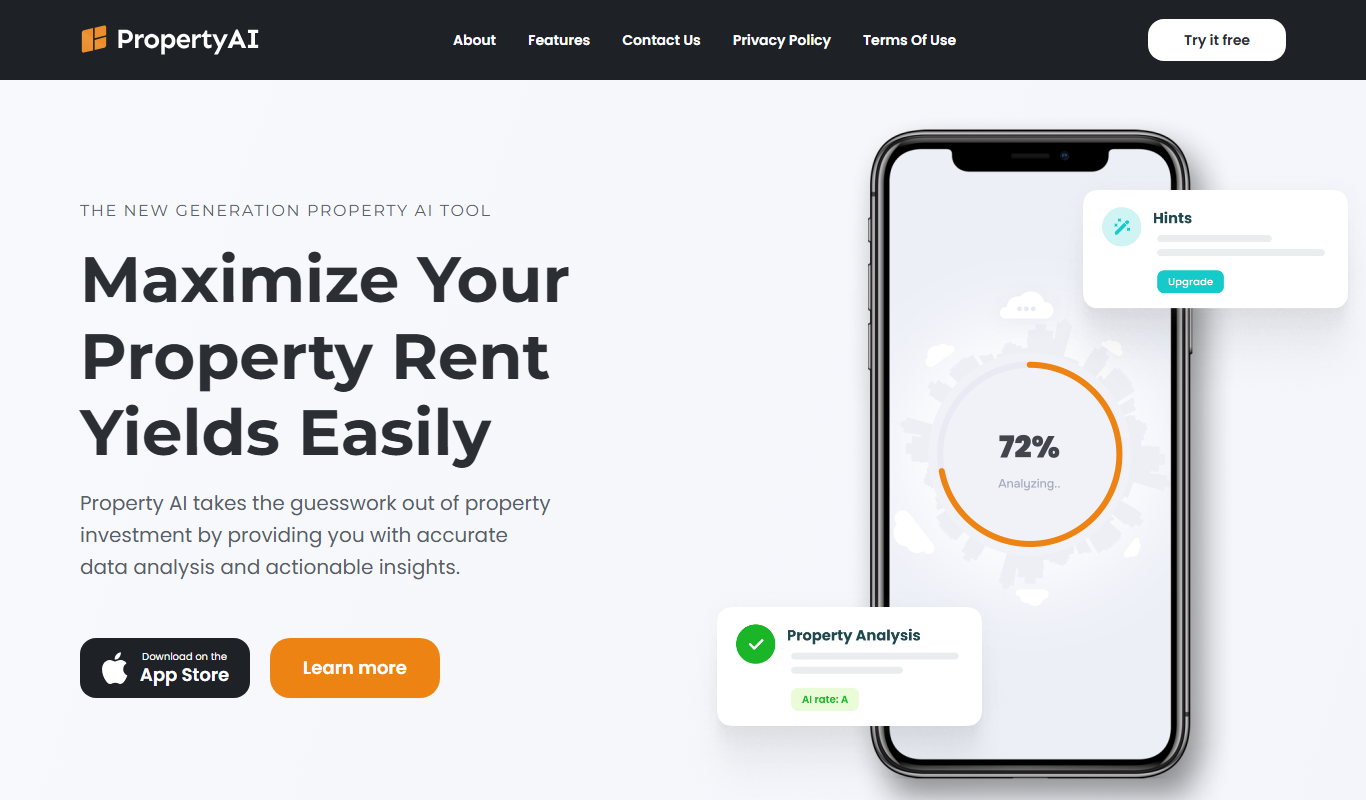
Property AI – Maximize Rental Yield
Property AI takes the guesswork out of property investment by providing accurate data analysis and actionable insights.

Contact for pricing
Fynite.AI
Fynite is an enterprise OS for agentic AI that unifies petabyte-scale data, trains domain-specific models and deploys AI agents that execute outcomes autonomously.

Freemium
EasyTrip AI
EasyTrip AI is an AI-driven travel planner that generates customized trip itineraries based on your travel dates, destinations, and preferences, helping you organize your trip efficiently.

Freemium
Travel Itinerary AI
Travel Itinerary AI is an AI-powered web tool that creates personalized travel itineraries based on your preferences, helping you plan and manage trips efficiently.

Free
aigclist
AIGCList is a free online directory that aggregates and categorizes AI tools, providing detailed information, user reviews, and AI industry news to help users discover and compare AI solutions.

Free
AI Tool Center
AI Tool Center is a free online directory that helps users discover, compare, and review AI tools across various categories and industries.