

IP Blacklist Checker
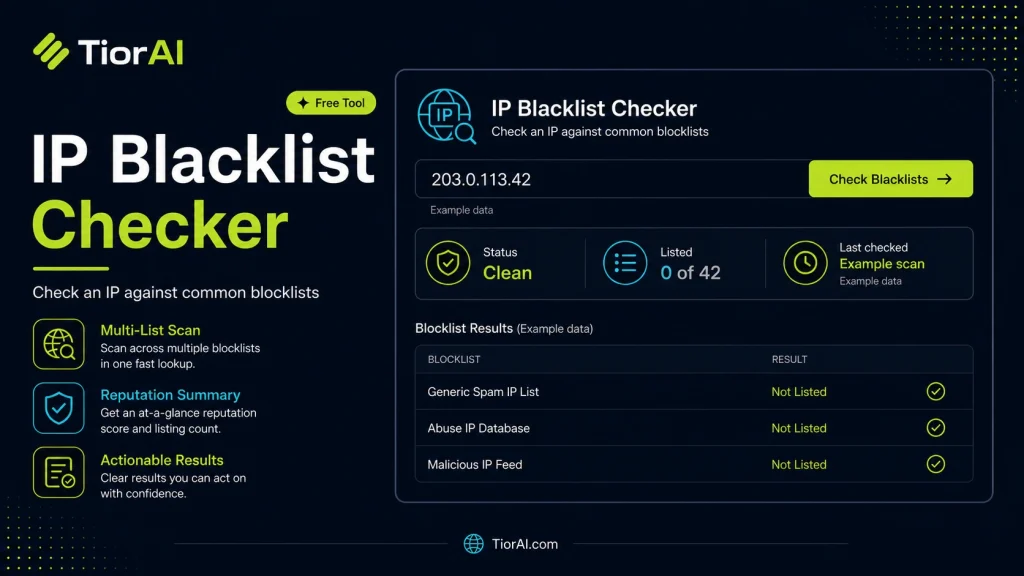
Check if an IP address is listed on major DNS-based blacklists (DNSBL).
About DNS Blacklists
DNS-based Blackhole Lists (DNSBL) are databases of IP addresses known to send spam or engage in malicious activity. Being listed can affect email deliverability and server reputation.
How to use it
- Enter Domain or IP Enter the domain name, IP address, or URL into the Ip Blacklist Checker to start the lookup or analysis.
- Run the Check Click the check button to query the relevant databases. Results are retrieved and displayed in seconds.
- Analyze the Results Review the detailed results including status, records, and diagnostics to troubleshoot or verify your query.
Tip Use the Ip Blacklist Checker to verify DNS propagation after making changes — it can take up to 48 hours for full propagation.
Understanding IP Blacklists and Their Role in Network Security
An IP blacklist is a database or list of IP addresses that have been identified as sources of malicious activity, spam, or other unwanted behavior on the internet. These blacklists are maintained by various organizations and services to help protect networks, email servers, and websites from harmful traffic.
When an IP address is added to a blacklist, it typically means that the IP has been reported or detected engaging in activities such as sending spam emails, participating in denial-of-service attacks, or hosting malware. Blacklists are used by email providers, firewalls, and security appliances to filter incoming traffic and block connections from these suspicious IPs.
From a developer’s perspective, understanding and checking IP blacklists is crucial for maintaining the reputation and accessibility of servers and services. For example, if your mail server’s IP is blacklisted, your emails may be rejected or marked as spam by recipients. Similarly, if your web server’s IP is blacklisted, users might be blocked from accessing your site.
There are multiple standards and protocols related to IP blacklisting, such as the DNS-based Blackhole List (DNSBL) format, which allows querying blacklists using DNS lookups. This method is widely used because it is fast and scalable. Developers can integrate blacklist checking into their applications or monitoring systems by querying these DNSBLs or using APIs provided by blacklist services.
In real projects, developers use IP blacklist checking to automate security monitoring, prevent abuse, and maintain service quality. For instance, a web hosting provider might regularly check the IPs of their servers against popular blacklists to ensure they are not flagged. Similarly, email marketing platforms often verify the IP addresses they use to send emails to avoid deliverability issues.
Overall, IP blacklist checking is a fundamental part of network hygiene and security management, helping to identify and mitigate risks associated with compromised or misused IP addresses.
What is an IP Blacklist?
An IP blacklist is a collection of IP addresses that have been identified as sources of spam, malware, or other malicious activities. These lists are maintained by various organizations to help protect networks and services from harmful traffic. When an IP is blacklisted, it may be blocked or restricted by email servers, firewalls, or other security systems.
Why Developers Need to Understand IP Blacklists
For developers and system administrators, knowing whether an IP address is blacklisted is essential for troubleshooting connectivity and deliverability issues. For example, if your email server’s IP is blacklisted, your emails might be rejected or marked as spam, affecting communication with users. Similarly, blacklisted IPs can cause website access problems or trigger security alerts.
Developers often integrate blacklist checking into monitoring tools or deployment workflows to ensure IP reputation remains clean. This proactive approach helps maintain service reliability and user trust.
When to Use an IP Blacklist Checker
- When diagnosing email delivery failures to see if the sending IP is blocked.
- Before assigning or deploying a new IP address to verify it is not already blacklisted.
- During security audits to identify compromised or suspicious IPs within your network.
- When investigating user complaints about access issues potentially caused by IP blocking.
- To monitor IP reputation regularly and prevent service disruptions.
Common Mistakes to Avoid
- Relying on a single blacklist source without checking multiple databases, which can miss listings.
- Attempting to remove an IP from a blacklist without addressing the root cause, leading to repeated blacklisting.
- Confusing IP blacklists with domain blacklists, which are separate and require different checks.
Technical Context
Most IP blacklists use the DNSBL (DNS-based Blackhole List) protocol, which allows querying blacklist status via DNS lookups. This method is efficient and widely supported. Developers can use DNS queries or APIs to automate blacklist checks within their applications or monitoring systems.
Understanding the criteria and policies of different blacklists is important because each may focus on different types of abuse or have varying listing thresholds. Regularly checking multiple blacklists provides a more accurate picture of an IP’s reputation.
Common use cases
- Checking a mail server IP for spam blacklist status
- Verifying a clean IP before deployment
Frequently asked questions
Reviews and questions
Whether this tool gave people the answer they needed, and what they asked about it.
Sign in to review this tool.
Sign In to ReviewNo reviews yet
Be the first to say whether this tool gave you what you needed.
Ask how to read the result, or what the tool does with an edge case — or answer someone else.
Sign In to AskNo questions yet
Not sure how to read a result? Be the first to ask.
AI tools related to this topic
Tools from the TiorAI directory that work on the same kind of job.

Action Network
Action Network is a free digital organizing platform designed for progressive activists and nonprofits to manage petitions, fundraising, email and SMS outreach, and events.

Layla Network AI
Layla Network AI is an AI-driven platform that automates network monitoring, anomaly detection, and troubleshooting to improve network reliability and operational efficiency.