

HTTP Status Code Checker Live
HTTP status codes are numeric codes returned by web servers to indicate the result of a client's request. They help communicate whether a request was successful, redirected, or encountered an error. These codes are essential for understanding how a website or server responds to different…
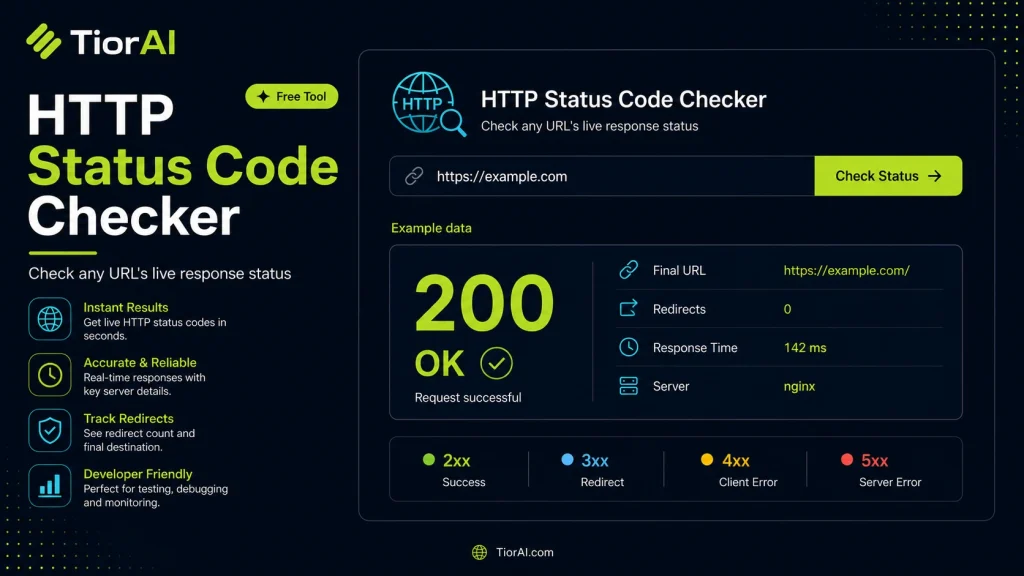
| Field | Value |
|---|
| Hop | URL | Status |
|---|
How to use it
- Enter Domain or IP Enter the domain name, IP address, or URL into the Http Status Code Checker Live to start the lookup or analysis.
- Run the Check Click the check button to query the relevant databases. Results are retrieved and displayed in seconds.
- Analyze the Results Review the detailed results including status, records, and diagnostics to troubleshoot or verify your query.
Tip Bookmark the Http Status Code Checker Live for your network troubleshooting toolkit — quick lookups save hours of debugging.
Understanding HTTP Status Codes
HTTP status codes are standardized codes sent by a web server in response to a client’s request made to the server. They indicate whether a specific HTTP request has been successfully completed, or if there was an error or other condition that the client should be aware of.
These codes are grouped into five classes based on their first digit:
1xx– Informational responses2xx– Success responses3xx– Redirection messages4xx– Client error responses5xx– Server error responses
Checking HTTP status codes is essential for diagnosing website issues, ensuring proper server responses, and optimizing user experience. For example, a 404 Not Found indicates a missing page, while a 200 OK confirms successful loading.
Developers, network administrators, and SEO specialists often use HTTP status code checkers to verify server behavior, troubleshoot broken links, and monitor website health in real time.
What Are HTTP Status Codes?
HTTP status codes are numeric codes returned by web servers to indicate the result of a client’s request. They help communicate whether a request was successful, redirected, or encountered an error. These codes are essential for understanding how a website or server responds to different requests.
When to Use an HTTP Status Code Checker
Using an HTTP status code checker is valuable in several situations:
- To verify if a website or specific page is accessible and responding correctly.
- To diagnose broken links or missing resources that return client errors like 404.
- To confirm that redirects (301, 302) are properly set up and functioning.
- To monitor server health and uptime by checking for server errors (5xx codes).
- To validate server responses after deploying new content or website changes.
Common Mistakes When Checking HTTP Status Codes
- Confusing the status code with the visible error message on the page, which may not reflect the actual server response.
- Assuming a 200 OK status means the page content is error-free or fully loaded.
- Ignoring redirects, which can lead to incomplete or misleading diagnostics.
Understanding HTTP status codes and using a live checker helps maintain website health, improve user experience, and troubleshoot issues efficiently.
Frequently asked questions
Reviews and questions
Whether this tool gave people the answer they needed, and what they asked about it.
Sign in to review this tool.
Sign In to ReviewNo reviews yet
Be the first to say whether this tool gave you what you needed.
Ask how to read the result, or what the tool does with an edge case — or answer someone else.
Sign In to AskNo questions yet
Not sure how to read a result? Be the first to ask.
AI tools related to this topic
Tools from the TiorAI directory that work on the same kind of job.

Action Network
Action Network is a free digital organizing platform designed for progressive activists and nonprofits to manage petitions, fundraising, email and SMS outreach, and events.

Layla Network AI
Layla Network AI is an AI-driven platform that automates network monitoring, anomaly detection, and troubleshooting to improve network reliability and operational efficiency.